





NassFas
Research Team
-
Joined
-
Last visited
-
Independiente Medellín (new/current) - 425
-
Futebol Clube do Porto - 1478 Slight differences from the version in the pack with colours/gradients: Porto.svg
-
The one you posted is slightly off, see the font/colours. Correct:
-
Virginia Water (improvement) - 29232688 Altrincham (update) - 601 https://www.bibliotecariodelfutbol.com/team/altrincham Hartlepool United (update) - 661 https://www.bibliotecariodelfutbol.com/team/hartlepool-united Boreham Wood (update) - 109212 https://www.bibliotecariodelfutbol.com/team/boreham-wood Swindon Town (update) - 725 https://www.bibliotecariodelfutbol.com/team/swindon-town
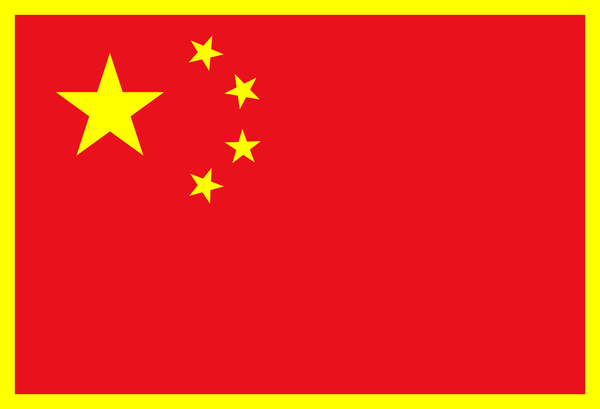
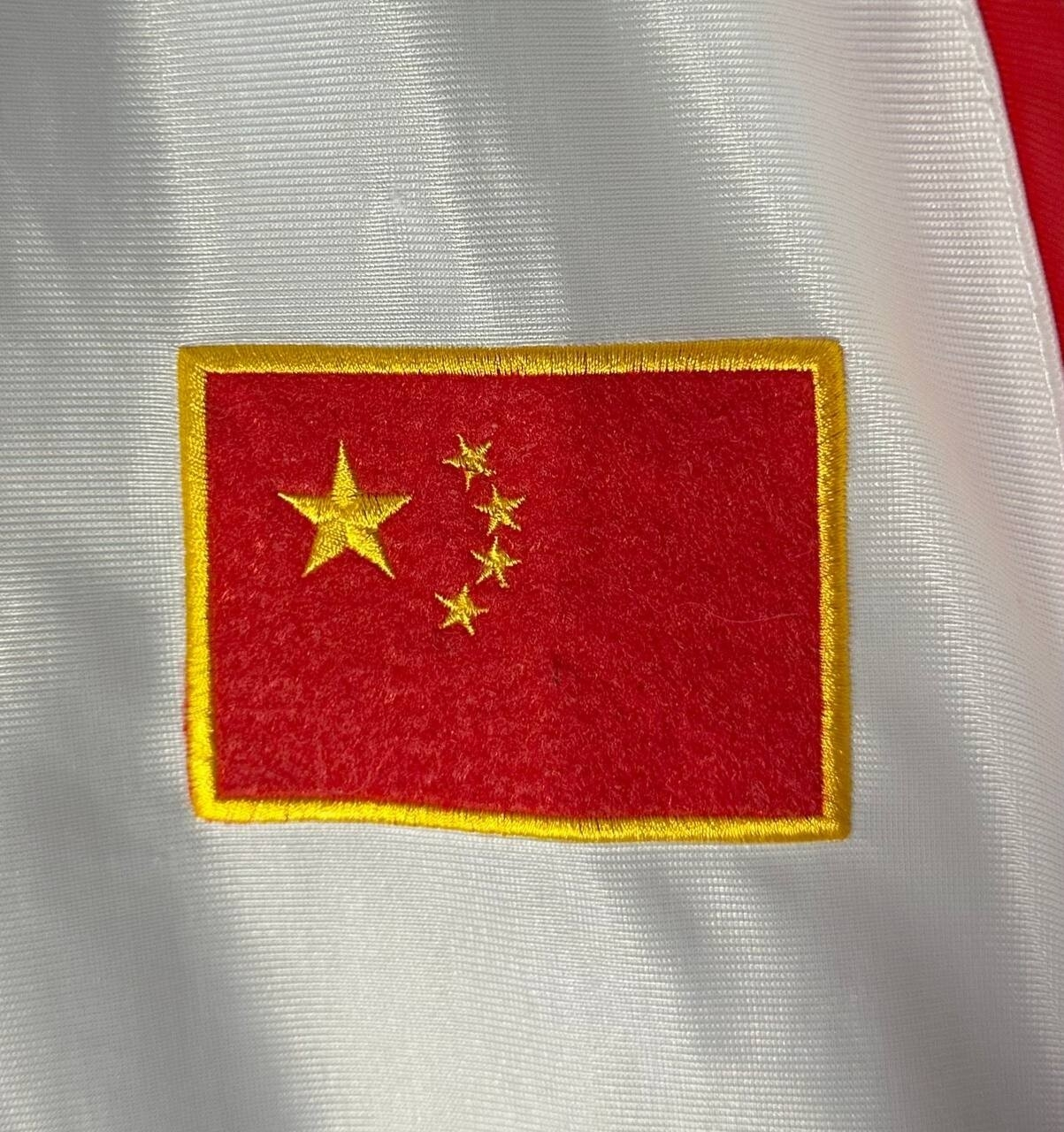
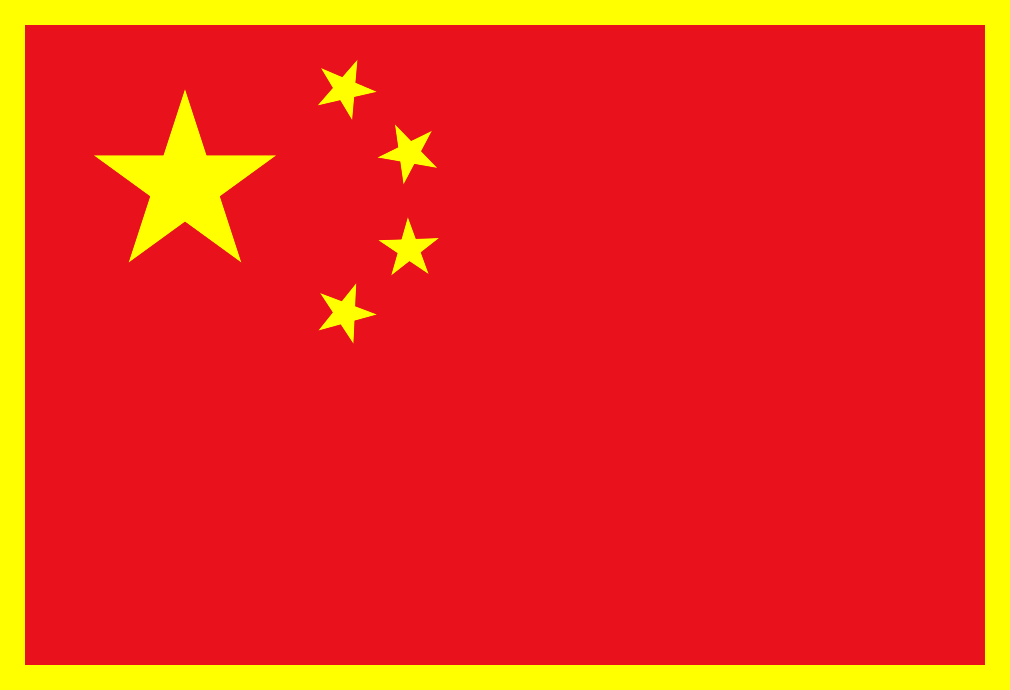
 2001 China PR National Youth Team - 2000087895 Club team, not nation, very odd team, unusually high ID, founded 2020 according to the editor? Assuming this is China's U20 squad for the 2001 FIFA World Youth Championship, it would just be a flag of China with a yellow border.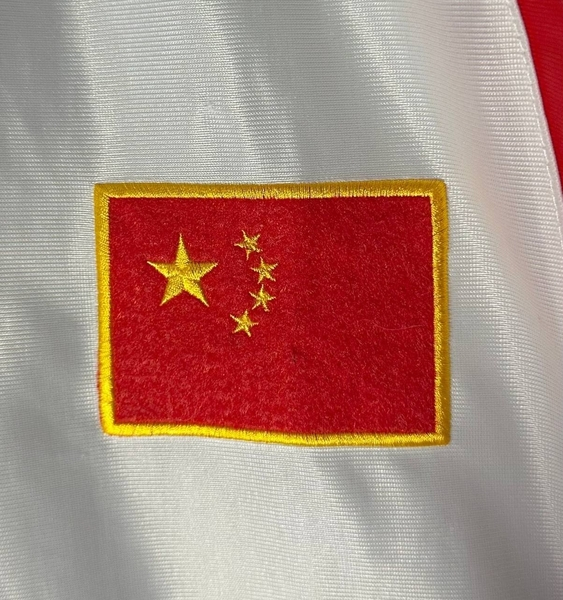
 https://www.bibliotecariodelfutbol.com/team/western-suburbs In 512px:
 These were missed in the last update. See New logos.zip.
 Brighton and Hove Albion (618)'s logo has changed (for quite some time now too, since 2025 at least). It's so subtle it's gone unnoticed, nobody has even reported it online from what I see. Here is the current badge (notice the different font): Old one for comparison (should be marked as retro) Slightly different variant (also retro)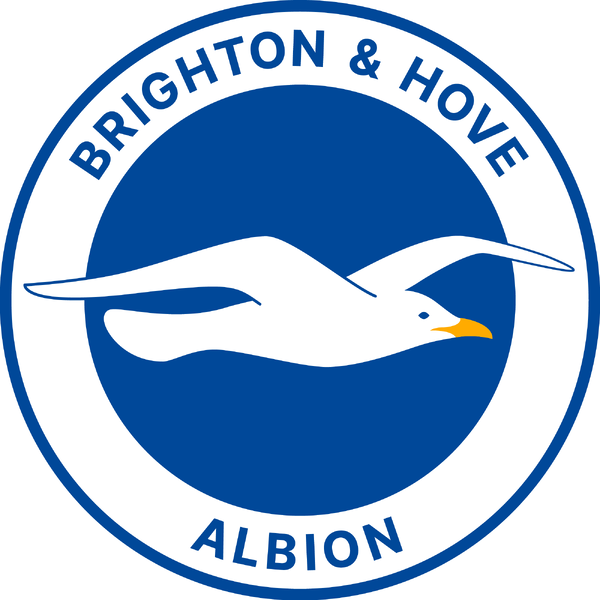
 Topp XX - 82003106 Improvement: Highlanders FC - 5340946 Alt:
 The formatting on this post got messed up and all the text disappeared. I'm going to compile the badges I posted and zip them. Credits: bibliotecaescudos.blogspot.com footylogos.com New logos.zip Union Sportive Madinat Khenchela - 12031159 Improvement:
Ittihad Zemmouri de Khemisset - 5380016 New/current:
The formatting on this post got messed up and all the text disappeared. I'm going to compile the badges I posted and zip them. Credits: bibliotecaescudos.blogspot.com footylogos.com New logos.zip Union Sportive Madinat Khenchela - 12031159 Improvement:
Ittihad Zemmouri de Khemisset - 5380016 New/current: 709 - Sheffield Wednesday's owl badge is back. It's unsure as of now if the main logo will have the SWFC text on the profile image or just the owl.
 Nation: Laos - 122 Correct: Macau - 124 Improvement: Macau_Football_Association_logo.svg




Important Information
Terms & Conditions