





Zealand
Creator
-
Joined
-
Last visited
Never
-
 I Built An Unethical Fanzone Where Nobody is SafeView the full article
 -
 Football Memes That Are Too AccurateView the full article
 -
 Best Nations To Find Wonderkids In Football ManagerView the full article
 -
 Football Manager Is Hard, Until You Do ThisView the full article
 -
 I Was Promoted 3 Straight Years, This Is My TacticView the full article
 -
-
 This New Feature Changes EverythingView the full article
 -
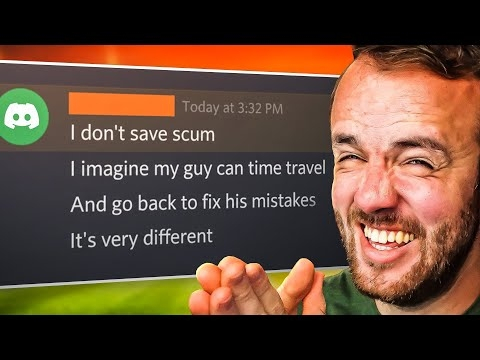 FM Memes That Are Actually FunnyView the full article
 -
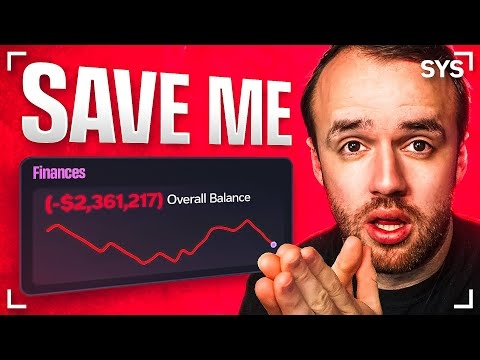 I Save Your Saves In A New Era Of Football ManagerView the full article
 -
 Mods Might Save Football ManagerView the full article
 -
 I Have One Goal: Get Sacked ImmediatelyView the full article
 -
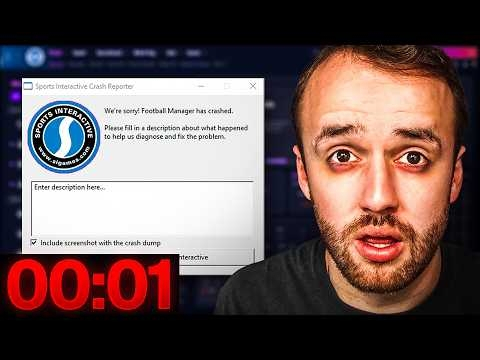 This Video Ends When FM26 BreaksView the full article
 -
 FUNNIEST FM MEMES OF THE YEARView the full article
 -
 Best Tactics On FM, ExplainedView the full article
 -
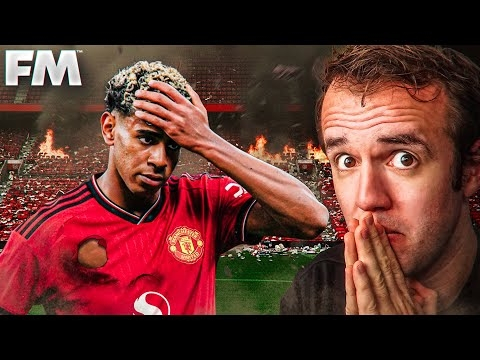 I Played Lamine Yamal’s Career… Trapped At Manchester UnitedView the full article

