slikkapee
Members
-
Joined
-
Last visited
-
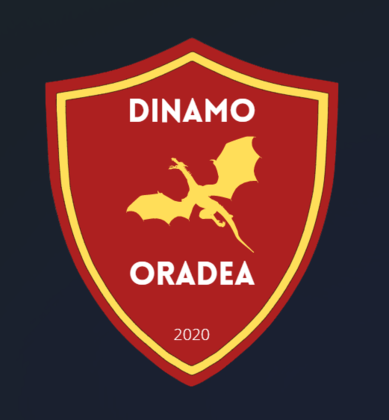
I would prefer the SS style if that is possible. Thanks, man. @Derek Thanks for the awesome club logo. I love the font and the modern style dragon image. Cannot wait to get my save started!
-
I've never done that exactly, but I have been messing around with the editor on previous version so I am a little familiar with how things work.
-
They look wonderful! I like that the home kit is clean. Love the diagonal flag stripes of the other kits aswell. Such a good idea. Thank you again, Jamaicaman90.
-
Got to go with more local Oradea companies, then. Here we go: https://europeandrinks.ro/ and https://www.adeplast.ro/
-
Whoa, that would be most generous of you! I haven't really thought about kits at all, so if you want you can use the colors from the badge and create something you think looks nice / suitable. For a sponsor I would love to use this local Oradea brewery: https://www.addictivebrewing.com/ Again, incredibly kind of you.
-
Hello, I just registered to request a logo. I would be very happy if someone could help me. Before I go on, I must say that this site is super resourceful and seems to have a nice little community. My idea is this: I want to create a Romanian team based in the city of Oradea. My plan is to create a club with both hungarian and romanian roots based on the history of the city. For quite a while now I have been trying to make my own logo, but something about the sizing (and probably my skills), seems to always go wrong. Here is my basic idea: I am satisfied with the colors and the dragon/drake image. Hopefully something can be done to make it better / correct size. Thanks in advance