Milho28
Members
-
Joined
-
Last visited
Everything posted by Milho28
-
-
-
-
Absolutely marvelous! Was hoping for a Retro Thread cause this template just screams retro ❤️
-
-
Oh thank you for the link!
-
Sorry for taking so long at answering to you but yeah meanwhile i've been using camera raw filter, i used settings that i saw on a "photoshop chatgpt" thingy. Because of that, i might use way too much settings haha for example, i do use clarity on camera raw filter, i do use sharpening but like 40-70, i don't think i have that "high pass filter" cause my photoshop is from 2019 lmao, but yeah i wanted to see that filter in action for other parts of the face. Here's the results of the photo manipulation i use but it's far from the greatness of @Derek (ignore the eyes, just look at the face itself)
atuaolizado.thumb.png.b4ed7e03d643786162fd84c5f40b7f59.png)
.thumb.png.591557447292950db3390fcf05d9a565.png)

.thumb.png.248caef5dd86948b13858ede88582953.png)
-atualizado3.thumb.png.e3a5a11a411a2590dfe5538ce3bf57eb.png)
.thumb.png.562edb4f0179a9b998d5006a4f047f23.png)
-
These are dope! How do you make it from original to HD tho? Also i love the lines but not so much the background behind the lines, dunno why.
-
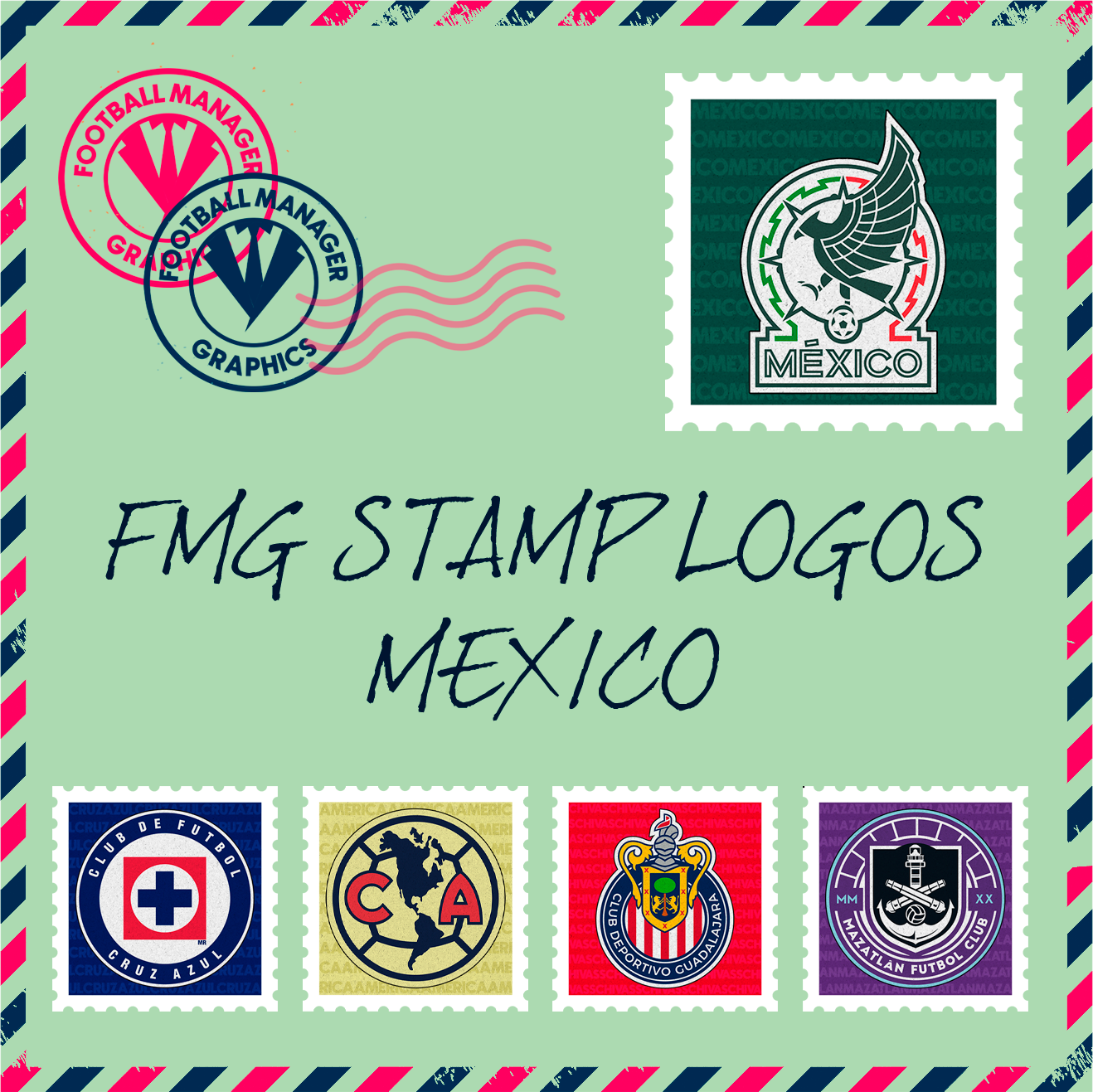
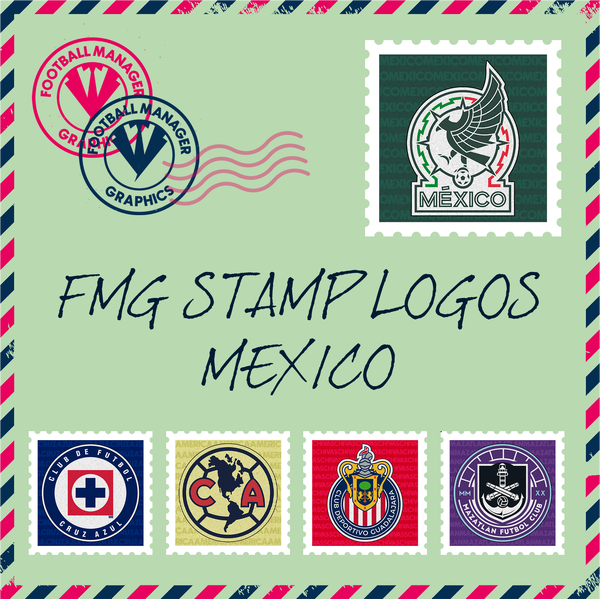
México is done, download is on the downloads section. I'll do all playable England Leagues next but i might take a while because i had a surgery on Tuesday.
-
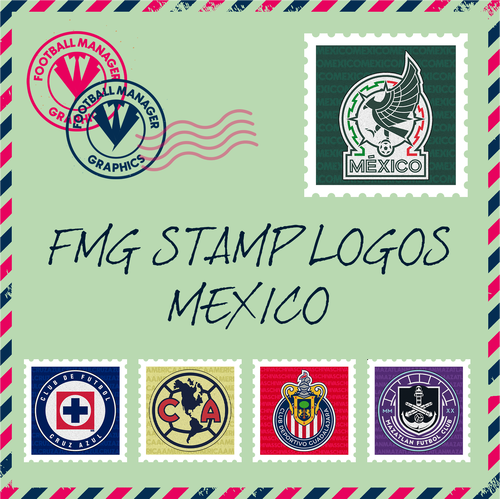 FMG Round Logos México This pack includes all playable teams for México. Liga MX Liga BBVA Expansion MX Do you want to use this pack with one of our Megapacks? If you want to use this pack as well as one of our logo megapacks simply follow the instructions below. Create a 'logos' folder within your FM graphics folder Move your existing megapack into that folder and place b_ at the start of the pack name ie. FMG Standard Logos should now be b_FMG Standard Logos Then create a new folder called a_FMG Stamp Logos within the new logos folder. Place any FMG Round Logos packs in the a_FMG Stamp Logos and reload your skin. FM will now prioritise the FMG Stamp Logos and show the FMG Standard Logos when a logo is not available.
 -
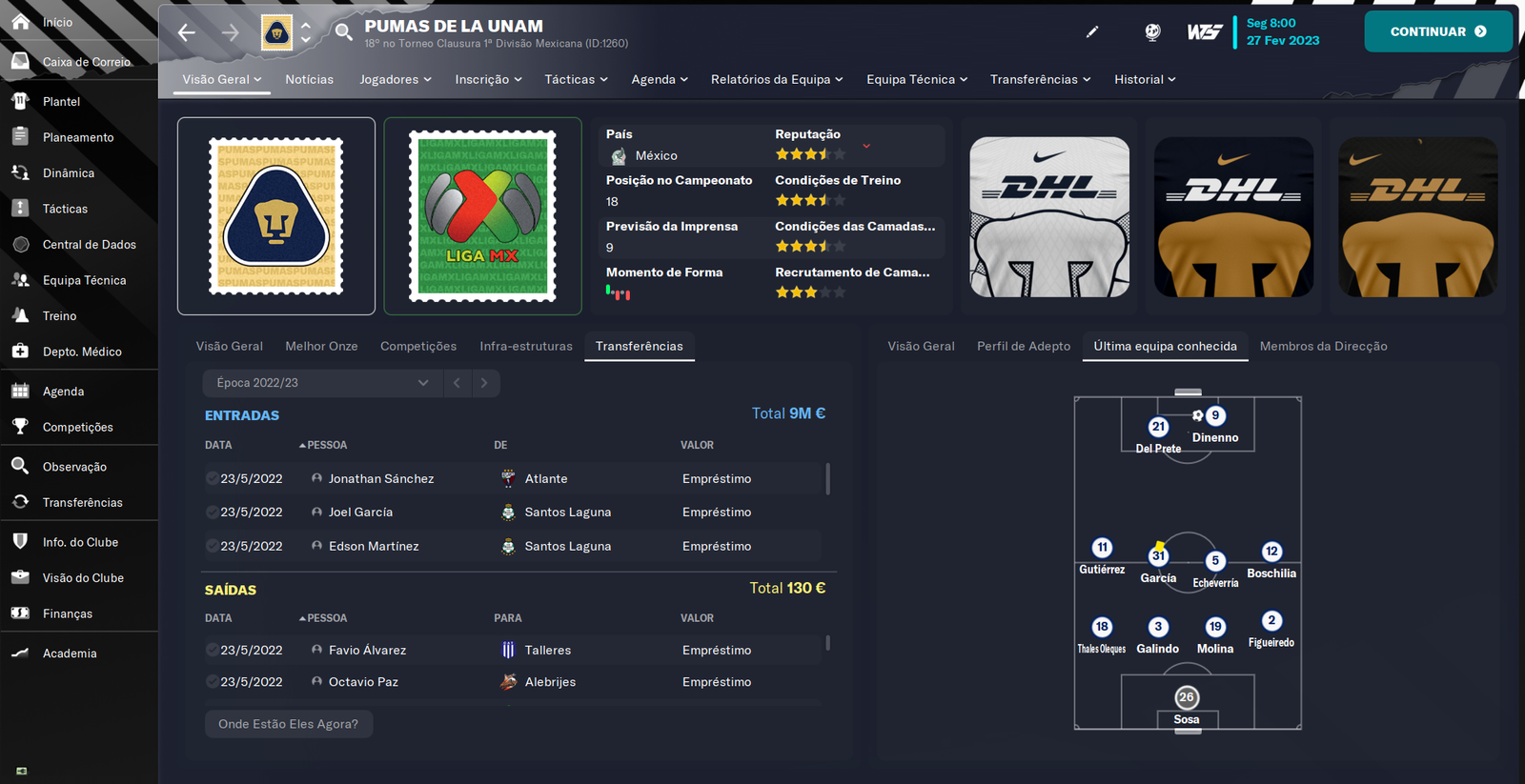
Yeah @Derek helped me and made a square template (like a square stamp) so i'll do all over again with that, i have no idea why Pumas and Liga MX has diferent sizes there since the pngs have the same size but everything will be okay with Derek template i hope 😁
-
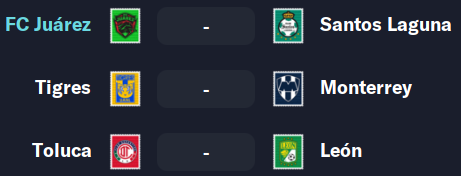
I haven't done the small sizes yet cause i don't know what size to use for the batch resize, since these are not "squared".
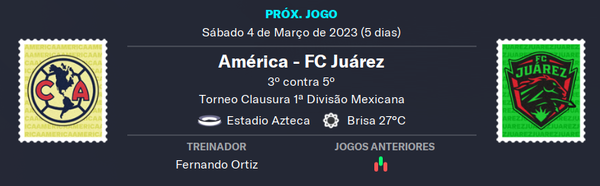


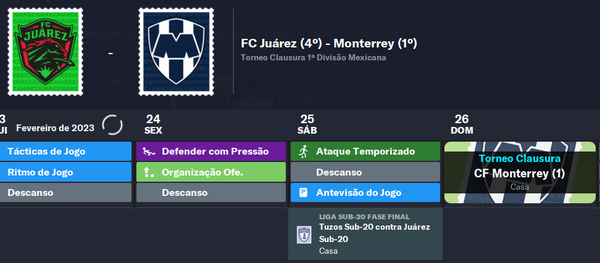
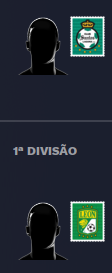
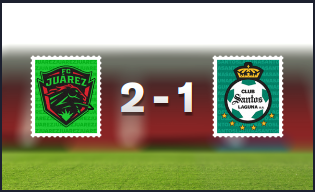

-
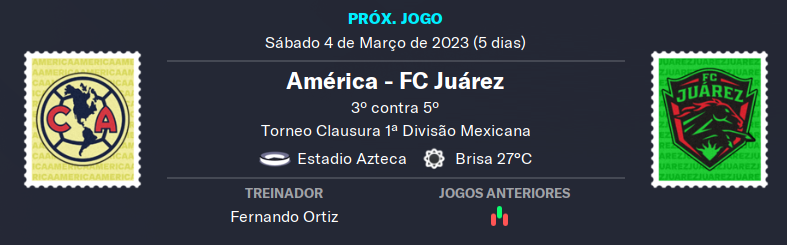
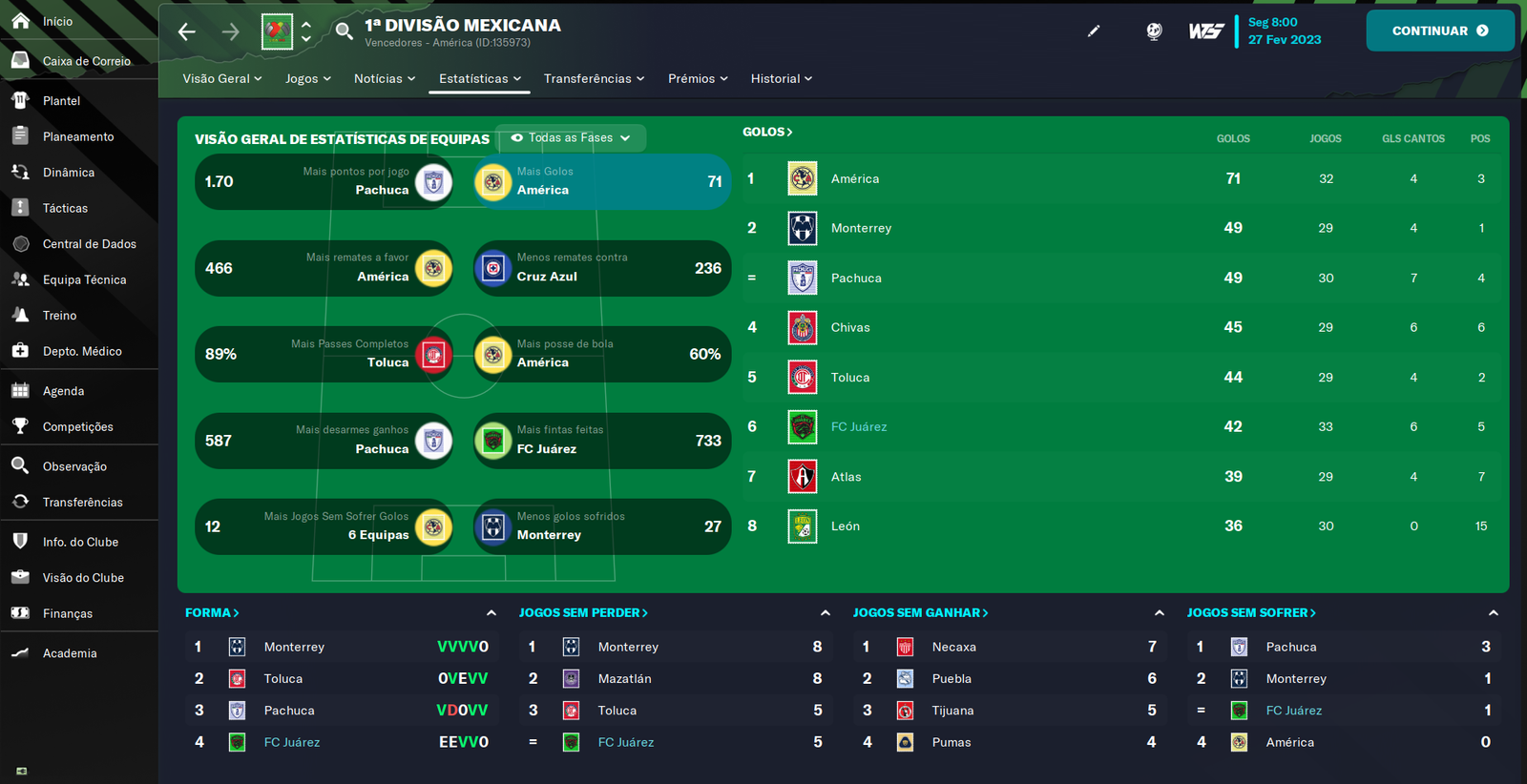
Tomorrow or Sunday i'll probably finish México and i'll be able to show some screenshots, thanks @cameosis it does really fit with FM.
-
Thanks mate! Appreciated it!
-
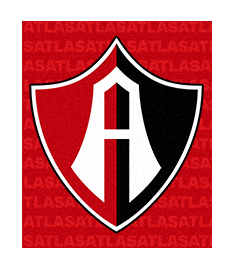
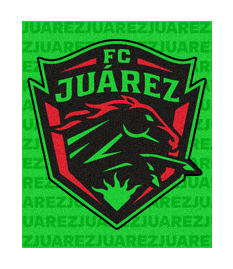
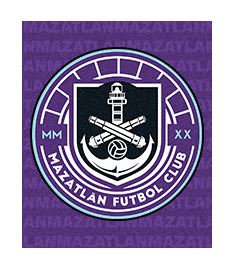
What do you guys think of these? I've only started doing Mexico cause i'm playing in that league but i'll make other leagues obviously, any help would be appreciated if you guys want.

-
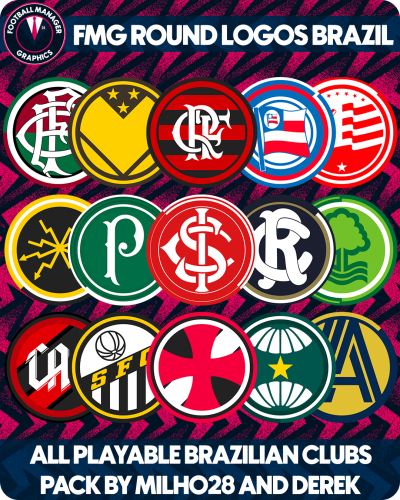 FMG Round Logos Brazil This pack includes all playable teams for Brazil. Campeonato Brasileiro Série A Campeonato Brasileiro Série B Campeonato Brasileiro Série C Do you want to use this pack with one of our Megapacks? If you want to use this pack as well as one of our logo megapacks simply follow the instructions below. Create a 'logos' folder within your FM graphics folder Move your existing megapack into that folder and place b_ at the start of the pack name ie. FMG Standard Logos should now be b_FMG Standard Logos Then create a new folder called a_FMG Round Logos within the new logos folder. Place any FMG Round Logos packs in the a_FMG Round Logos and reload your skin. FM will now prioritise the FMG Round Logos and show the FMG Standard Logos when a logo is not available. Installation Guide - FMG Round Logos 1) Download the pack of your choice. 2) Unzip the files using an archiver. We recommend Winrar for Windows and Keka for Mac but most applications will work. https://www.win-rar.com/start.html?&L=0 https://www.keka.io/en/ 3) Once unpacked place your pack into the folder below based on your operating system. Windows: \Users\<your username>\Documents\Sports Interactive\Football Manager 2024\graphics\ Mac OS: Users/YOUR MAC USERNAME/Library/Application Support/Sports Interactive/Football Manager 2024/graphics 4) Next you will want to go to FM and select 'Preferences' from the start screen or in your game and select 'Advanced". 5) Then untick 'Use caching to decrease page loading times'. 6) Next tick 'Reload skin when confirming changes to preferences'. 7) Finally, select 'Reload Skin' and after a brief pause your graphics will be visible. Installation Guide - FMG Monthly Logo Updates Drag and drop the contents (including the config files) of each folder in this update pack into the corresponding folder in the megapack and replace the existing logos when prompted. Do not drag and drop the actual folders as this will overwrite your megapack. This MUST be done for all four sizes (512x512px, 180x180px, 50x36px and 25x18px) or you will have issues displaying the logos in-game. Then simply go to preferences in FM and reload your skin. Alternative | Fantasy | Retro Logos To use any of the alternative, fantasy or retro logos in game you must remove the text at the end of each logo i.e. alt, retro or fantasy and drag and drop into the normal logo folder in the megapack. You will need to repeat this for all four sizes. Then simply go to preferences in FM and reload your skin. I would advise creating a copy of the original logos before replacing them. FM Mobile Installation Guide - FMG Logo Megapacks 1) Download the pack of your choice. 2) Unzip the files using an archiver. We recommend Winrar for Windows and Keka for Mac but most applications will work. https://www.win-rar.com/start.html?&L=0 https://www.keka.io/en/ 3) Delete all @2x folder from the pack including Clubs, Competitions and Nations. 4) Copy the files from your computer to your mobile device. 5) Once the files are transferred place your pack into the folder below. Sigames/Documents/Sports Interactive/Football Manager 2023 Mobile/pictures/ 6) Open the game and your logos should display. If they don't, go to Sigames/Documents/Sports Interactive/Football Manager 2023 Mobile/cache folder on your device and delete any files that are present. Then restart your game.
 -
-
-
-
-
-
-
Milho28 replied to Derek's topic in Creators’ Club (Logos - FMG Round Logos)'s FMG Round Logos DiscussionThank you!
-
-



atuaolizado.png.e0f4b33ccfeca351c47b0c14417255fe.png)
.png.ccf07dfa541207f9ce9a83507ddf3e79.png)

.png.3183f74ab8e4aeb958a76c89ff62240a.png)
-atualizado3.png.0b95545704294331fd606348ad3169bc.png)
.png.ade4a05f2770113371b7e97c7ba5a921.png)