





Marinho
Members
-
Joined
-
Last visited
Everything posted by Marinho
-
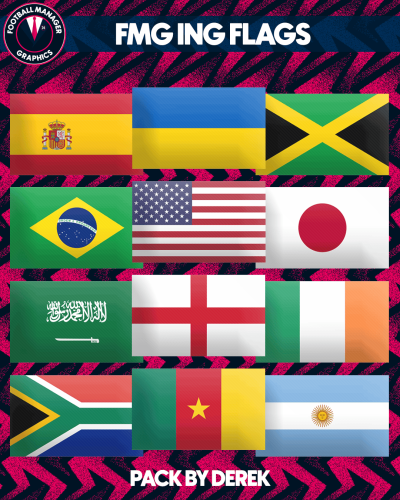 Very nice Flags! But as SKAFT20 already said, Netherlands and Gibraltar have for some reason the Fed Logo.
 -
Thanks for the Reply. I didn't need to do that. I had to change the folder Structure from graphics/logos/FMG Standard Logos to graphics/logos/clubs etc. So basically remove the FMG Standard Logos folder and put the 6 folders inside directly in Logos. But thanks for the quick reply anyway ^^
-
For some reason I can't change The Premier League Logo in the Game, and I don't know why. I took the 11alt2 Logo, named it 11.png and put it in the Normal folder to replace the White Lion Logo. Did the same with the Small logo. Then the usual - Clear cache - reload skin. But the result is that the White Lion logo won't be replaced in game. Any ideas?
