Marivs
Members
-
Joined
-
Last visited
Everything posted by Marivs
-
All colors, but you can leave the circles with yellow and white and only the background with red or blue but not navy blue. Could you make 3 or more variations?
-
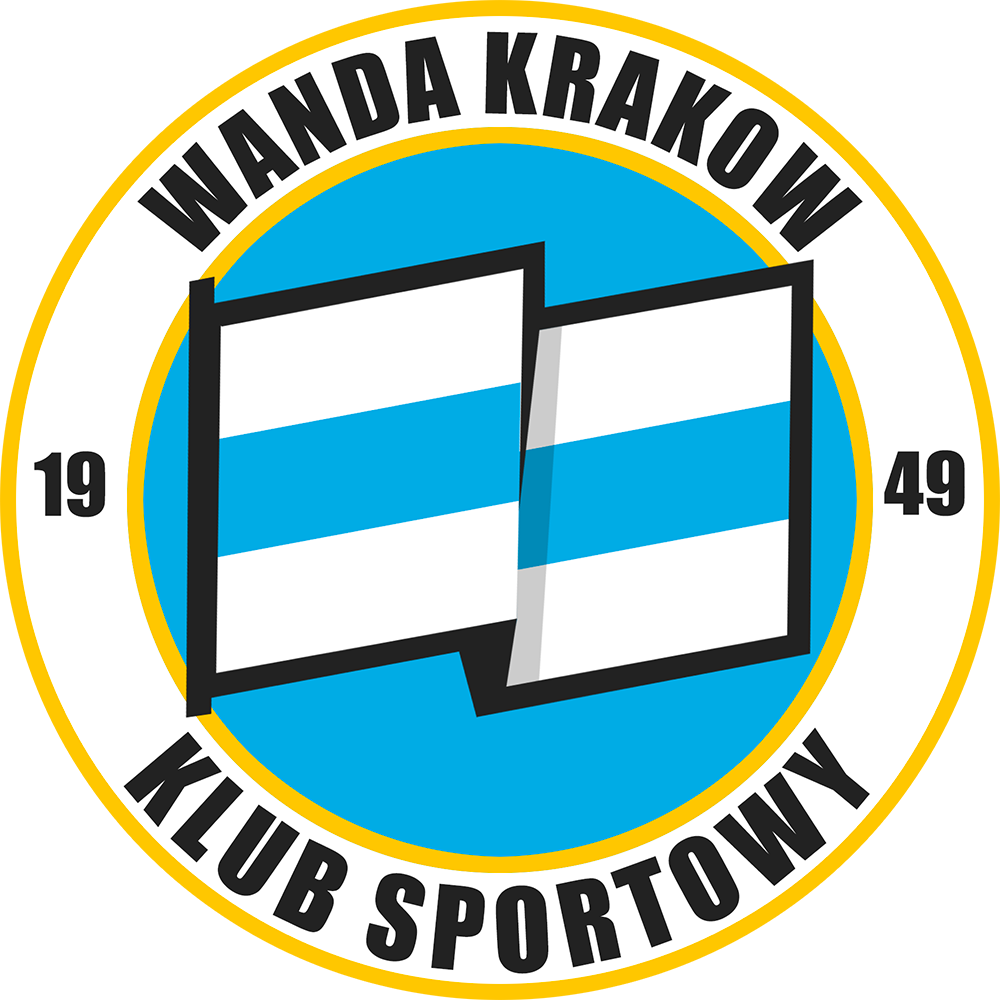
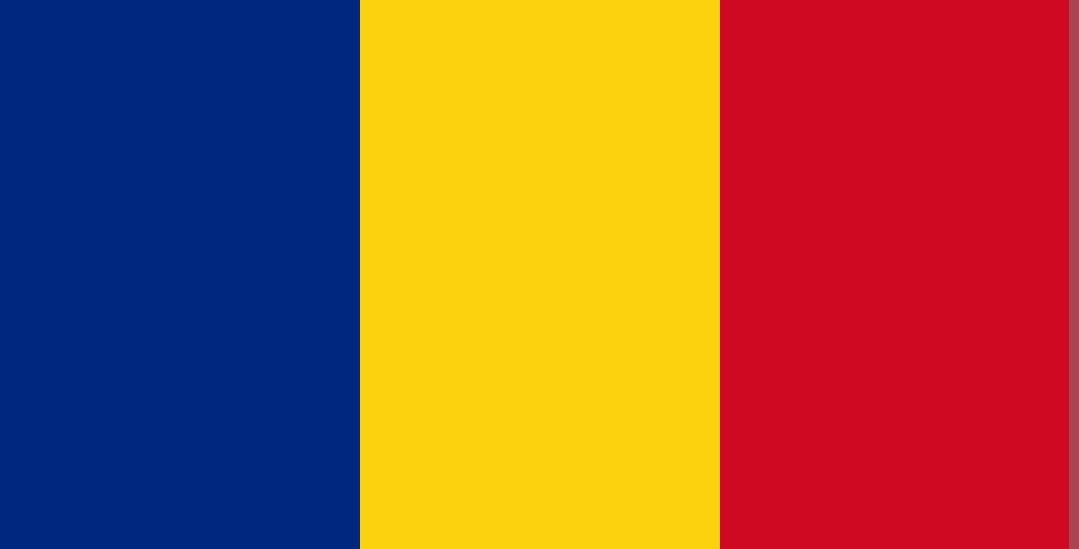
Hi Derek! Can you make a logo please, just like this one, only with these three colors. But without writing. The colors of the flag should be in this order. Thanks in advance! 🍻

-
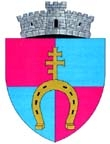
Hi Derek, Can you please make a logo with the name CS CONCORDIA VLĂDENI. Here is the town logo. I would like it not to resemble the Manchester City logo. thanks mate. 🫡
-
Great job, just a small edit. The name is CLUB SPORTIV LUCEAFĂRUL. Thanks. 🙏
-
Hello. You can modify this emblem a little, to make it look more professional. For example, the shadow is half half, just like the shield in the emblem of the city or arsenal. Or you can also modify the V in the middle, but let it remain as two stripes. Thank you very much. 🫡🍻


-
It is amazing. Thank you very much for the work done.🏆👍
-
I don't know exactly. It's your choice. Thanks.🫡
-
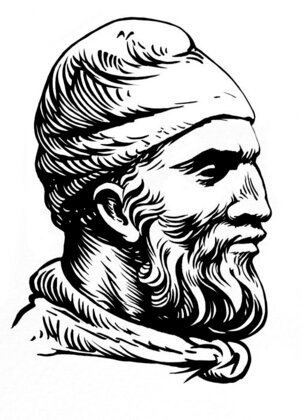
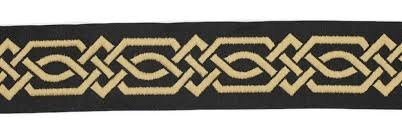
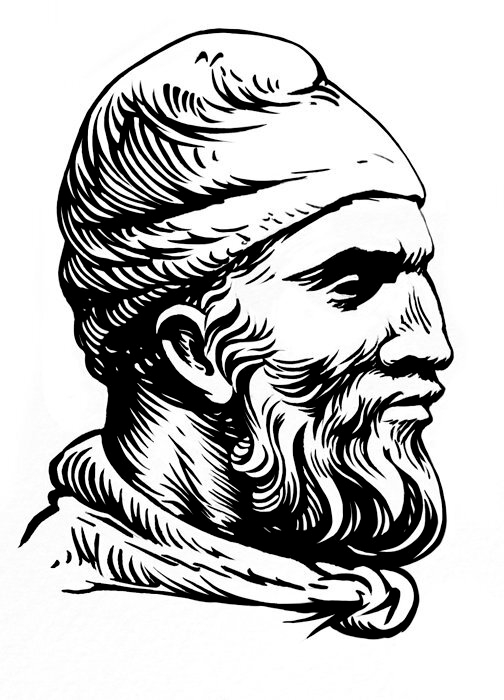
Hello, I would like a logo for a fictitious team called "Geto-Dacii Trier" additionally may contain but not necessarily "Club de Fotbal" I would like the colors to be Brown, White and additionally, if possible, Red. The main thing should be this Dacian head and on the side this Dacian motif. Thanks from the heart!