MrAlwan
Members
-
Joined
-
Last visited
-
I know the site is graphics for football manager But what do I do I don't have a copy of latest football manager 😂
-
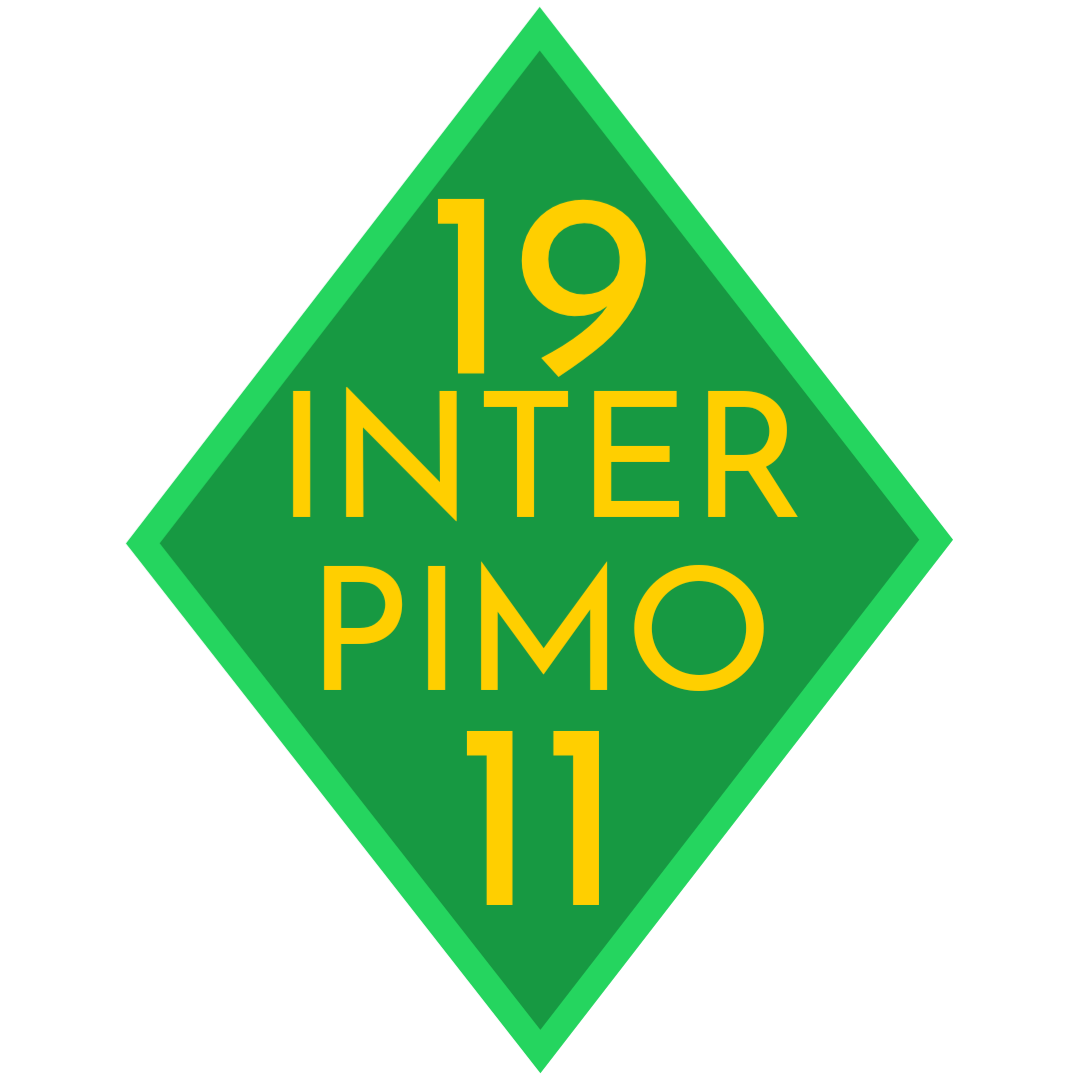
Of course Macbon is my fantasy nation and every team is fictional Inter Pimo's logo shape is now like AS Roma and colors changed to light blue at top and dark blue bottom with the borders are gold And inside it have a lion And Standard Aviroux's logo changed to ace and colors is the same with the Club name on front
-
Inter Pimo and Standard Aviroux Change the logo look
-
Hello I'm back again and I'm requesting two logos AC Croscia: The logo looks like inter milan's but you can change it Olympique Champilons: The logo like Olympique Marseille but the colors are wrong as it actually black and white plus it must have an eagle on top of it Thanks


-
Do anything you want
-
Do anything you want
-
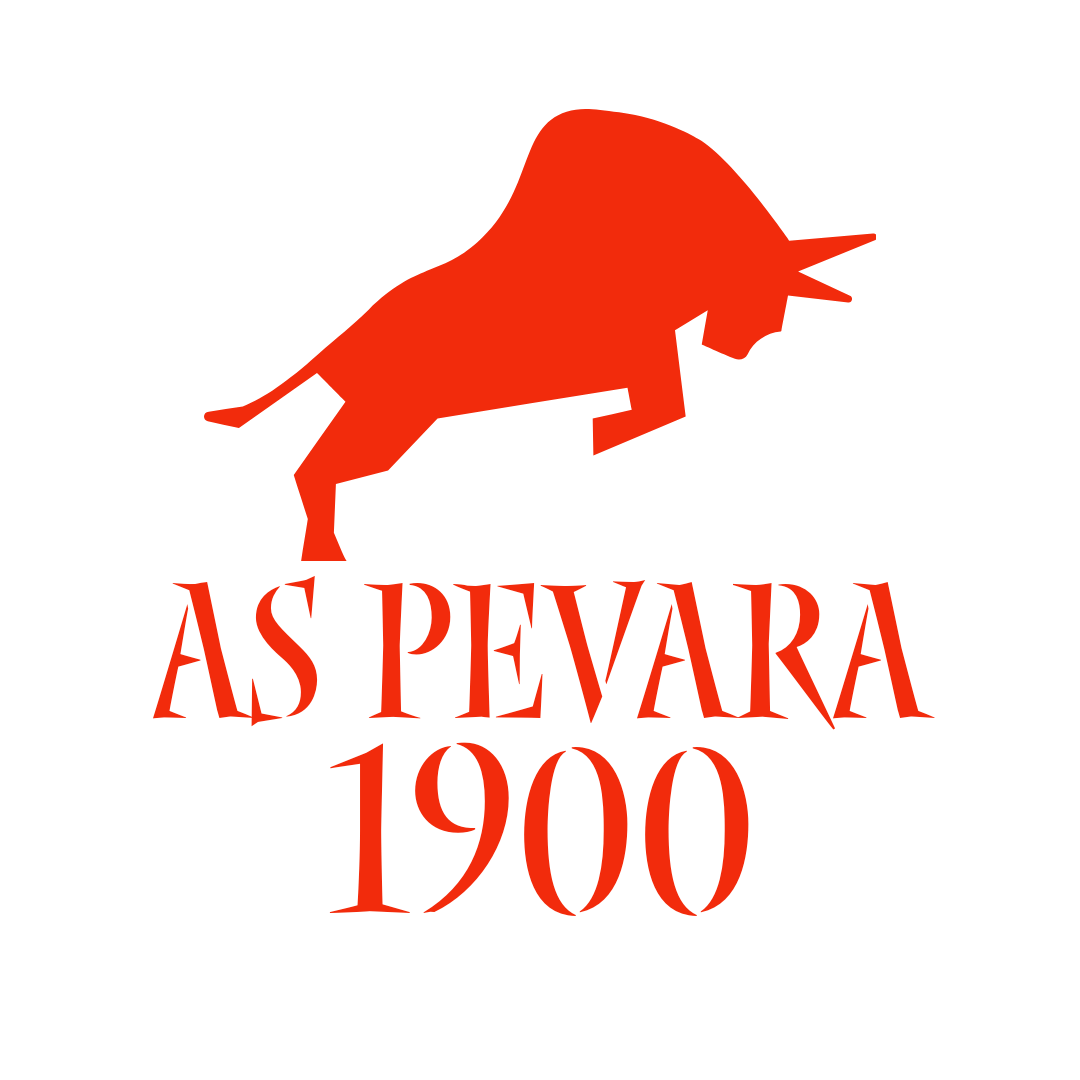
Hi I'm back with another redesign It's with AS Pevara Looks good but it's need to be better

-
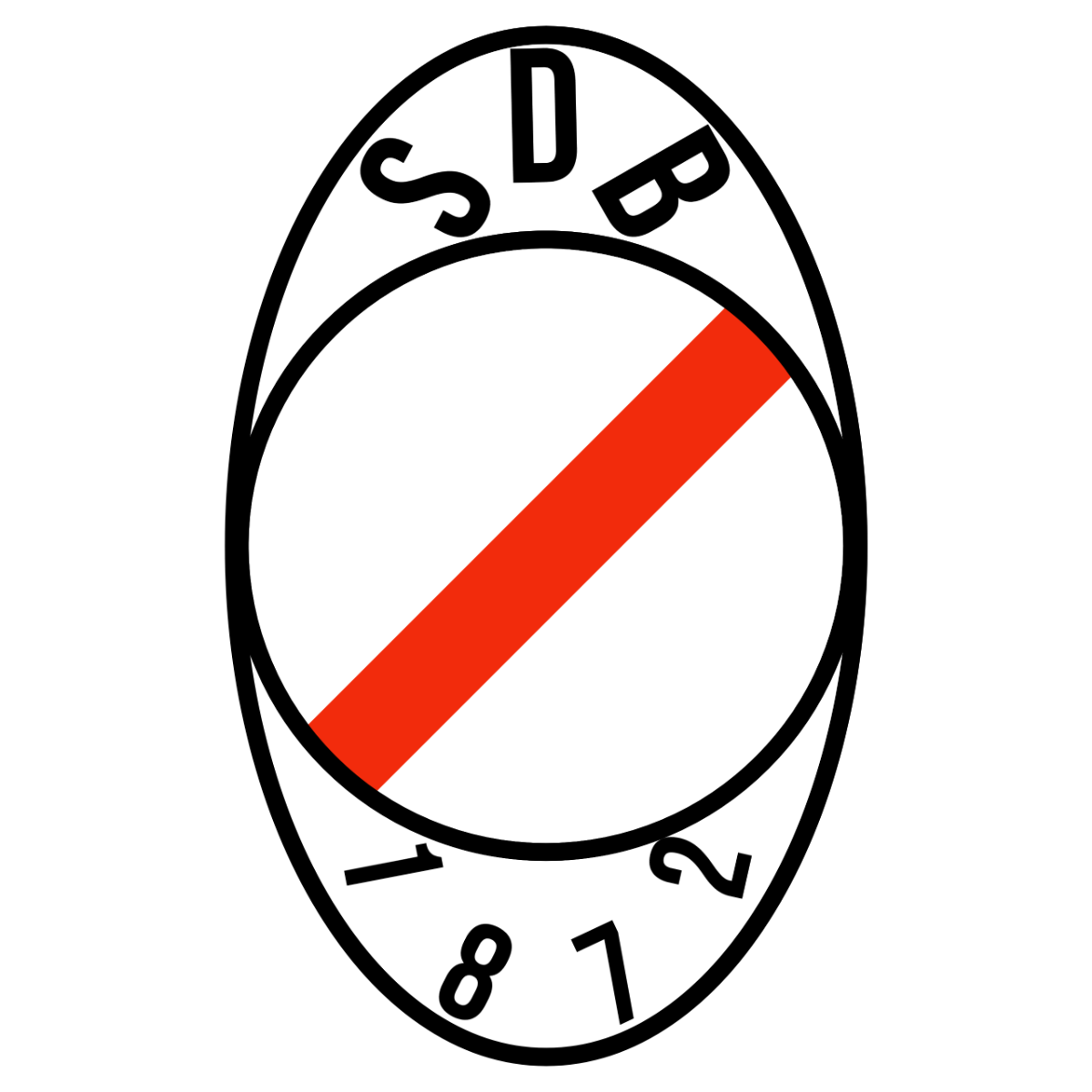
Thanks you As I need a redesigns for it as i have two looks great 3 of them needs a design and the rest needs a redesign First of them is redesign Stade de Besannin

-
MrAlwan changed their profile photo
-
Hello! Right now I have never played Football Manager or bought it yet But I would be delighted to request logos for my fictional Nation: Macbon