PaMI7
Members
-
Joined
-
Last visited
-
Wow, they are wonderful!!!!! Now, you are my favorite kitmaker 😄 Thank you so much 😉
-
-
Hello everyone, I'm Michele, I'm 39 yo (until February 15th 🤣) and I'm from Italy.
-
Hi all, it's possible to do this request, please? Brondby IF - Home, Away - THIS (I dont' know Style name, maybe FC12) Logo: THIS Sponsor: you can choose that you prefere Brand: THIS Home: Primary color yellow, secondary color blue, style fantasy Away: Primary color blue, secondary color yellow, stiye fantasy If possible, for both collar "vintage", with laces. If no, don't worry 😉 Sorry for my not perfecet english but I speak a little it, I help me with Google Translate. Thanks in advance
-
-
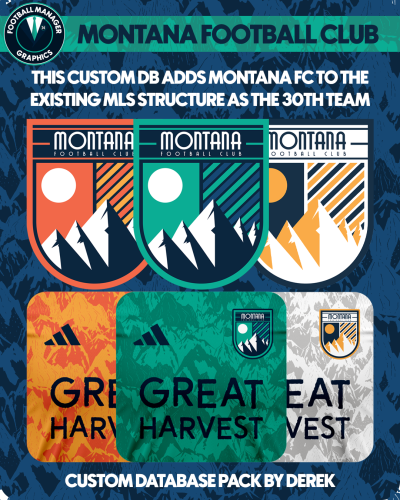
 Wow, very good work!!!! P.S.: It's possible add other 2 teams (new or pre-existing) to MLS? I ask just out of curiosity. Sorry for my not perfect English, I helped myself with google translate