Baptiste60
Members
-
Joined
-
Last visited
-
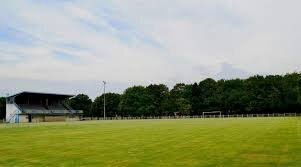
hello my friend, would it be possible for you to create this jersey for me in this jersey in the home version and to make me the same in white and blue for the away version as well as the stadium photo please? it’s for a small amateur club near my house


-
-
😂😂😂I took a stop, I tested a little fm Editor I couldn't find the update I didn't understand why... in fact it's compatible on fm21 version 22.4 but not on fm22, I'm going to have to have fun replacing it with an existing club. Thanks again to you for your work and your patience man
-
😂😂😂 je me suis pris un stop, j’ai testé un peu fm Editor je trouvais pas l’update je ne comprenais pas pourquoi… en faite elle est compatible sur fm21 version 22.4 mais pas sur fm22, je vais devoir m’amuser à remplacer par un club existant. Encore merci à toi pour ton boulot et ta patience mec.
-
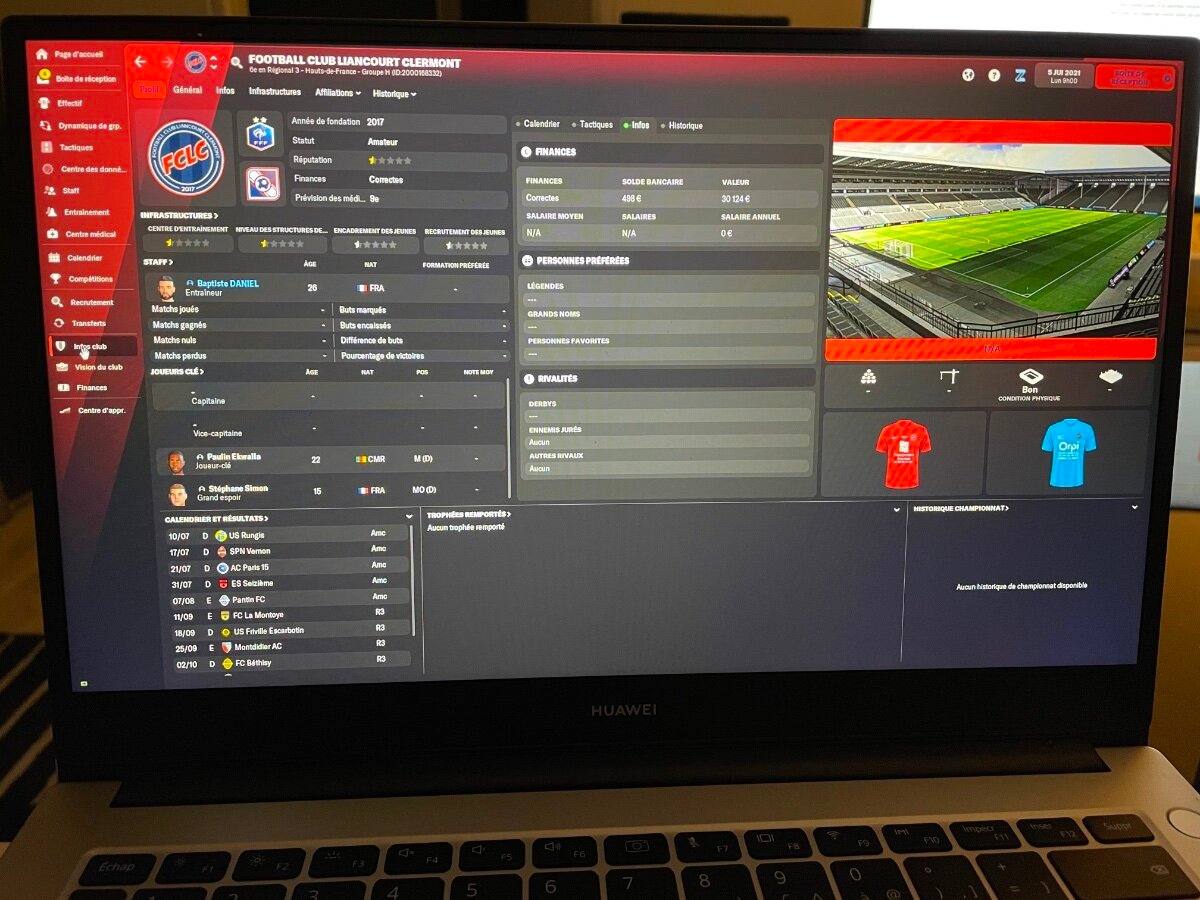
You are a genius man, I managed to add the logo and the 2 jerseys. Thank you very much for your work! The club does not exist in the game, you have to download the database "R3MO" on the Steam workshop (up to the 8th division in France) and the ID is: "2000168332" and "liancourtclermont1" and "2" for the jerseys. The only problem is that the club has no stadium at all in the game so it's impossible to add the stadium picture... do you have a solution? Should I create a stadium on FM Editor?

-
Great job, thanks a lot man! For the club logo do you think you can cut it out for me so that I can add it to my "graphic" folder for my club's home page? Same for the stadium photo? Thank you for your availability!
-
Hi man, I will need your services again! An update came out with my hometown club but I'm not the shirts or the logo or the stadium photo.. I'm sending this to you, do you think you can do anything for me? - me make the 2 jerseys - the logo in 200x200 format (normal) and another in 20x20 (small) - the photo of the stadium in 800x480 thanks in advance


-
it's good I found. Thank you again for your work and your availability.
-
amazing work, thank you very much for your reactivity. I have one last question... I can't add him to the team in question "AS Beauvais Oise". I do have a jersey kit file but the team shortcuts are already filled in and I don't know the name of the Beauvais team shortcut to rename the 2 files you made for me
-
I send you the club home shirt and the logo and the sponsors and the style I want! I only put on the home shirt (in red), but is it possible to also make me the outside (white shirt with the sponsors in red). Thank you very much, I hope it's possible for you!




-
Baptiste60 joined the community
-
Hi, sorry to bother you! I allow myself to send you a message because I need your help! 🙏 I am an FM player, I have a career with a French D4 club and I would like to create the jerseys for my club's homepage, unfortunately I do not master this at all.. I would like to know if it was possible for me to do it, I have the photo of the jersey, as well as the logo and sponsors of the club! That would be really nice of you! Thanks in advance 🙂( sorry for my average english lol )