




Skip to content
View in the app

A better way to browse. Learn more.

Football Manager Graphics

A full-screen app on your home screen with push notifications, badges and more.

To install this app on iOS and iPadOS
  1. Tap the Share icon in Safari
  2. Scroll the menu and tap Add to Home Screen.
  3. Tap Add in the top-right corner.
To install this app on Android
  1. Tap the 3-dot menu (⋮) in the top-right corner of the browser.
  2. Tap Add to Home screen or Install app.
  3. Confirm by tapping Install.

Jakeyboy91

Members
  • Joined

  • Last visited

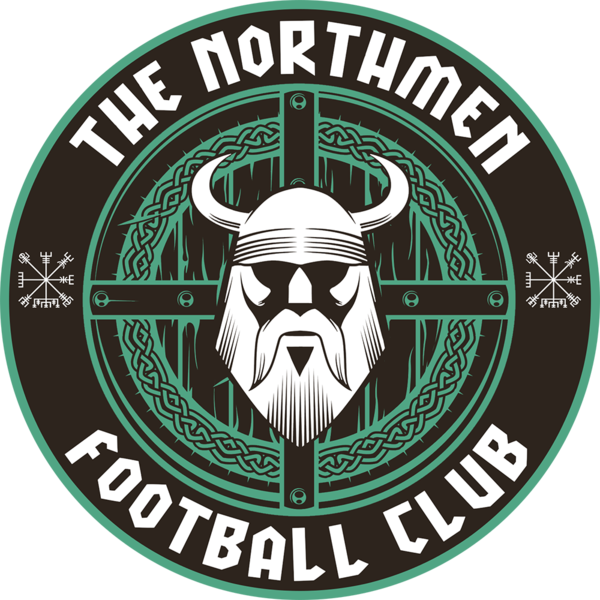
  1. Hey hi 👋 ! first of all good job guys ! Those are great logos and this is a good thing you’re here to help those like me who are bad with creating logo ahah i would need some help to my FM 24 career I you’ll like to use your template to create my logo ahah I would like to put the Viking logo in the Center of the first badge and switch the color blue with green Not neon green or forest green but somewhere in the middle and maybe put the name Norsemen on top like the North men logo Thanks in advance 🙂

Important Information

Terms & Conditions

Account

Navigation

Search

Search

Configure browser push notifications

Chrome (Android)
  1. Tap the lock icon next to the address bar.
  2. Tap Permissions → Notifications.
  3. Adjust your preference.
Chrome (Desktop)
  1. Click the padlock icon in the address bar.
  2. Select Site settings.
  3. Find Notifications and adjust your preference.