Jump to content
View in the app

A better way to browse. Learn more.

Football Manager Graphics

A full-screen app on your home screen with push notifications, badges and more.

To install this app on iOS and iPadOS
  1. Tap the Share icon in Safari
  2. Scroll the menu and tap Add to Home Screen.
  3. Tap Add in the top-right corner.
To install this app on Android
  1. Tap the 3-dot menu (⋮) in the top-right corner of the browser.
  2. Tap Add to Home screen or Install app.
  3. Confirm by tapping Install.

Jeff72

Members
  • Joined

  • Last visited

  1. Hi Mate us there anychance you do this in silver please thanks
  2. have u ever thought he might be on holiday he can't be here 24/7 just to make updates to keep you all happy he does have a life away from FM
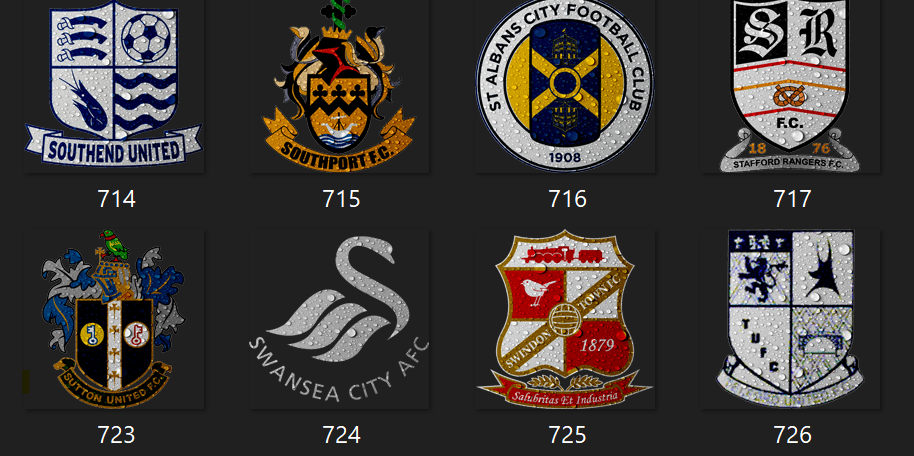
  3. In the folder number 724 its white in the game its Black on in the table its white the small ones are working fine its just the Normal one that's not i have changed the FA CUP one to white and that's working fine
  4. yes i have done all of that mate everything is like for like if i download the mega pack again will i need to put the updates in it or have you got the mega pack with all the latest updates in cheers
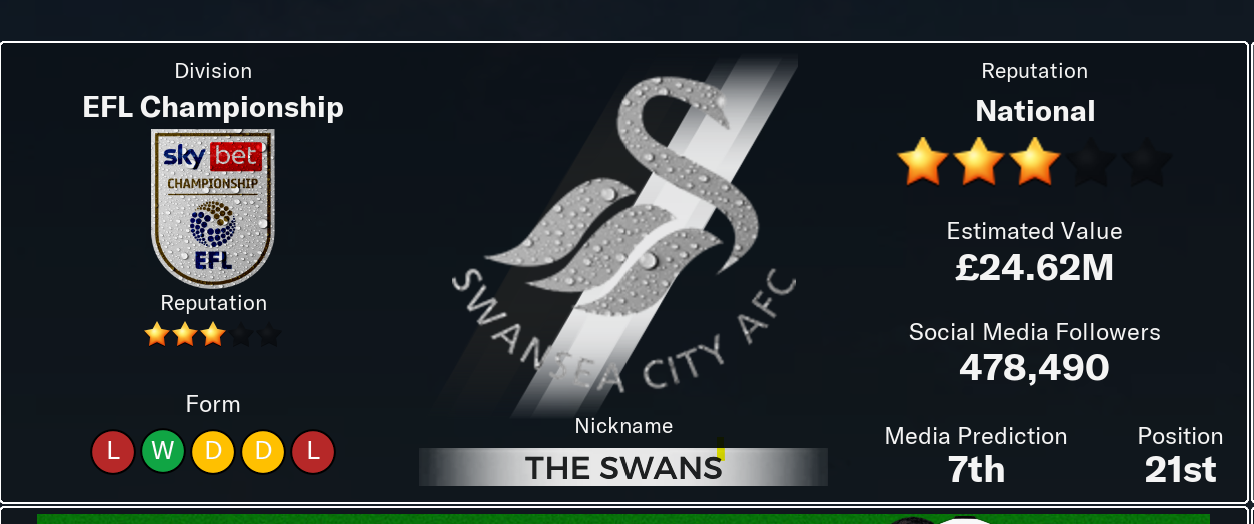
  5. Hi Derek I've changed the Swansea City logo from black to the grey one but it's not showing up in the game its still showing the black one the small ones have changed to the grey one any idea
  6. ok cheers mate
  7. derek just 1 question should they be square for Vapour Logos or does it make no difference
  8. cheers mate for that really speedy work keep up the good work
  9. Hi Derek can this be made into a vapor logo please
  10. yes have full membership on there but when i click on download full pack it takes me to update files i have got it now from here cheers anyway
  11. Hi derek over on sortitoutsi it won't let me down load the full pack when i click on it is there a problem with it cheers
Important Information

Terms & Conditions

Configure browser push notifications

Chrome (Android)
  1. Tap the lock icon next to the address bar.
  2. Tap Permissions → Notifications.
  3. Adjust your preference.
Chrome (Desktop)
  1. Click the padlock icon in the address bar.
  2. Select Site settings.
  3. Find Notifications and adjust your preference.