




Jump to content
View in the app

A better way to browse. Learn more.

Football Manager Graphics

A full-screen app on your home screen with push notifications, badges and more.

To install this app on iOS and iPadOS
  1. Tap the Share icon in Safari
  2. Scroll the menu and tap Add to Home Screen.
  3. Tap Add in the top-right corner.
To install this app on Android
  1. Tap the 3-dot menu (⋮) in the top-right corner of the browser.
  2. Tap Add to Home screen or Install app.
  3. Confirm by tapping Install.

All'in'One Megapack 24.2

(0 reviews)

1 Screenshot

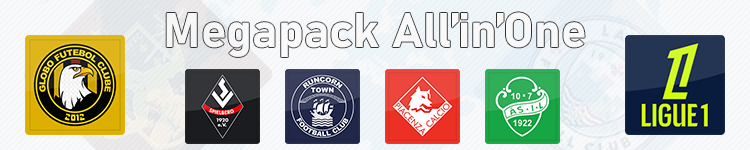
Megapack.png

In addition to the two updates already offered since the release of Football Manager 2024, I offer you a download of an All'in'One Megapack bringing together the initial pack as well as the two updates published at the beginning of December and the end of May, i.e. yesterday. This can avoid some inconveniences and bugs that some people report. I wish you an excellent gaming experience, and do not hesitate to give me feedback if you notice any anomalies or improvements that you would like to see in a future update.

See you soon.


Edited by Irons

User Feedback

Join the conversation

You can post now and register later. If you have an account, sign in now to post with your account.

Guest
  • This will not be shown to other users.
  • Your review Required
    Add a review...

Important Information

Terms & Conditions

Account

Navigation

Search

Configure browser push notifications

Chrome (Android)
  1. Tap the lock icon next to the address bar.
  2. Tap Permissions → Notifications.
  3. Adjust your preference.
Chrome (Desktop)
  1. Click the padlock icon in the address bar.
  2. Select Site settings.
  3. Find Notifications and adjust your preference.
