
About This Club
This is a club for graphics researchers. Feel free to join and get involved.
Please make sure to only discuss and post logos related to women’s clubs, competitions et al.
There is a separate dedicated club for men’s logos, to which you are also welcome to contribute. Thanks!
What's new in this club
-
FMG Graphics DatabaseWe are delighted to introduce our new FMG Graphics Database which will act as the base for all our work which goes towards creating our packs. This includes a submission system, staff approvals, relationships to other images i.e. club to club, stadiums, kits etc and other items listed below. Some details searching and browsing the database enabled; multiple images attached to the same club, competition or nation; image submission by researcher, members, etc; submission statuses such as Unprepared, Game Ready or Rejected; staff approval/rejection workflow; individual image downloads; the ability to add new clubs, competitions, nations, etc.; member/staff suggestions for changes to existing information, with approval before those changes are applied; browsing between teams in the same division made easy This is a BETA at the moment but is live in the sense that any changes you submit will be live in the database. Team Page - Liverpool Example Changing/Adding Team InformationMake changes or add information to any team, competition, nation etc by selecting the "Suggest Changes" on the entities page. This will open a window similar to this one below which will allow you to populate the information. Once that is done a staff member will then review the information and either approval or reject the item. How does this effect researching logos?Going forward we will no longer post logo updates in this thread as the Graphics Database submission system should be used. This will improve workflow and provide a clear understanding of what is currently in the megapacks. IMPORTANT: If a club does not have an ID number then it should be posted in here until one is assigned. It should then be uploaded to the database once one is assigned. This will mean we still have to add an 'Entity' for the item. How to submit a logo?To submit an updated logo to the database simply start by searching the item you wish to update by ID number or name. If a name is missing from an item you will be required to add that also. Then select 'Submit Graphic' on the entities page and you will see this window. Then you will have the option to update the item you wish to submit by choosing the below options. Select the item you wish to update and then you will need to mark the item as either 'Game Ready' or 'Unprepared'. Game Ready logos must be png files of any size put preferably a minimum of 512 pixels in size and a maximum of 2000 pixels in size. Anything higher than 2000 pixels is unnecessary but anything lower than 512 pixels may result in poor quality in game. Always check the logo edges on a dark background to spot blemishes. Anything other than this must be marked as 'Unprepared'. Any of the file types list in the image below are acceptable. You can also leave a note as you previously would in this thread. IMPORTANT File naming is extremely important here. Please take the time to review the below setup and do not deviate from it. Official logos - should have ID number only i.e. 676.png Alternative logos - should have ID number and alt directly after it i.e. 676alt, 676alt1, 676alt2 etc. Historical Logos - should have ID number and retro directly after it i.e. 676retro, 676retro1, 676retro2 etc. Concept Logos - should have ID number and fantasy directly after it i.e. 676fantasy, 676fantasy1, 676fantasy2 etc ⚠️ DO NOT INCLUDE UNDERSCORES OR UNDERSCORE CLUB - 676_club ⚠️ Once you have submitted your logo/s changes will be applied in the form of an update pack as usual. If you submit a logo with a background and its approved, you will see that background until I finish the updates and submit the game ready version. Missing EntitiesIf an entity such as a club is missing but has an ID number, you can still add it from the main page of the database by selecting the '+ New Entity' button in the top right hand corner. Then simply fill out the form and we will review the information before approving. Once a new entity is approved, graphics can then be added to it. IMPORTANT: Only ID numbers from the official FM database should be added. Any custom database ID numbers will be rejected. Creating Relationships Between EntitiesIMPORTANT: You will see an option for 'Related Entity' on the team page. You will also see 'Share Graphics'. This is where we can link different teams together such as Real Madrid, Castilla or the Real Madrid womens team. You can create as many links to an entity as you like but only one at a time. Once one is approved, more can be added. To create a 'Related Entity' you can either search the name or ID number and assign it. If you wish to 'Share Graphics' from Real Madrid to Castilla, you must be on the Castilla page and tick the box. The graphics will then be applied from Real Madrid to Castilla. If you then submit a new logo for Real Madrid in the future, moderators will be alerted to the link/s in entities and will have the ability to apply an updated logo to all related items. We Need Your Help!As you can see from the above forms, the only information you are required to fill out is the entity type, name when missing and ID number. However, to make this database something we can all enjoy and work on together, please add as much detail as possible. This is only a starting point and gaining help from others would be greatly appreciated. If you guys have any questions, find some bugs or even want to suggest improvement to the database please do so in the dedicated thread linked below. https://footballmanagergraphics.com/forum/68-fmg-graphics-database-discussion-section/ I've put a lot of work into the Premier League teams to display what is possible so check that out as a starting point! https://footballmanagergraphics.com/graphics/record/506-premier-league/
-
This thread will reopen over the weekend. Just making some adjustments and additions to the new system.
-
Thank you for all the hard work guys. Brilliant work this month. The logo updates have now started. Any logos posted up until this point will be included in this months updates. IMPORTANT NOTE This thread will be temporarily closed and will reopen in a few days time. We will be implementing changes to the way we submit logos and we are excited to share that with you soon.
-
North Toronto Nitros (2000340854 - Missing)

-
Nations United States (with the USWNT's stars) - 2000169602 MAIN: ALT:


-
Nations One file I forgot to include in the archive above. Uzbekistan - 2000169571 2000169571.svg
-
Nazillispor (2000468533 - Missing)
-
Van Spor FK (2000468532 - Missing)
-
Sivasspor (2000399625 - Missing)
-
Rizespor (2000349059 - Missing)

-
Gölcükspor (2000349045 - Missing)

-
Eskisehirspor (2000349003 - Missing)

-
Antalyaspor (2000348990 - Missing)

-
Altay ( 2000277990 - Missing)

-
Hatayspor (2000277987 - Missing)

-
Clubs Les Marseillaises (from men's) - 2000252593

-
Nations These are the same set of logos posted in the men's thread, just to ensure they can easily be applied for the women's pack too. The primary logos are all named for ID alone with the alts all named with ID + '-alt' suffix. nations-women.zip
-
Clubs Below is mostly cases where the men's and women's logos are different. Vålerenga Fotball (from pack) - 2000166588, 2000370439 C.E. Europa (from pack) - 2000293193, 2000328222 Club Llaneros S.A. (from pack) - 2000316808 Alianza Fútbol Club S.A. (upgrade) - 2000316863 Budapest Honvéd Futball Club (from pack) - 2000354498 C.F. Intercity (missing; from pack) - 2000376583 Once Caldas S.A. - 2000430452




-
Clubs Newcastle United - 2000290848 MAIN: ALT:


-
Clubs FC Thisted - 2000210867 Farum Boldklub - 2000215867 Sundby Boldklub - 2000279120 Næstved IF - 2000328003 BSF - 2000334010




-
Competitions Peruvian Women's First Division (upgrade) - 2000338491
-
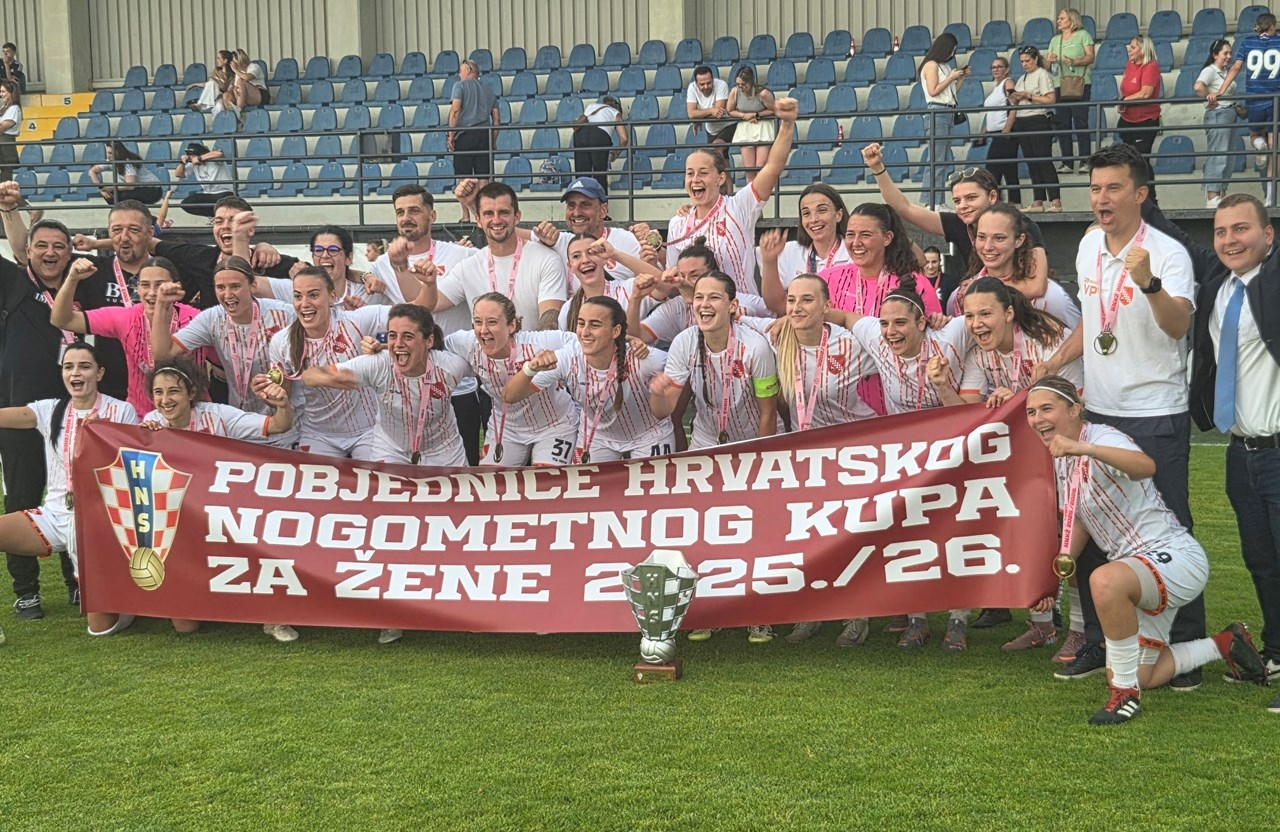
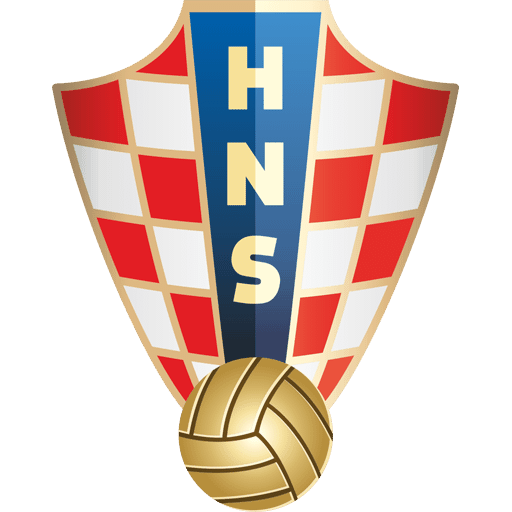
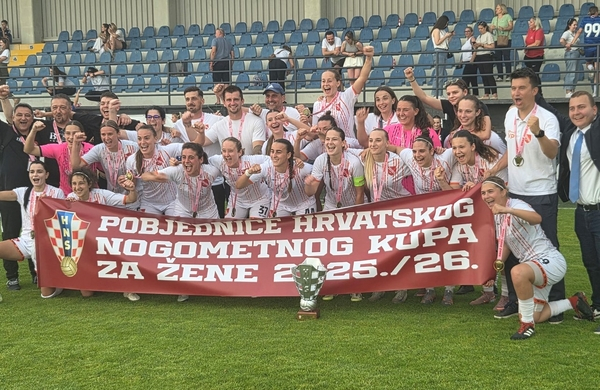
Competitions Croatian First League (new sponsor) - 2000232723 Croatian Cup (from pack) - 2000338472 Seems to just use the association logo:

-
Clubs FK Eik Tønsberg (missing; logo from men's) - 2000259437 MAIN: ALT:


-
Clubs Falkirk - 2000337545

-
Hi All The cut off for logo submissions will be this Friday. I will then start the updates on Saturday. Thank you as always for all your hard work.