




Jump to content
View in the app

A better way to browse. Learn more.

Football Manager Graphics

A full-screen app on your home screen with push notifications, badges and more.

To install this app on iOS and iPadOS
  1. Tap the Share icon in Safari
  2. Scroll the menu and tap Add to Home Screen.
  3. Tap Add in the top-right corner.
To install this app on Android
  1. Tap the 3-dot menu (⋮) in the top-right corner of the browser.
  2. Tap Add to Home screen or Install app.
  3. Confirm by tapping Install.

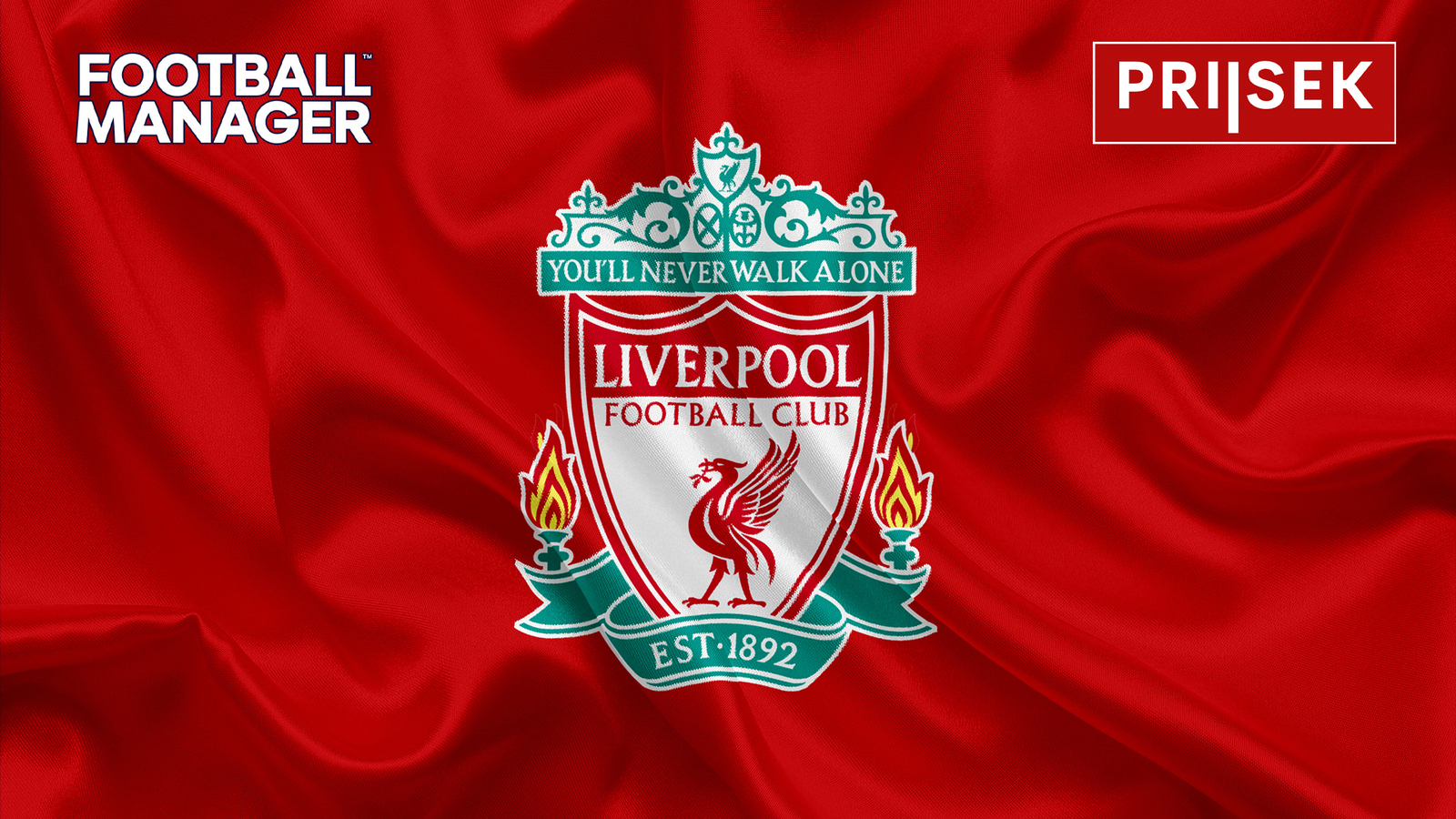
FM24 in 25 LIVERPOOL Edition 1.0.0

(0 reviews)

1 Screenshot

Hi Everyone!

A big thanks has to be said to All you guys & gals for inspiring me to do My Skins for FM24, a massive thanks for your support & Thanks again.

Ive had many requests over the years & one being a Liverpool fan is a LIVERPOOL based skin, so here you go.
https://www.mediafire.com/folder/nmqeo11eqad2p/SKINS


Contact & Donation
https://twitter.com/Priisek

https://www.paypal.me/priisekskins


DONATION ARE VERY GRATEFULLY RECEIVED


Many Thanks for your support & please come join my YouTube channel


https://www.youtube.com/PRIISEK


Bug Reports
Please email me with issues that you find & SCREEN SHOT or Photo priisek@outlook.com , BUT YOU MUST TELL ME THE VERSION you are using.

Many Thanks & Enjoy

Priisek


Credits and Thanks:
OPZ
Flut Skins
Krysler76
Wozzie
Gunzo
Yacs
TCS
MustermannFM
MichaelMurrayUK

User Feedback

Join the conversation

You can post now and register later. If you have an account, sign in now to post with your account.

Guest
  • This will not be shown to other users.
  • Your review Required
    Add a review...

Important Information

Terms & Conditions

Account

Navigation

Search

Configure browser push notifications

Chrome (Android)
  1. Tap the lock icon next to the address bar.
  2. Tap Permissions → Notifications.
  3. Adjust your preference.
Chrome (Desktop)
  1. Click the padlock icon in the address bar.
  2. Select Site settings.
  3. Find Notifications and adjust your preference.