





FM ID
448
Nation
Cyprus
City
Larnaka
Founded
1994
Nickname
Kitrinoprasinoi
Stadium
AEK Arena - Georgios Karapatakis
Capacity
8,058
Reputation
5,750
Club Status
Professional
Gender
Male
AEK Larnaka FC (Athlitiki Enosi Larnakas), founded on July 18, 1994, was formed through the historic merger of two traditional Larnaca clubs, EPA Larnaca and Pezoporikos. Sporting yellow and green colors alongside the emblem of Kimon, the ancient Athenian general who defended the city, the club has established itself as a modern powerhouse in Cypriot football. AEK’s most iconic domestic moments include lifting the Cypriot Cup in 2004 and 2018 and finishing as First Division runners-up multiple times. On the continental stage, they made history as the first Cypriot club to reach the UEFA Europa League group stage in 2011, also reaching the Conference League round of 16 in 2023, but their ultimate European crowning achievement came on October 23, 2025, when they pulled off a historic 1–0 away victory against Premier League side Crystal Palace at Selhurst Park during the UEFA Conference League, before pushing the English side to extra time in the Round of 16 in March 2026.
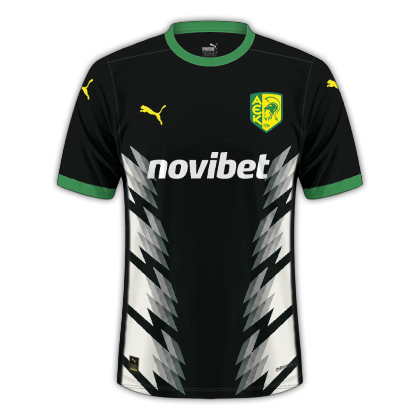

AEK Larnakas Concept Stadium
AEK Larnakas Futsal Arena
1,000