




EFL Championship
FM ID
12
Gender
Male
Nation
England
Based Continent
Europe
Reputation
135
Competition Type
Club Competition
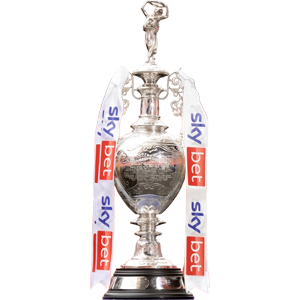
The EFL Championship is the second tier of English men’s football and the highest division operated by the English Football League. The competition contains 24 clubs, each playing 46 league matches during the season. The two clubs finishing at the top of the table are promoted automatically to the Premier League, while clubs finishing third to sixth compete in the promotion play-offs for the third promotion place. The bottom three clubs are relegated to League One. The Championship is one of the most established second-tier competitions in world football and regularly contains clubs with extensive Premier League, European and FA Cup histories alongside teams building towards their first top-flight campaign. Its long season, promotion race and play-off system create a distinctive competitive structure. Clubs also compete for the Championship title and the right to become part of the Premier League, making the division a crucial stage in the English football pyramid.

+7


 Birmingham
 Blackburn Rovers
 Bolton Wanderers
 Bristol City
 Burnley
 Cardiff City
 Charlton Athletic
 Derby County
 Lincoln City
 Middlesbrough
 Millwall
 Norwich City
 Portsmouth
 Preston North End
 Queens Park Rangers (QPR)
 Sheffield United
 Southampton
 Stoke City
 Swansea City
 Watford
 West Bromich Albion
 West Ham United
 Wolves
 Wrexham