




FM ID
32
Gender
Male
Nation
Italy
Based Continent
Europe
Reputation
180
Competition Type
Club Competition
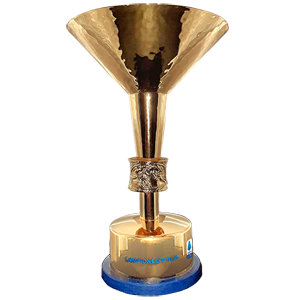
Serie A, (officially named Serie A Enilive for sponsorship reasons) founded in its current round-robin format in 1929, is Italy's premier professional football league and is widely regarded as one of the most tactically elite and historically prestigious competitions in the world. The league consists of 20 teams competing in a true round-robin system from August to May, where each club plays the others twice—once at home and once away—for a total of 38 matchdays. Teams earn three points for a win, one for a draw, and zero for a loss; the club finishing at the top of the table is crowned champion, receiving the prestigious Scudetto and the Coppa Campioni d'Italia, while the bottom three teams are automatically relegated to Serie B. Historically dominated by the "Big Three" of Juventus (the league's most successful club), AC Milan, and Inter Milan, Serie A has produced numerous Ballon d'Or winners and European champions, famously peaking in global popularity during the late 20th century as the undisputed epicenter of world football.