tatuzzo76
Members
-
Joined
-
Last visited
-
@Derek thx Bro, finally get FM23 when i have time try to post some Mou tactic's :)
-
Sorry guys at the moment i change work, and don't have time for buy FM23 and still have only the Demo, i think for X-max coming back, also i try the demo when is possible.
-
for FM 23 i think i'm ready i buy new PC: Intel i5 (12th generation) 16Gb RAM DDR4 NVidia GTX1650 4GB SSD 500GB next Gen 12x what u think?
-
is sure mate wait for the first preview S.I. relase, and we wait for FM23
-
For sure i tested it, and make some tactics whit ASR and other team 🤣
-
@Derek i think is this tool i used, at the moment still learn and practice, but i try to learn fast and join the club when i can !
-
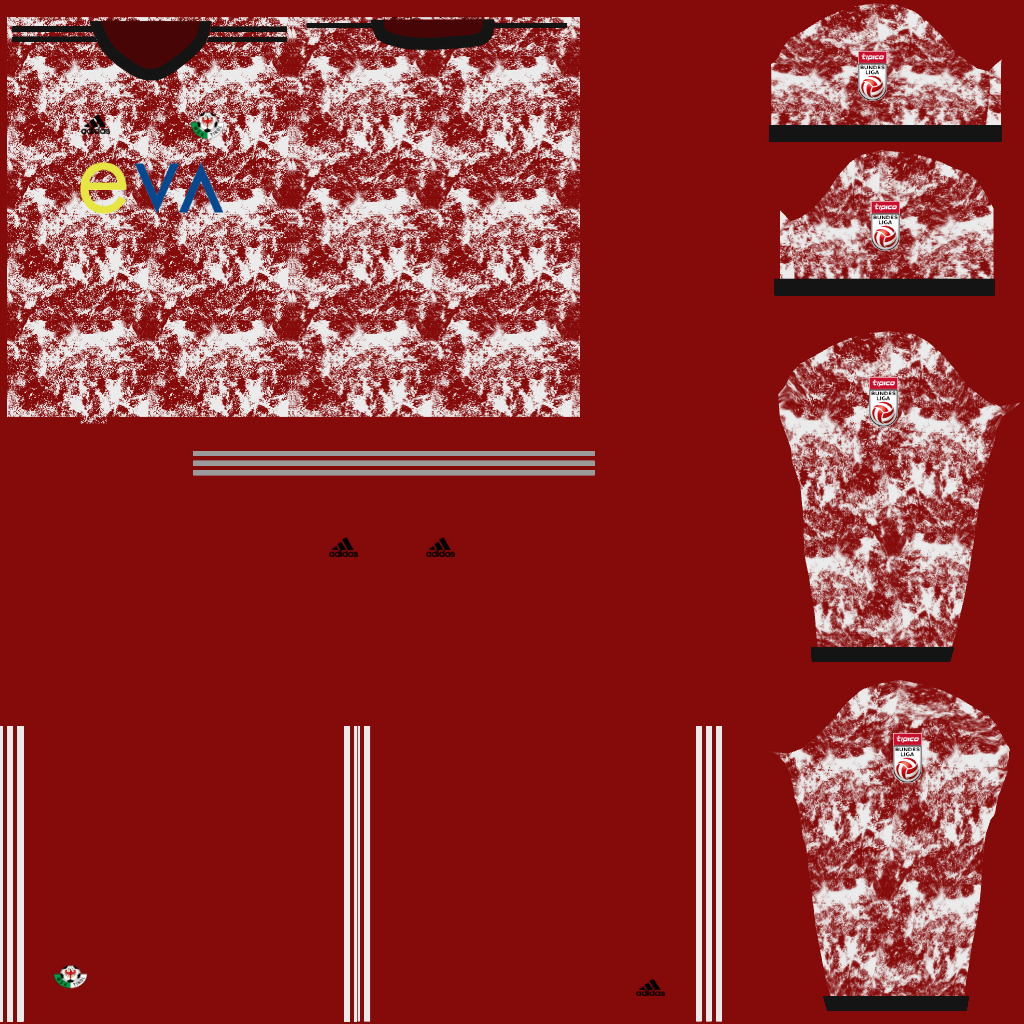
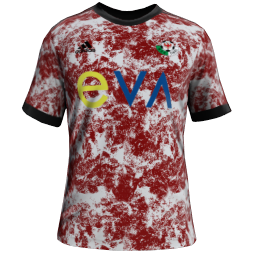
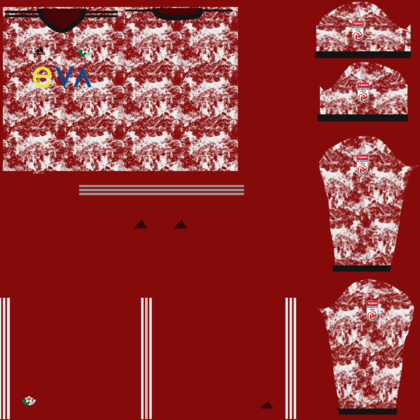
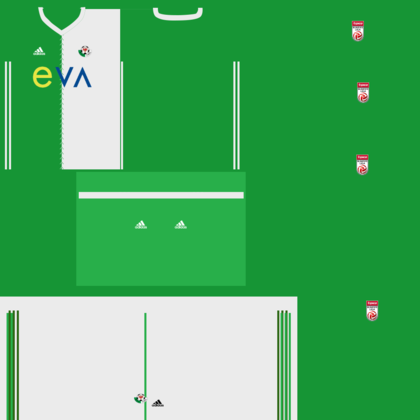
for the first time i try make 2D/3d kit.....nothing special but is my first time 😄


-
Born in Turin, live in Roma my dad is from sardegna my mother from switzerland xD
-
At the moment i play Diablo Immortal free to play MMO 😄
-
i follow Zeeland too on YT
-
-
@Derek Thx so much Extraordinary work love it
-
hi @Derek when u have time can u create the logo and shirt for Red Bull Roma thank you.
-
😄 nice work mate !!!
-
@Derek Tank You mate