limon1337
Members
-
Joined
-
Last visited
-
you're right I had the wrong sizes, do you know where the images in the game with Normal @2x and Small @2x are displayed?
-
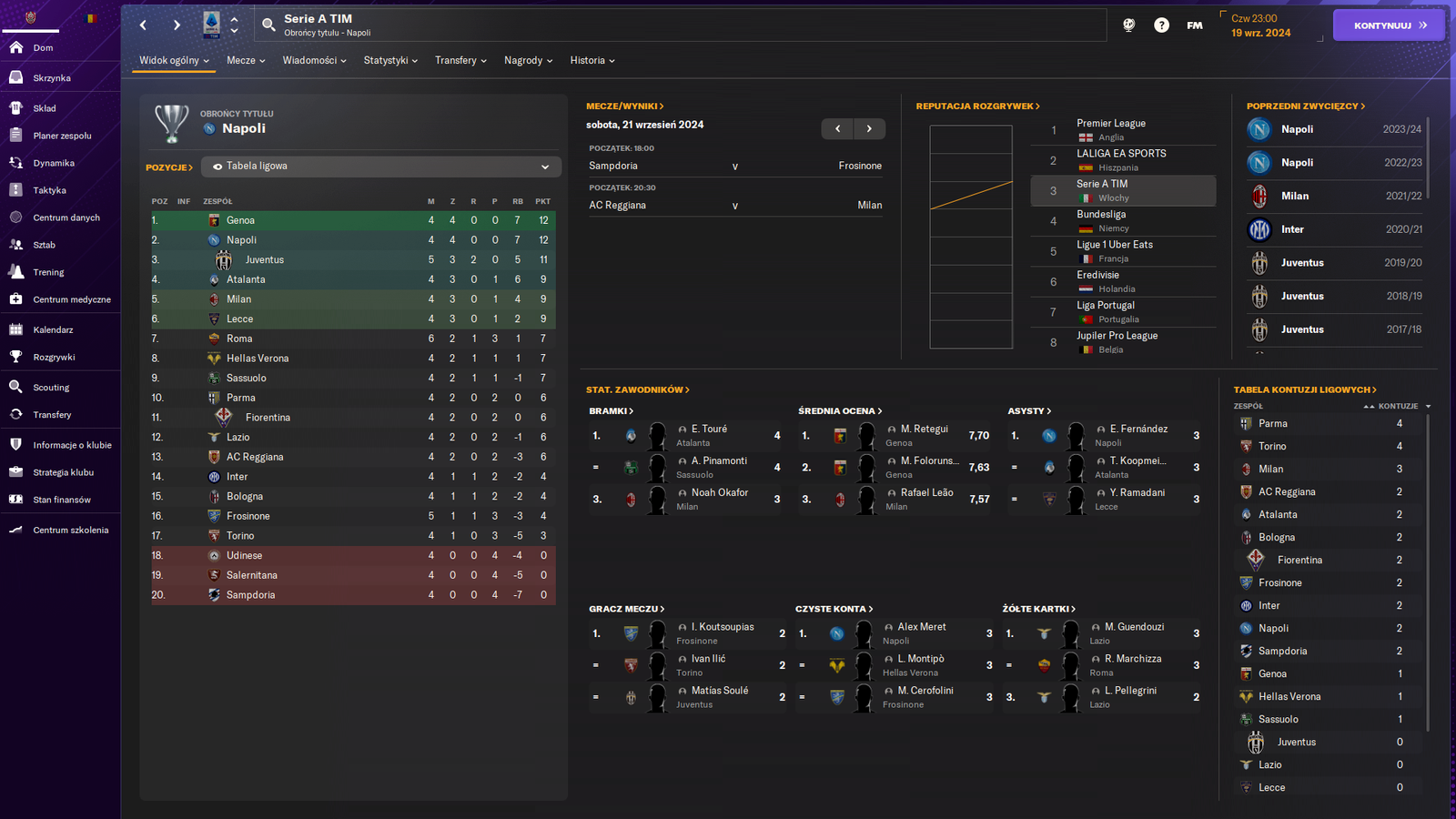
hello, I downloaded the stone pack logos and saw folders with retro logos there and I decided to change them in a few clubs to retro logos, but in the game, looking at the table, I see that the size is wrong.. what can I do about it? I changed these logos in the normal and small folders, with the players' statistics, the retro logo loads normally, which can be seen on the screen

-
wow thank you a lot for help
-
hello i have a problem that i downloaded steel logo pack fm 2024 and i noticed that the teams have federation logos but not flags of their nations and i remember that the pack in fm23 or fm22 included versions with flags. i often play national teams and i really liked the version with the country flag in the steel version, is it possible to download such flags from somewhere?