Dan Voilare
Members
-
Joined
-
Last visited
-
Wow thanks so much! both of you. Perfect feels ready for some Bundesliga Football now.
-
Oh kits would be awesome as well - Sponsors any big german company would be keeping it real and addidas or Puma as a brand. Thanks again.
-
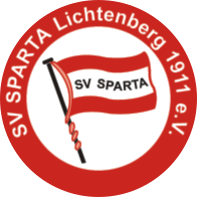
Hej i started a long term save with SV Sparta Lichtenberg in the 6th German Division and thought i could stand their Logo. But its just too ugly and simple. Also 5 other Berlin Clubs have the Flag in a circle thing. So i would be really happy and thankfull if you could help me out and fresh thinks up for my save so it feels good to bring them up onto the world stage. Here is the current one with the red and white colours. https://www.sv-sparta.de/. Thanks a lot! If anybody is interest here are the other Berlin Clubs with the same Style. Obviously Hertha BSC, https://www.tsvmariendorf97.de/, https://www.h03.de/, https://www.sv-tasmania-berlin.de/ http://www.blauweiss90berlin.de/