Erwan - FootyLogos.com
Members
-
Joined
-
Last visited
-
-
Erwan - FootyLogos.com changed their profile photo
-
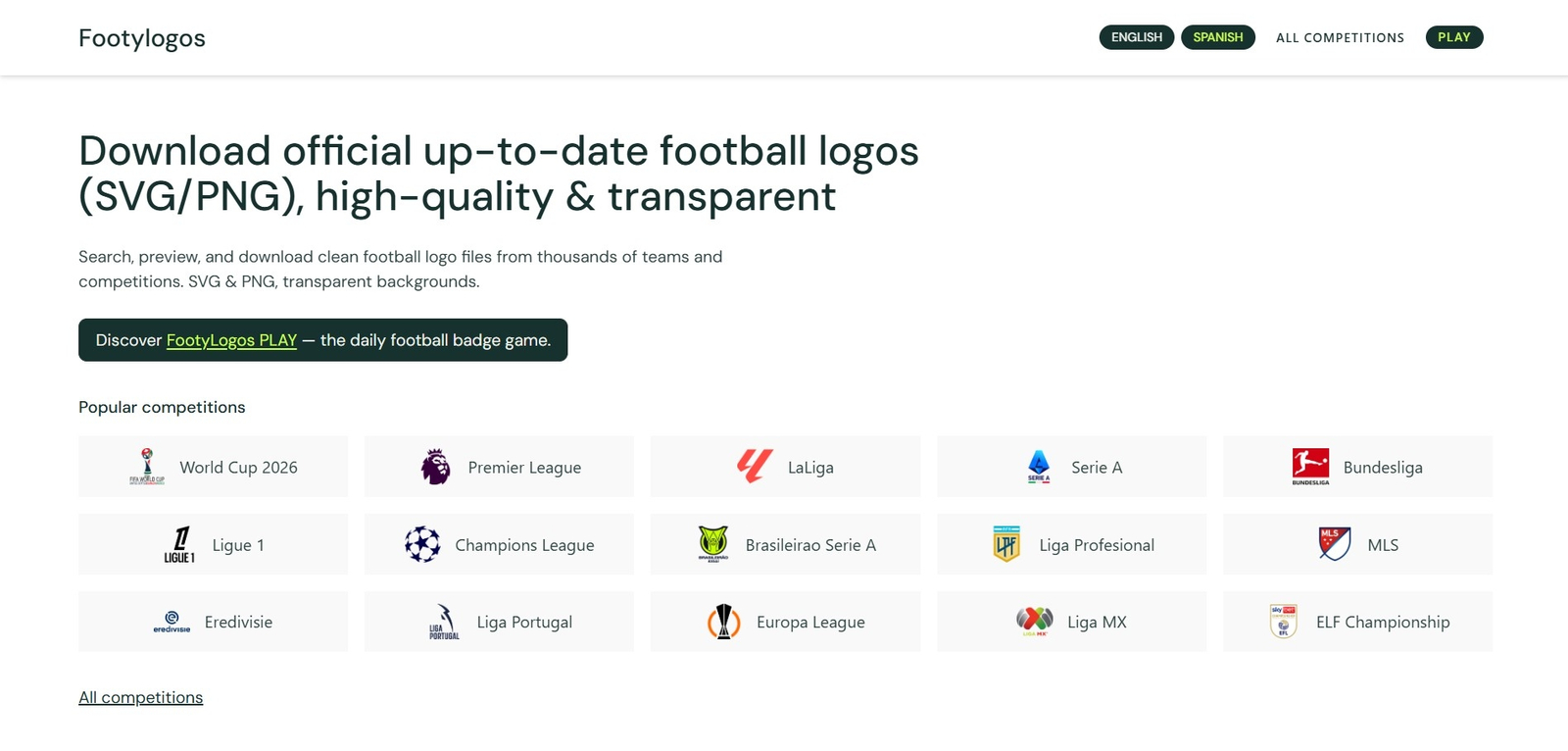
Hey everyone 👋 I’m new around here, so first of all thanks for having me. I'm passionate about graphic design and football badges. Over the last year I’ve been building a project called FootyLogos.com – a football-only logo library with more than 1,700 teams and competition crests (so far!) in clean PNG and SVG with transparent backgrounds. It’s not an FM logo pack (no configs, no megapack download), but I thought it might still be useful for a lot of people here who create or update their own graphics. If you’re ever missing a badge in your pack, need a cleaner source file, or want logos for thumbnails, social graphics, stream overlays, etc., you can usually find: consistent club names primary badge + historical badges for 20 biggest clubs (working on adding historical crests to all teams now) transparent PNGs SVG/vector for graphic design purposes You can check it out at FootyLogos.com – a free football logo library (PNG & SVG). I hope it’s okay to mention my project here – if not, mods please feel free to remove this. I’d really appreciate any feedback from FM graphics creators in particular: what file formats/sizes help you most? which leagues or lower divisions should I prioritise next? is there anything that would make it more FM-friendly for your workflow? Happy to answer questions, add missing clubs/competitions, or adjust things if it makes the resource more useful for this community. Thanks for reading and good luck with your current saves!