Skip to content
View in the app

A better way to browse. Learn more.

Football Manager Graphics

A full-screen app on your home screen with push notifications, badges and more.

To install this app on iOS and iPadOS
  1. Tap the Share icon in Safari
  2. Scroll the menu and tap Add to Home Screen.
  3. Tap Add in the top-right corner.
To install this app on Android
  1. Tap the 3-dot menu (⋮) in the top-right corner of the browser.
  2. Tap Add to Home screen or Install app.
  3. Confirm by tapping Install.

Rizki Sawada

Members
  • Joined

  • Last visited

  1. @Derek This is Perfect, thank you so much Sir.
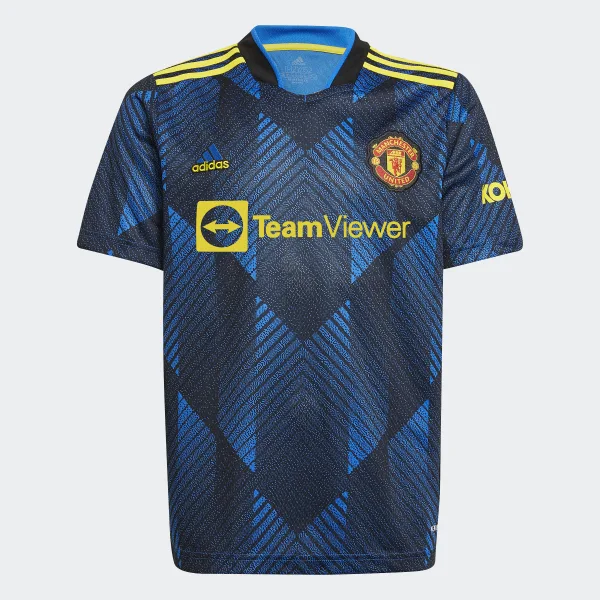
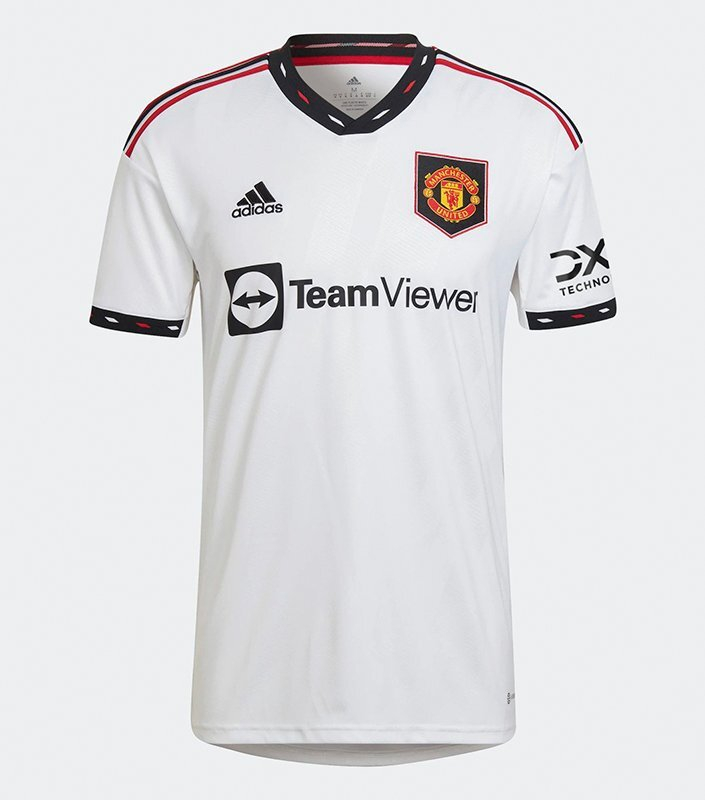
  2. for the Club Logo. a White and Dark Blue color should be ok. for the 1st and the 2nd kit, make them color just like the images i attached. for the 3rd kit, a Green color would do i guess or just whatever you may find suitable
  3. Hy @Derek. if you have time to spare, i would love to ask for some custom logo and kit for my save. Club Name : London Wanderers C.F i want the club logo to be similar to Real Madrid. for the 1st kit i want it to look like this with AON sponsor if it's possible and Nike as the manufacturer. as for the 2nd kit i want it to be like this. with the same sponsor and the kit manufacturer as the 1st one for the 3rd kit, you can make whatever is appropriate. i hope i didn't ask too much favor for all of this to you. Thank you in advance

Important Information

Terms & Conditions

Account

Navigation

Search

Search

Configure browser push notifications

Chrome (Android)
  1. Tap the lock icon next to the address bar.
  2. Tap Permissions → Notifications.
  3. Adjust your preference.
Chrome (Desktop)
  1. Click the padlock icon in the address bar.
  2. Select Site settings.
  3. Find Notifications and adjust your preference.