Brasilian Fury
Creator
-
Joined
-
Last visited
Never
-
 I Take The "Pass The Pentagon" Challenge To The Next LevelView the full article
 -
 Football Manager Abridged: FranceView the full article
 -
 FM26 "Palmeiras Não Tem Mundial (And We're Changing That)" Save ~ Part 7View the full article
 -
 My Childhood Club Doesn't Have a World Title, So I'm Here to Fix It - Palmeiras Save in Brasil Pt.6View the full article
 -
 My Childhood Club Doesn't Have a World Title, So I'm Here to Fix It - Palmeiras Save in Brasil Pt.5View the full article
 -
 My Childhood Club Doesn't Have a World Title, So I'm Here to Fix It - Palmeiras Save in Brasil Pt.4View the full article
 -
 Signing A Monster to Make a Billionaire Miserable...in FM26View the full article
 -
 My Childhood Club Doesn't Have a World Title, So I'm Here to Fix It - Palmeiras Save in Brasil Pt.3View the full article
 -
 My Childhood Club Doesn't Have a World Title, So I'm Here to Fix It - Palmeiras Save in Brasil Pt.2View the full article
 -
I Read Football Manager 26's Negative Reviews (So You Don't Have To)
-
FM26 + Copa Libertadores Final Reaction
-
Making A Billionaire's Life Miserable...in Football Manager 26
-
 The 26 Women Wonderkids You NEED To Sign In FM26View the full article
 -
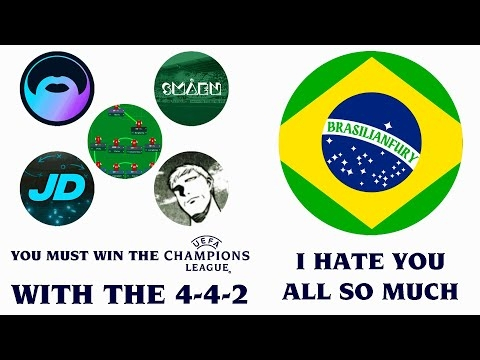 I Hate This Tactic in FM24 - So, These YouTubers Help Me Win With It!View the full article
 -
 Chill editing stream, maybe Umamusume after, we'll see...View the full article