Loki Doki
Creator
-
Joined
-
Last visited
Never
Everything posted by Loki Doki
-
 Hanging On - The FM24 Journeyman - EP7View the full article
 -
 One game to save myself from the SACK! - The FM24 Journeyman - EP6View the full article
 -
 The Most EPIC Game of Football! - The FM24 Journeyman - EP5View the full article
 -
 Addressing The Allegations - The FM24 Journeyman - EP4View the full article
 -
 This Might Have Been A TERRIBLE Idea - The FM24 Journeyman - EP3View the full article
 -
 HUGE Changes at Cardiff Met Uni - The FM24 Journeyman - EP2View the full article
 -
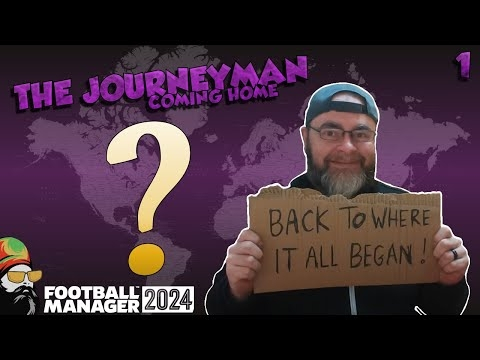 Welcome Home - The FM24 Journeyman - EP1View the full article
 -
 It Finally Happened - Brighton FM24 - EP8View the full article
 -
 2 MUST WIN GAMES! - Brighton FM24 - EP7View the full article
 -
 Back to the Boardroom! - Brighton FM24 - EP7View the full article
 -
 My TOP 5 TIPS for Football Manager 2024View the full article
 -
 I Just Can't Catch A Break! (mmm punny) - Brighton FM24 - EP5View the full article
 -
 The 5 Most ANNOYING Things About FM24View the full article
 -
 Welcome to the Boardroom! - Brighton FM24 - EP4View the full article
 -
 I CAN'T GET SACKED IN A BETA SAVE! - Brighton FM24 - EP3View the full article
 -
 Testing Tactics, Formations & Roles - Brighton FM24 - EP2View the full article
 -
 We're Going on a European Journey! - Brighton FM24 - EP1View the full article