Skip to content
View in the app

A better way to browse. Learn more.

Football Manager Graphics

A full-screen app on your home screen with push notifications, badges and more.

To install this app on iOS and iPadOS
  1. Tap the Share icon in Safari
  2. Scroll the menu and tap Add to Home Screen.
  3. Tap Add in the top-right corner.
To install this app on Android
  1. Tap the 3-dot menu (⋮) in the top-right corner of the browser.
  2. Tap Add to Home screen or Install app.
  3. Confirm by tapping Install.

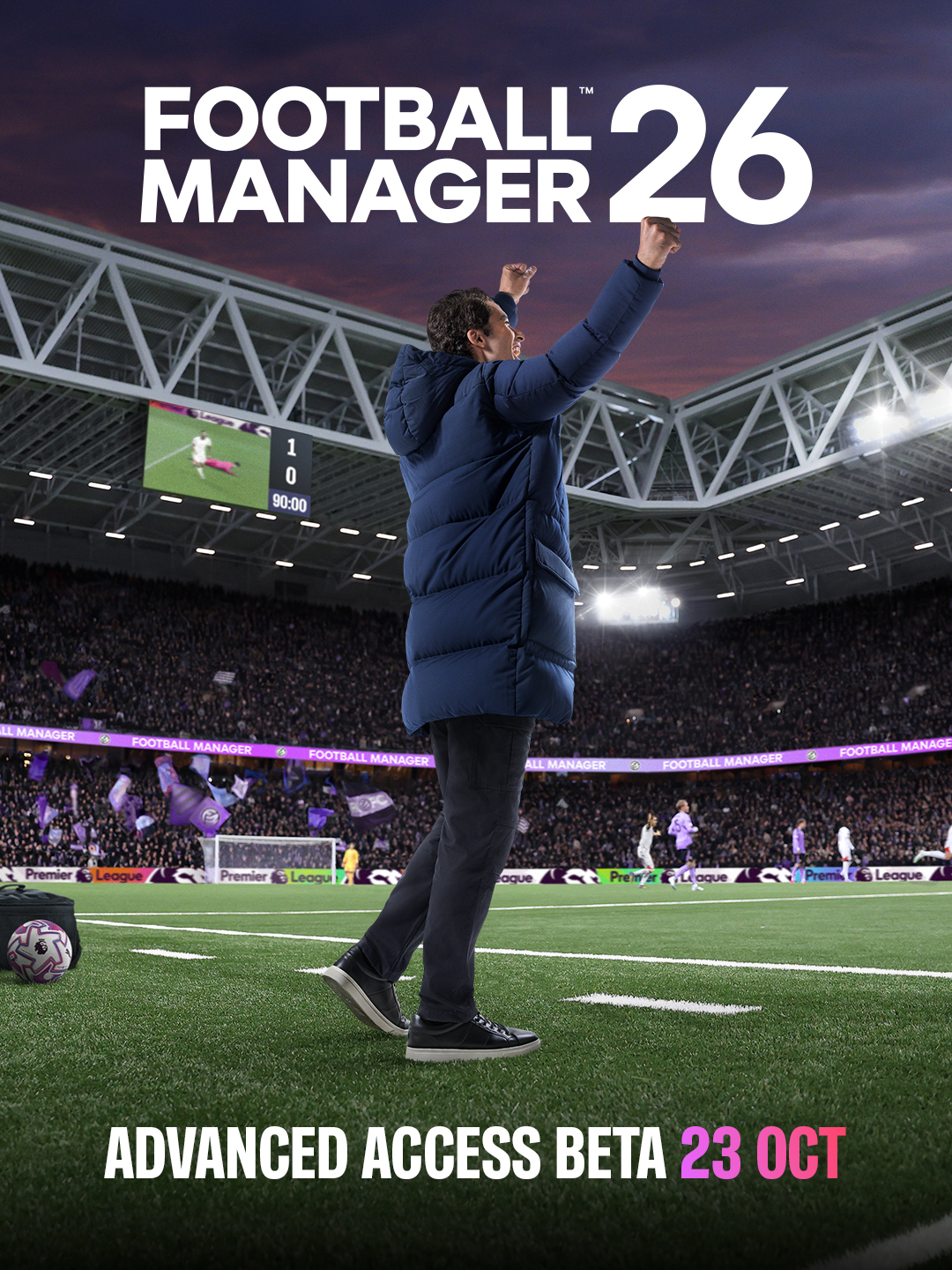
FM26 Advanced Access BETA Release

A manager figure in a blue puffer jacket stands on a green soccer field in a large stadium at dusk, raising one arm triumphantly toward a scoreboard showing 1-0. The stadium has purple lighting on the structure and field edges, with a blurred crowd in purple attire in the stands. A soccer ball rests on the grass nearby. Text overlays include FOOTBALL MANAGER 26 in white bold letters, ADVANCED ACCESS BETA 23 OCT in purple at the bottom.


Recommended Comments

There are no comments to display.

Join the conversation

You can post now and register later. If you have an account, sign in now to post with your account.

Guest
Add a comment...

Important Information

Terms & Conditions

Account

Navigation

Search

Search

Configure browser push notifications

Chrome (Android)
  1. Tap the lock icon next to the address bar.
  2. Tap Permissions → Notifications.
  3. Adjust your preference.
Chrome (Desktop)
  1. Click the padlock icon in the address bar.
  2. Select Site settings.
  3. Find Notifications and adjust your preference.