





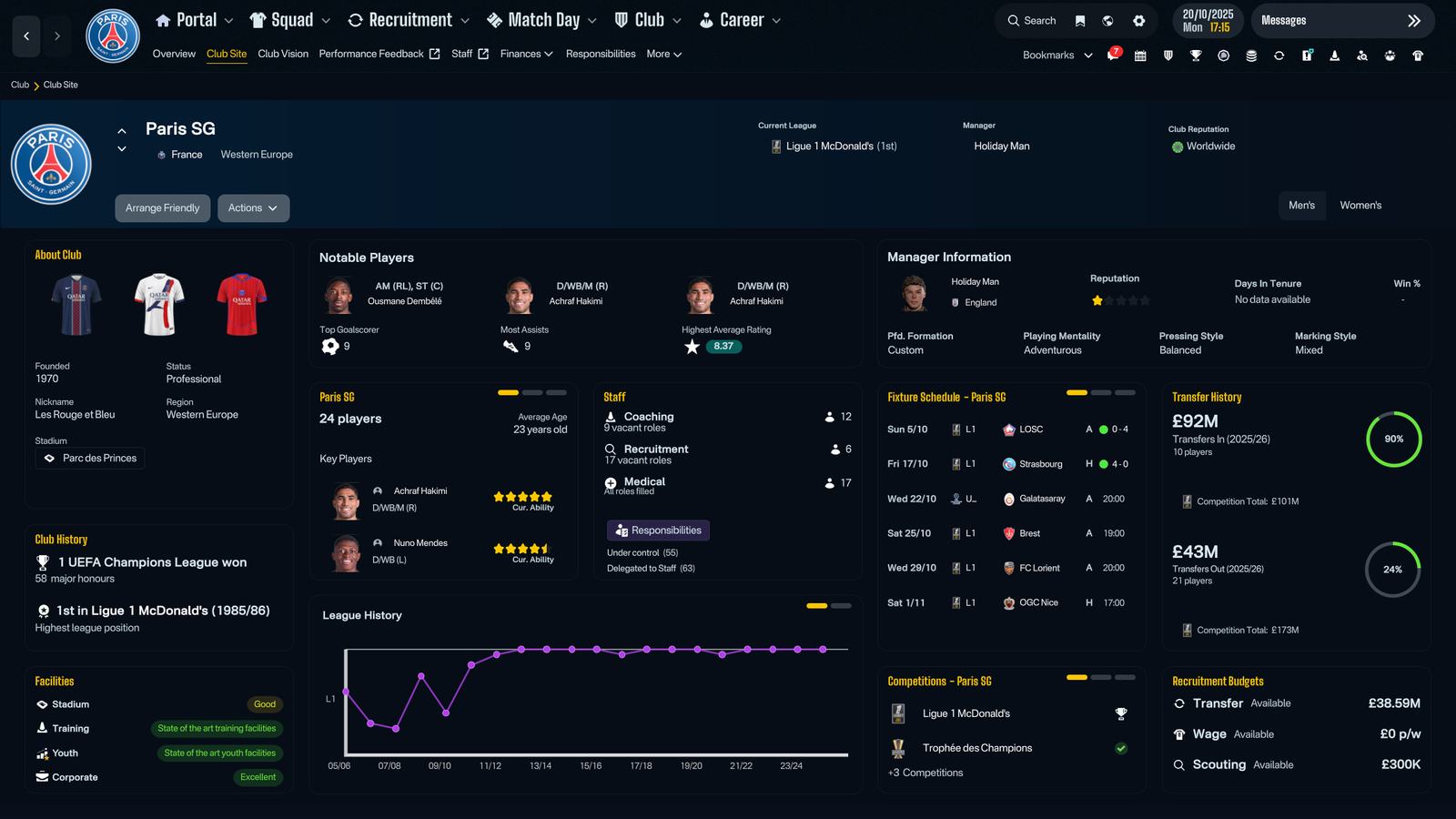
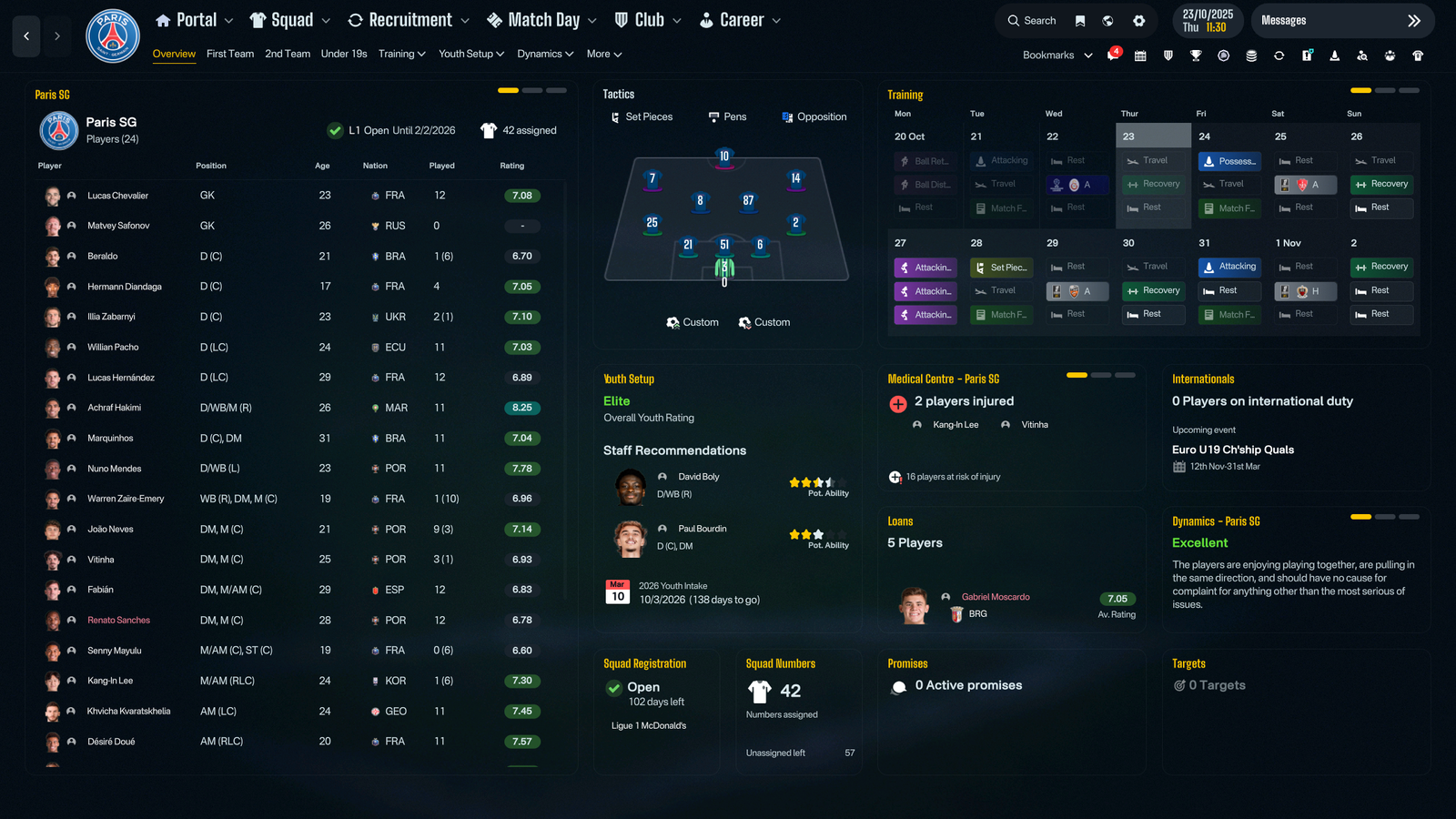
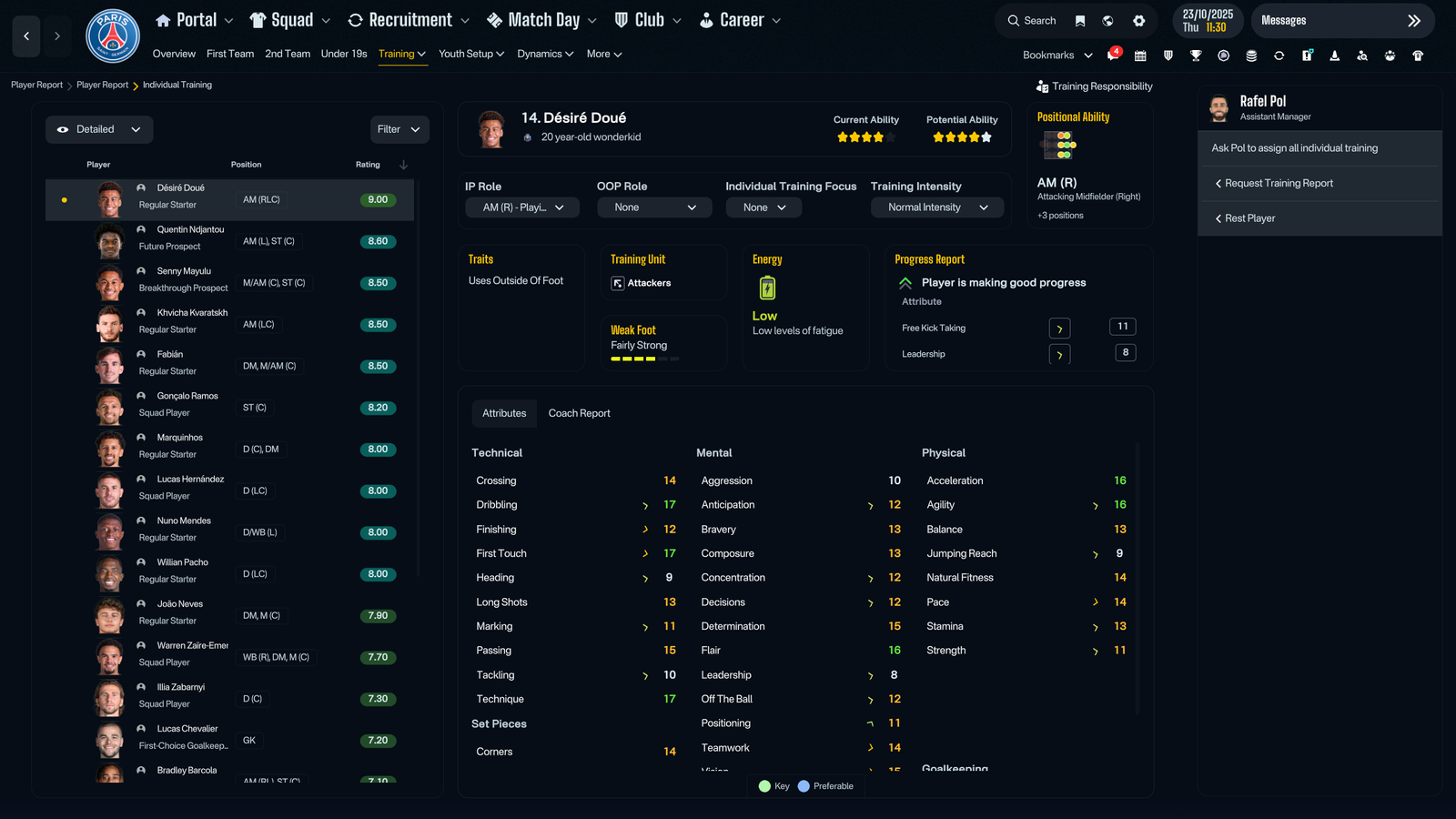
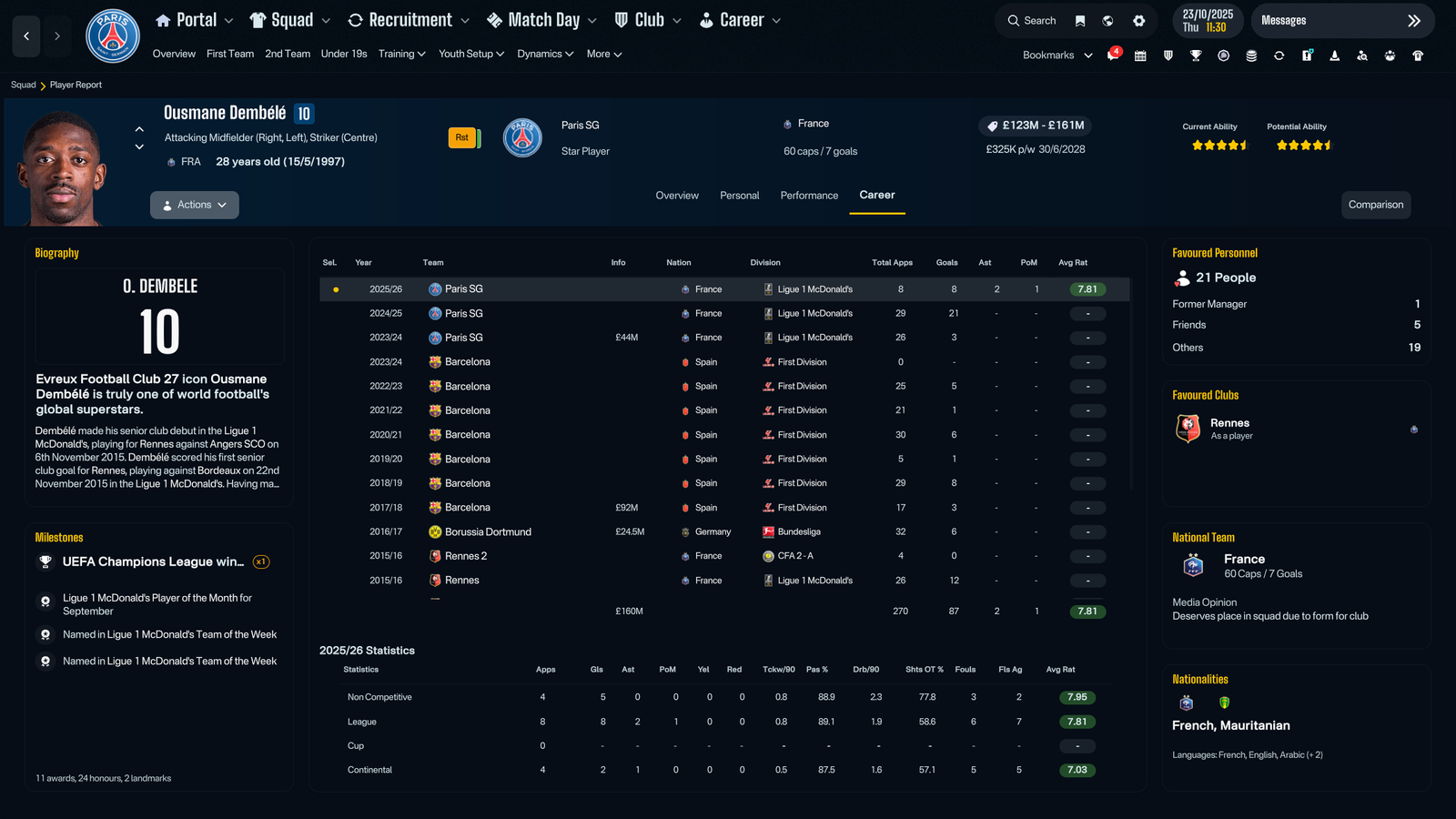
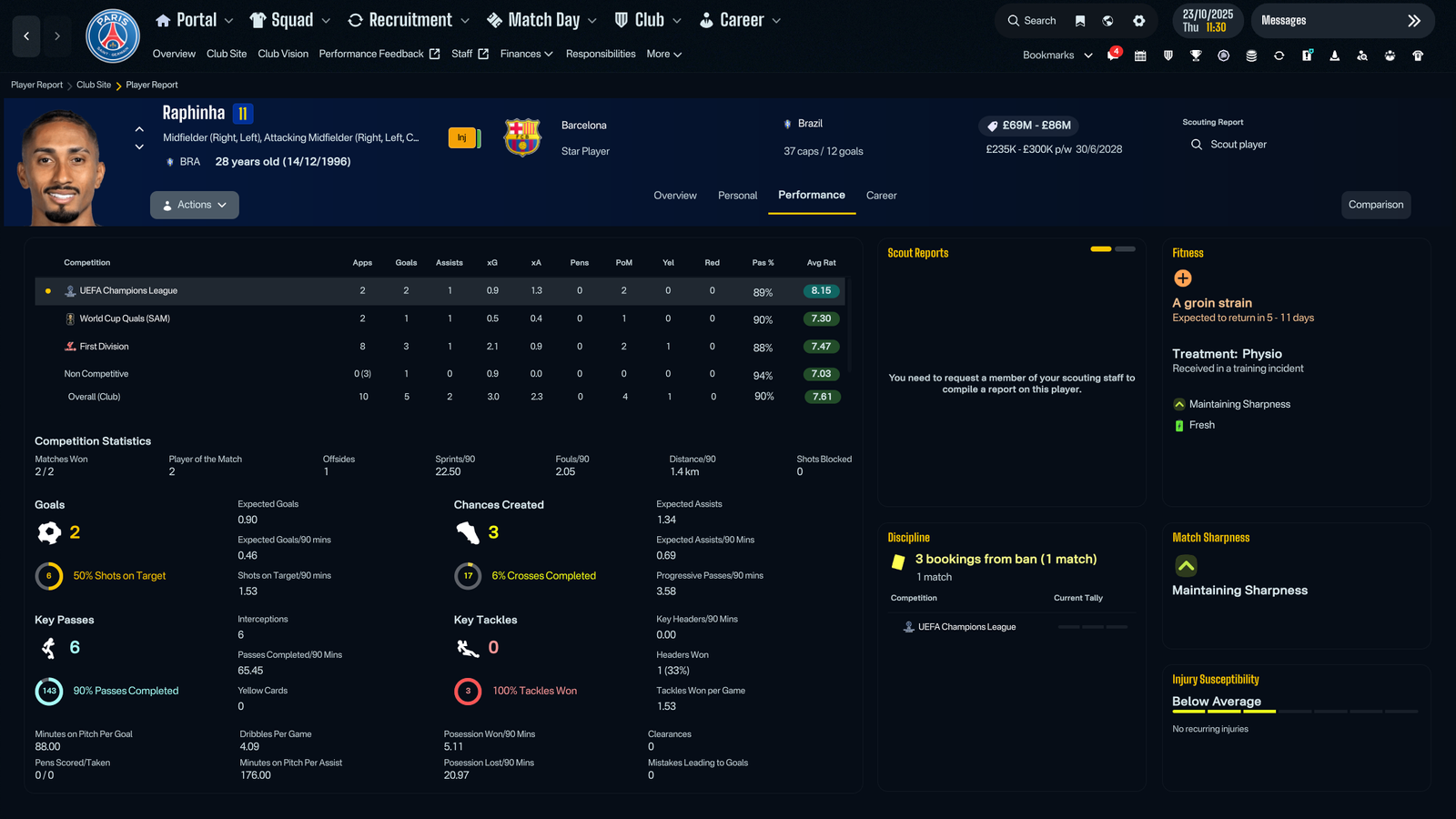
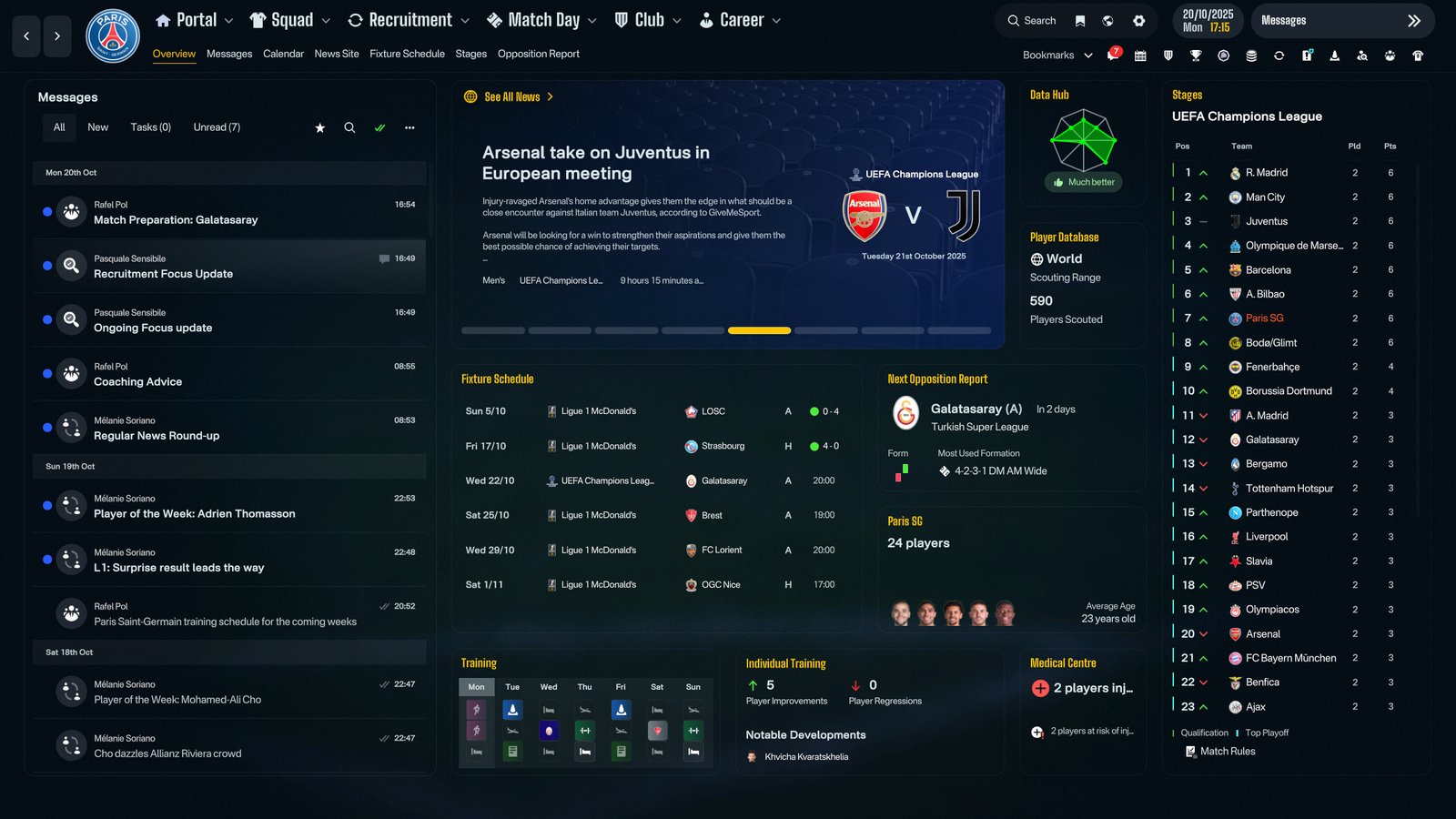
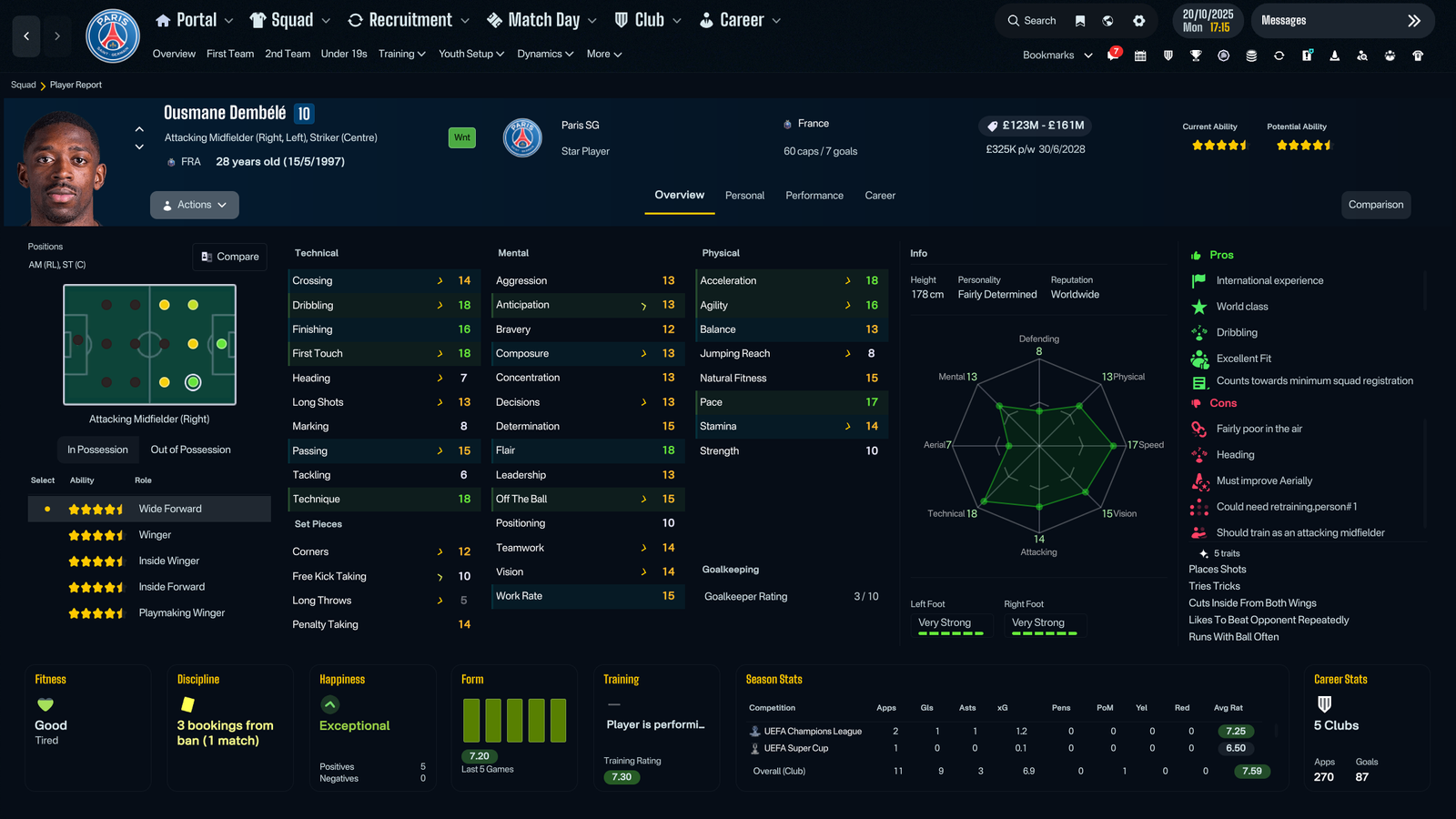
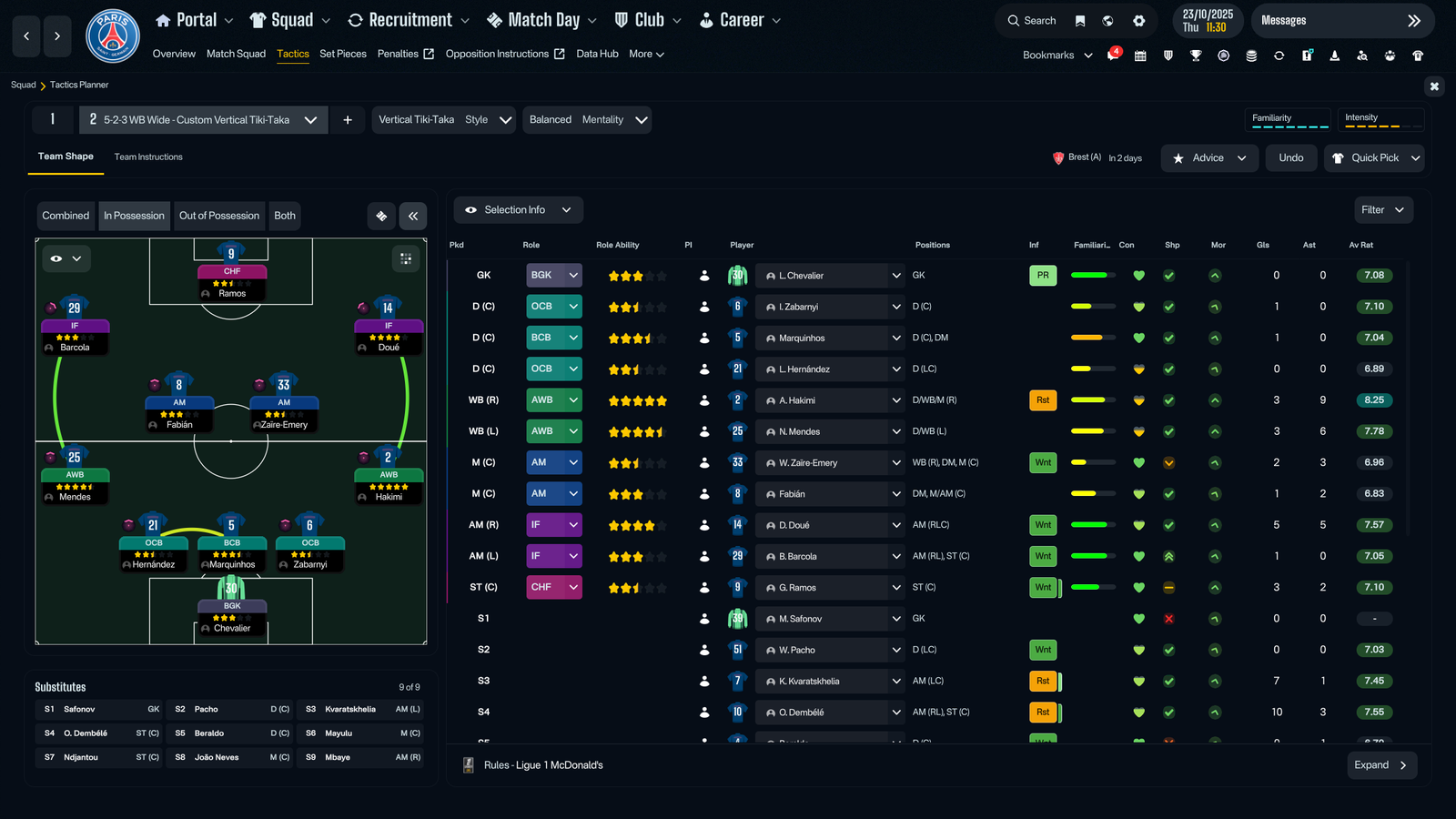
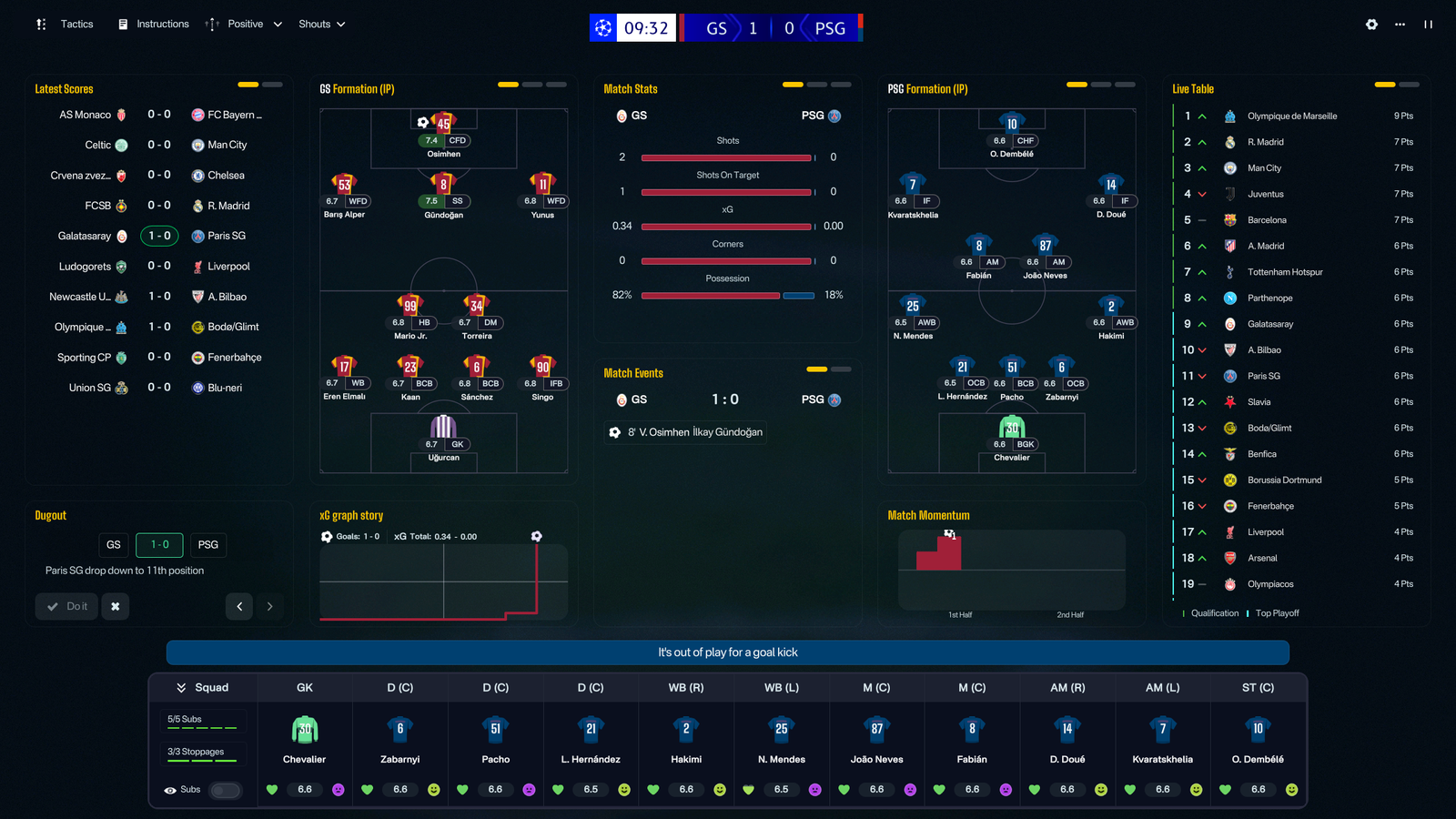
CTRL is a custom skin for FM26 by MW90. Built and maintained using FM Skin Builder.
Supported FM version: 26.1.3 Hotfix
Supported Platform: Windows and macOS
Installation
Extract the bundle files into your game installation folder (replace the existing files when prompted).
Windows:
Steam: \Steam\steamapps\common\Football Manager 26\fm_Data\StreamingAssets\aa\StandaloneWindows64
Xbox Game Pass: \XboxGames\Football Manager 26\Content\fm_Data\StreamingAssets\aa\StandaloneWindows64
Epic: \Epic Games\Football Manager 26\fm_Data\StreamingAssets\aa\StandaloneWindows64
macOS:
Right-click the Football Manager app → Show Package Contents.
Then navigate to the bundles folder using a similar path structure as above (Content → Resources → Data → StreamingAssets → aa → StandaloneOSX).
Paste and replace the supplied bundles.
Repository (source files, for personal use with FM Skin Builder): https://github.com/matt-wadsworth/ctrl-fm
Thanks to lotsgon, Darkside, (sic), MrTini23 and everyone else working to improve the FM skinning experience.
Notes
Recommended for 1920x1080 and above, with Small font size scaling. May work with other setups but this isn't tested.
Same for languages, tested and built in English, other languages may have issues.
Changelog
[1.1.1] – 26-02-2026
Fixed
Individual Training - Fixed a bug preventing Praise/Criticise actions from showing.
[1.1] – 25-02-2026
Added
Pros and Cons – Added to Player Reports.
Match View - Added Pass Maps.
Individual Training - New tile layout.
Player Reports - New tile layouts for Overview, Performance and Career tabs.
Changed
Key/Preferred attribute highlights – Made these more obvious (may still tweak; want to keep them quite subtle).
Match View - Re-arranged tiles and updated Commentary Bar styling.
Switches - Updated styling.
Font - Removed replacement of language fonts.
Club Site - Added more relevant info - based on MrTini/WTS layouts.
Checkboxes - Updated styling.
Messages Unread Indicator - Increased contrast.
Fixed
Player Polygon – Fixed for goalkeepers.
Warning Icon - Reverted to white icon to make it visible on Continue/Must Respond buttons.
Background Replacement - Fixed for Bundesliga and added others in case another league was missed.
Incoming Messages - Removed blue background.
[1.0] – 20-02-2026
Initial release of the CTRL skin.
Edited by MW90
What's New in Version 1.2
Released
[1.2] – 13-03-2026
Added
Support for update 26.2 (March 11th) - Updated and fixed any related issues.
Job Market - Changed the screen layout to show more of the main table.
Changed
Star Icons - Reduced saturation of Gold icons.
Tile Indicators - Changed styling of current/active tile.
Join the conversation
You can post now and register later. If you have an account, sign in now to post with your account.