





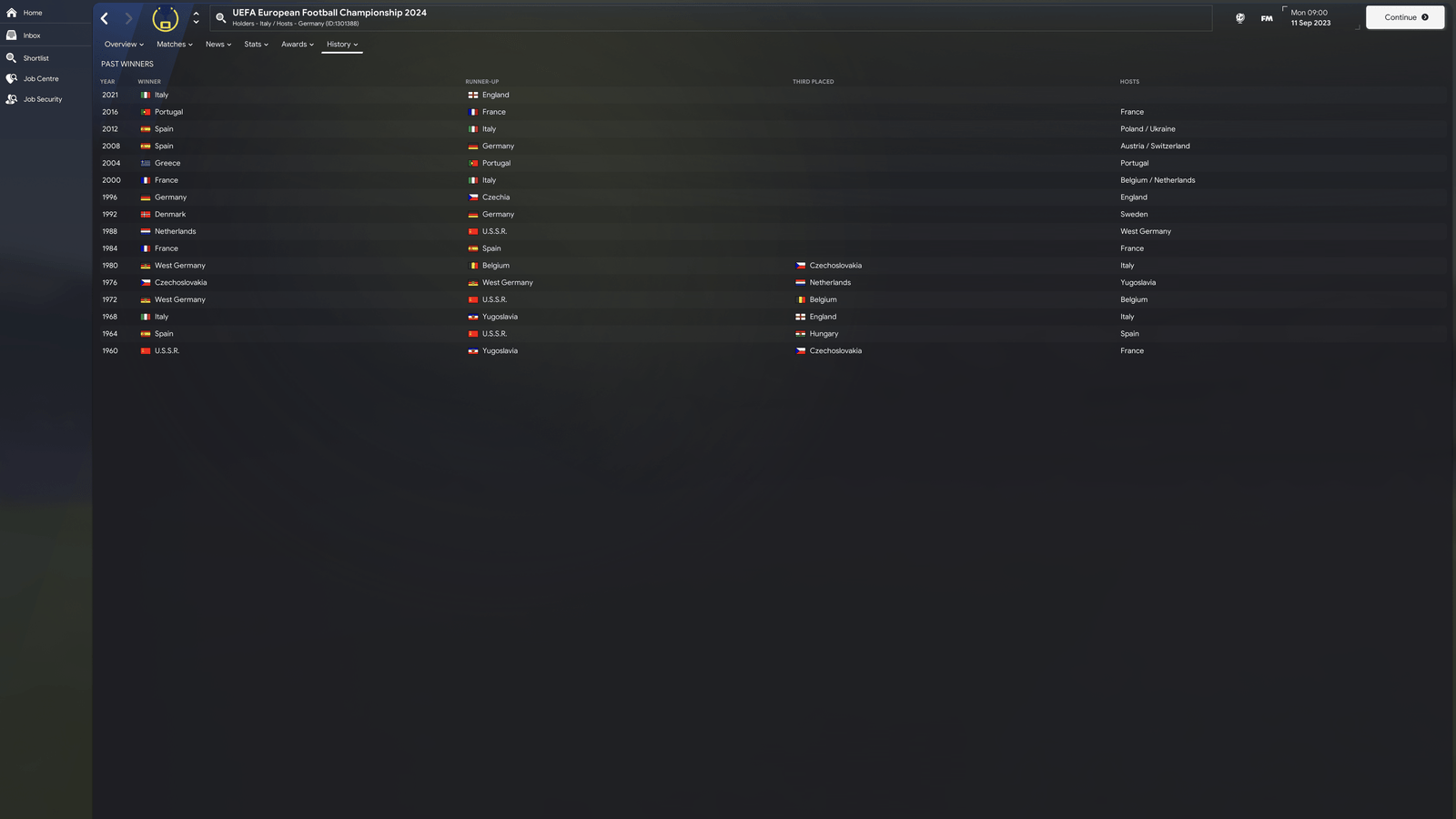
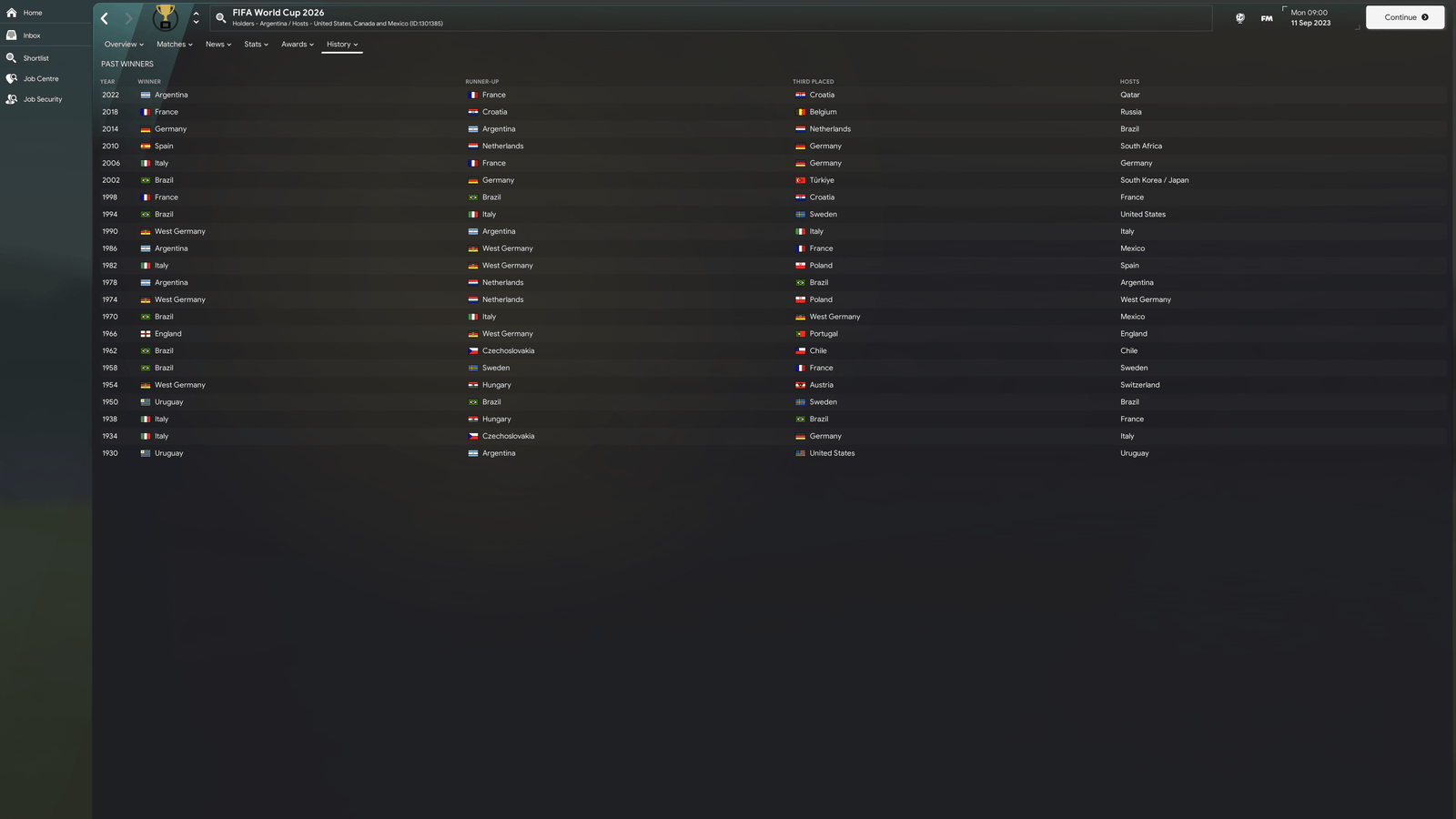
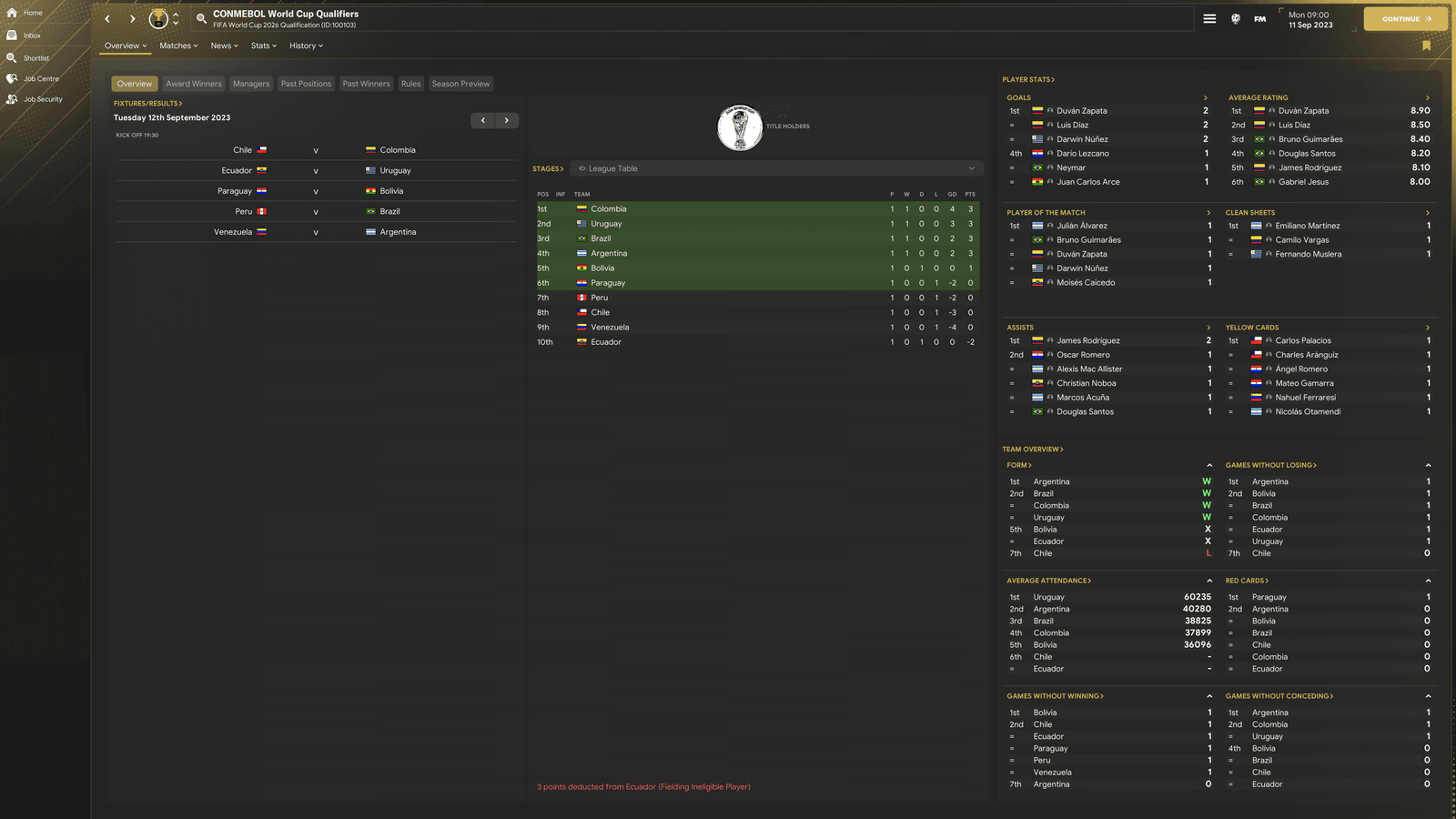
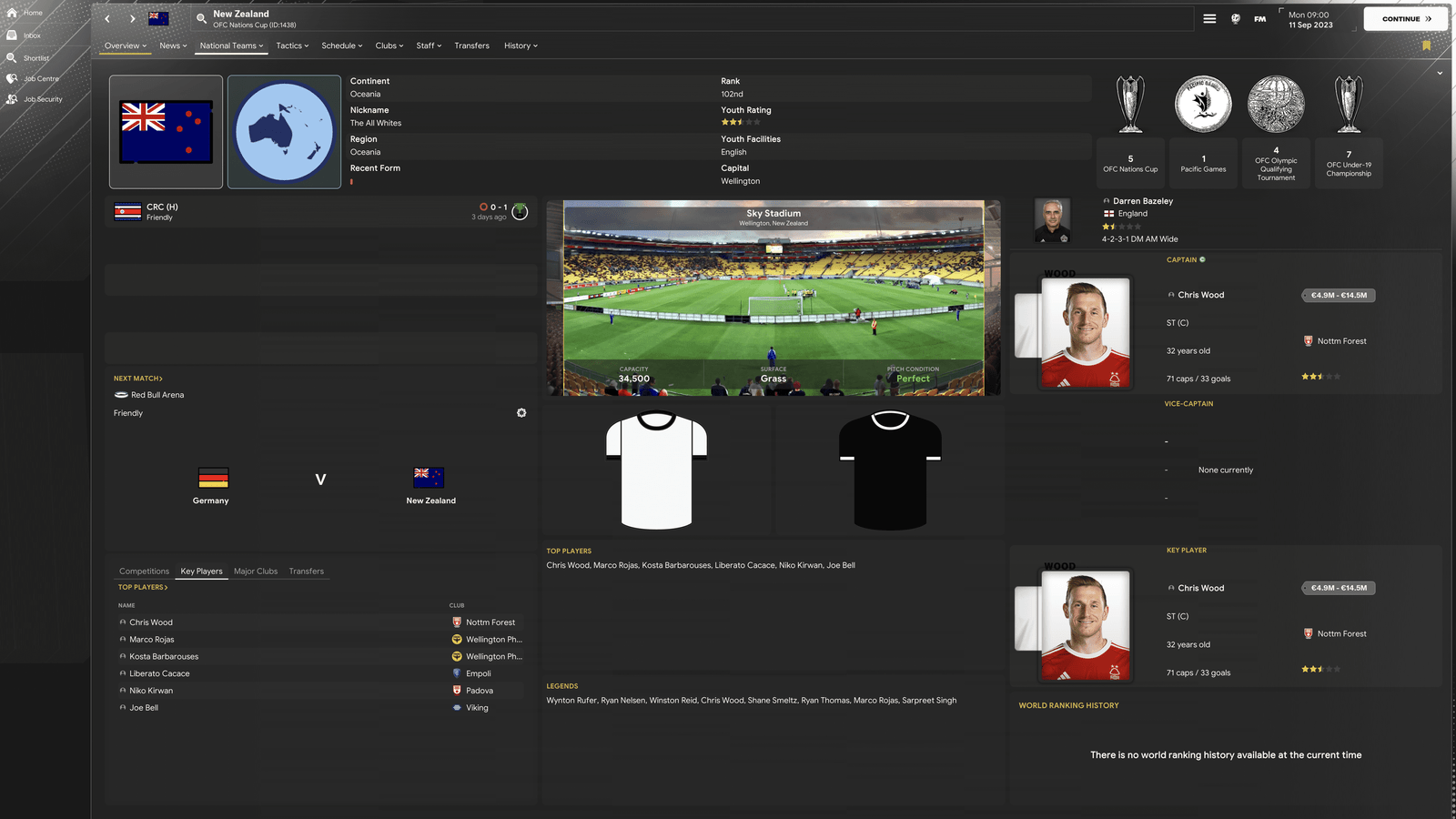
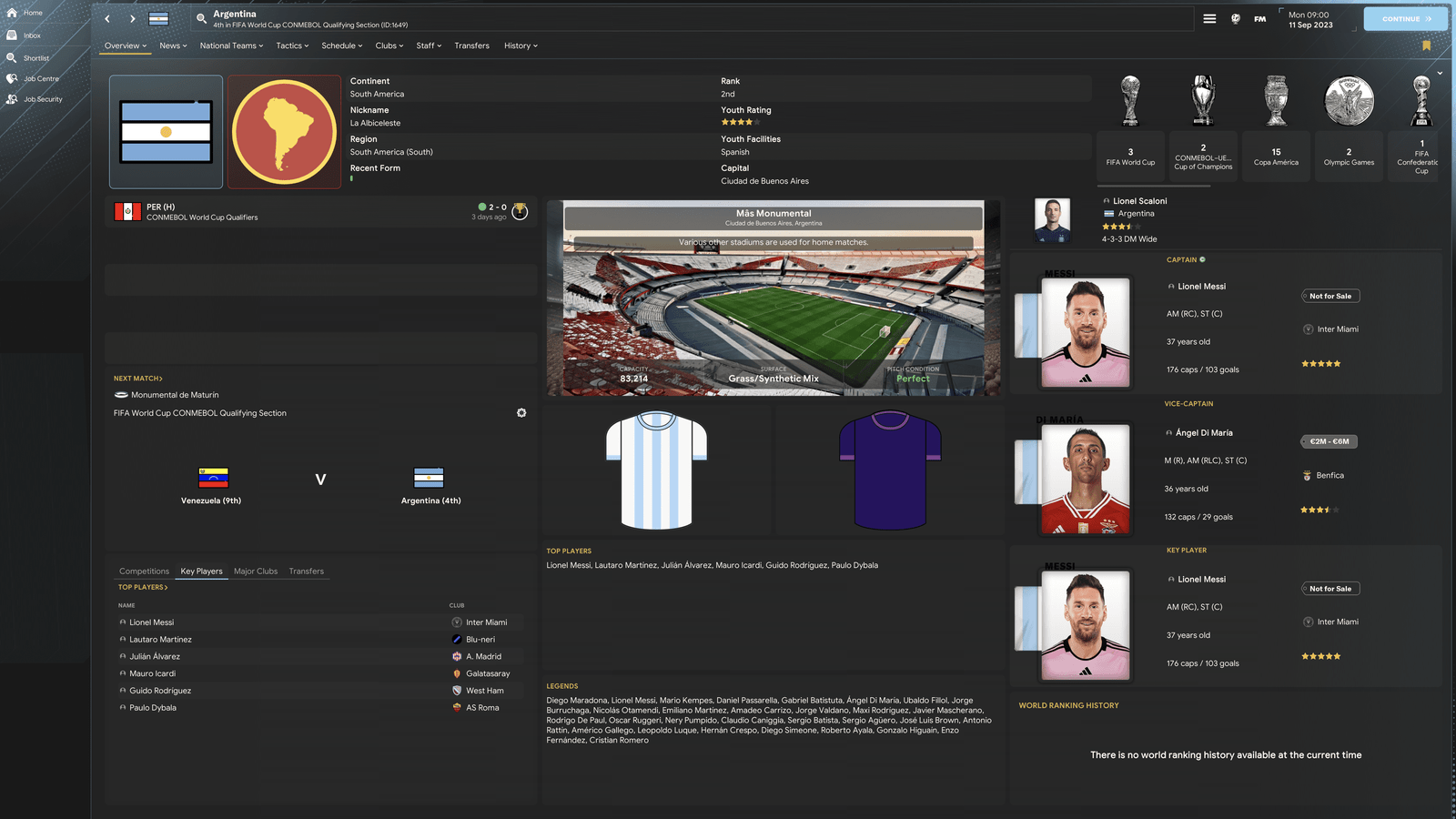
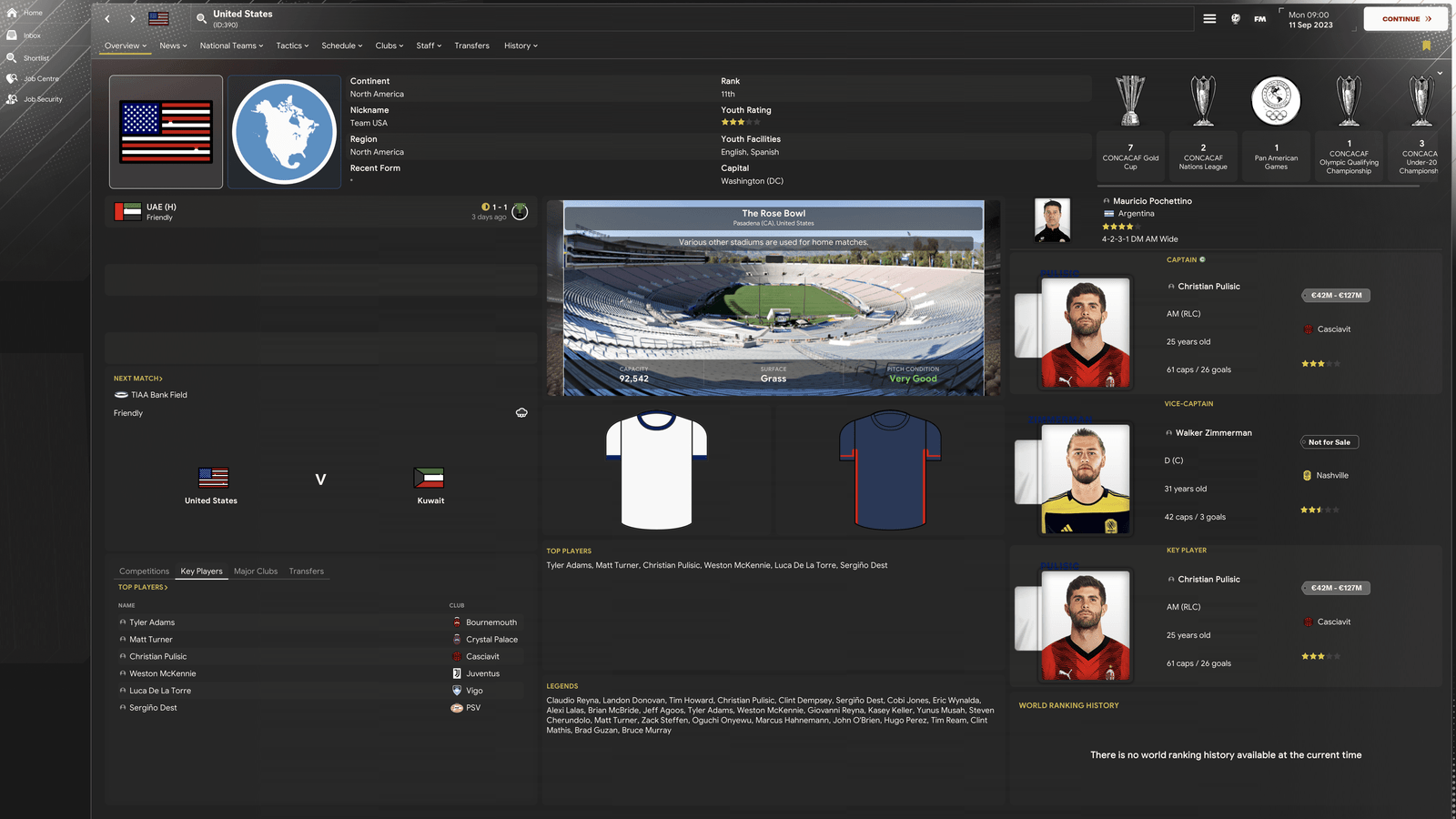
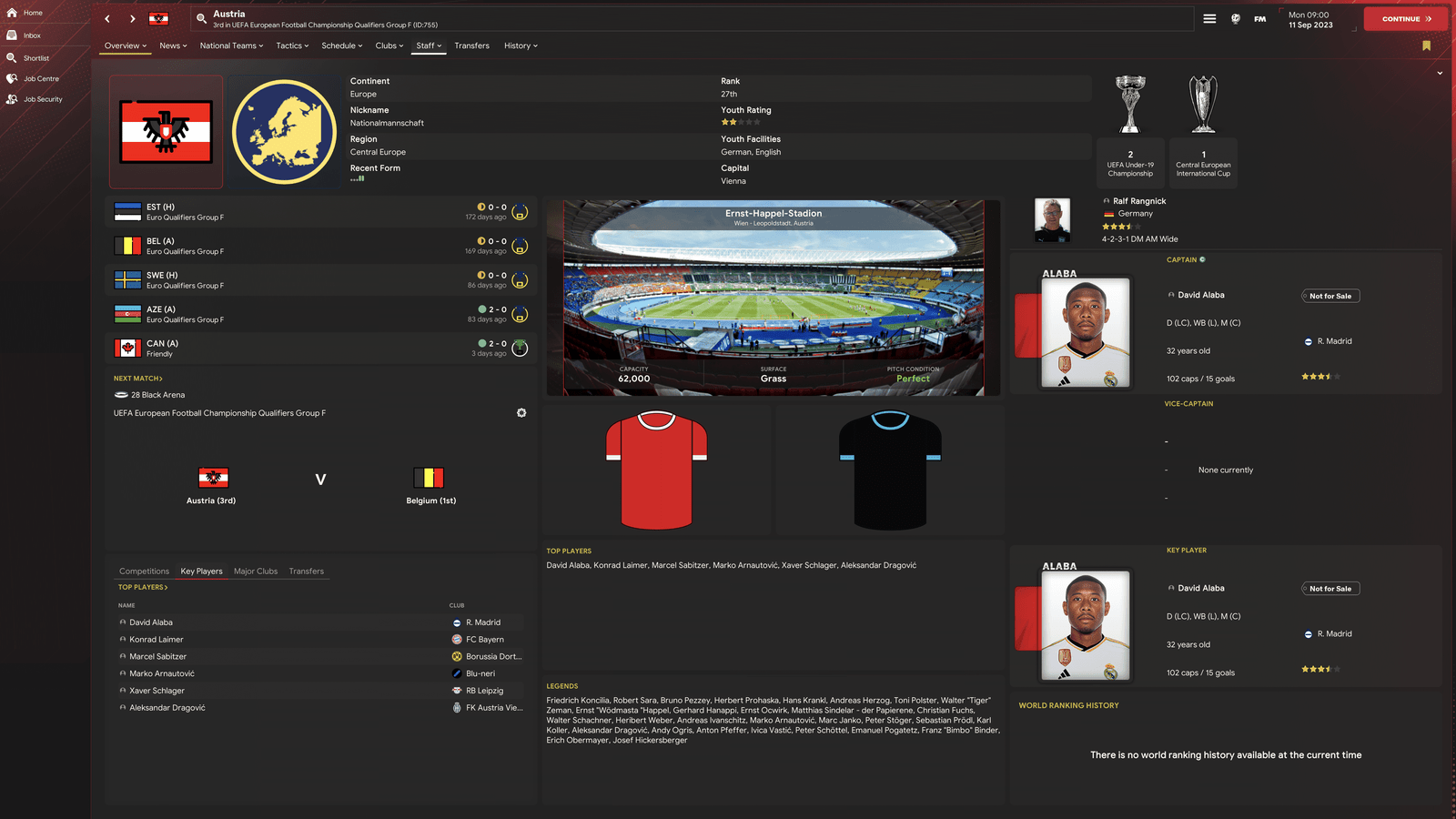
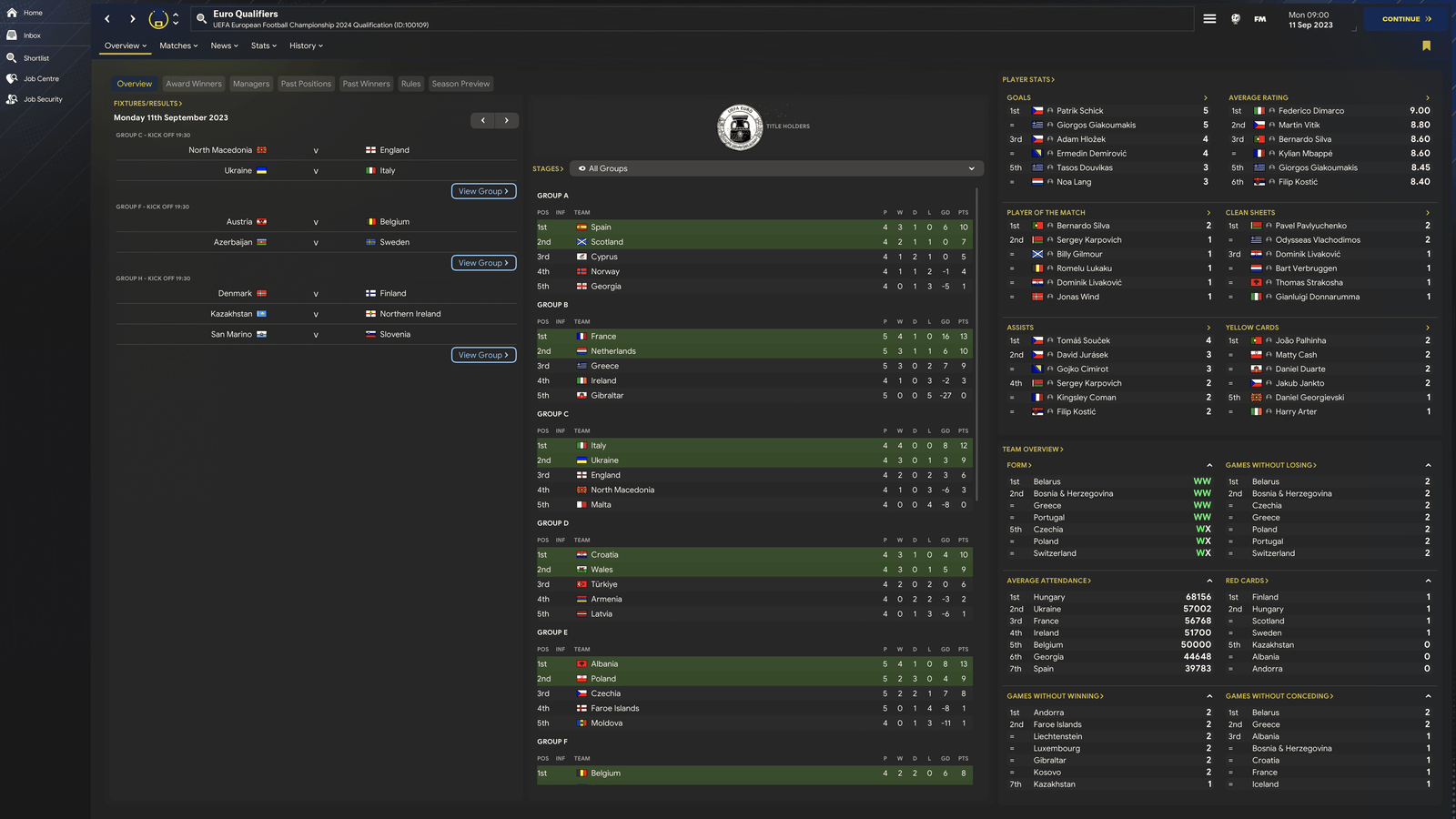
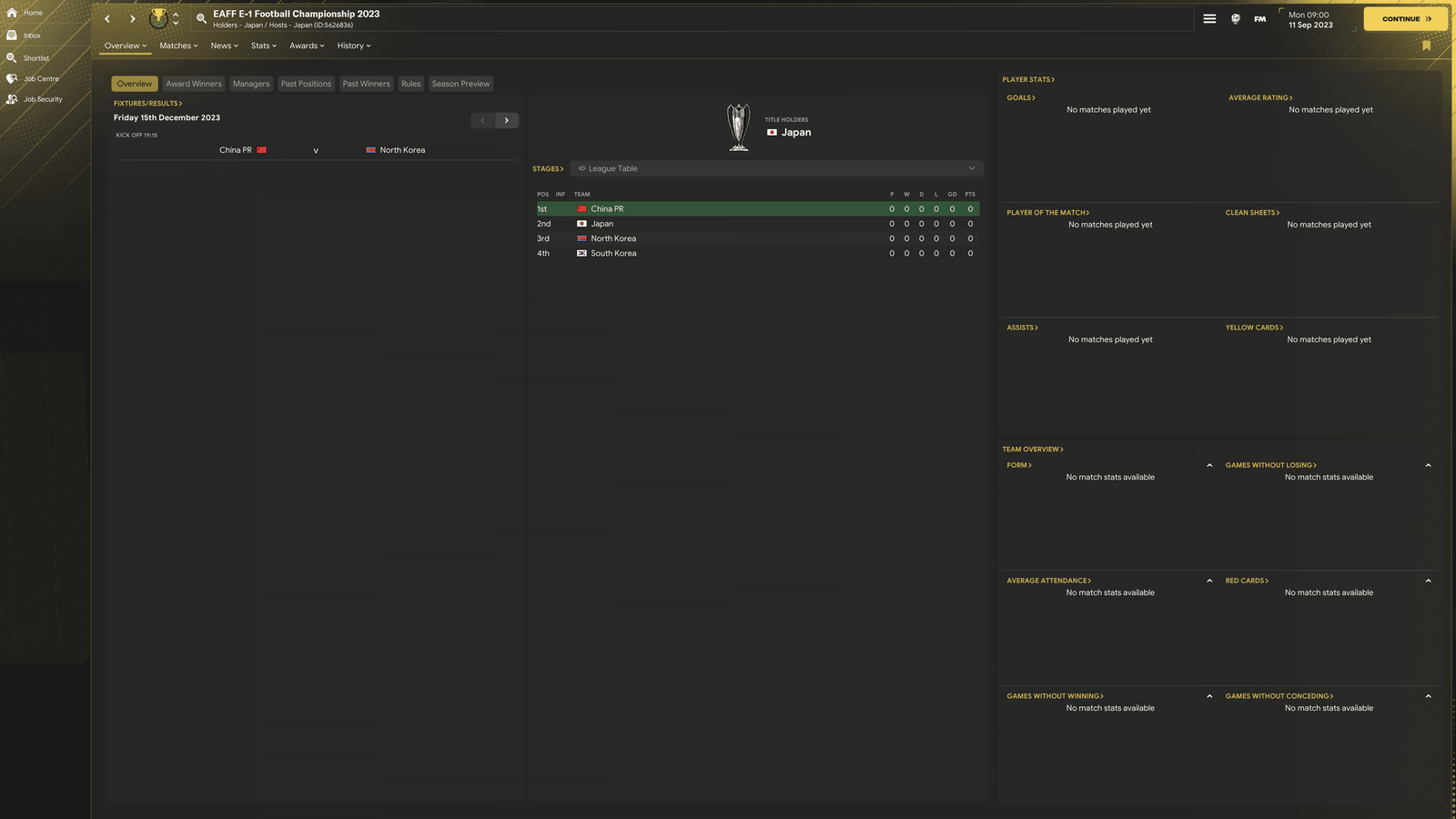
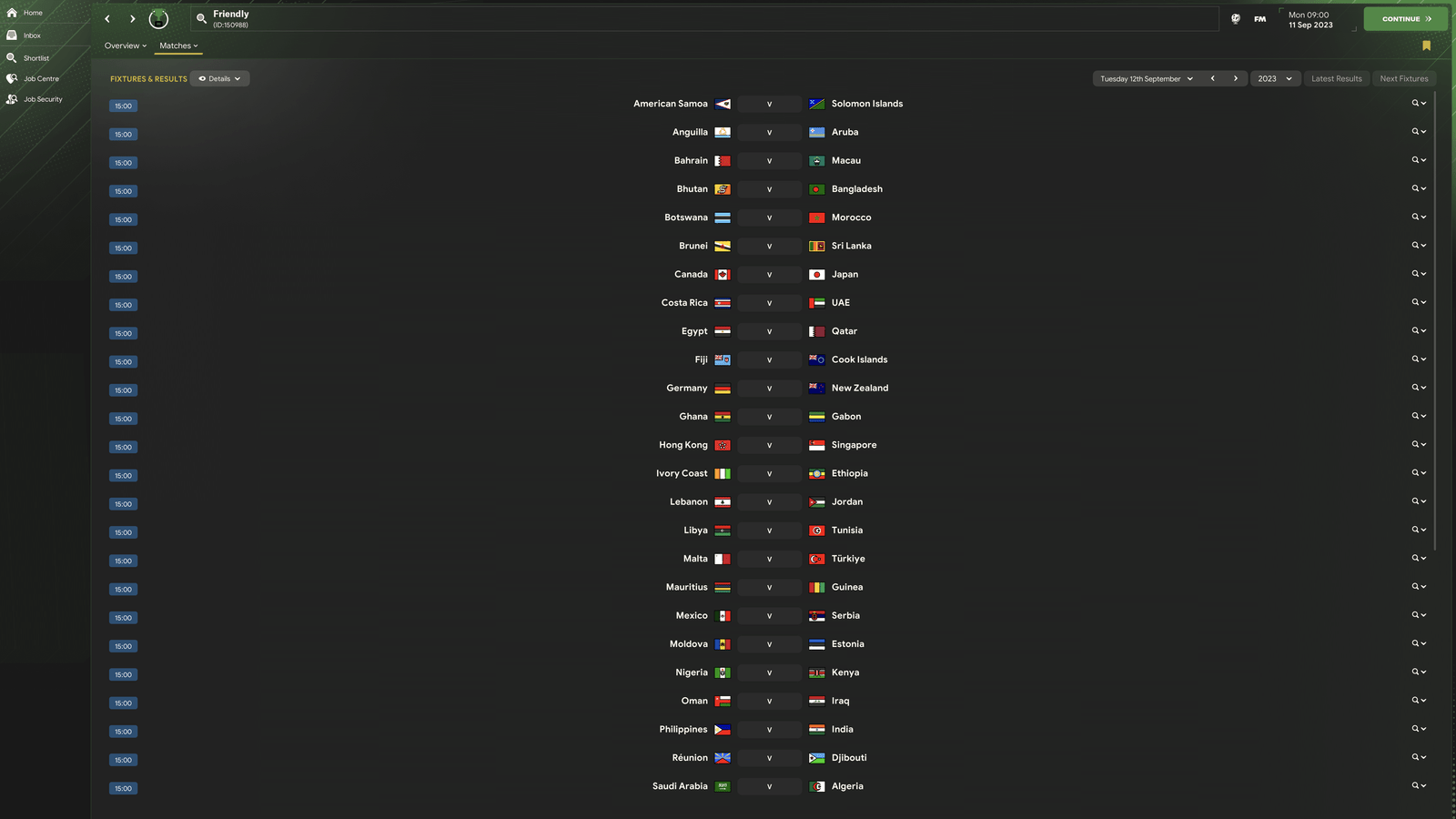
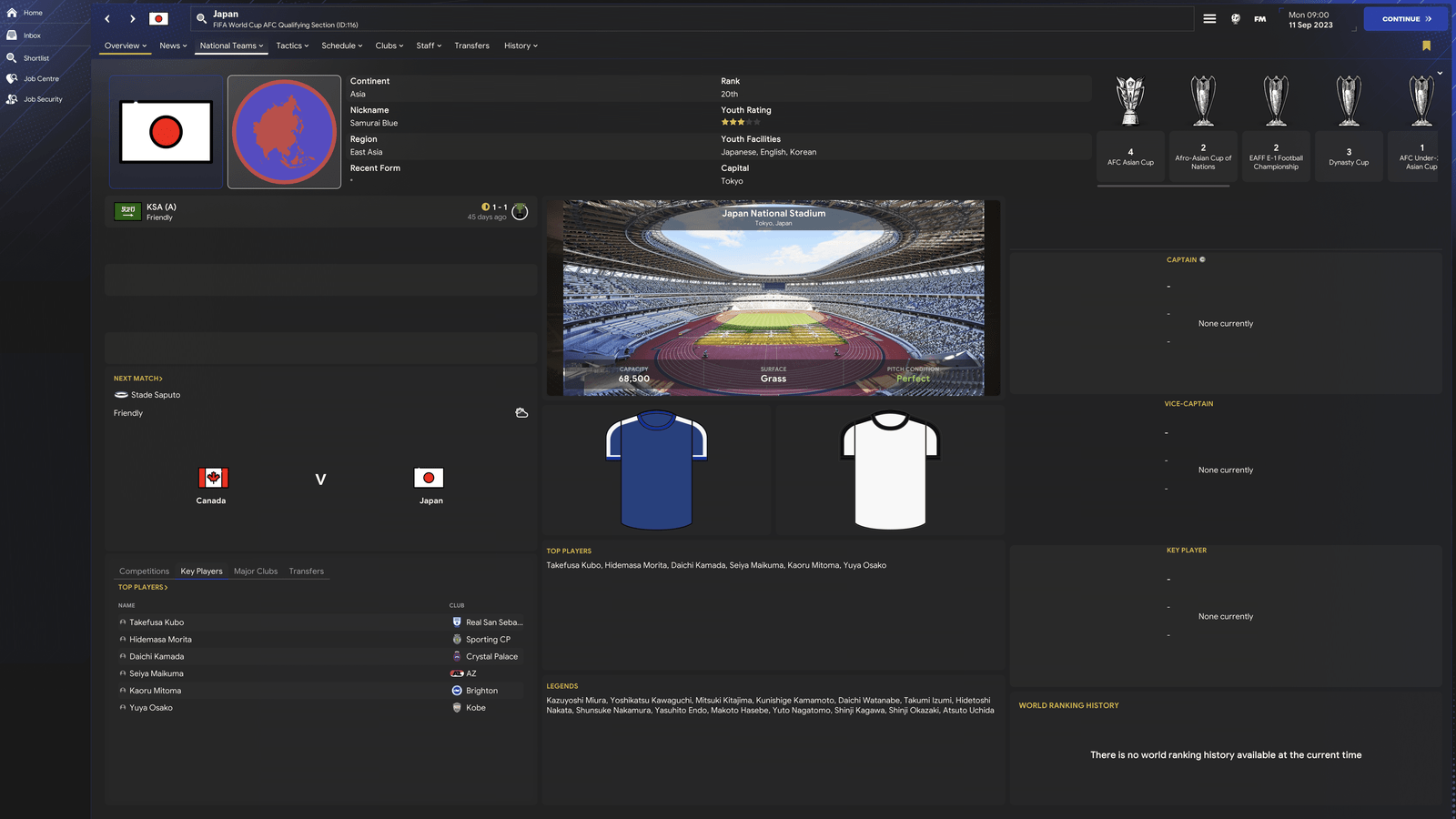
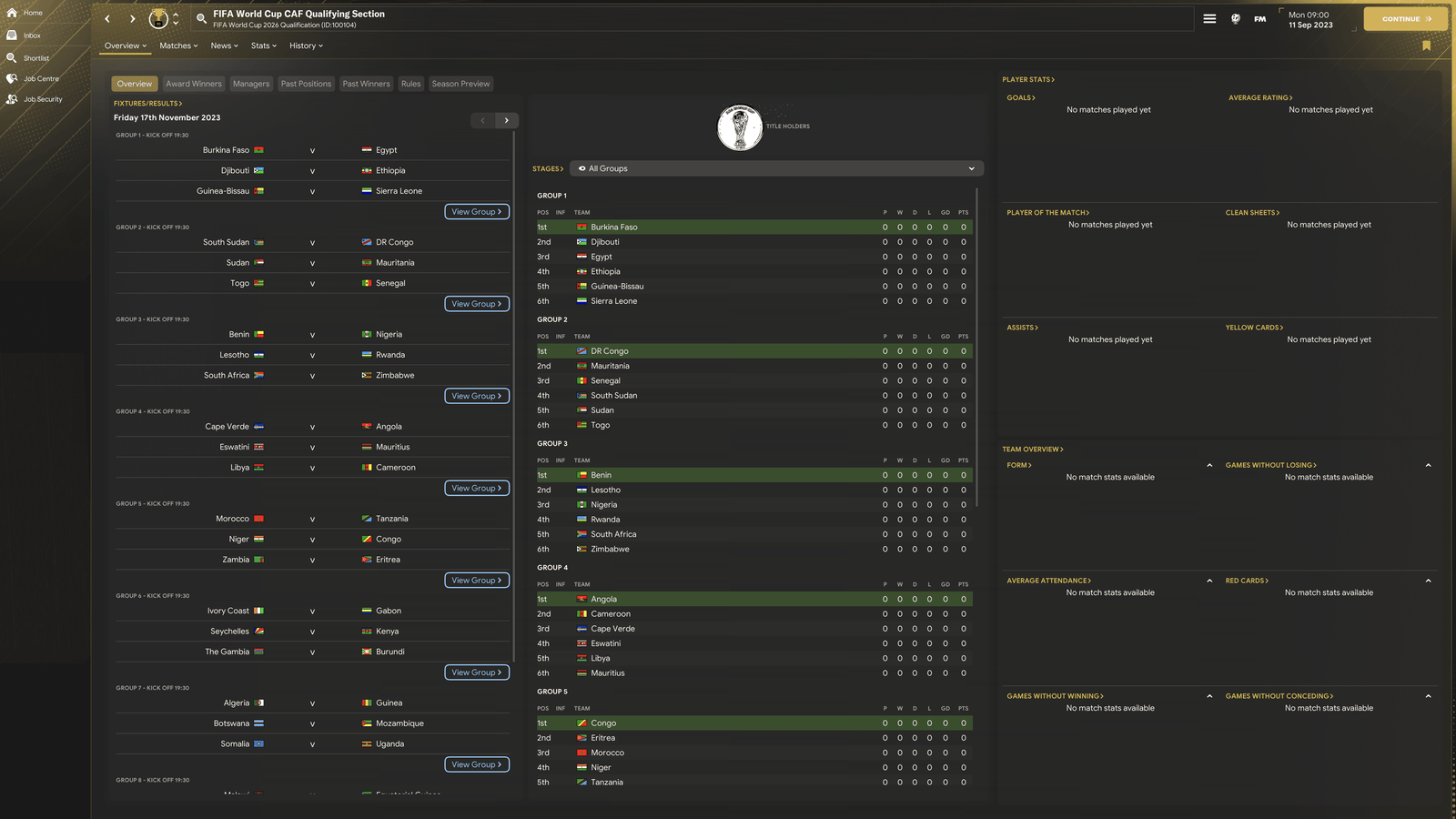
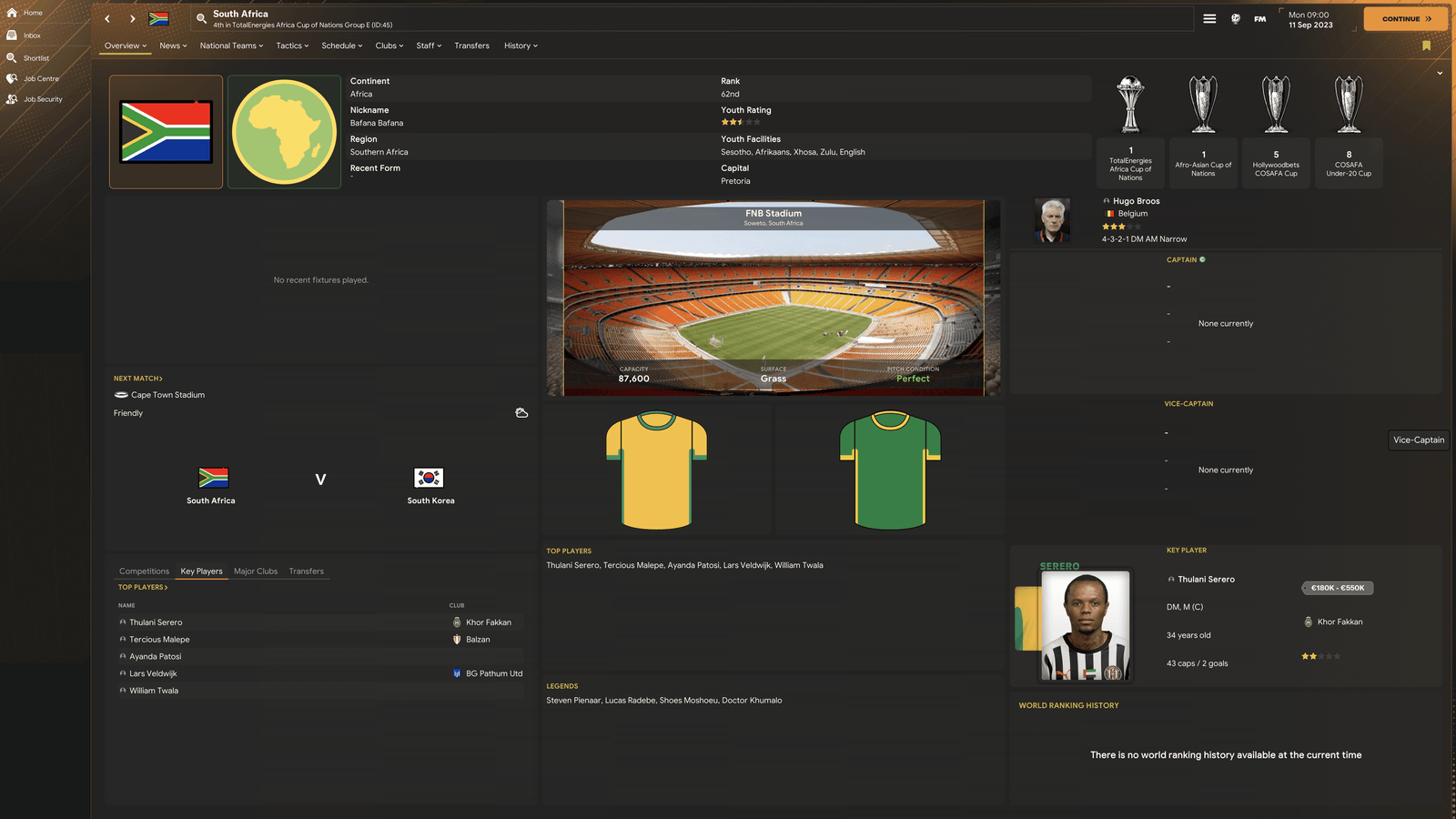
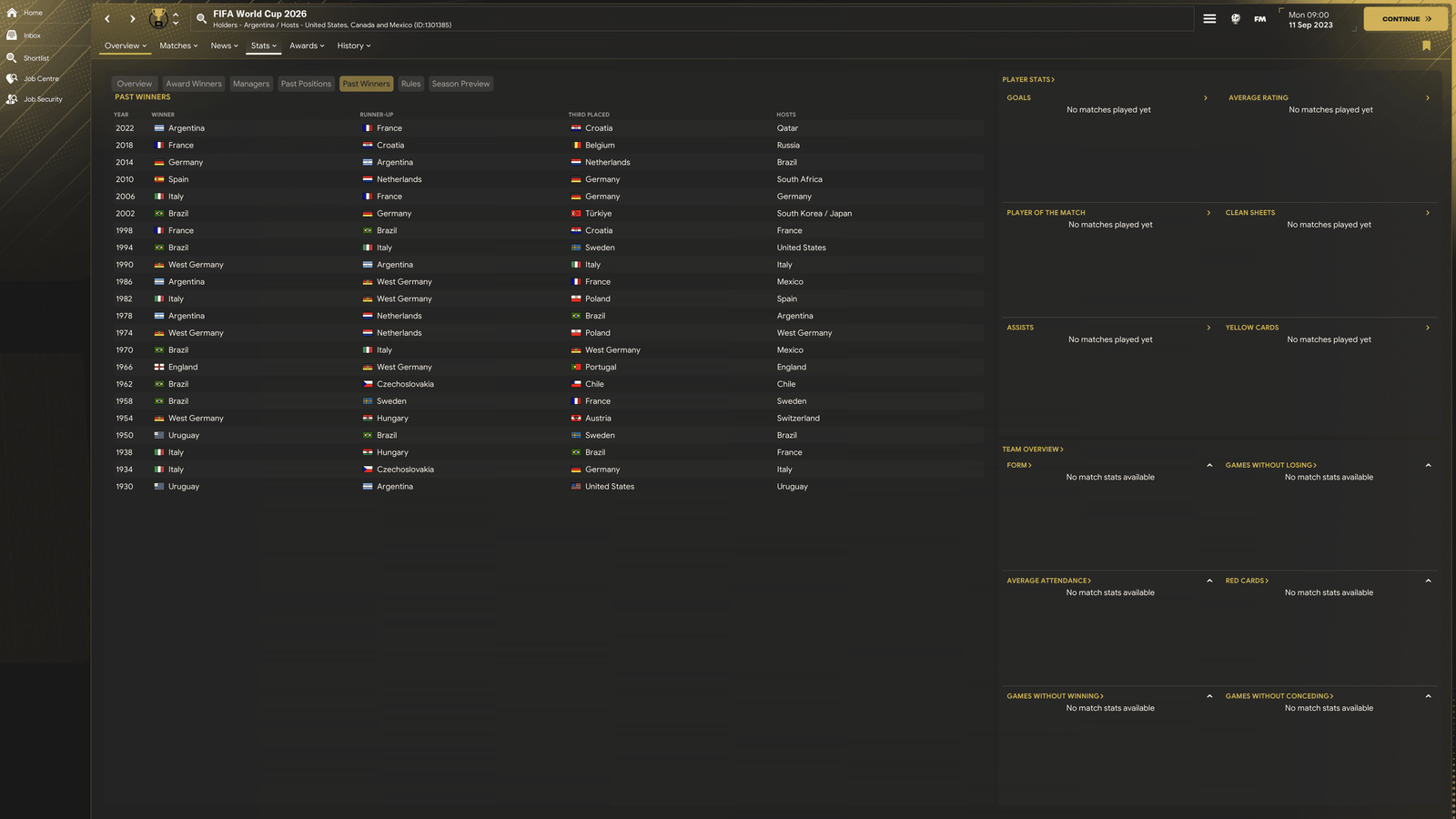
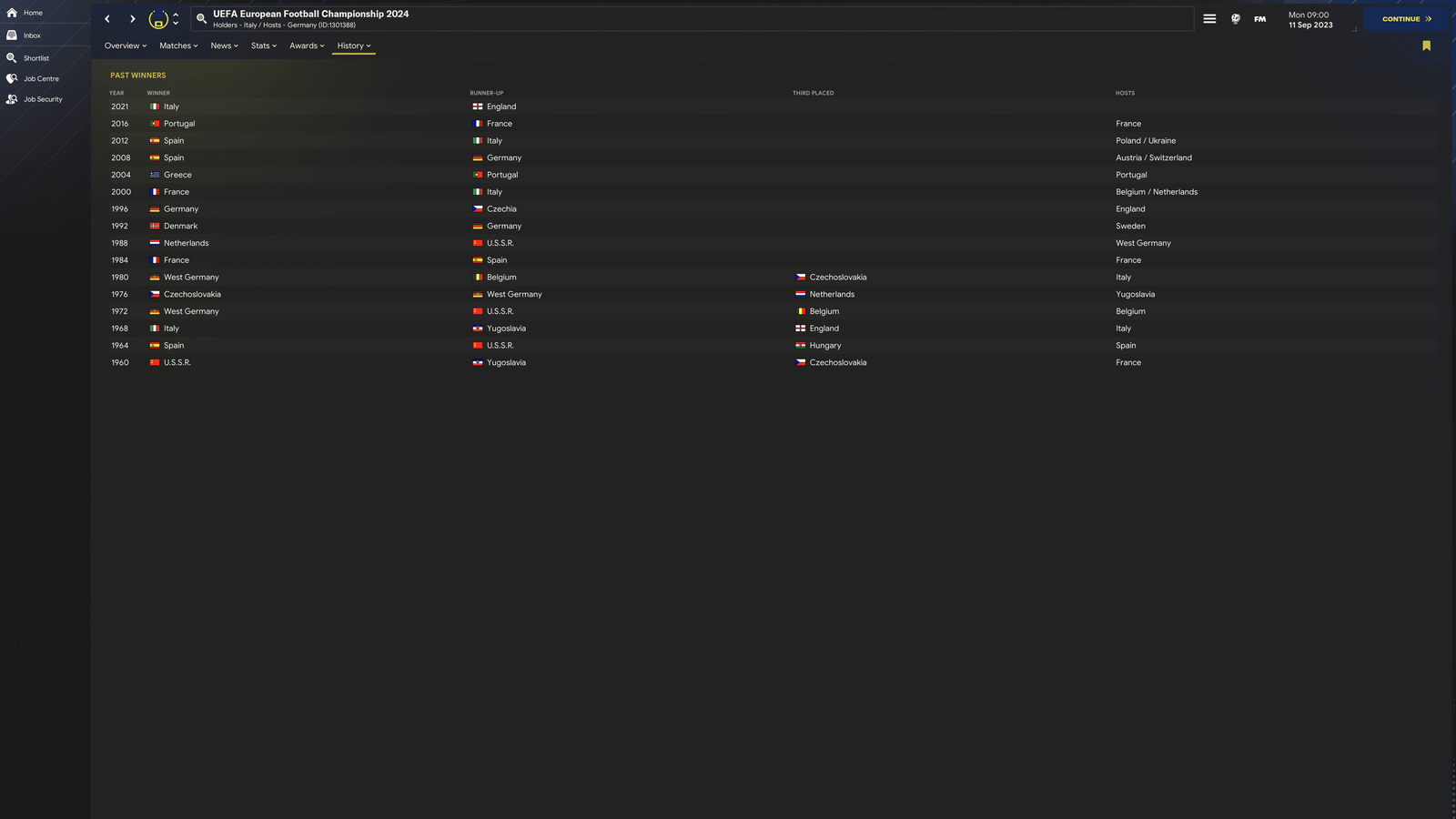
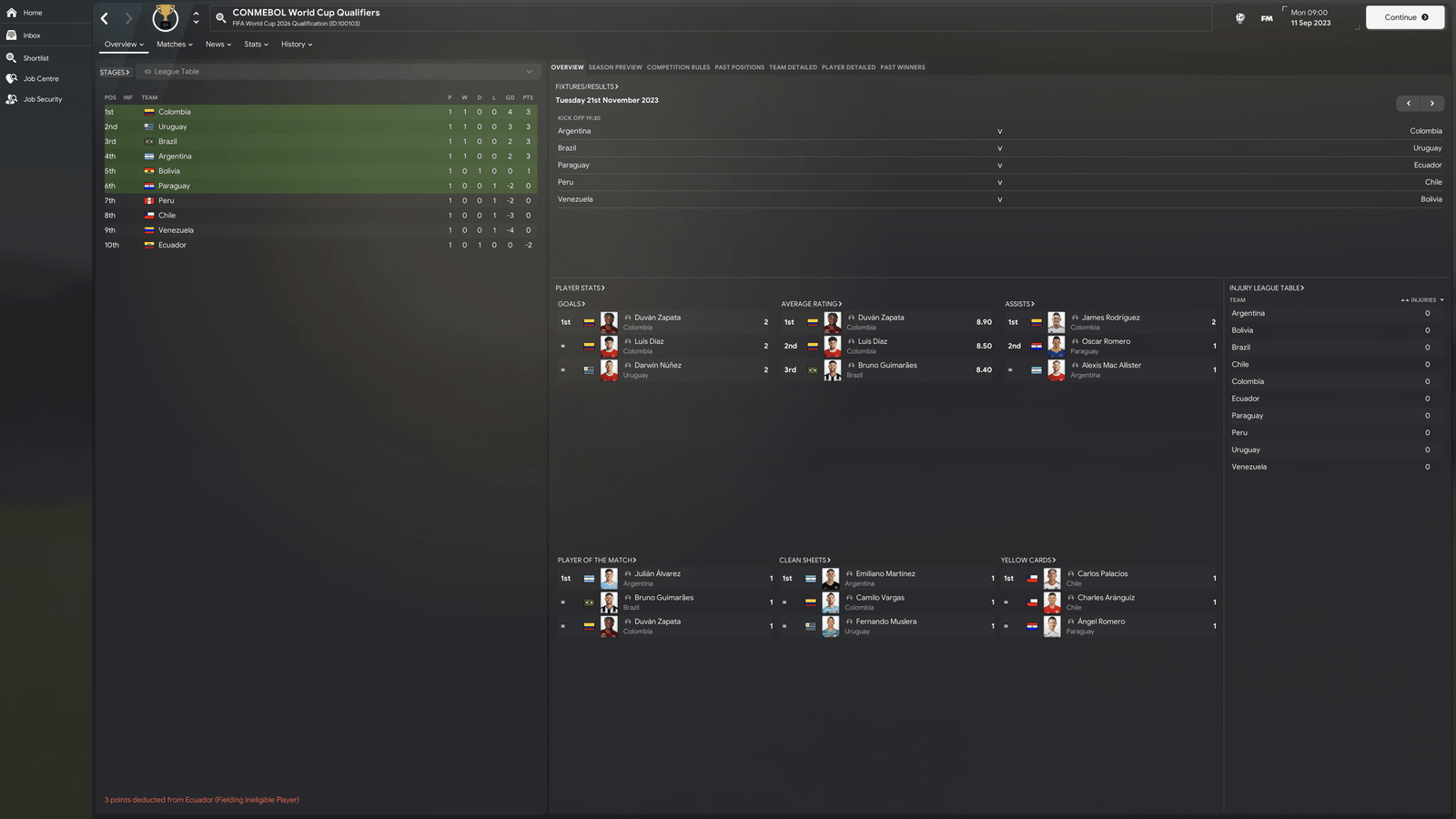
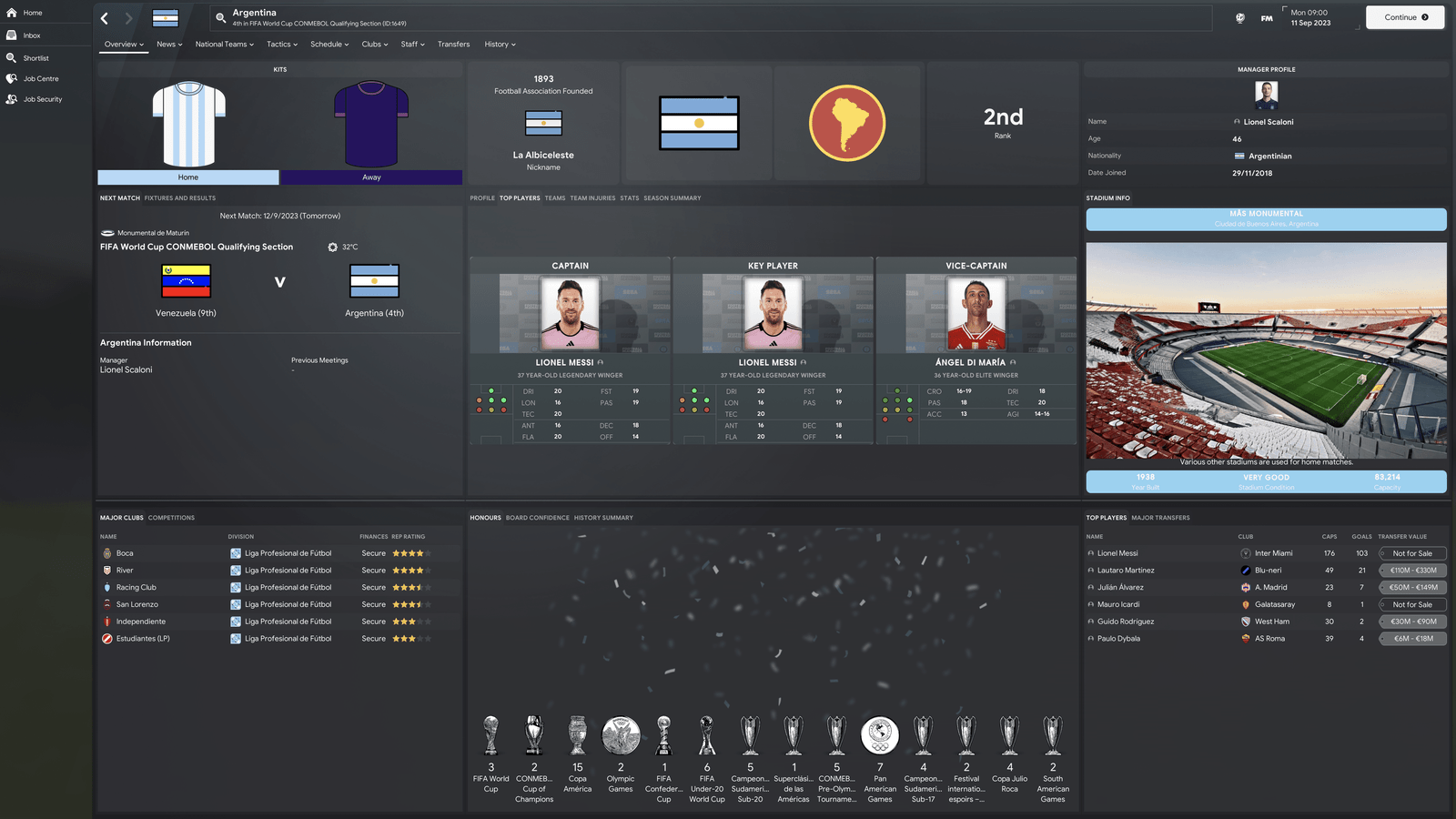
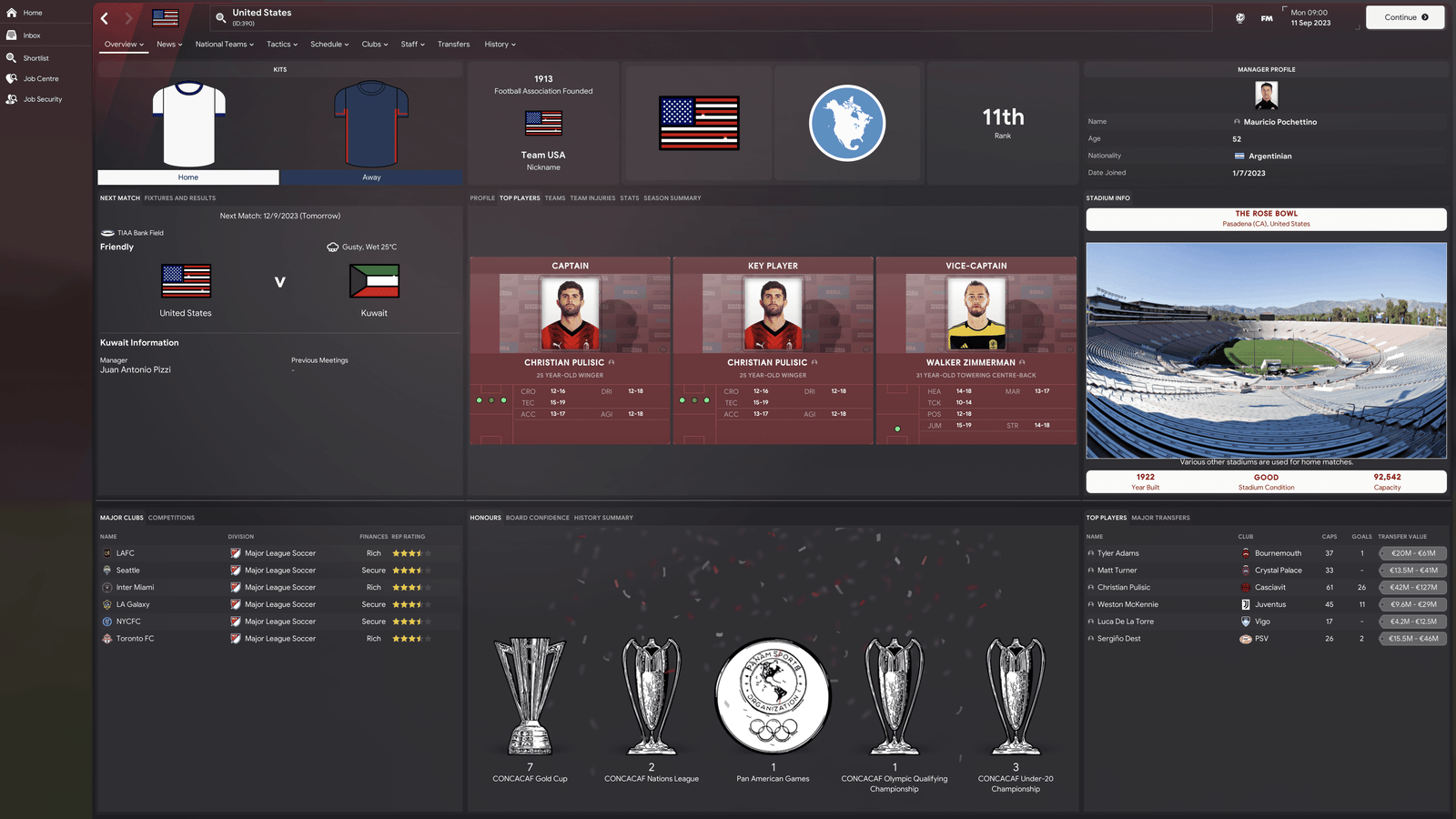
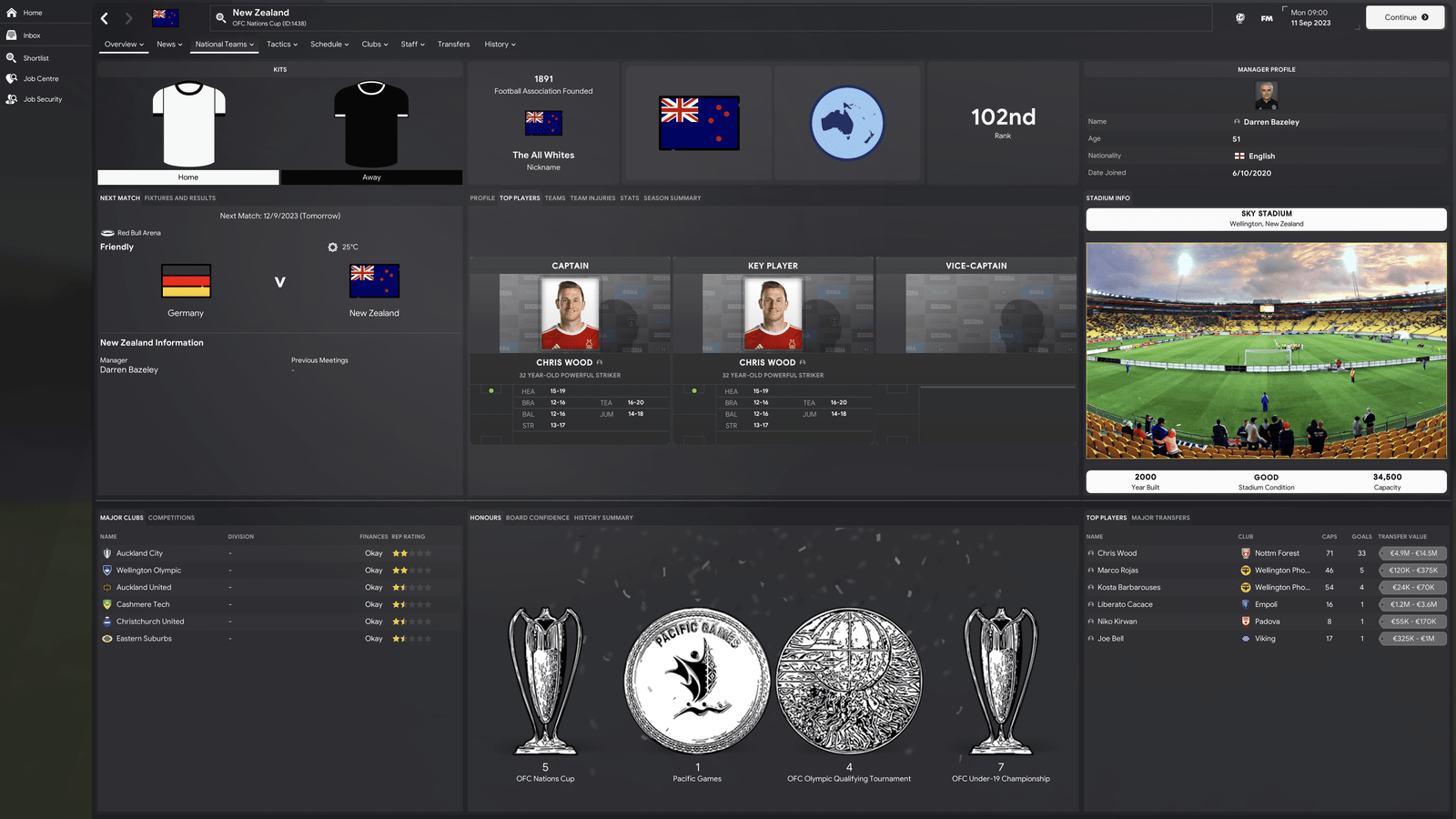
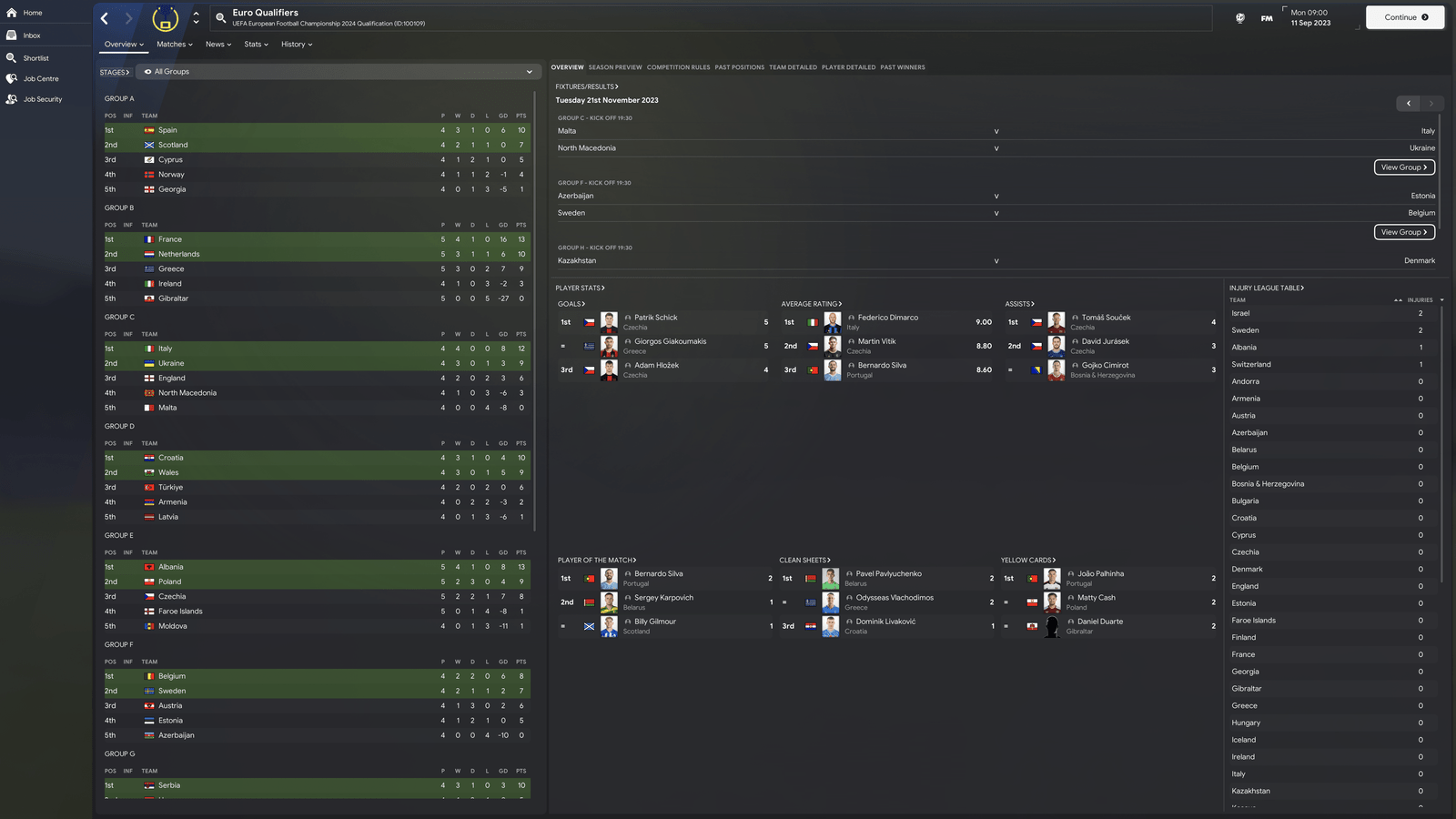
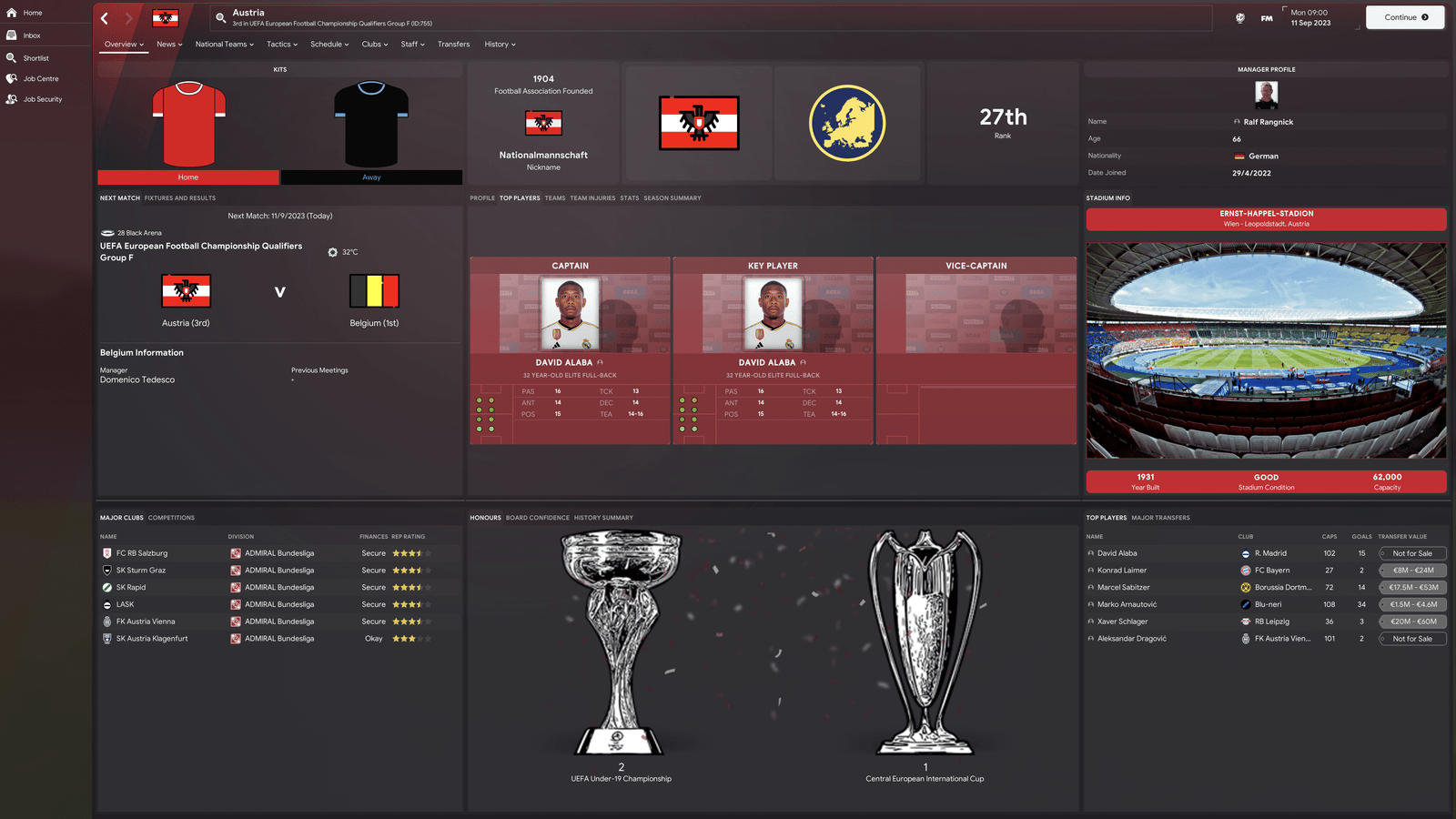
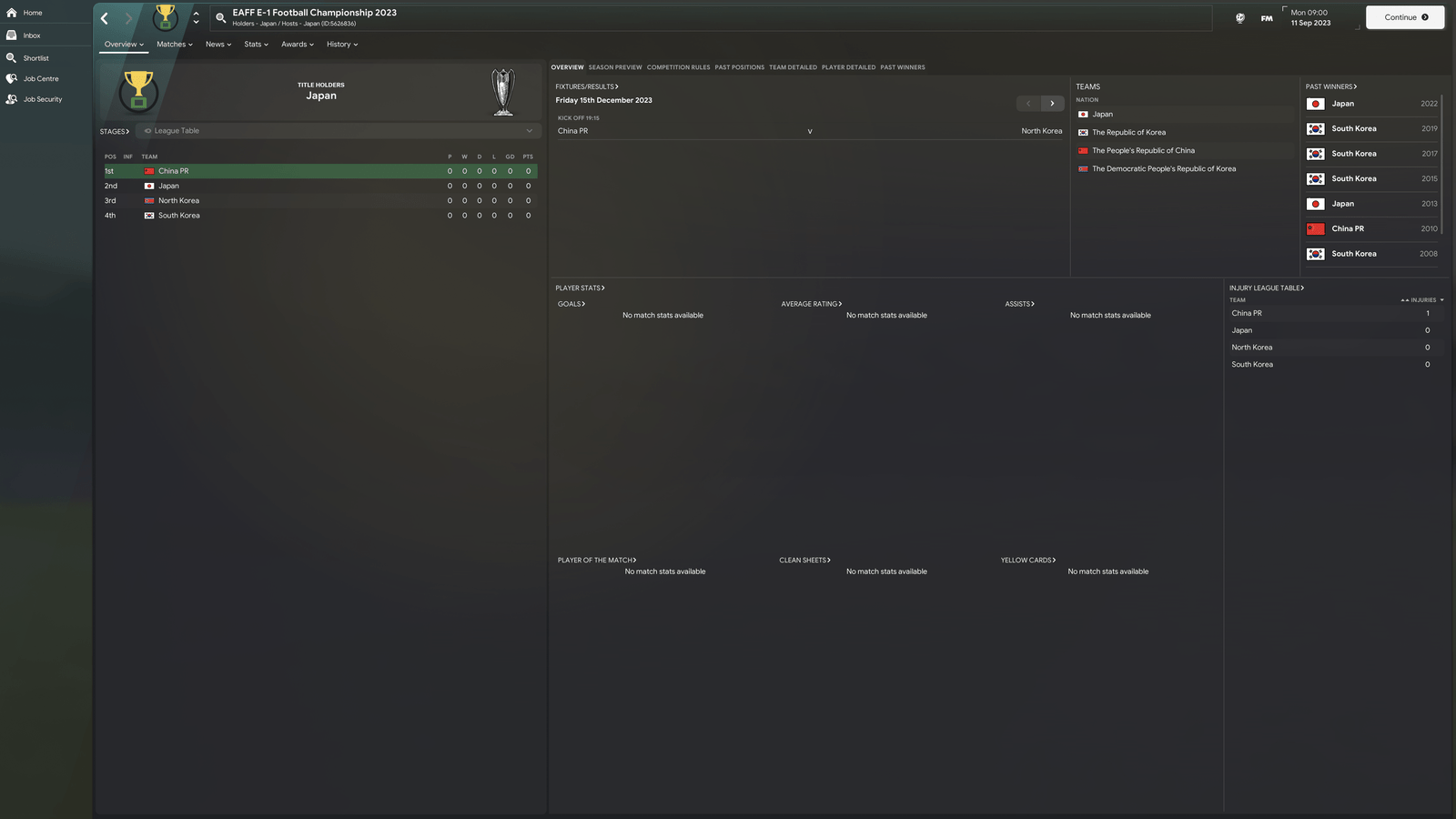
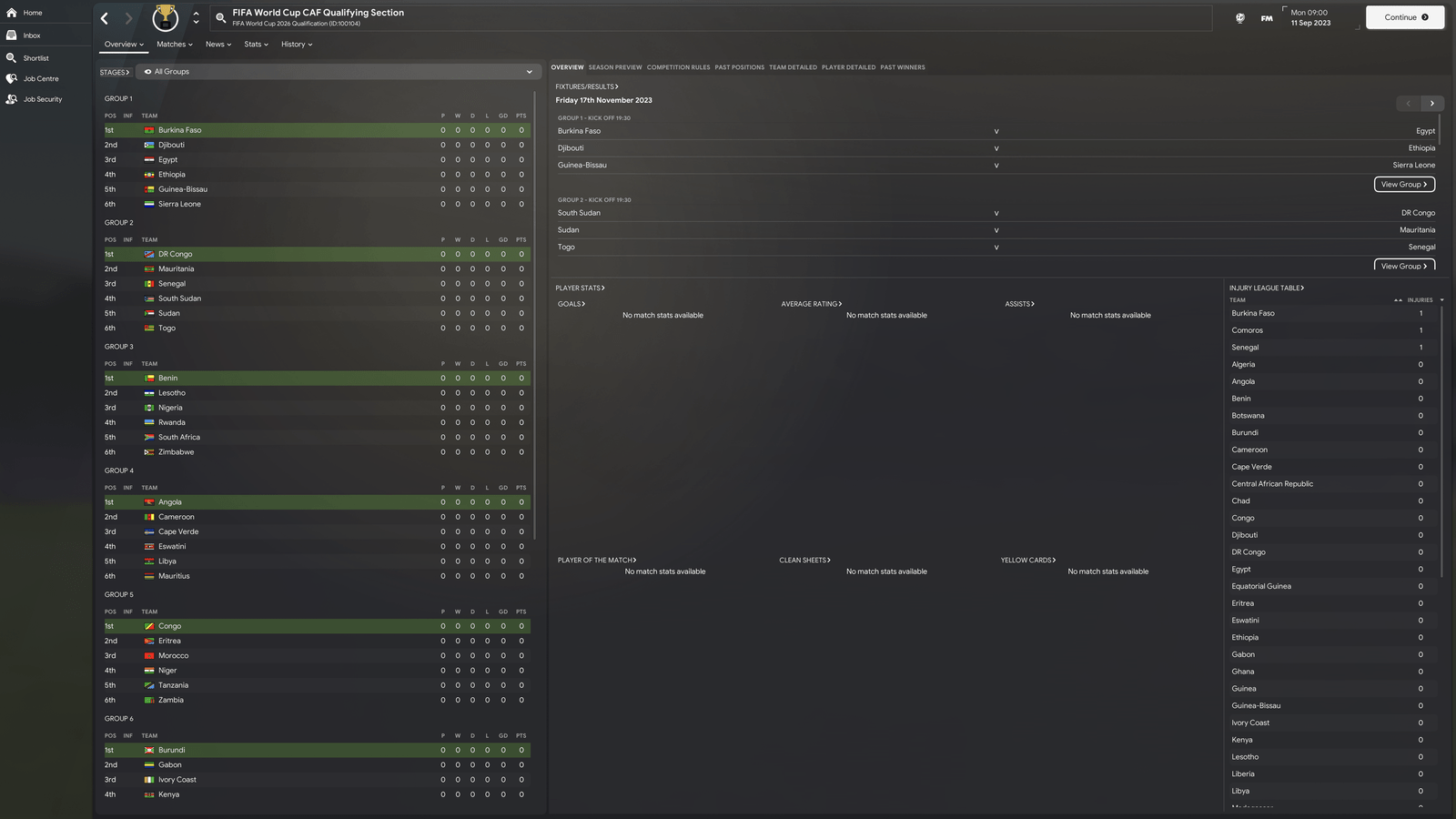
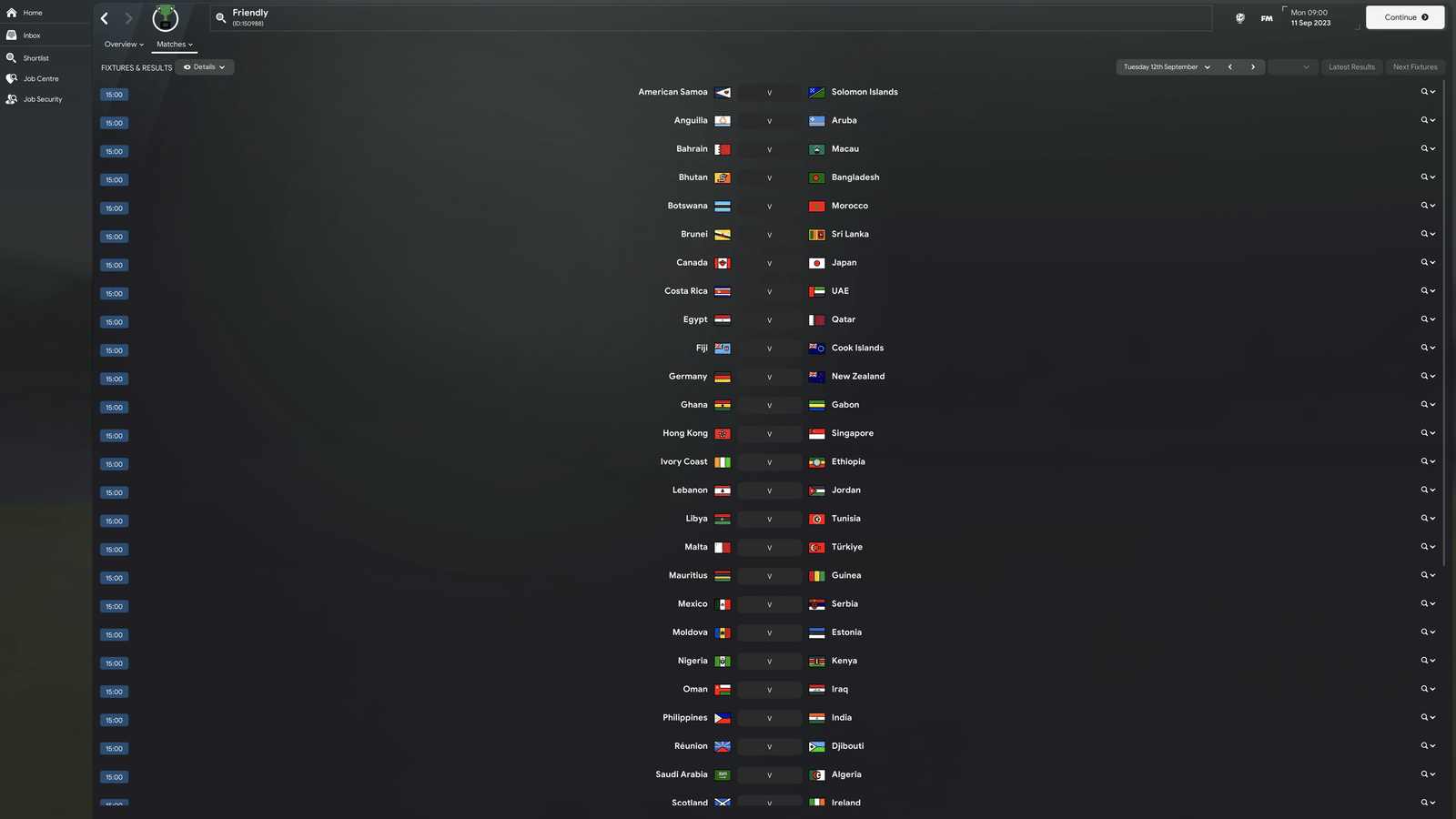
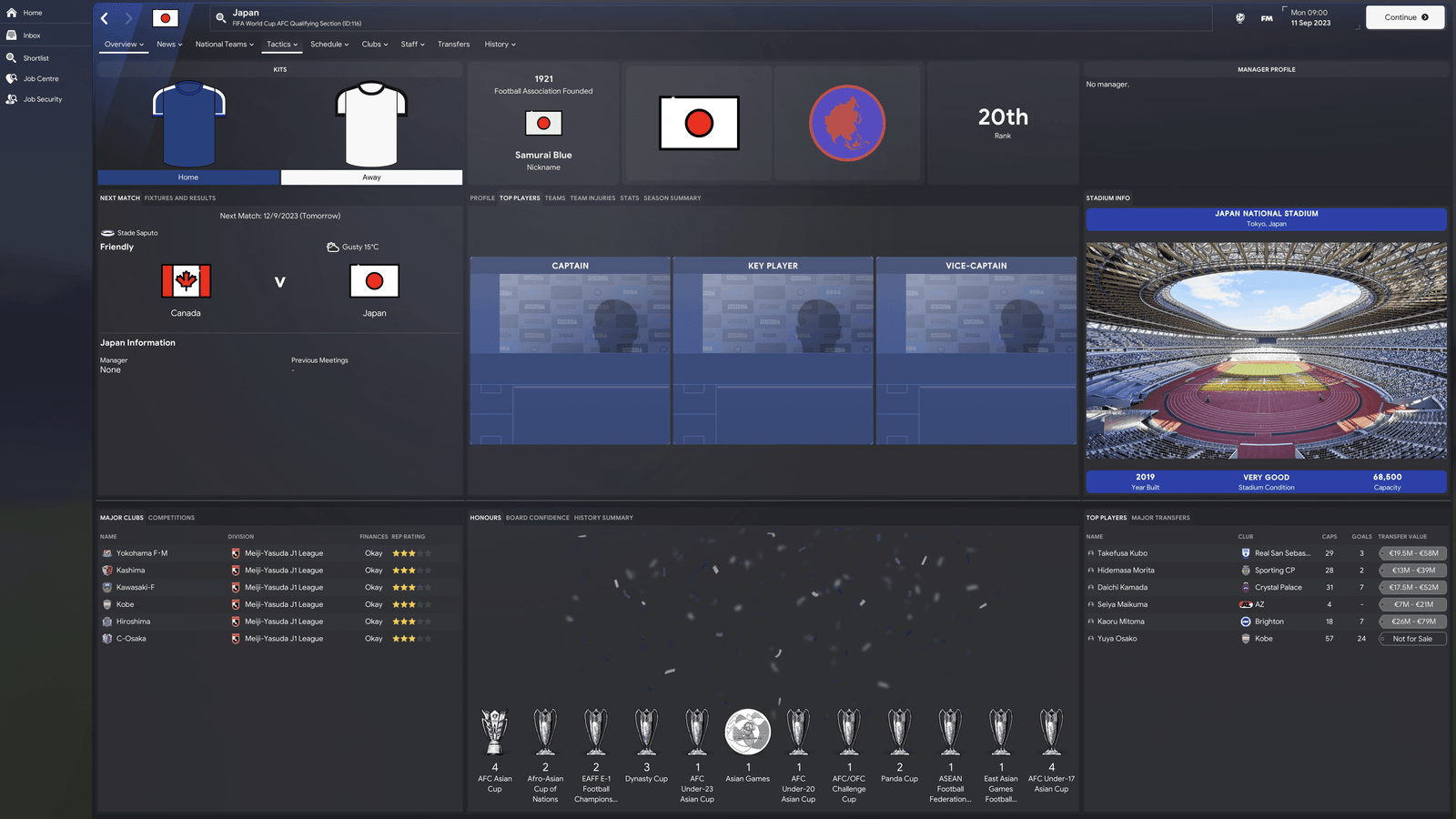
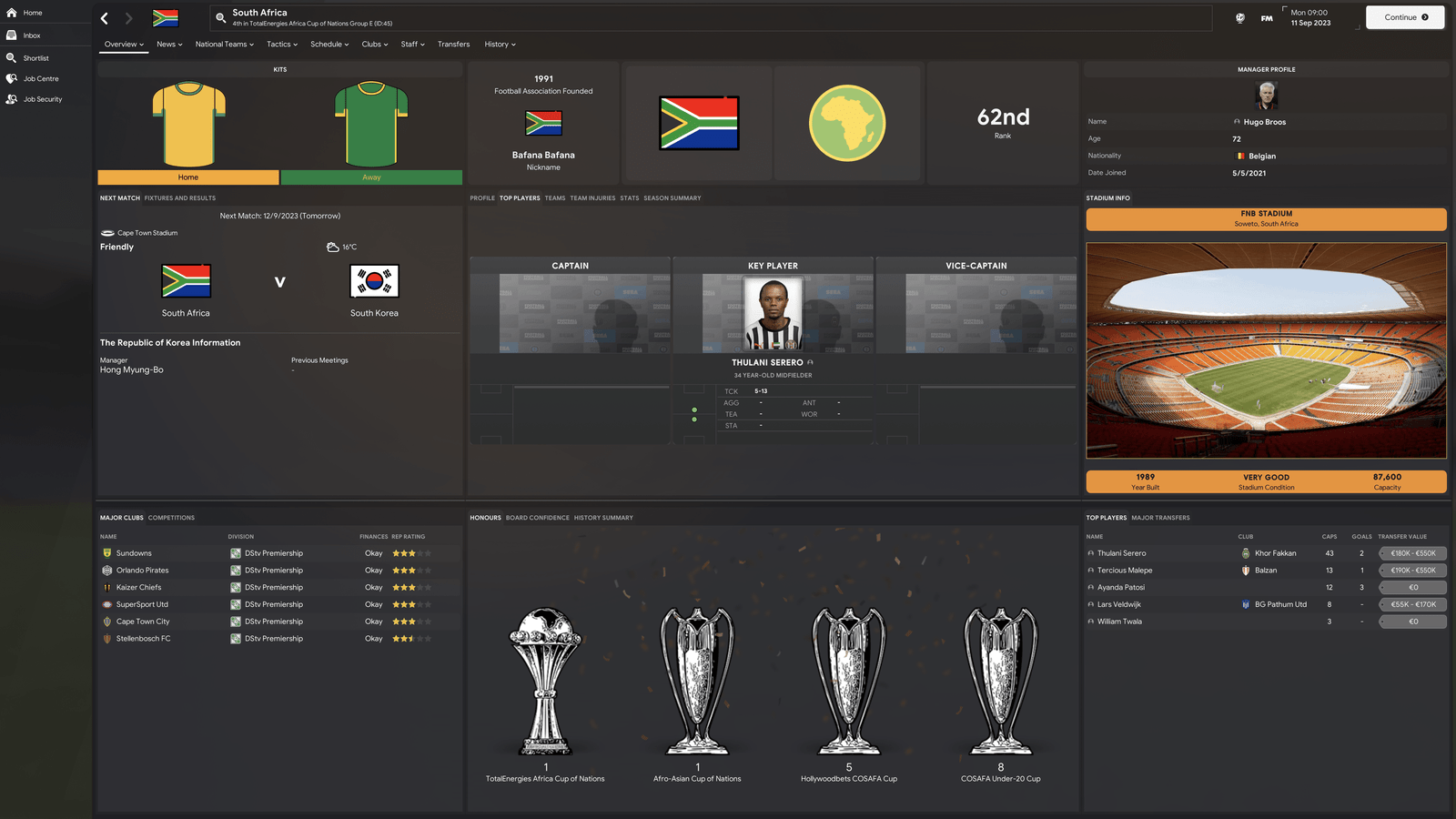
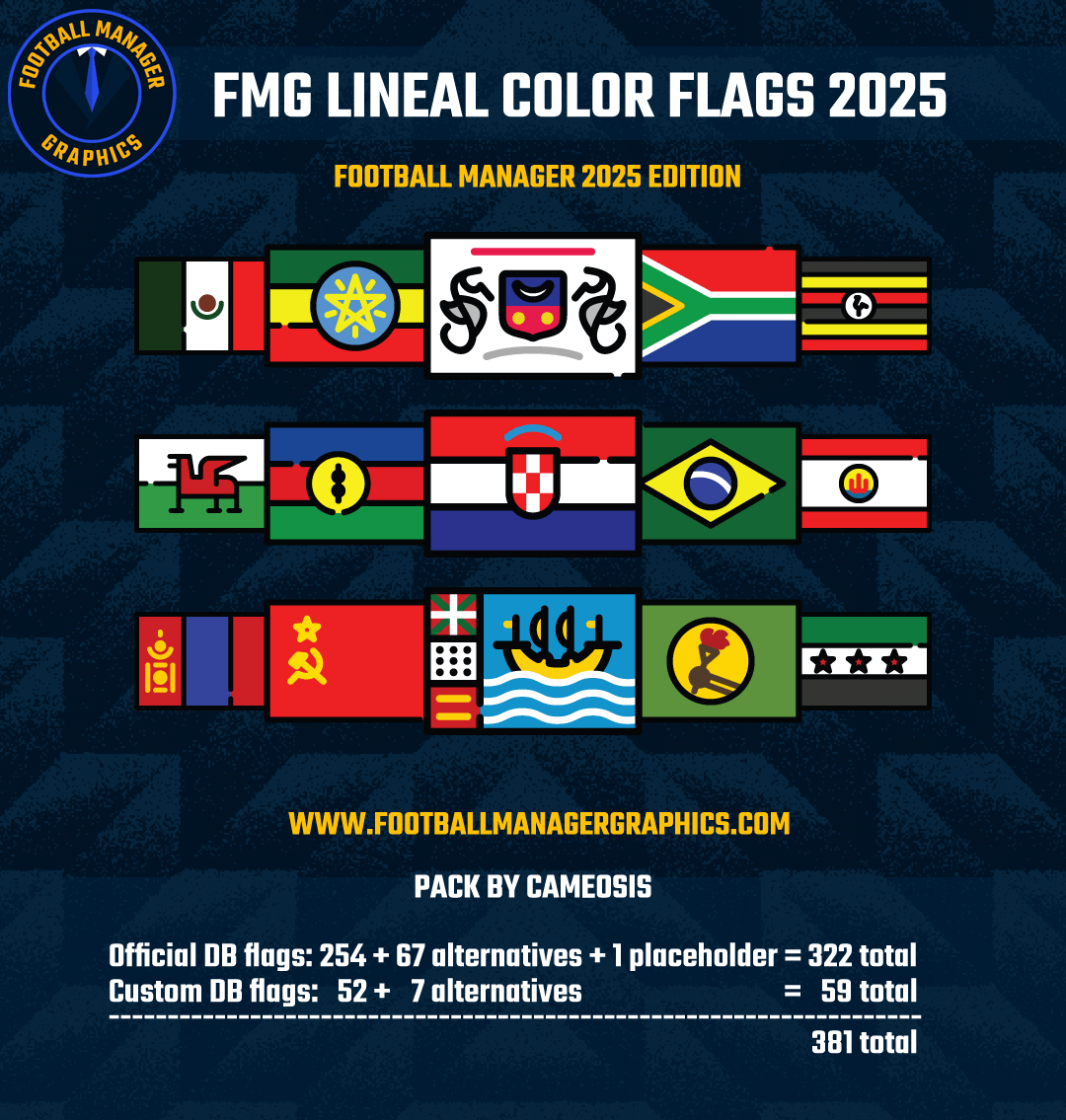
FMG Lineal Color Flags
Flag pack based on the lineal color icon style, containing correct and current nation flags (as of December 2024). It covers all nations included in the official SI database, extinct nations/teams, and in addition to that a range of flags that can be used for custom database projects.
Notable flag corrections/updates compared to many other packs include, but are not limited to:
• Afghanistan
• British India (»Singh Indian«)
• Ceylon (»Tamil Indian«)
• Commonwealth of Independent States (»Commonwealth of Soviet States«)
• Guadeloupe
• Malaya (»Borneo Malay«)
• Malaya (»West Malay«)
• Martinique
• Mauritania
• Réunion
• Saint Martin
• Syria
• Taiwan (»Chinese Taipei (China PR)«)
In order to better tell nations apart which have similar flags, state flags and flag variants with coats of arms have been chosen as the main variants, where available. If you prefer the plain / civil flag variants, you will find them in the »alternatives« folder. Similarly, for overseas territories and dependencies, flags in local use have been chosen as the main variant to represent the respective nation.
Thanks for downloading and enjoy the pack.
Installation Guide
1) Download the pack.
2) Unzip the files using an archiver.
We recommend Winrar for Windows and Keka for Mac but most applications will work.
https://www.win-rar.com/start.html?&L=0
3) Once unpacked place your pack into the folder below based on your operating system.
Windows:
\Users\<your username>\Documents\Sports Interactive\Football Manager 2025\graphics\
Mac OS:
Users/YOUR MAC USERNAME/Library/Application Support/Sports Interactive/Football Manager 2025/graphics
4) Next you will want to go to FM and select 'Preferences' from the start screen or in your game and select 'Advanced".
5) Then untick 'Use caching to decrease page loading times'.
6) Next tick 'Reload skin when confirming changes to preferences'.
7) Finally, select 'Reload Skin' and after a brief pause your graphics will be visible.
-
 1
1
Join the conversation
You can post now and register later. If you have an account, sign in now to post with your account.