




Jump to content
View in the app

A better way to browse. Learn more.

Football Manager Graphics

A full-screen app on your home screen with push notifications, badges and more.

To install this app on iOS and iPadOS
  1. Tap the Share icon in Safari
  2. Scroll the menu and tap Add to Home Screen.
  3. Tap Add in the top-right corner.
To install this app on Android
  1. Tap the 3-dot menu (â‹®) in the top-right corner of the browser.
  2. Tap Add to Home screen or Install app.
  3. Confirm by tapping Install.

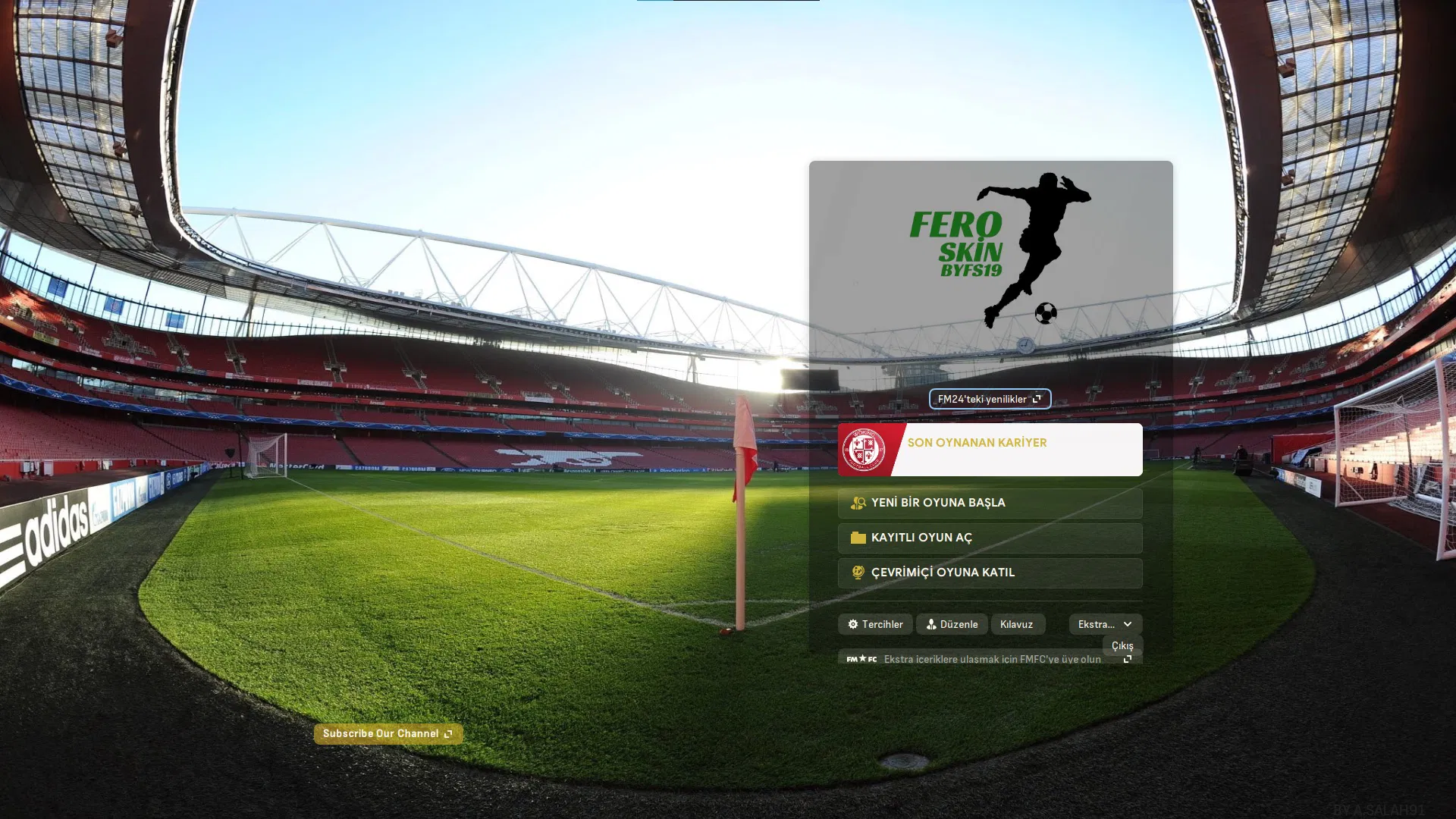
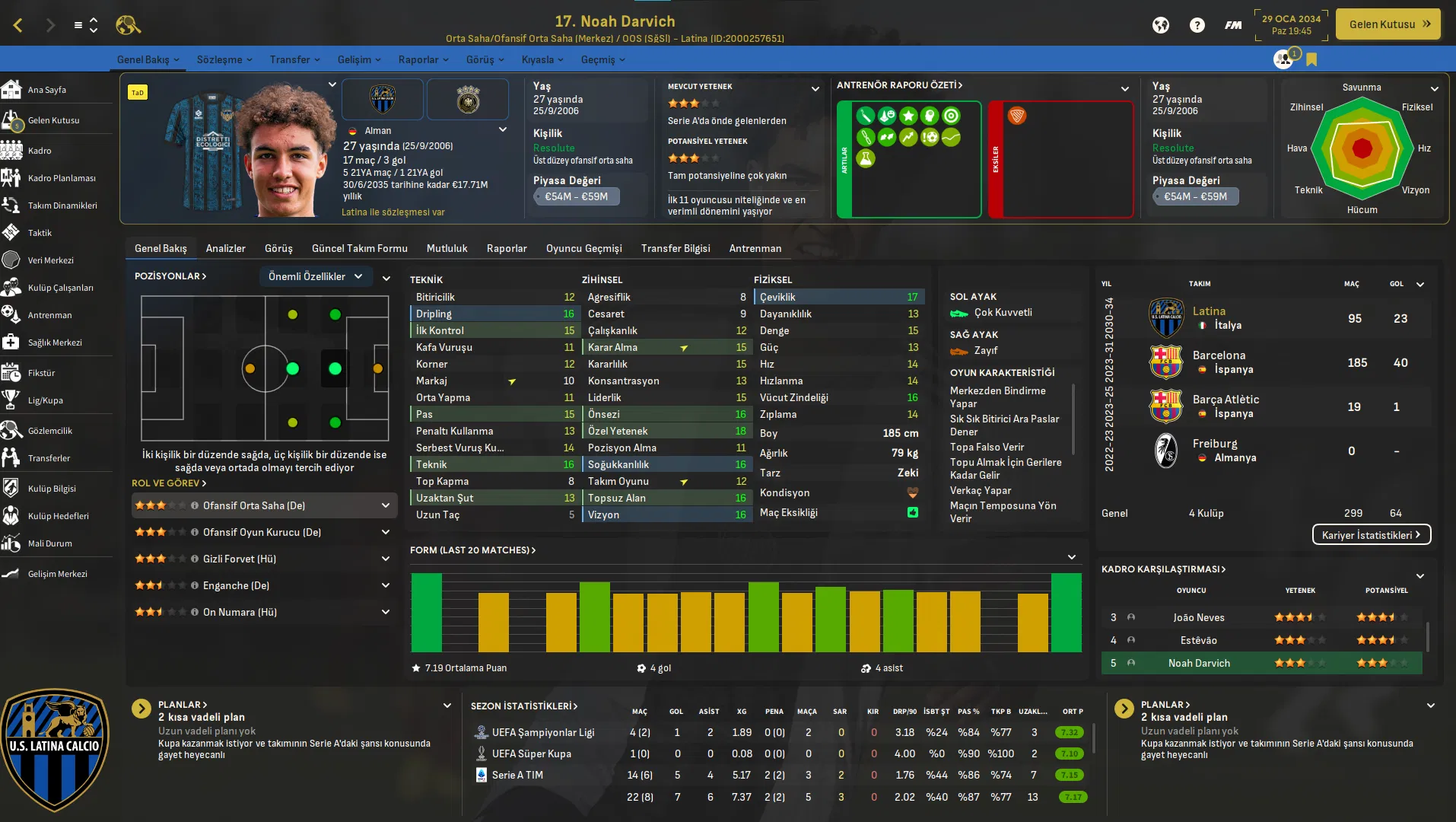
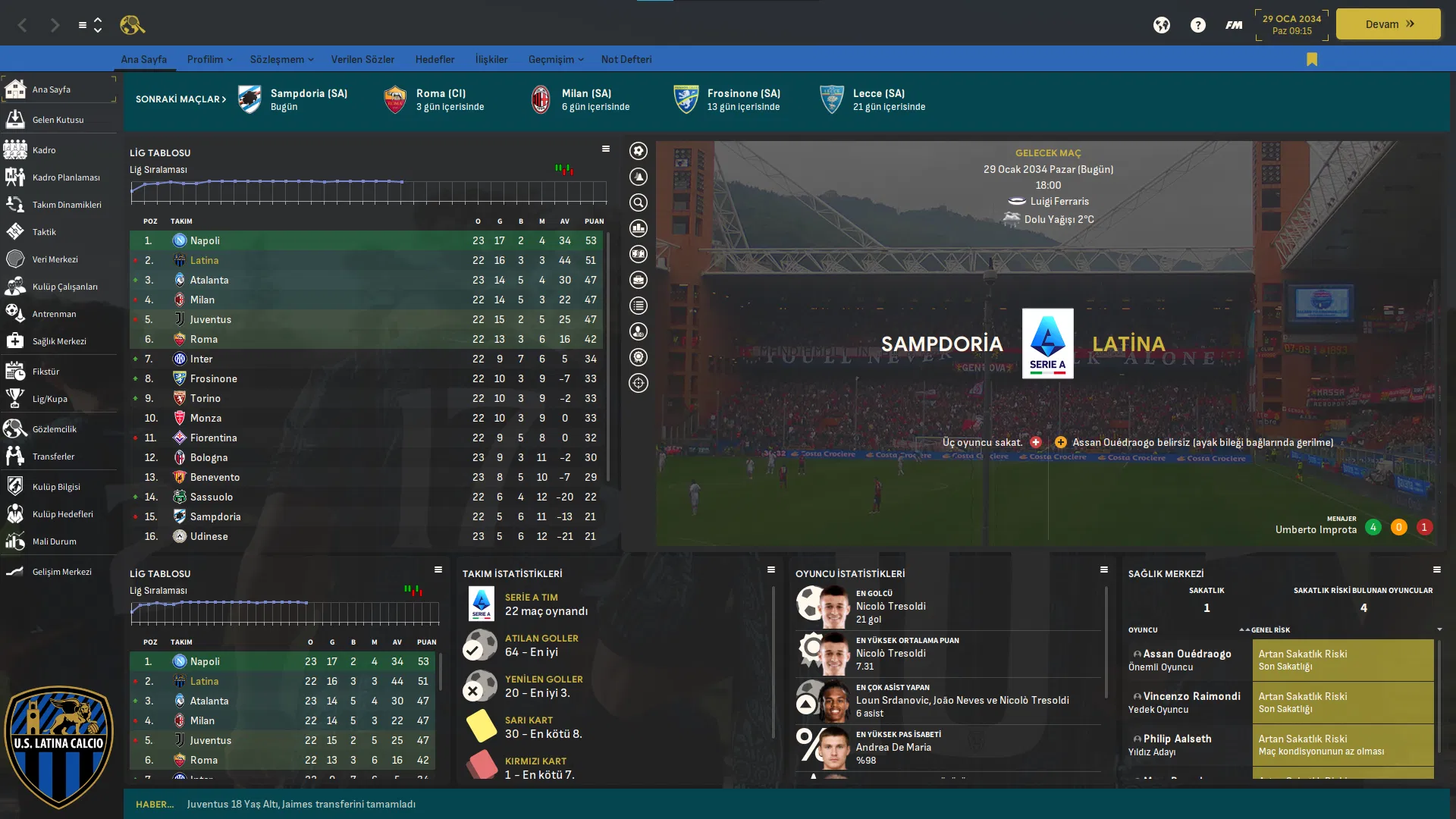
Fero Skin V2.0 byFS19 2.0

(2 reviews)

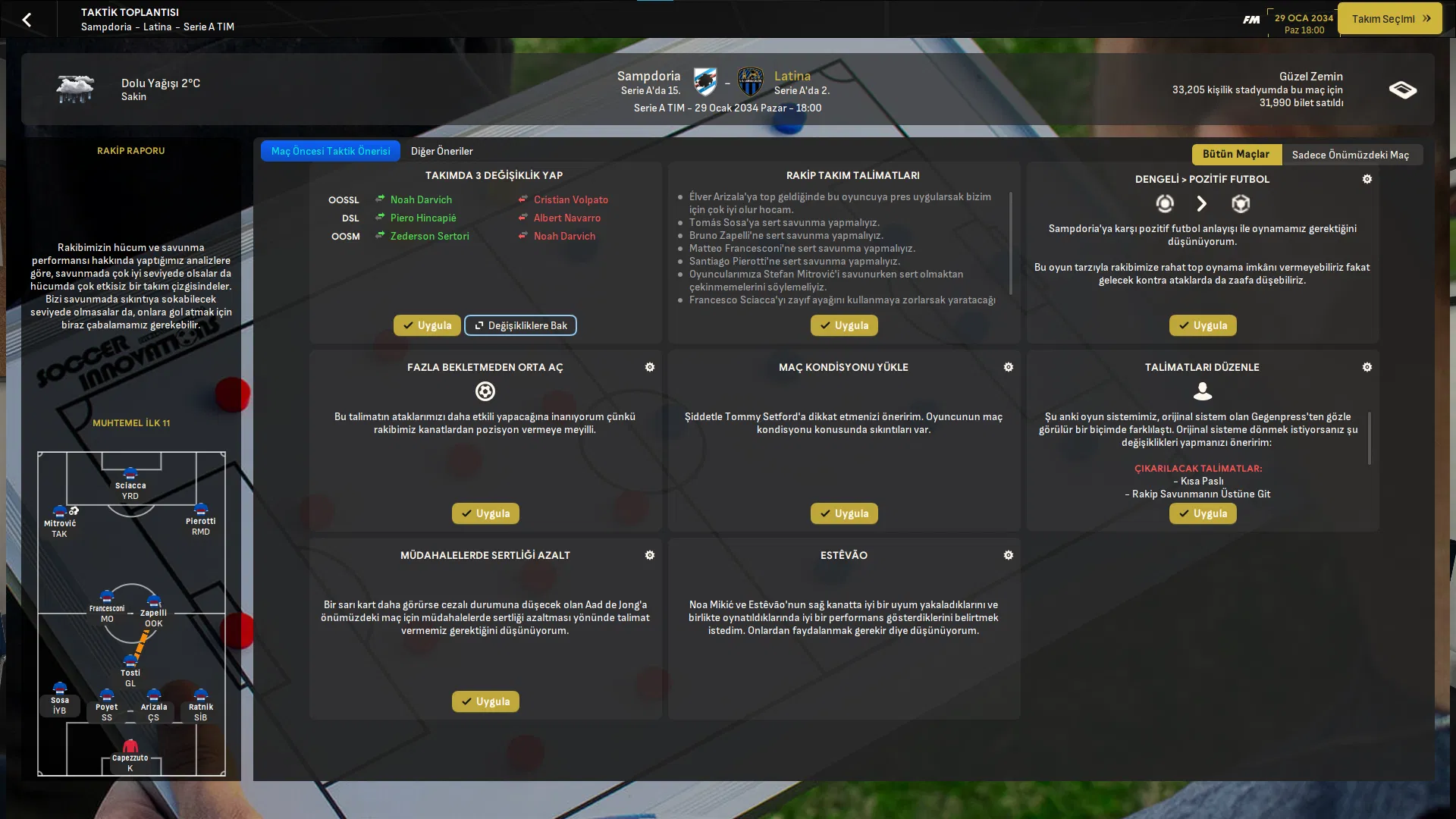
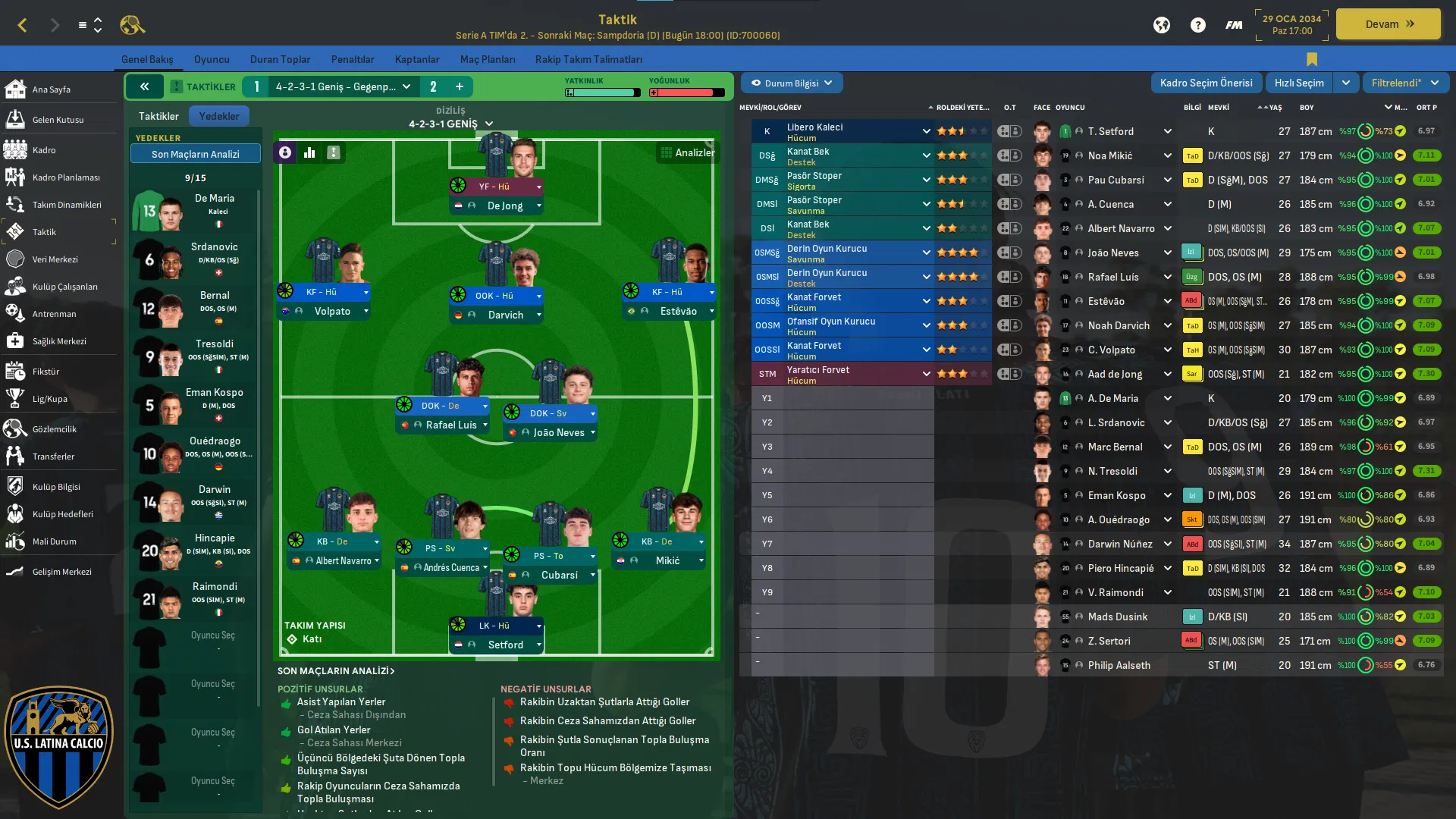
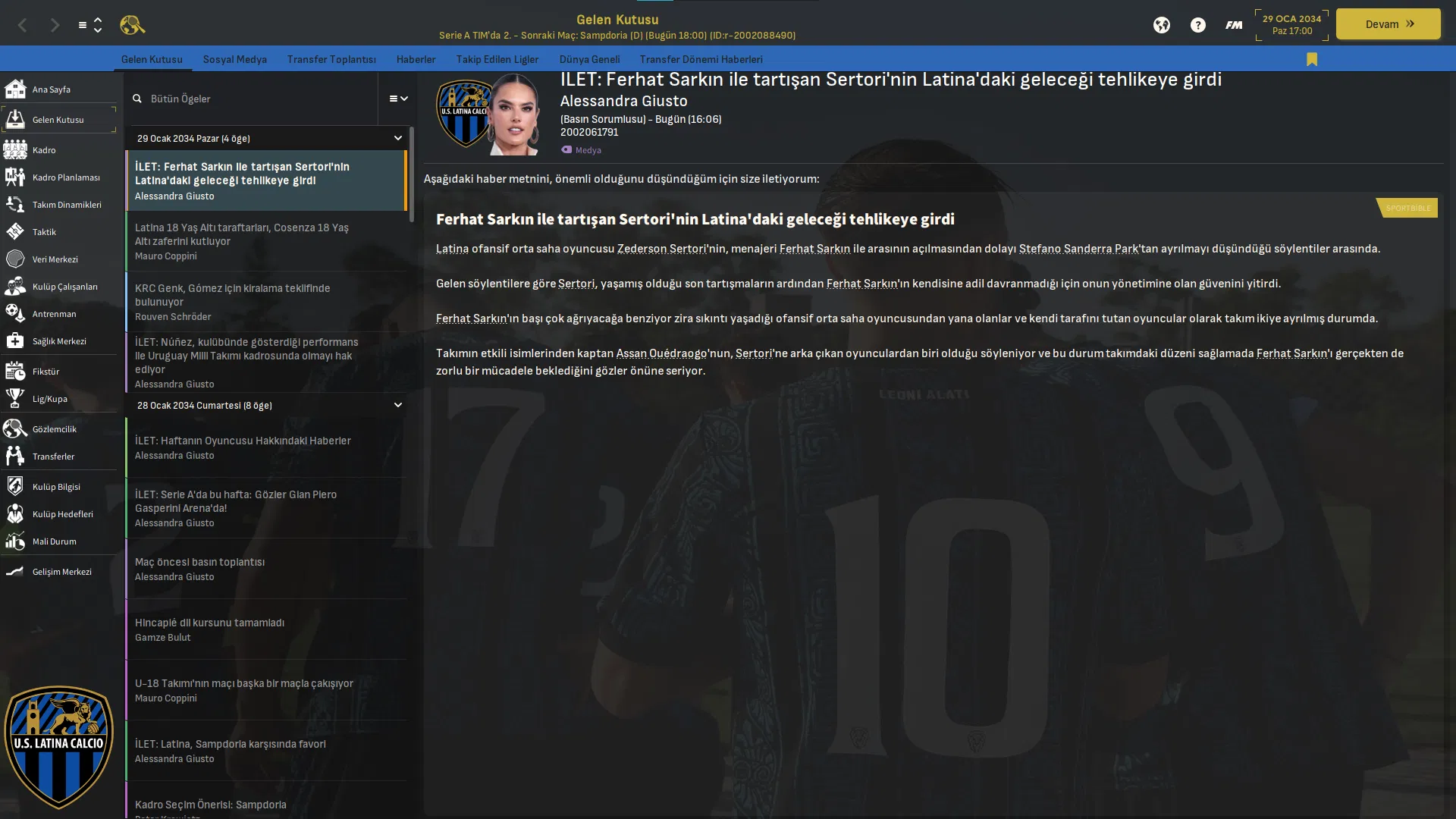
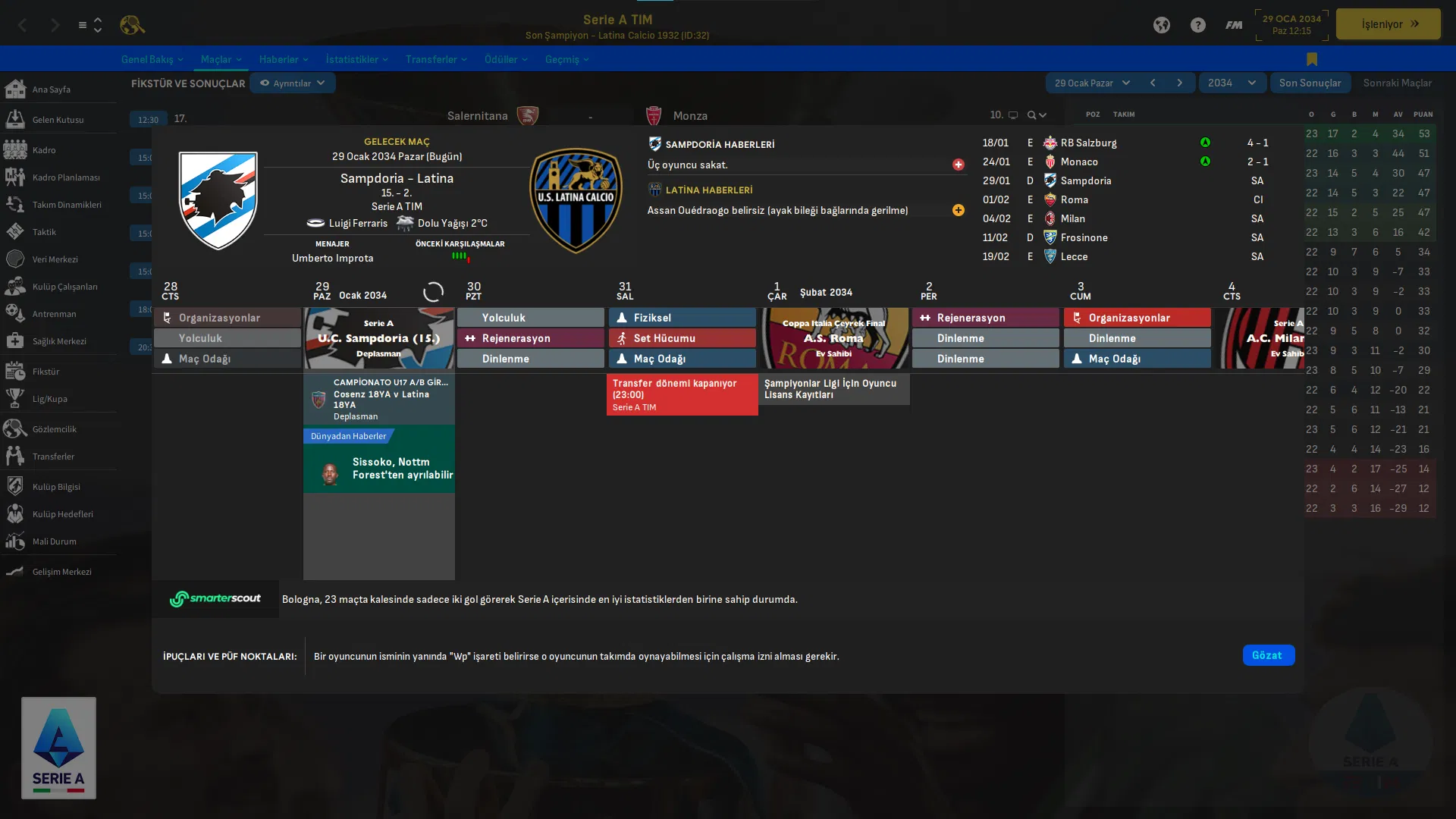
9 Screenshots

This theme was created by mixing many of my themes. 
I'm waiting for your comments. fun games 🙂

If your game does not have stadium backgrounds or player backgrounds, it may look different.


-------------------------------------------------

  • TCS Skin
  • sas skin
  • OPZ skin
  • just skin
  • DD22
  • Tangfu Skin
  • Tad Twenty
  • Rensie skin
  • tato skin
  • Statman
  • Mustermann Iconic
  • Flut
  • Andromeda skin
  • YACS skin
  • and many more!

Big thanks to these people for providing this skin with such quality.


Version 2.0

Some Bugs Fixed

New background for inbox

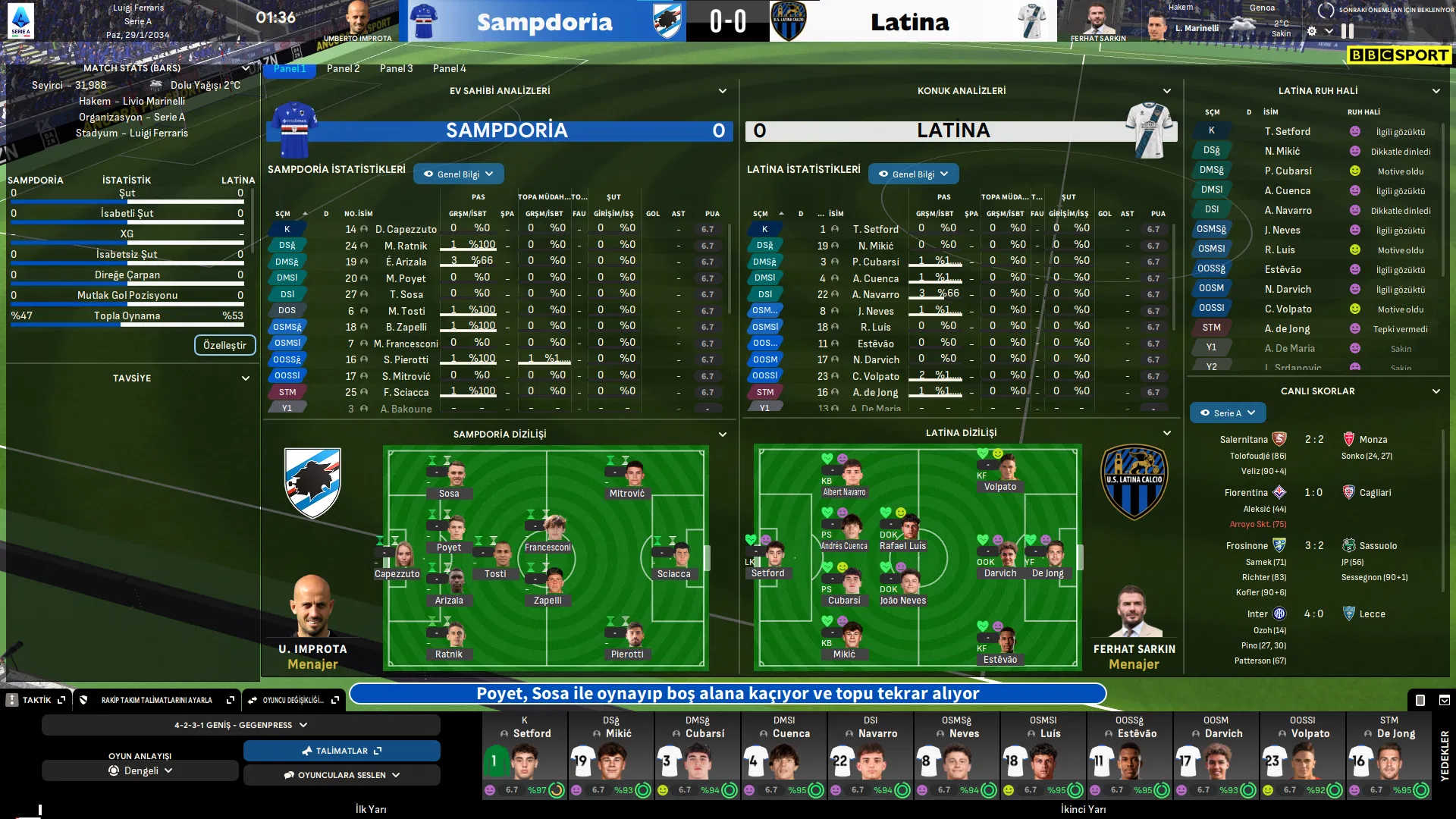
halftime menu new statistics

added some new backgrounds

User Feedback

Recommended Comments

DaveHouto

Members

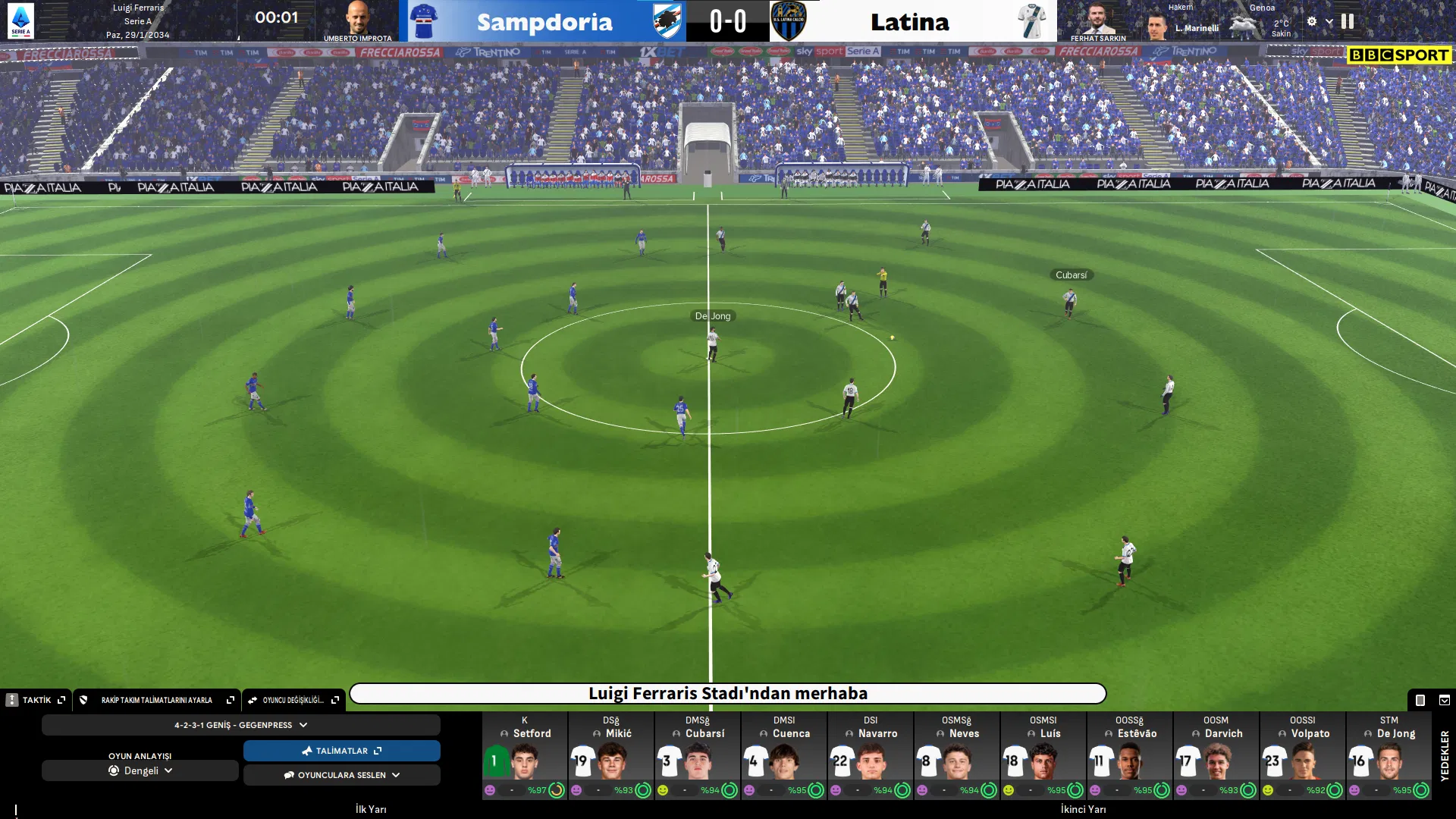
Great skin, I can't seem to get the same match day screen on. None of the options on the tab seem to give that view. Can you please help.

Join the conversation

You can post now and register later. If you have an account, sign in now to post with your account.

Guest
Add a comment...

Important Information

Terms & Conditions

Account

Navigation

Search

Configure browser push notifications

Chrome (Android)
  1. Tap the lock icon next to the address bar.
  2. Tap Permissions → Notifications.
  3. Adjust your preference.
Chrome (Desktop)
  1. Click the padlock icon in the address bar.
  2. Select Site settings.
  3. Find Notifications and adjust your preference.