DaveHouto
Members
-
Joined
-
Last visited
-
 I get error 'The same volume cannot be used as both the source and destination' when trying to extract the first zip file so have deleted all the files I've downloaded. Can't seem to find a way around it
 -
-
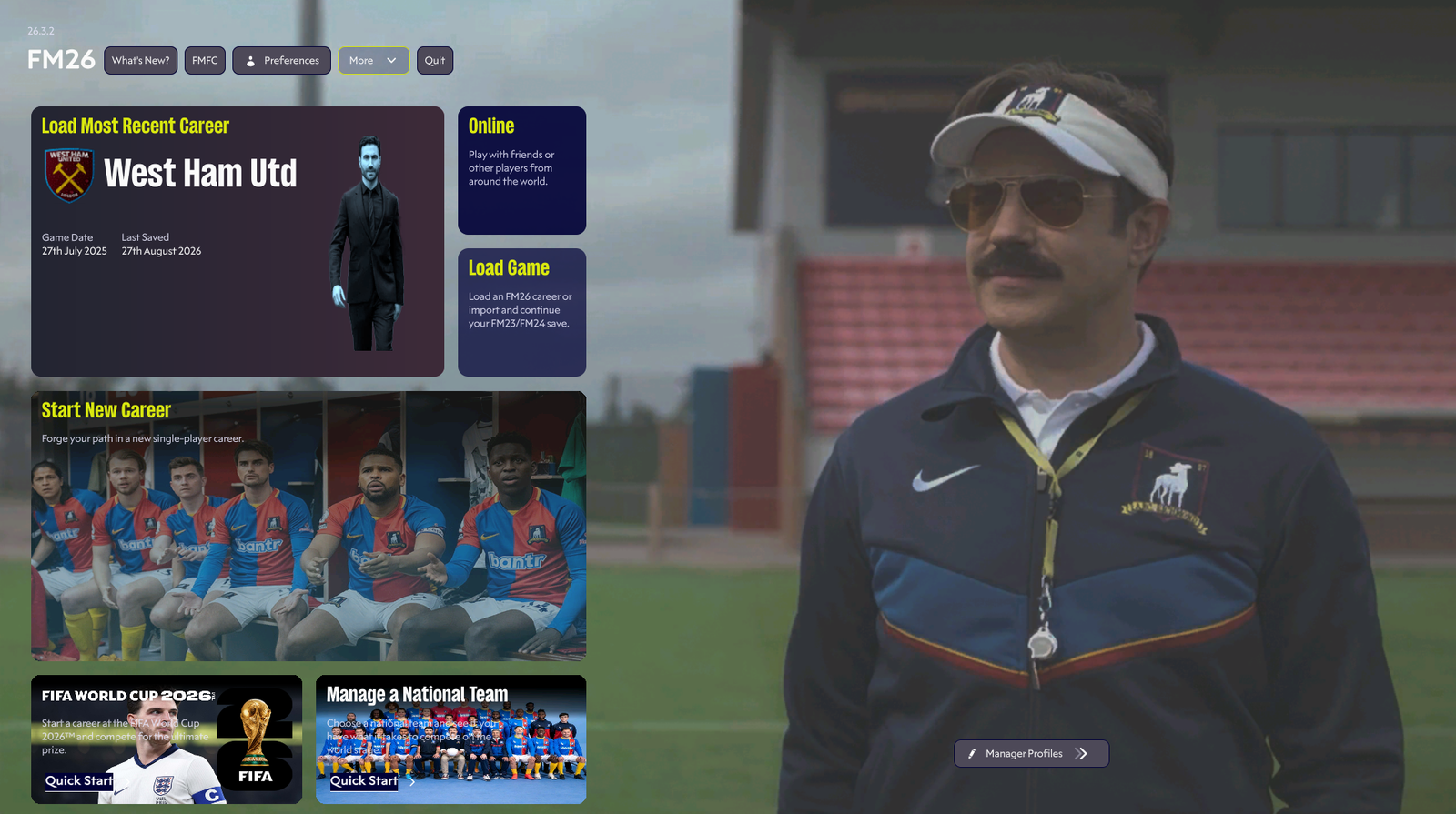
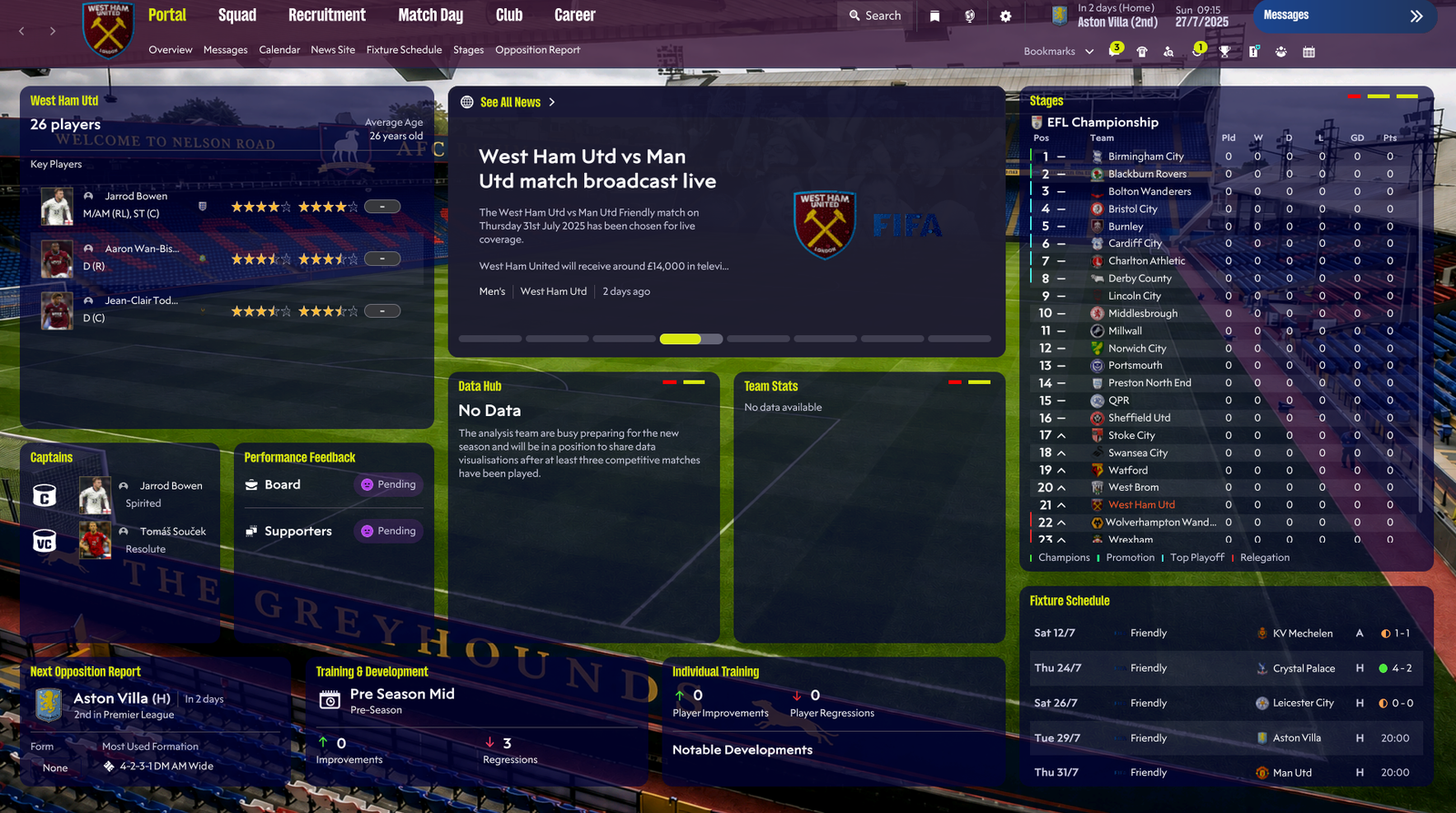
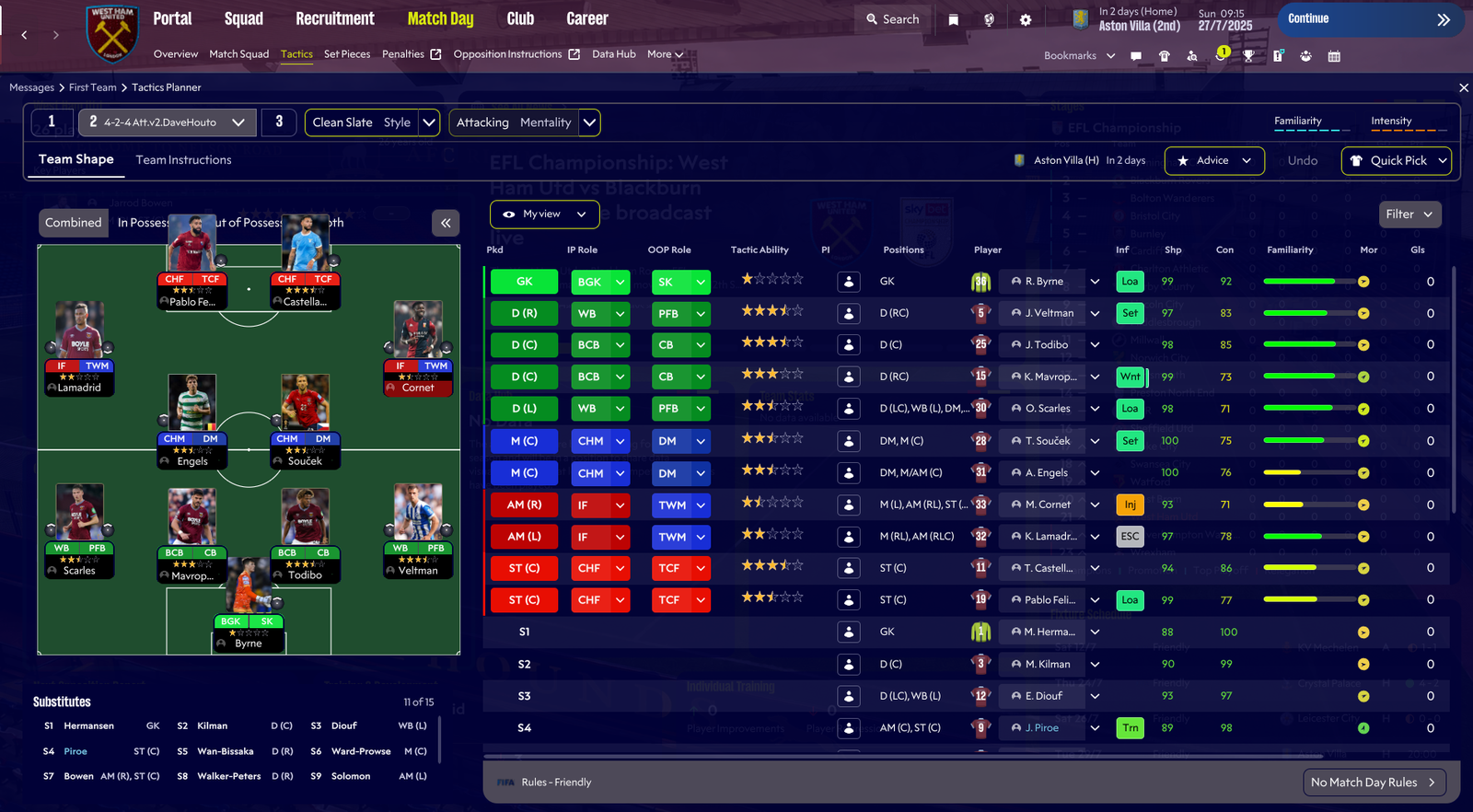
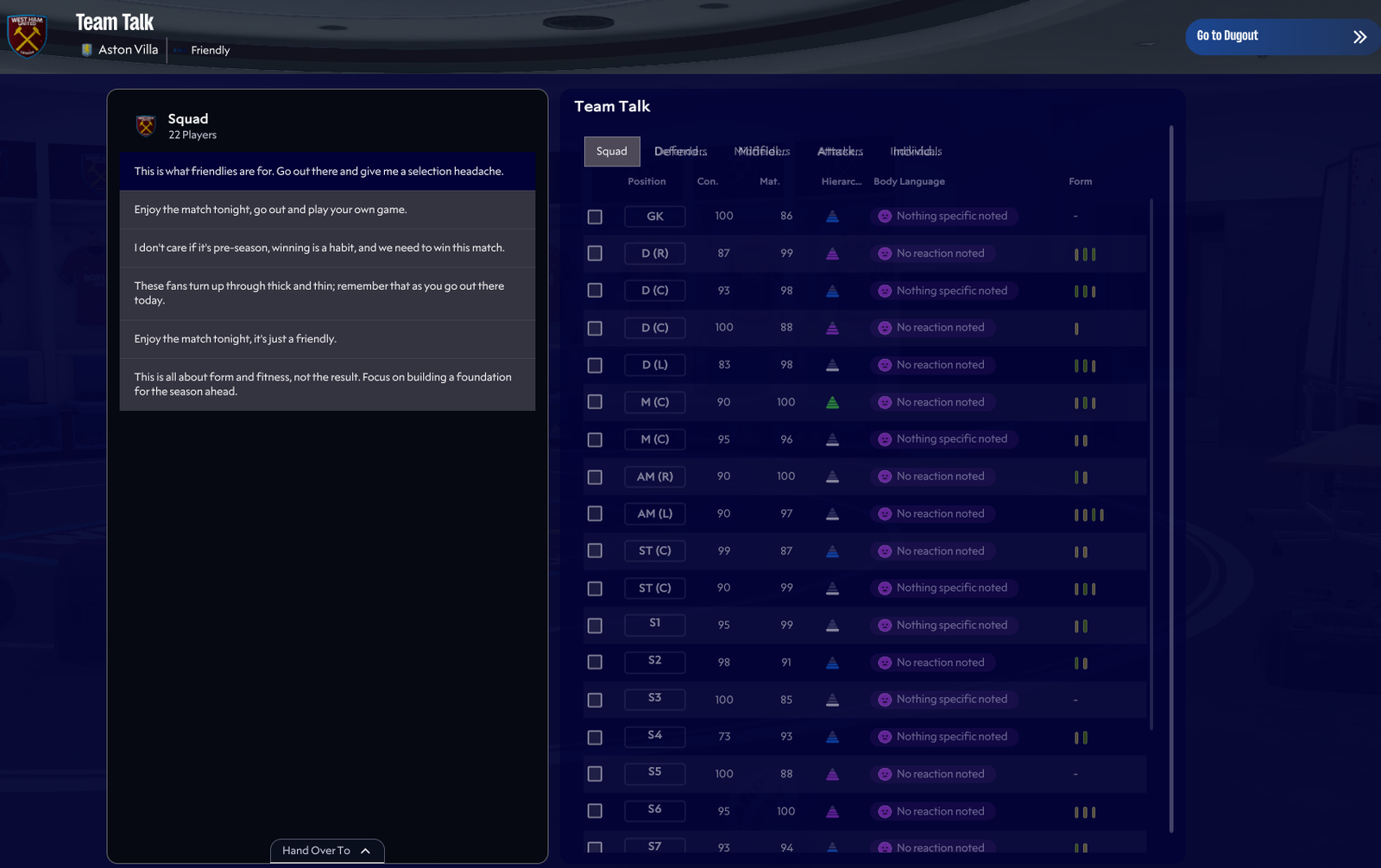
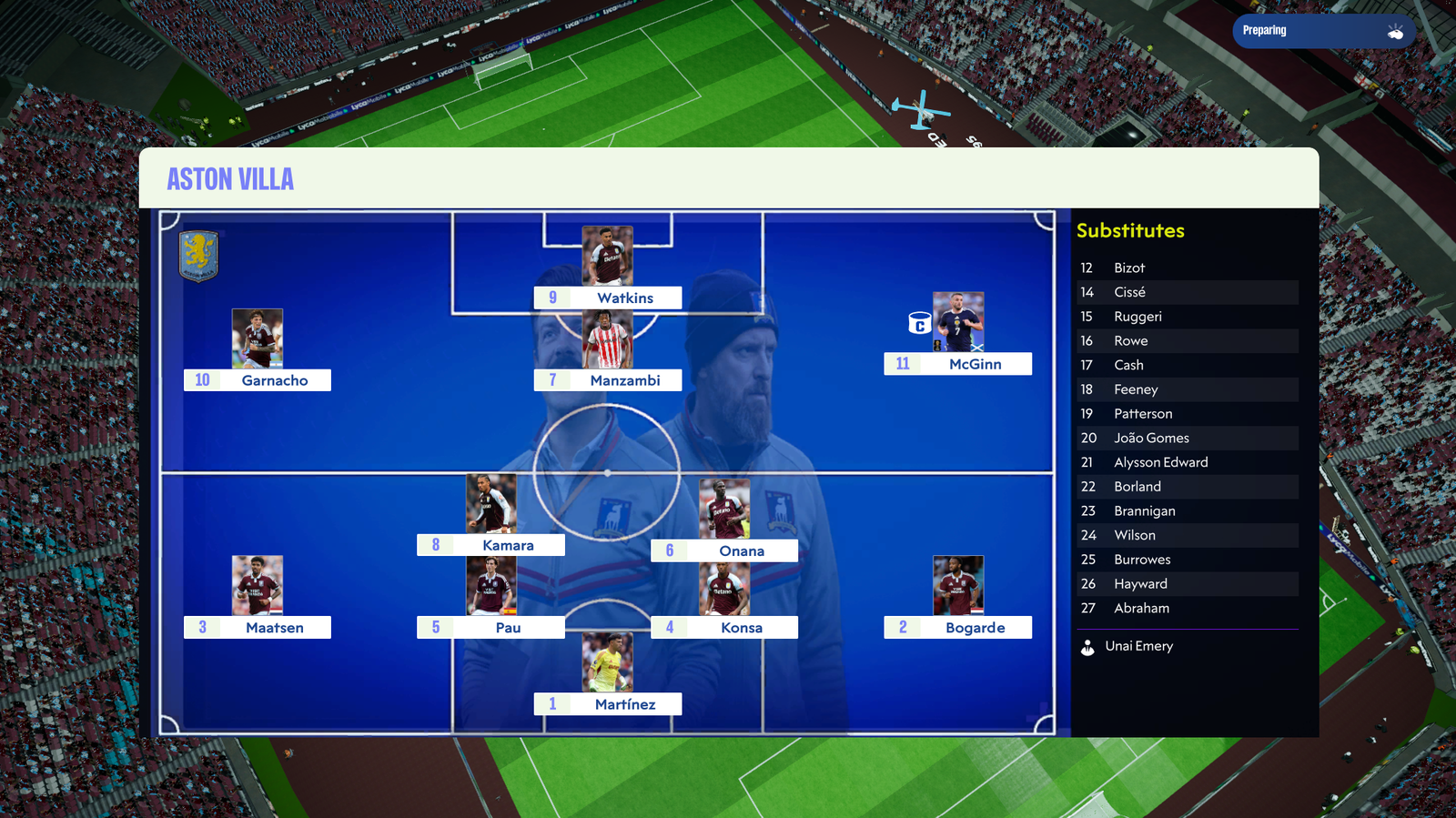
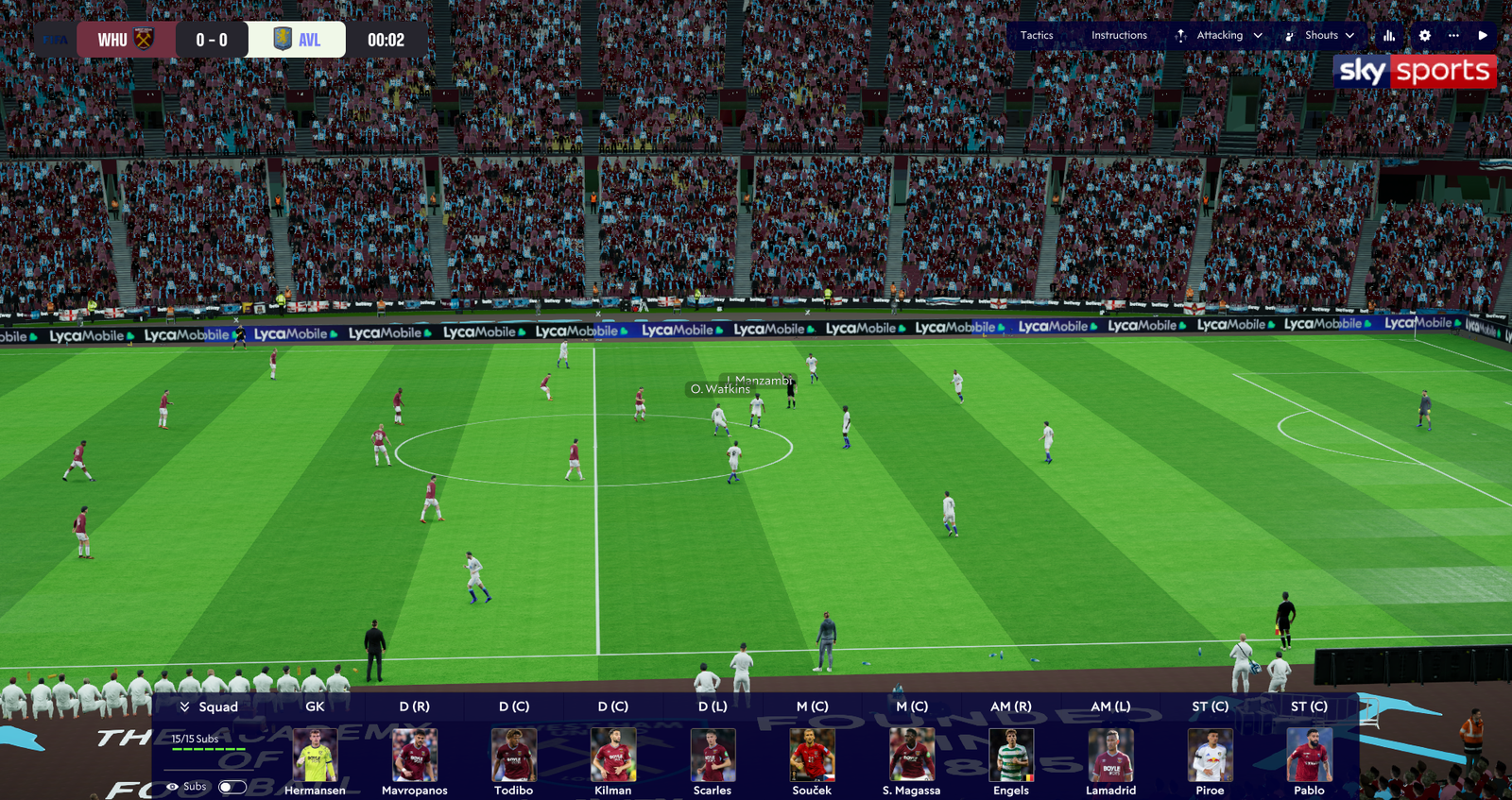
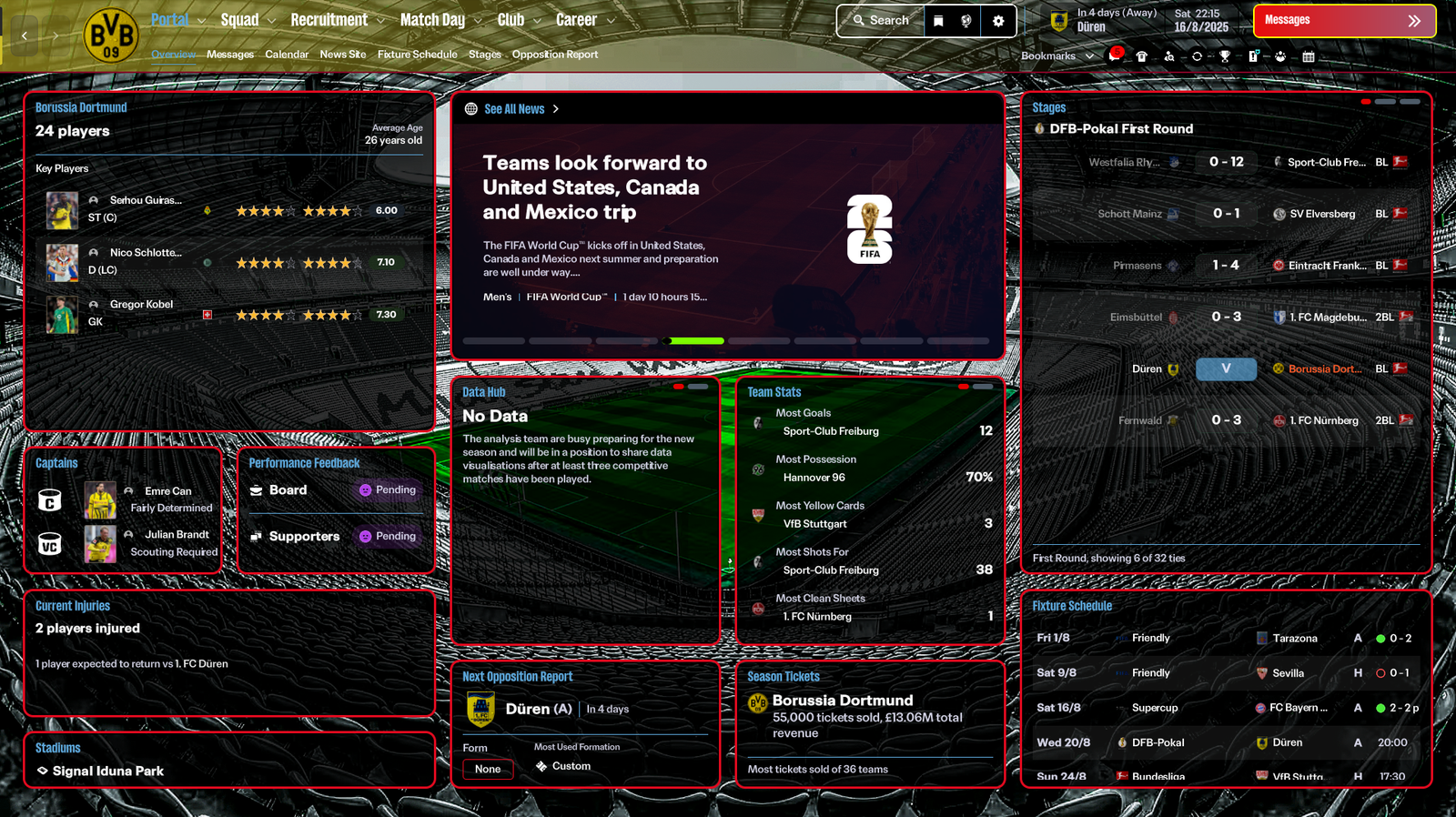
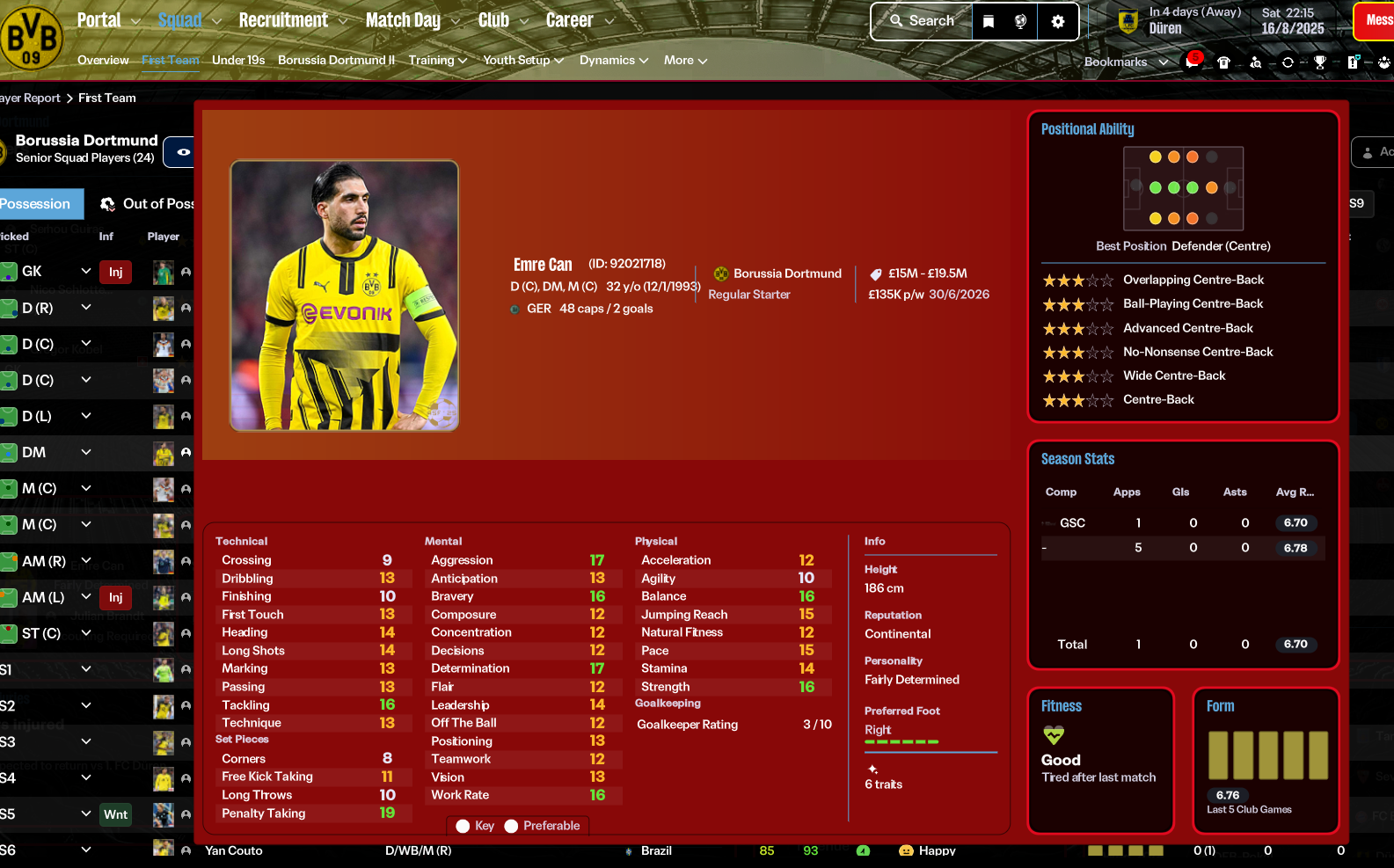
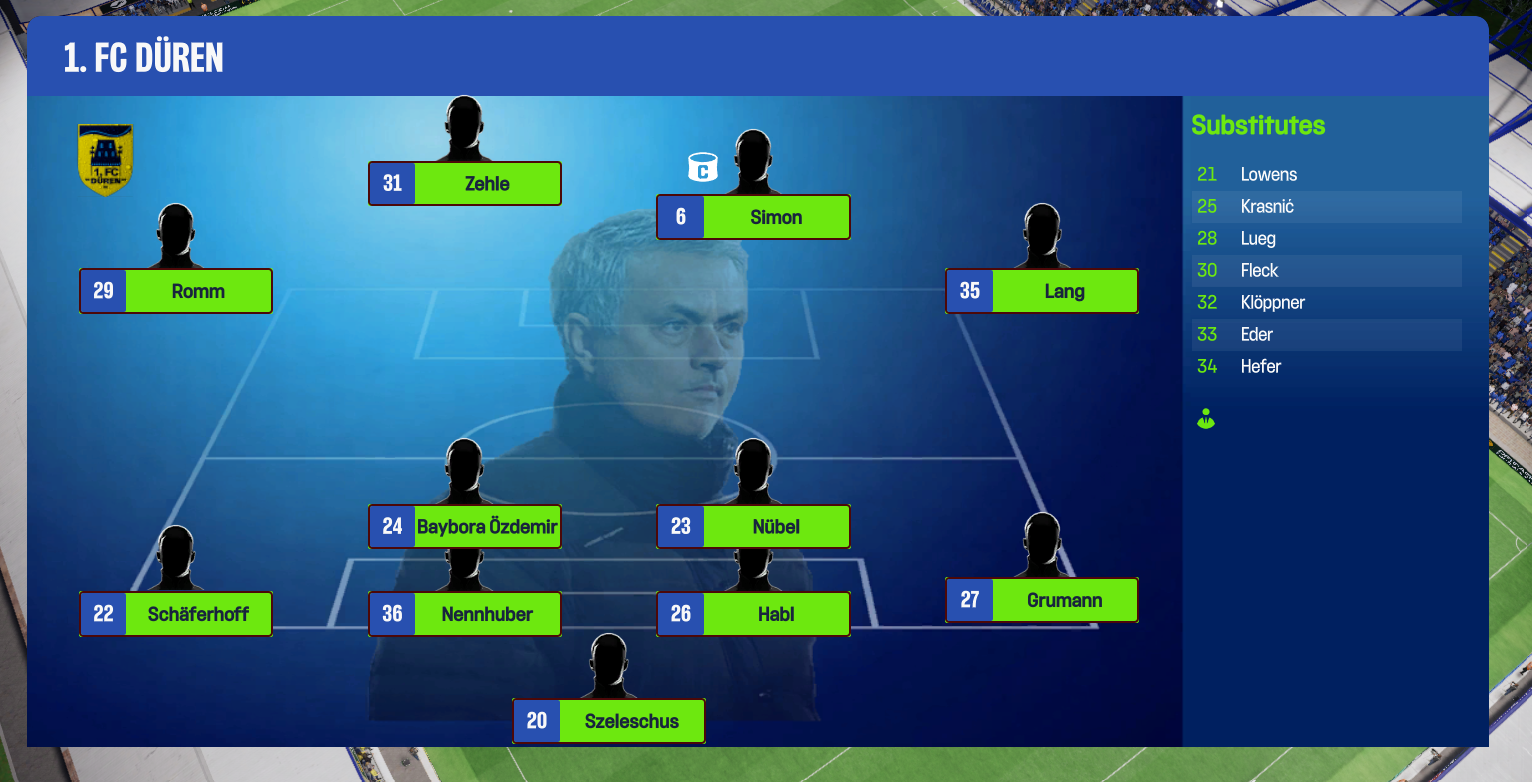
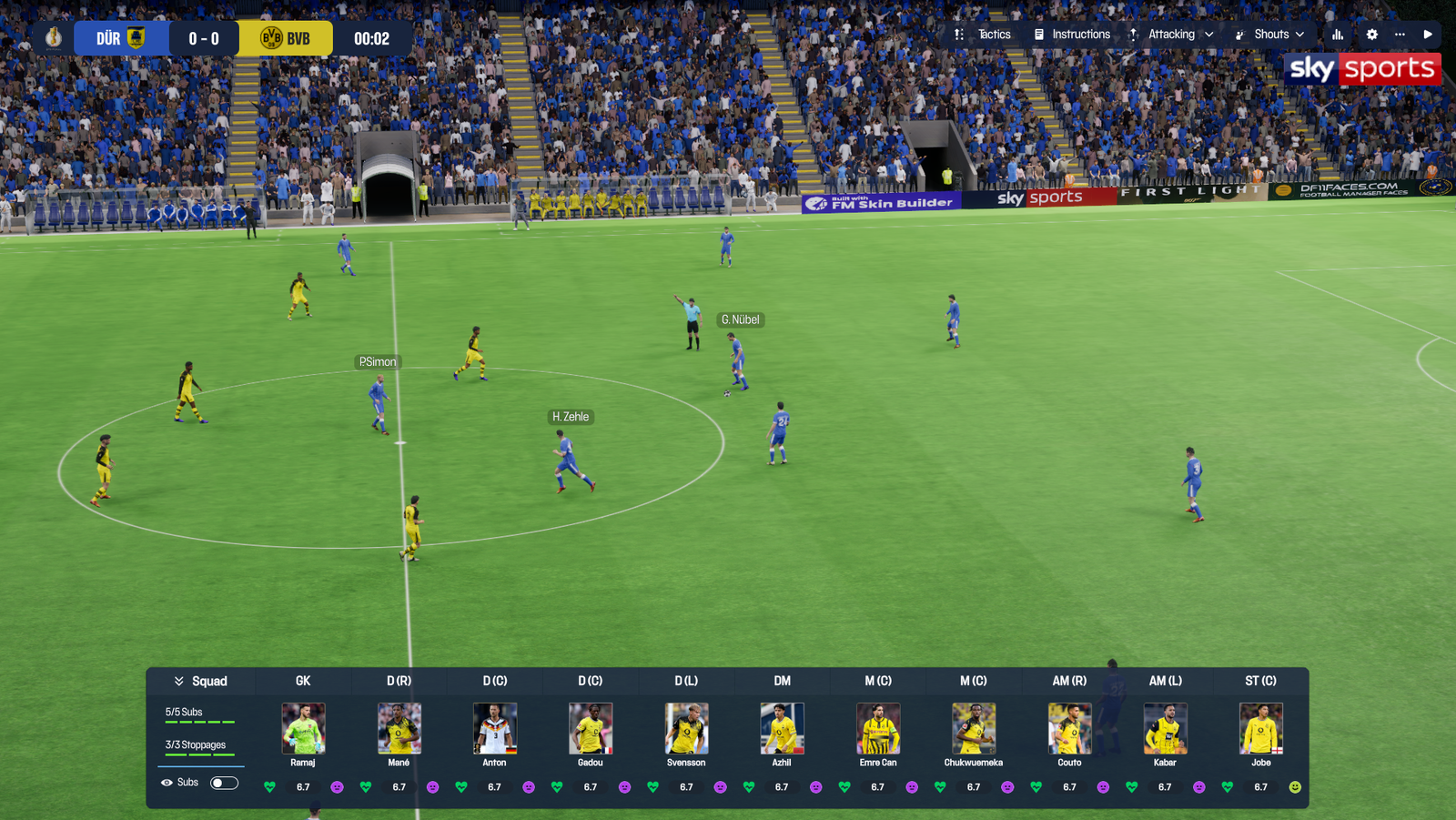
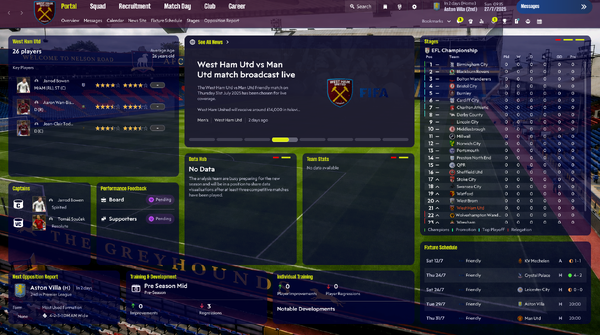
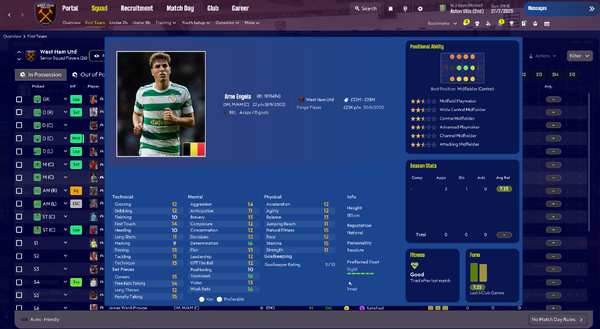
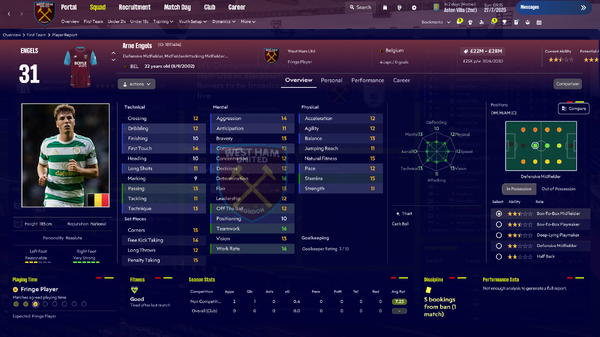
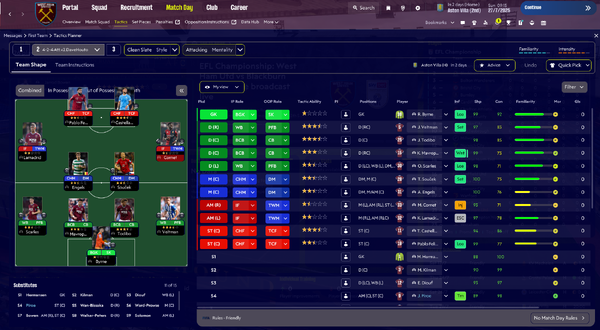
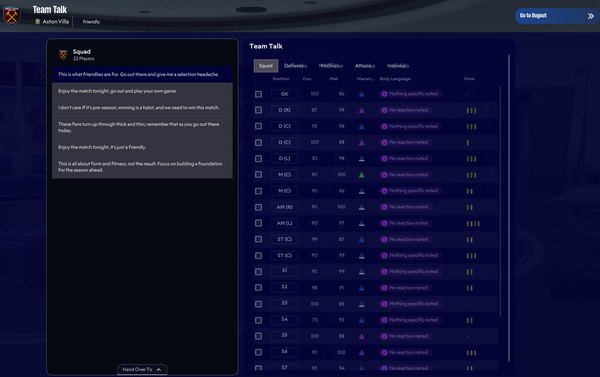
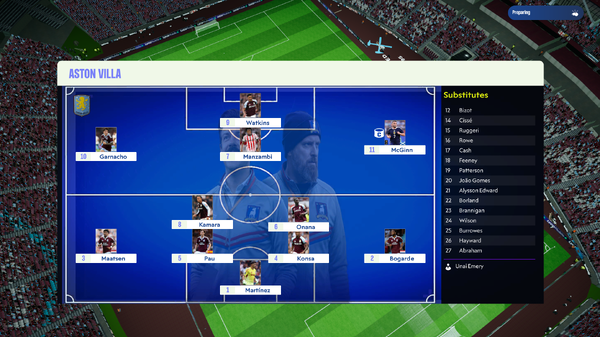
I've created a Ted Lasso style skin using a darker blue theme throughout. This is only available for Windows. This is a one off skin so up to now I won't be producing an update as we are close to FM27. Ted Lasso Skin You can find more brilliant skins including my other skins on the Football Manager Skin Builder app TSO Skin Dark Passenger With thanks to all on the FMSB community but special thanks to @lembergman - Lucky Luke: https://www.patreon.com/cw/LuckyLukeFM @MW.90 - Matt Tom - All round top geezer


-
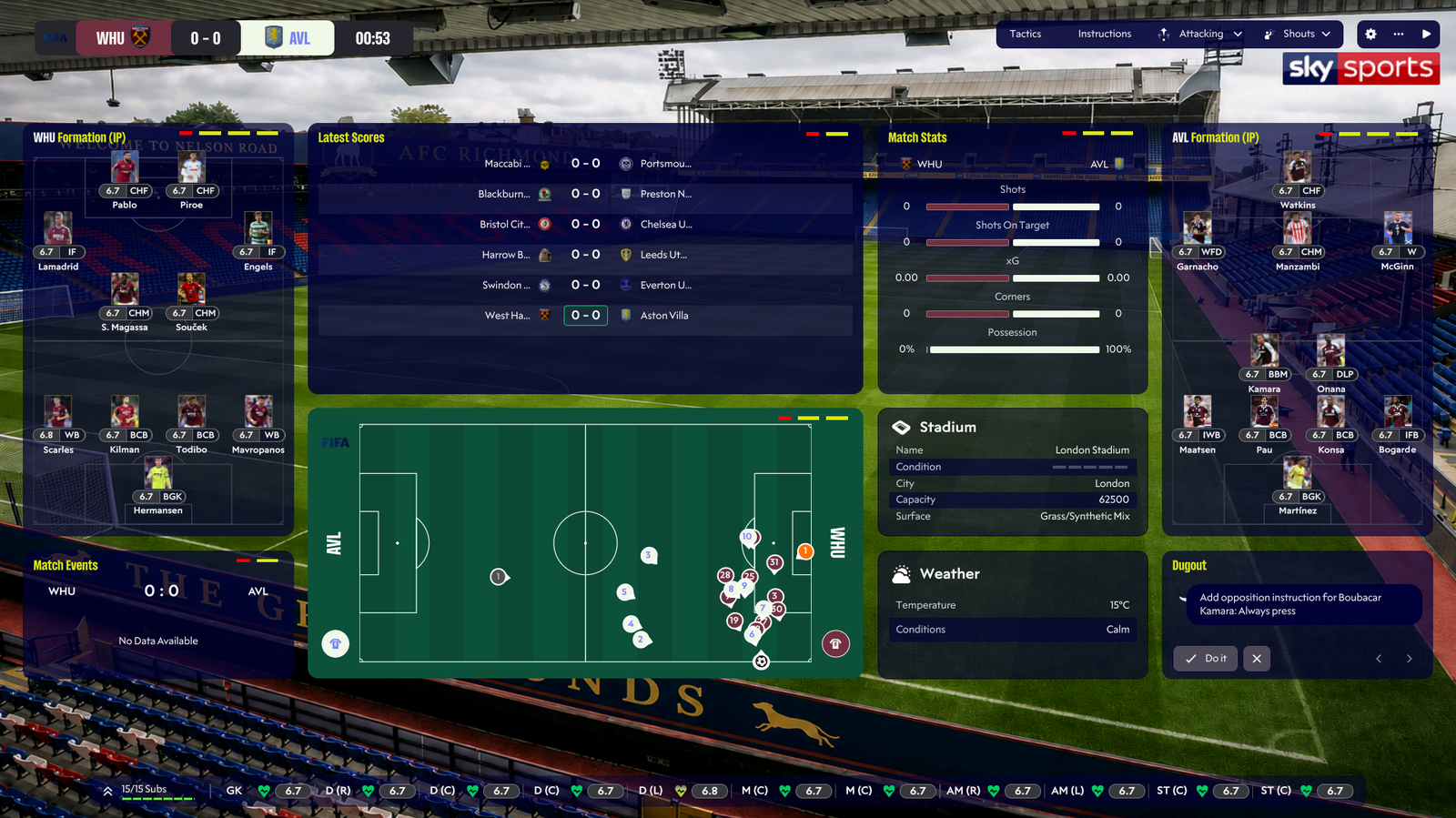
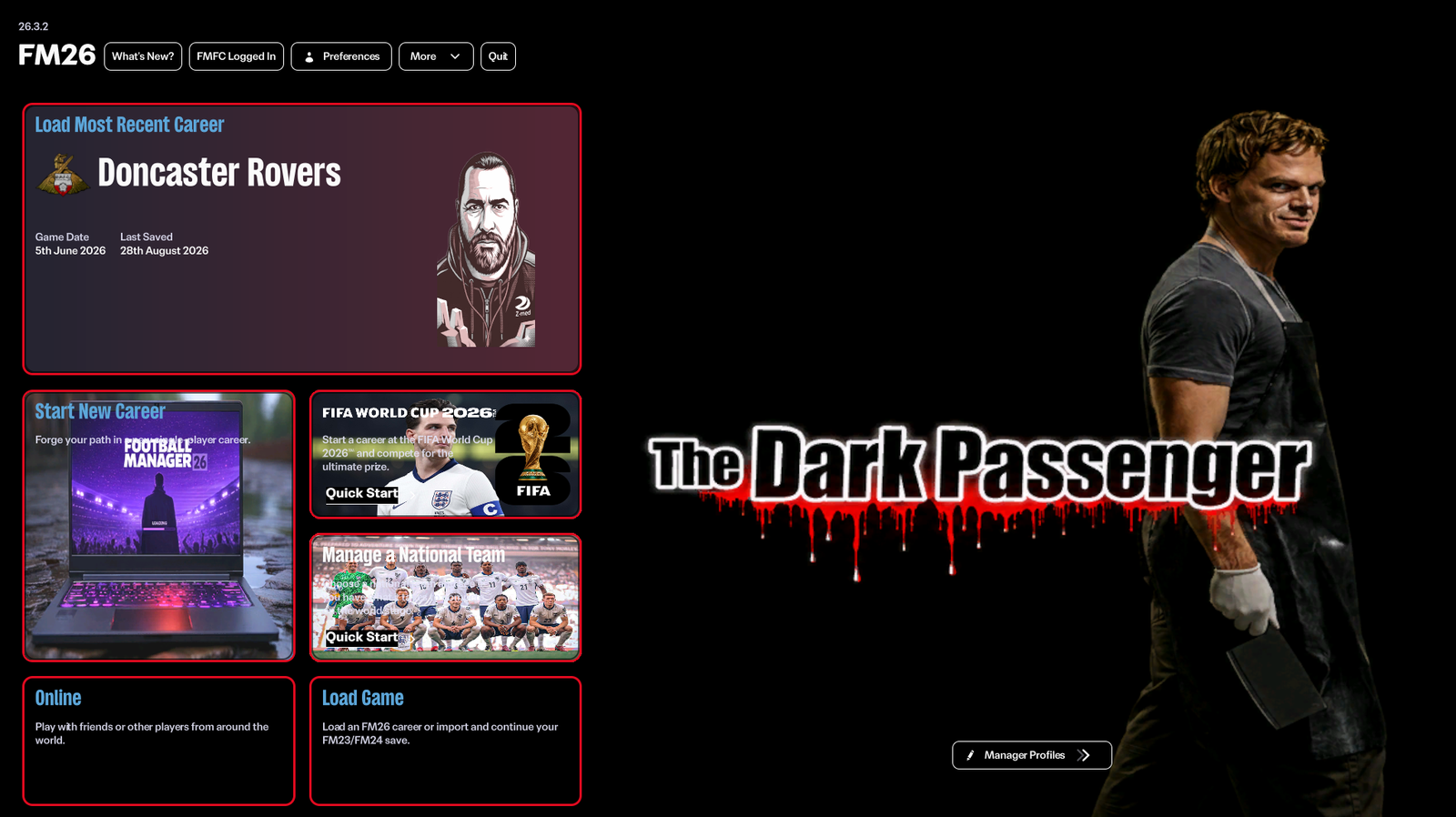
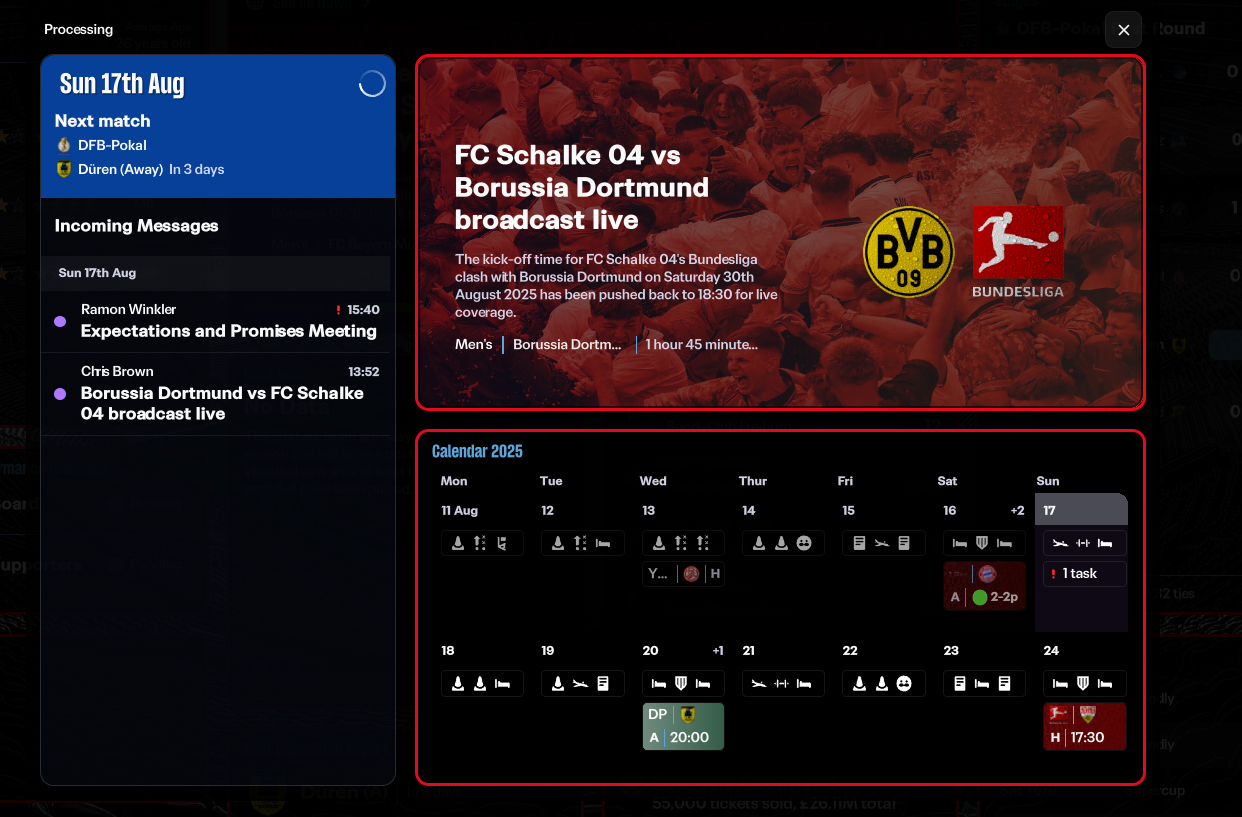
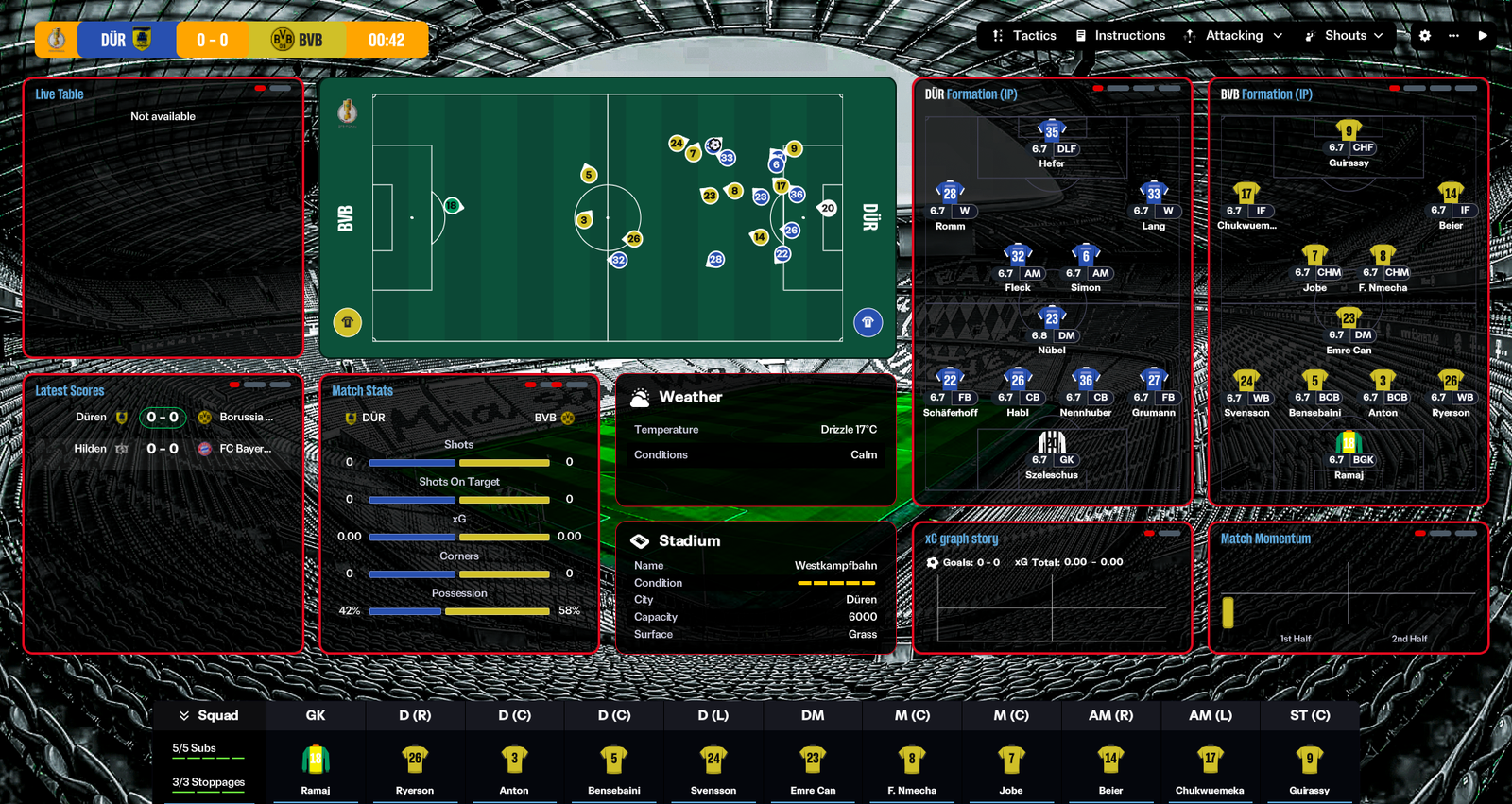
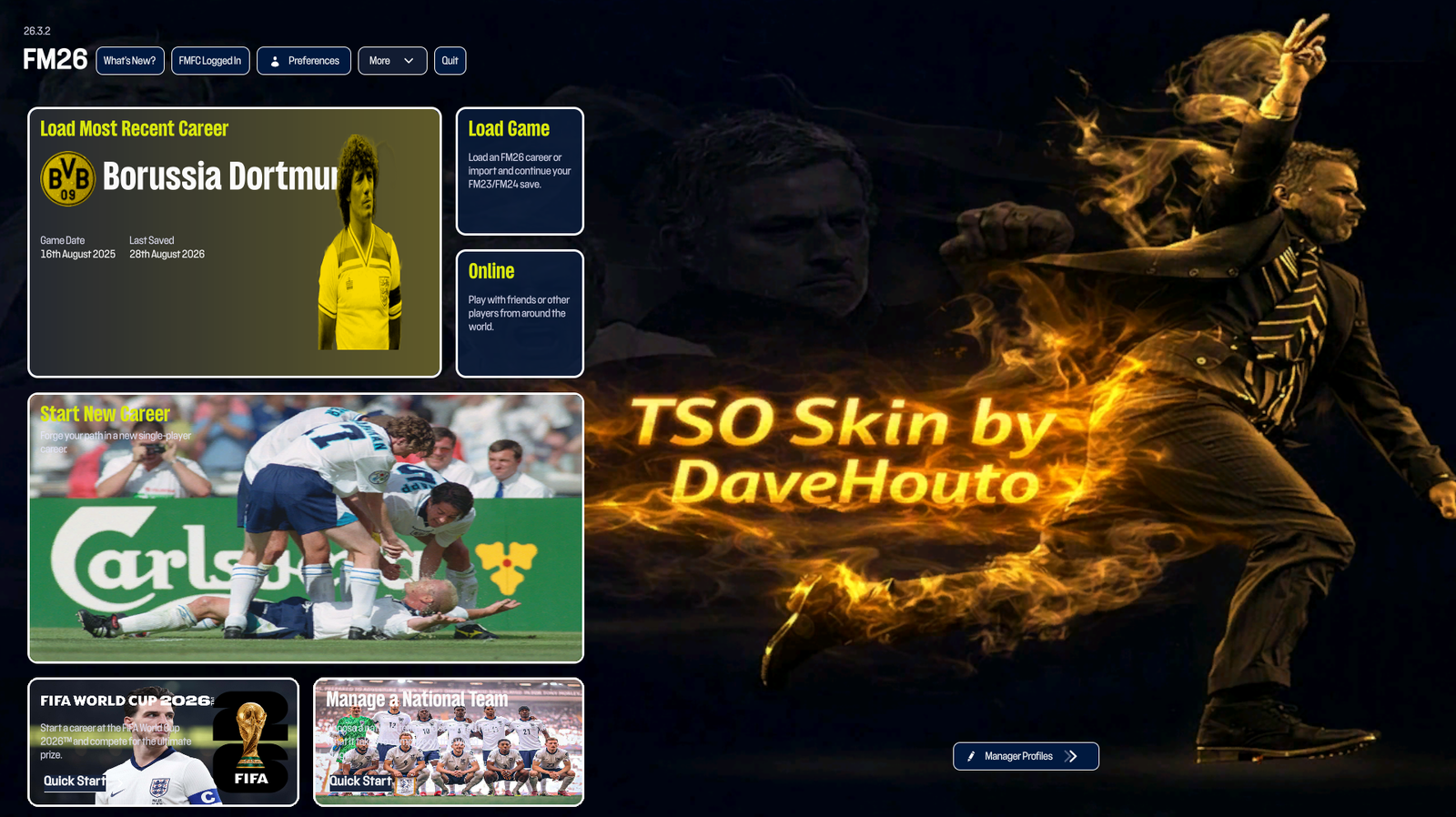
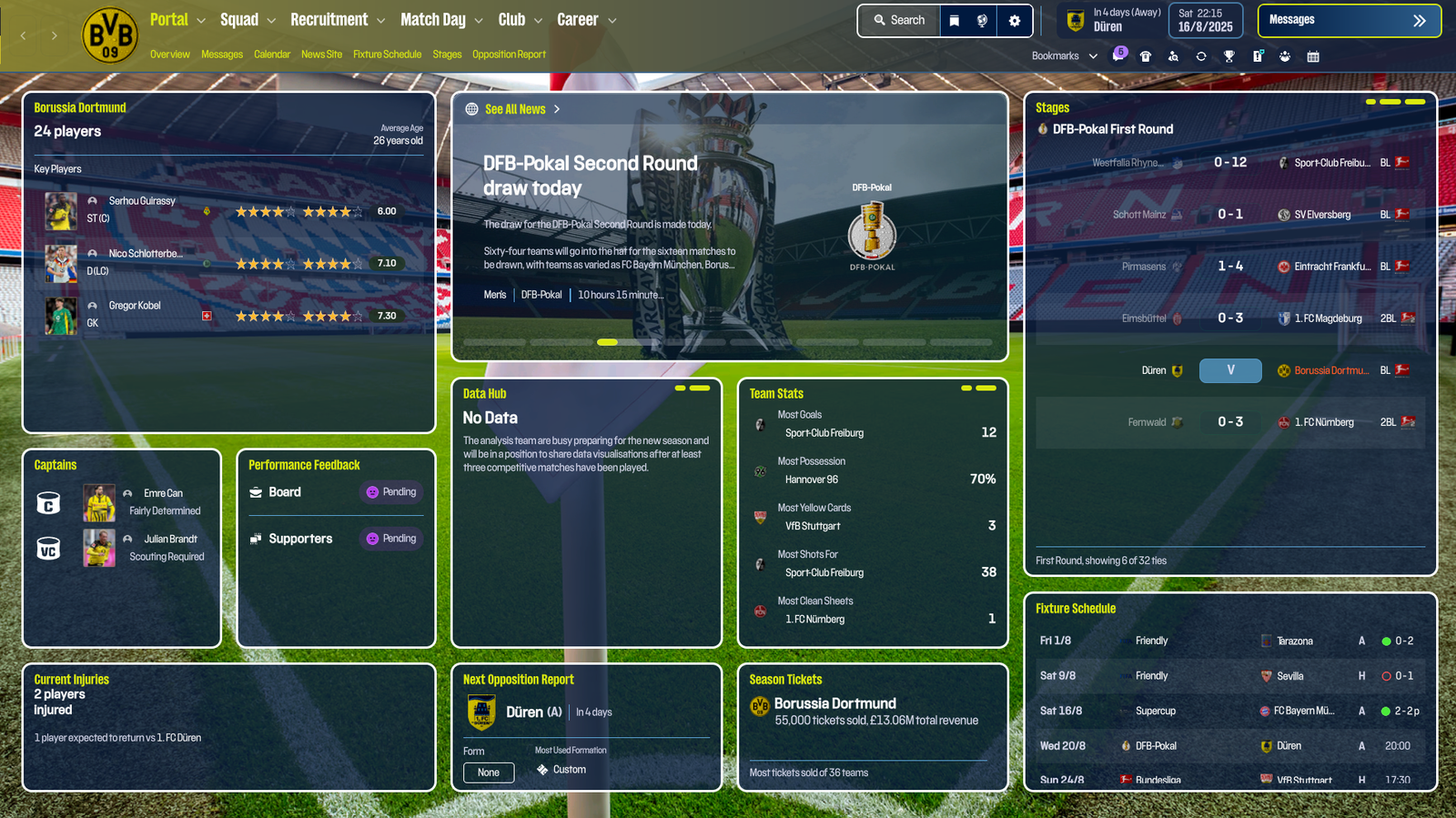
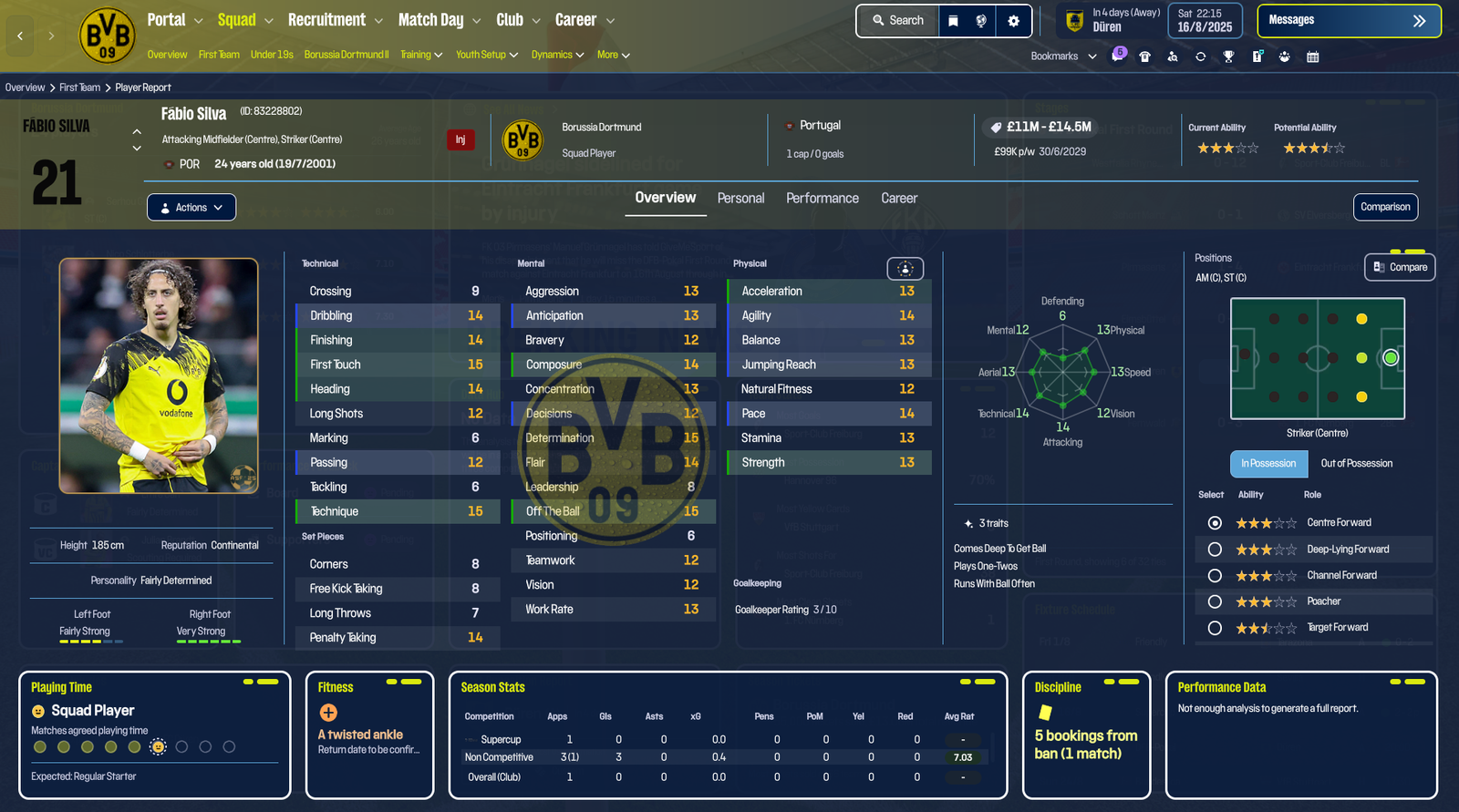
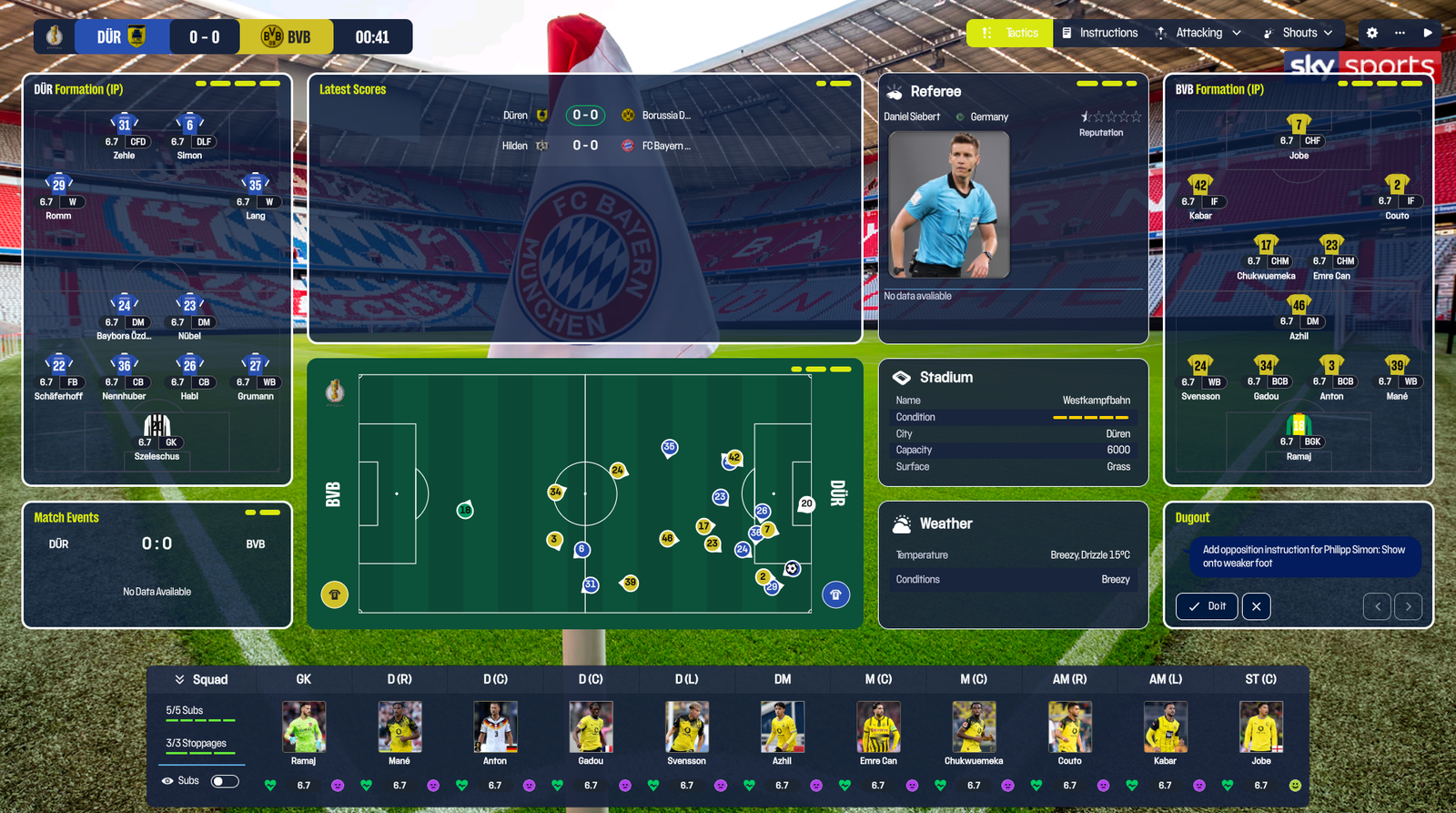
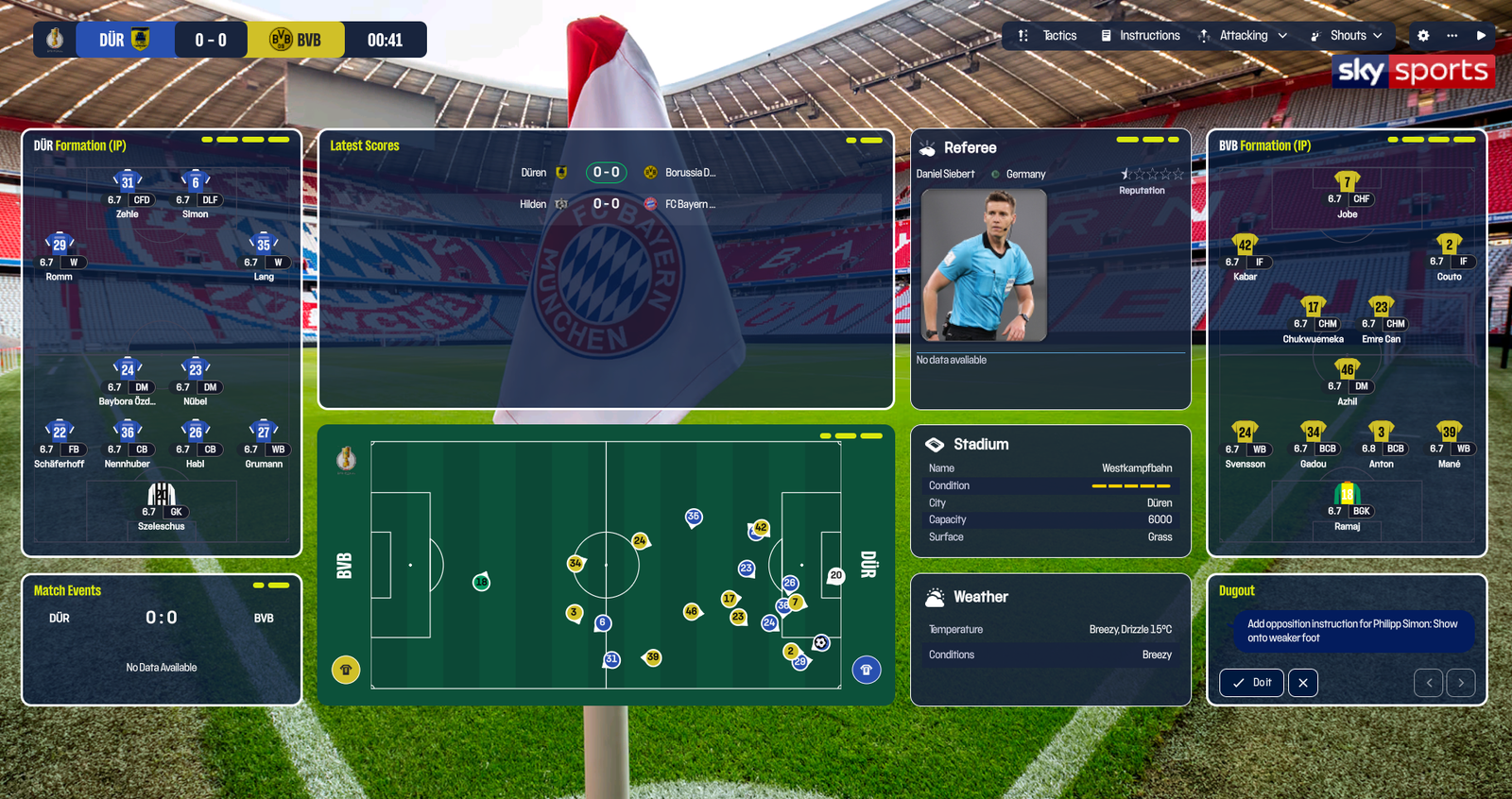
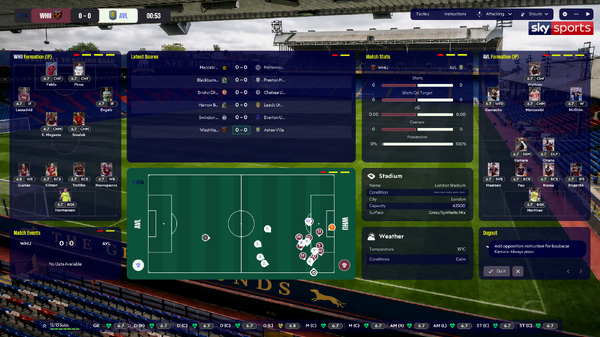
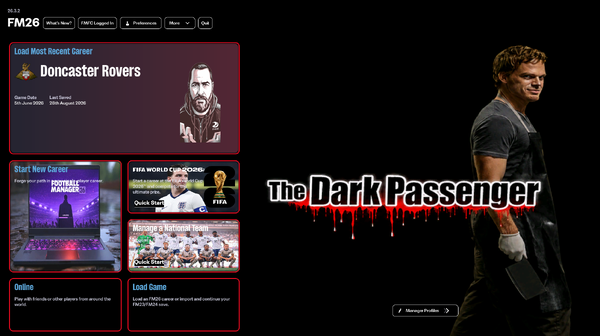
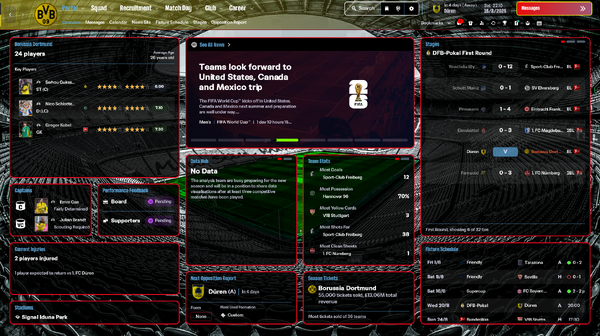
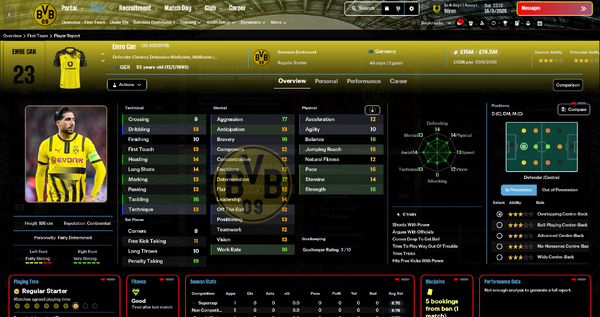
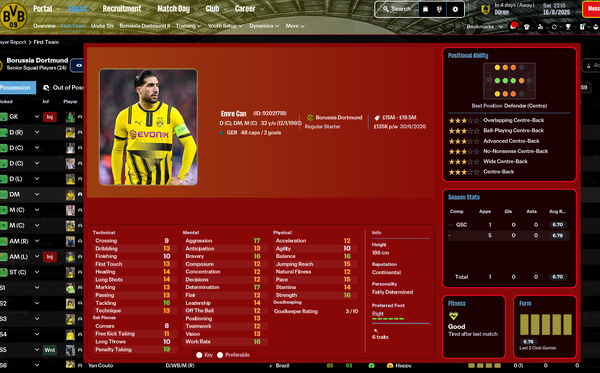
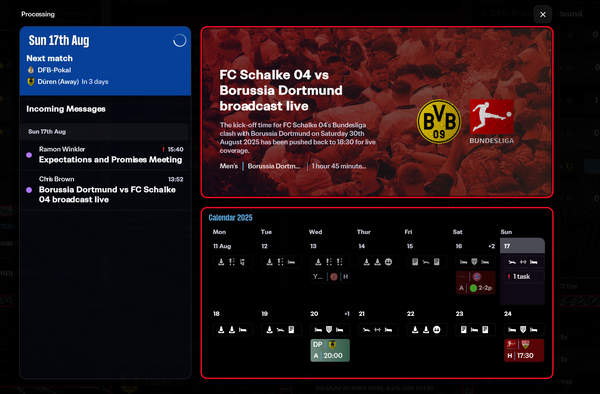
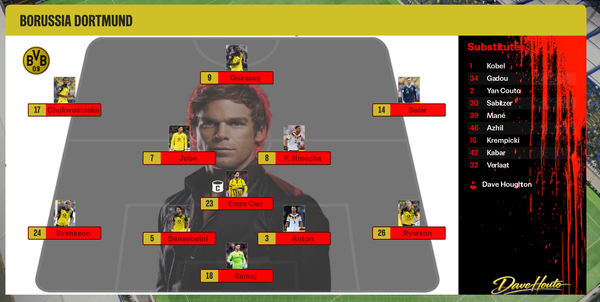
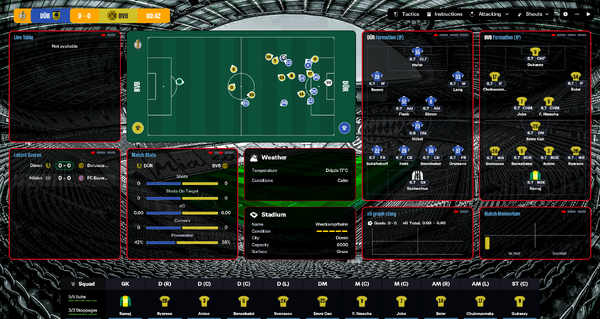
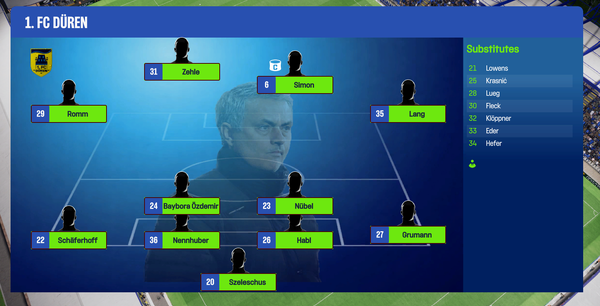
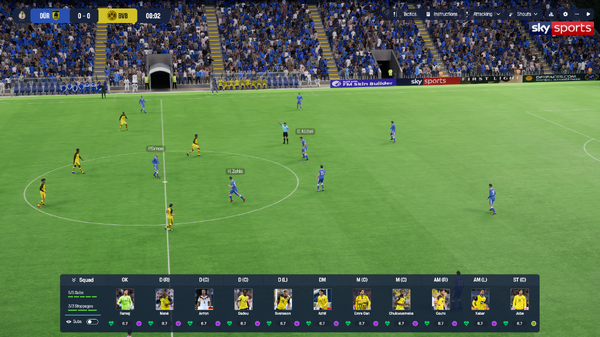
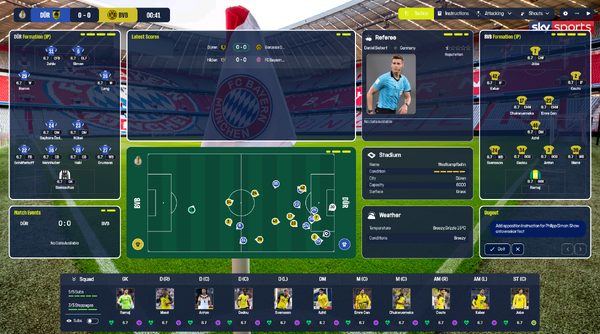
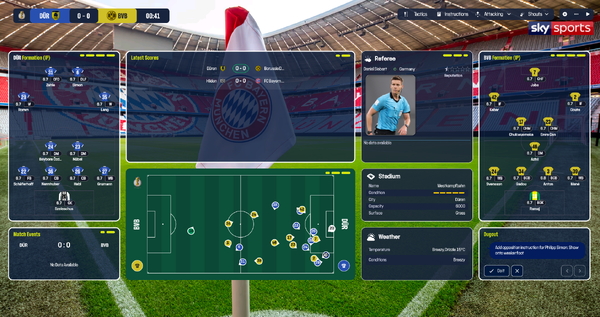
The Dark Passenger v2.2 (final update) Last update before FM27, You have 2 options, with team kits in the player profile navigation bar and without. Made with the support of the legends on the below Discord. With kits - https://www.mediafire.com/file/rnlqgaazp2zbl0p/Dark_Passenger_v2.2_kits_full_bundles.zip/file Without kits - https://www.mediafire.com/file/xqwrubv9b9metqb/Dark_Passenger_v2.2_nokits_full_bundles.zip/file Removed the hover colors from all tiles General minor changes to layouts Updated the start screen and background Additional tiles added to the matchday screen(with massive thanks to Lucky Luke), including stadium info, weather info and referee info tile, please note you will need a face pack that contains the referees images. The majority of the referees are available in Lucky Luke's ASF action style face pack on the Patreon link below. Please support skinning at - Support Lotsgon — Creator of FM Skin Builder https://discord.com/channels/1338139048979595344/1466024246668038157 https://discord.com/channels/1338139048979595344/1449826223390851236 With great thanks to Lucky Luke: https://www.patreon.com/cw/LuckyLukeFM BassyBoy - https://www.patreon.com/cw/BassyGames Darkside Tery at FM.Zweierkette for letting me use the FM Menu logos I would also like to thank all on the FM Match Lab Discord for all their help and support.

-
-
-
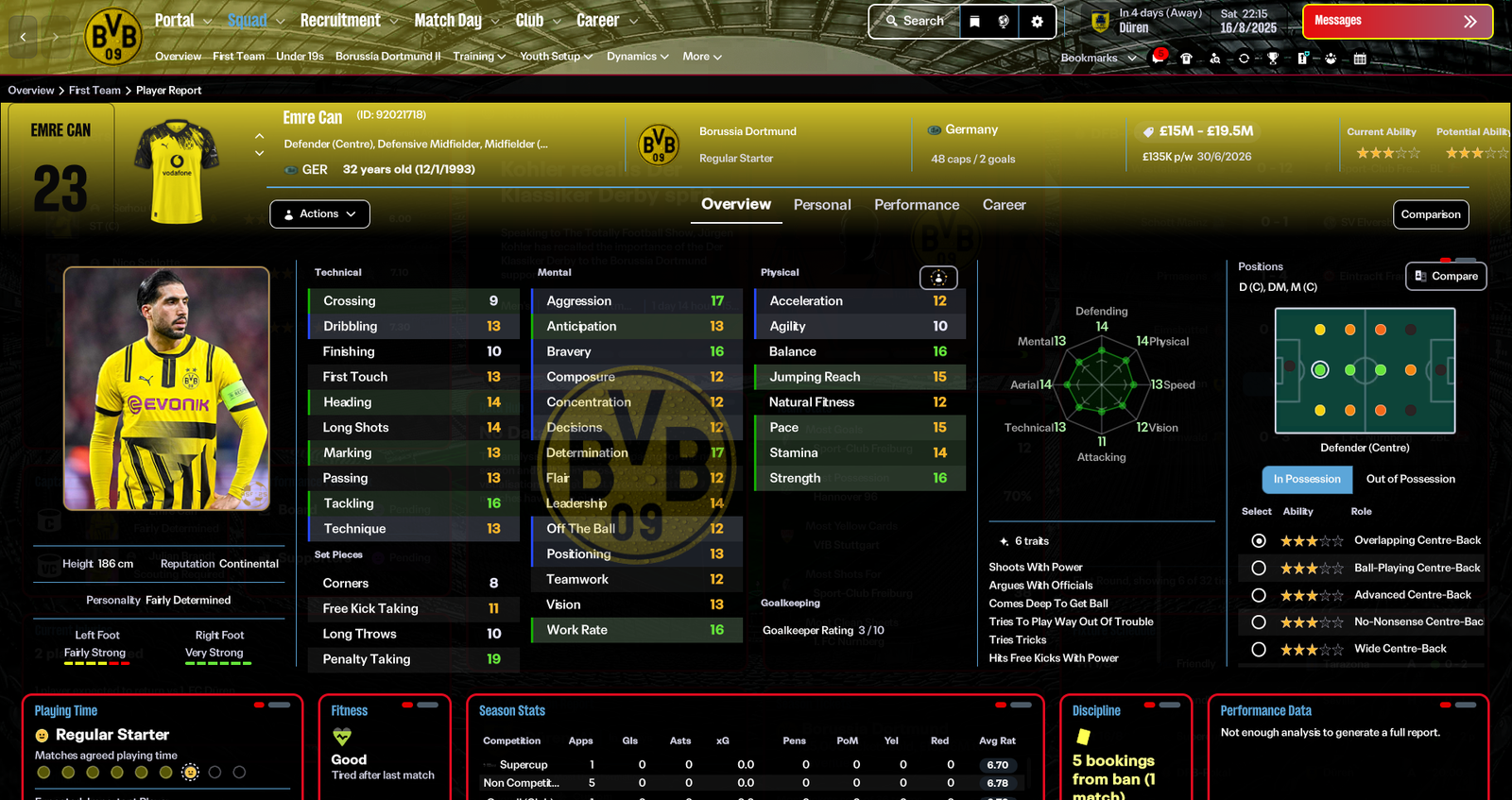
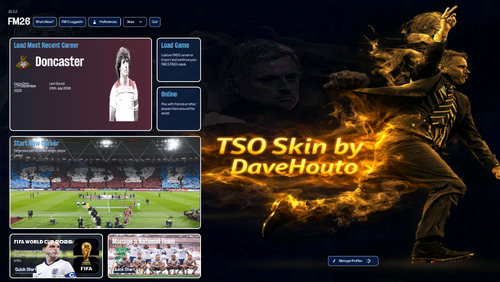
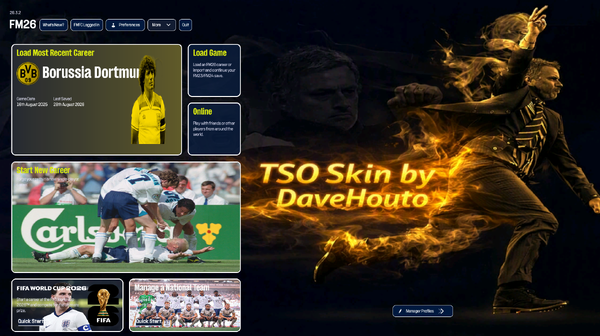
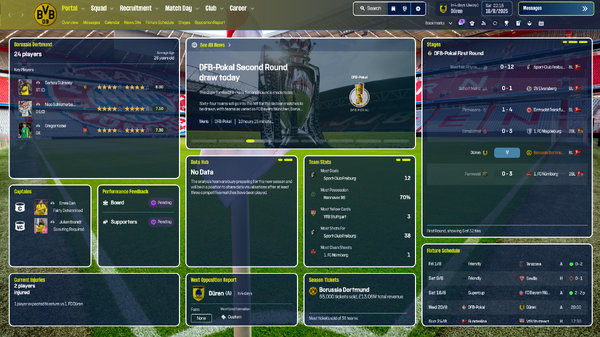
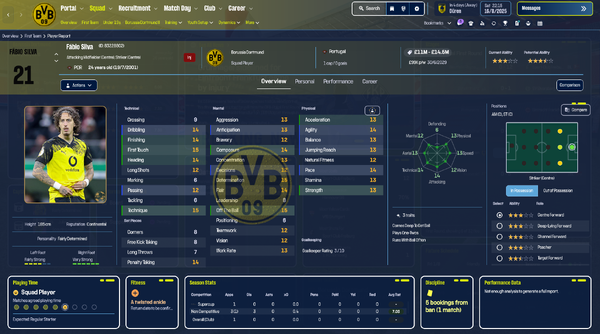
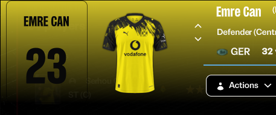
The Special One (TSO) v6.2 (final update) Last update before FM27, You have 2 options, with team kits in the player profile navigation bar and without. Made with the support of the legends on the below Discord. With kits - https://www.mediafire.com/file/6sy0l5zn3qfs6uy/TSO_v6.2_kits_full_bundles.zip/file Without kits - https://www.mediafire.com/file/zyzs973d0gqxxow/TSO_v6.2_nokits_full_bundles.zip/file
-
-
Hi team, just wondering if you can knock up the new home and away West ham shirts so I can add them to FM. I know it's a little early as I would have thought someone will be doing these at some point. Thanks as always guys....
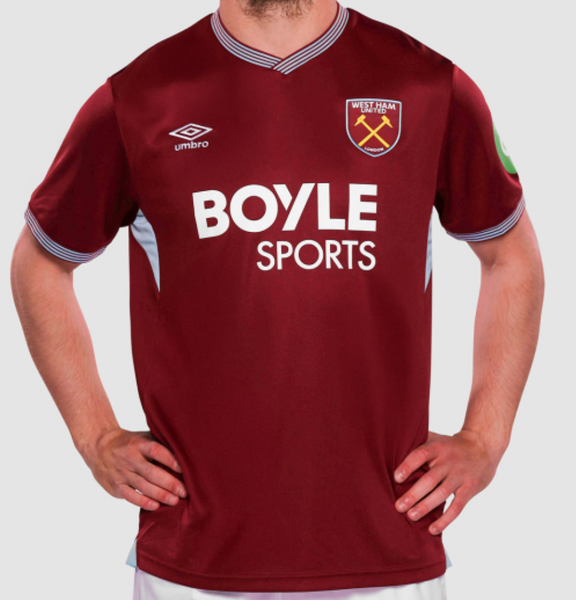

-
 Thanks as always man
 -
Top bloke cheers @Derek, I guess these replace any kit packs so I'll need to move those for these to work?
-
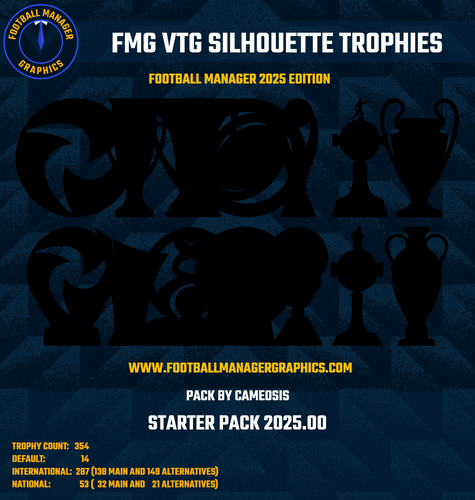
Love these trophies, can I ask what thesse logos are please?
-
-
 Great skin, I can't seem to get the same match day screen on. None of the options on the tab seem to give that view. Can you please help.
- 2 comments
- 2 reviews
-
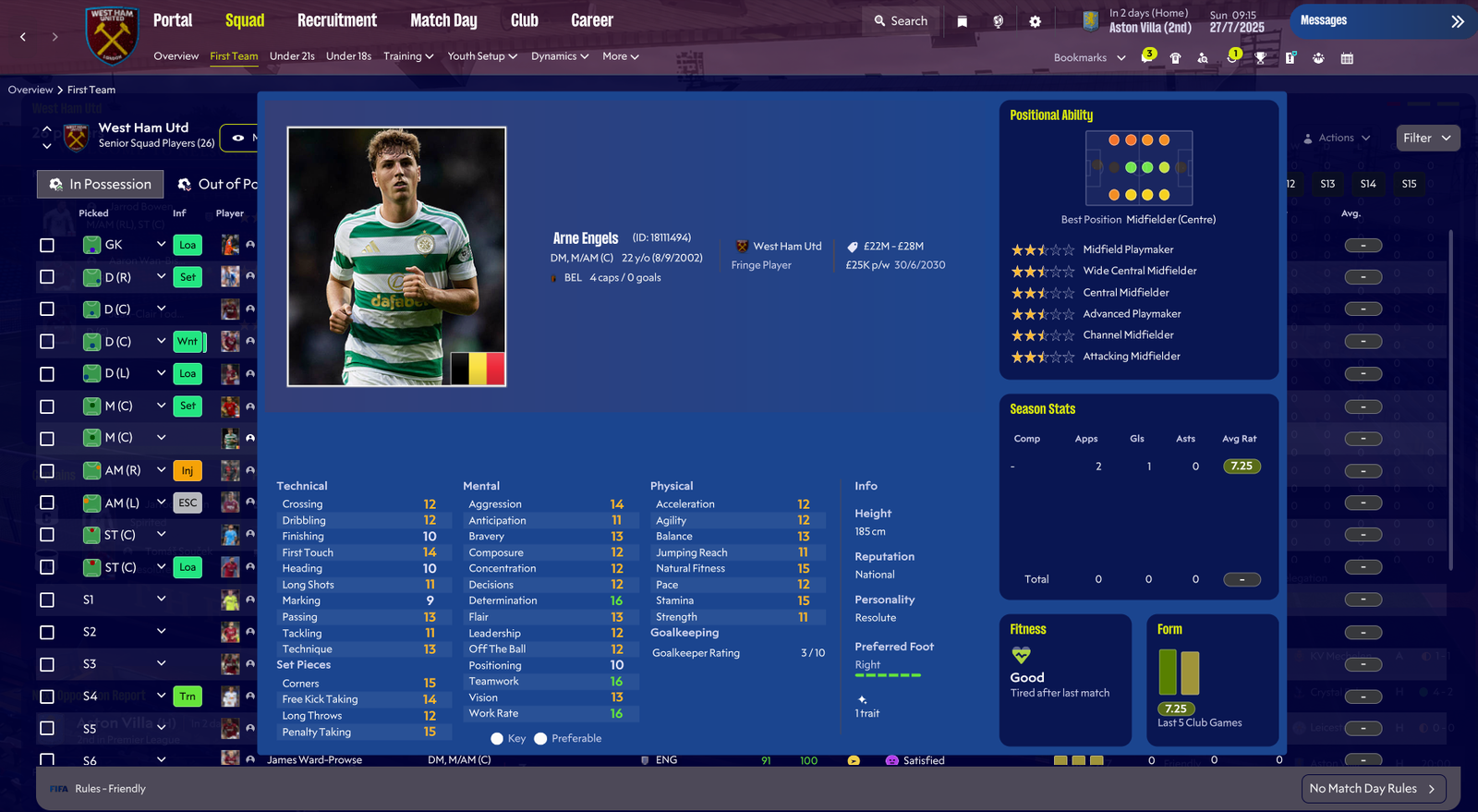
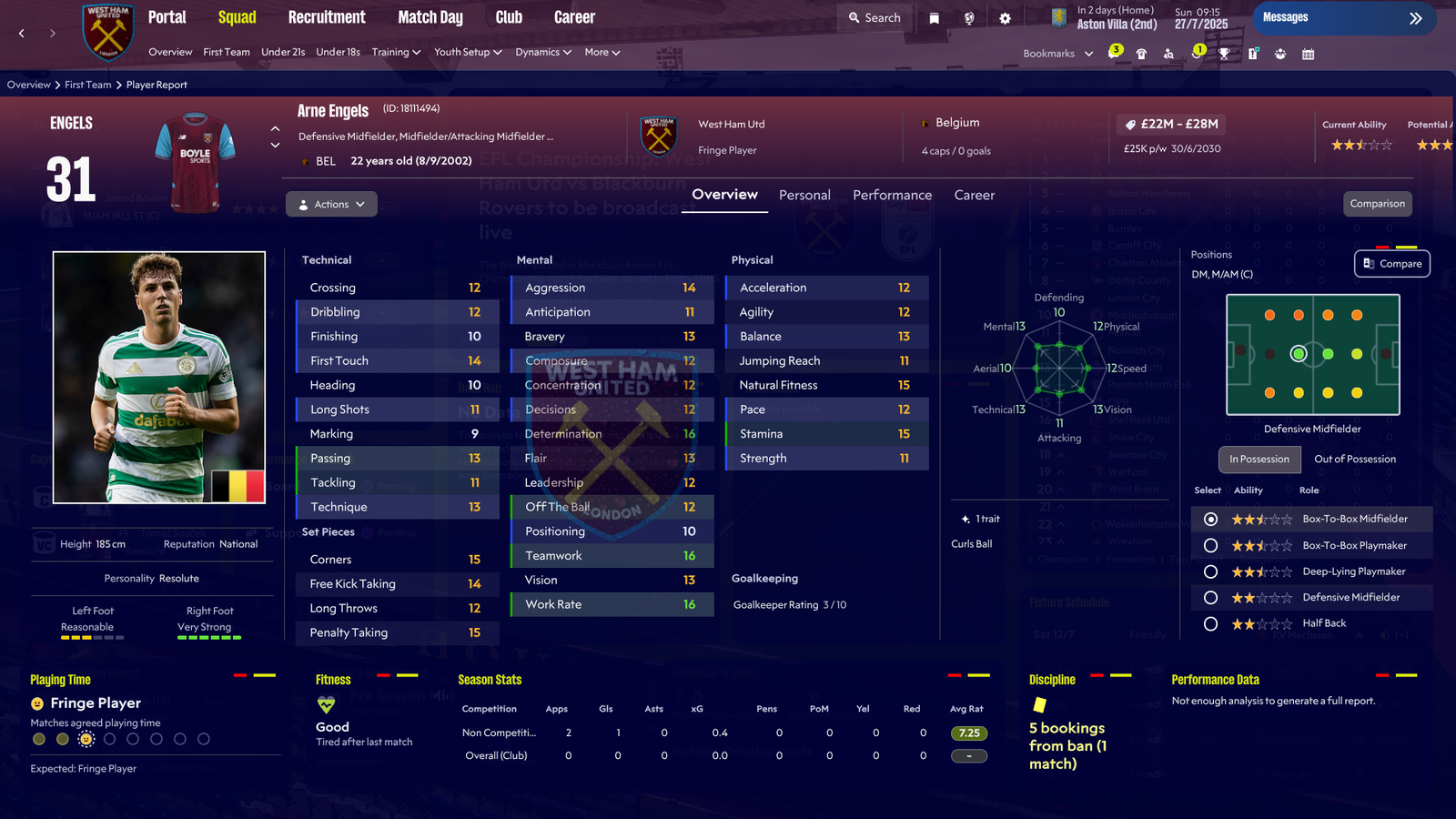
What's the skin on these pictures please?