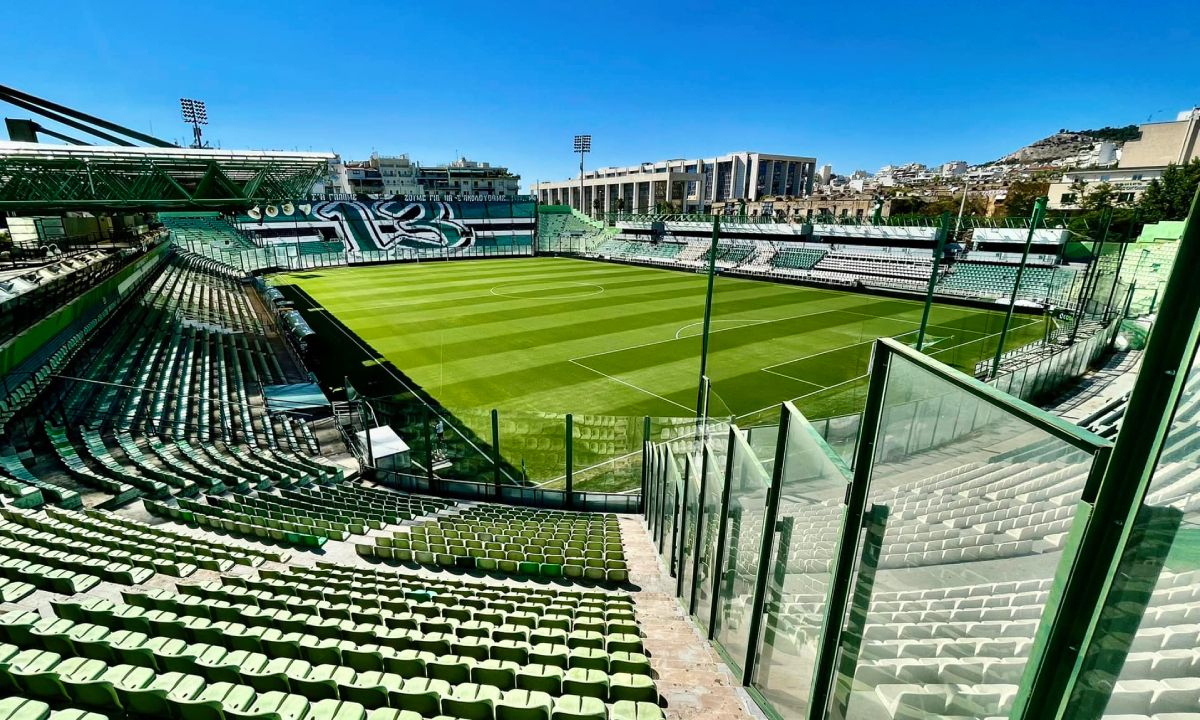
Apostolos Nikolaidis
FM ID
681875
Capacity16,000
CityAthens
ContinentEurope
Stadium Type
Main Stadium
TeamAE Kifisias
The Apostolos Nikolaidis Stadium, affectionately known as Leoforos (The Avenue), is the historic and spiritual home ground of Panathinaikos FC located in central Athens, Greece. Opened in 1922 on Alexandras Avenue, it is the oldest active football stadium in the country and has served as a sanctuary for Greek sports, even hosting the national team for decades. Named after the club's legendary multi-sport president Apostolos Nikolaidis, the all-seater arena features a tight, intimidating, and electrifying atmosphere with a capacity of roughly 16,000 spectators. Beyond its iconic green stands, the stadium is famous for its unique structural footprint, which includes an indoor training hall built directly underneath the stands (the historic "Tomb of the Indians") and its status as a living museum of Greek football heritage, preserved as the club prepares for its future move to a new arena in Votanikos. Highlighting its enduring versatility in modern Greek football, Leoforos famously serves as a vital matchday home for Kifisia FC, who shifted their high-profile top-flight fixtures to the historic venue due to the infrastructure limits and small capacity of their native Zirineio stadium.