
Skip to content
View in the app

A better way to browse. Learn more.

Football Manager Graphics

A full-screen app on your home screen with push notifications, badges and more.
To install this app on iOS and iPadOS
  1. Tap the Share icon in Safari
  2. Scroll the menu and tap Add to Home Screen.
  3. Tap Add in the top-right corner.
To install this app on Android
  1. Tap the 3-dot menu (⋮) in the top-right corner of the browser.
  2. Tap Add to Home screen or Install app.
  3. Confirm by tapping Install.

AE Kifisias

FM ID 36077318
Nation Greece
City Athens
Founded 2012
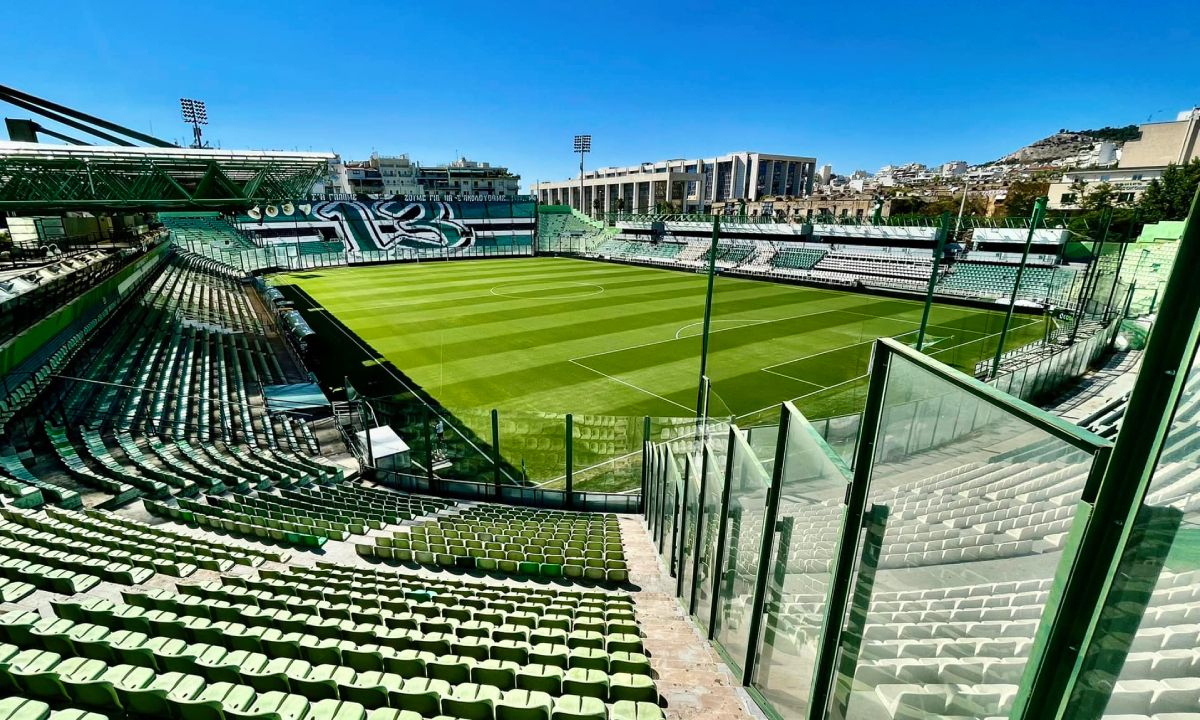
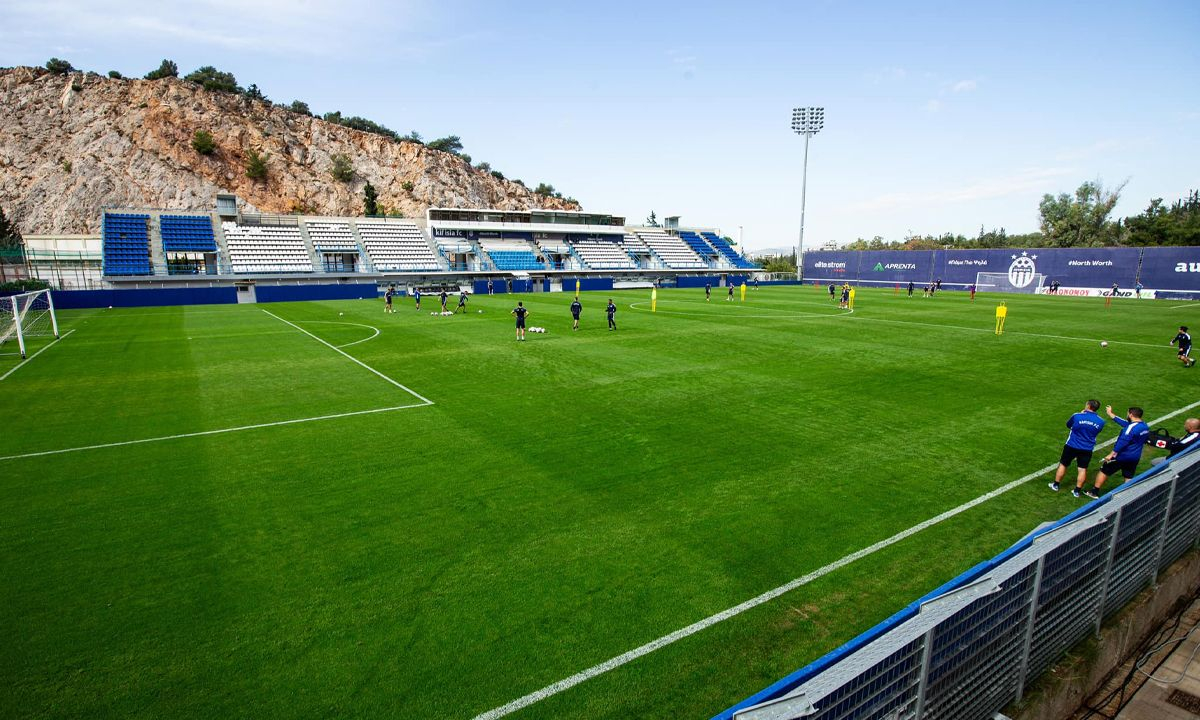
Stadium Apostolos Nikolaidis
Capacity 16,000
Reputation 5,100
Club Status Professional
Gender Male
Kifisia FC (officially PAE Kifisia or Athlitikos Omilos Kifisias) is a professional football club based in the affluent northern suburbs of Athens, Greece. Founded relatively recently on October 10, 2012, through the merger of two local clubs, A.O. Kifisia and Elpidoforos, the club was created to build a singular, powerful football entity capable of representing the entire northern Attica region in national leagues. Kifisia FC's rapid climb to the top flight of Greek football was propelled by several standout figures who etched their names into the club's folklore. The ultimate club icon is Greek- Ghanaian forward Andrews Tetteh, who holds the historic records for both most appearances (135) and most goals (48), serving as the driving force behind their multi-division promotions. Another homegrown hero is the talented forward Pavlos Pantelidis, who scored crucial goals during their historic Super League 2 championship campaign and earned a landmark senior Greece National Team call-up, During their maiden top-flight campaign, the club also attracted global headlines by signing former Manchester United and French international midfielder Morgan Schneiderlin.
Official Logo
Logo Variants
Alternative Logo
+1
Alternative Logo
Competition
Greek Super League 1
Nation
Greece
Greece
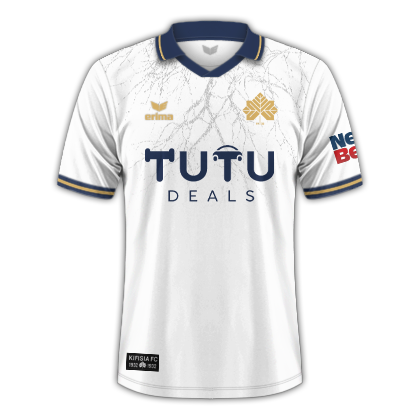
Kits (2026-27)
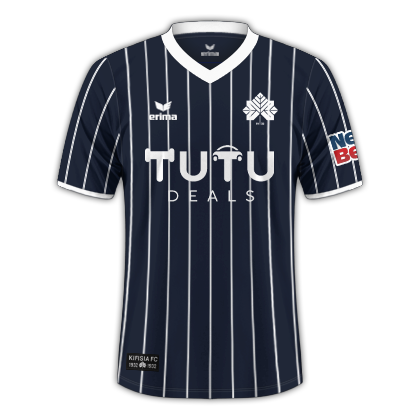
Home Shirt
Home Shirt
Away Shirt
Away Shirt
Third Shirt

Account

Navigation

Search

Search

Configure browser push notifications

Chrome (Android)
  1. Tap the lock icon next to the address bar.
  2. Tap Permissions → Notifications.
  3. Adjust your preference.
Chrome (Desktop)
  1. Click the padlock icon in the address bar.
  2. Select Site settings.
  3. Find Notifications and adjust your preference.