

Skip to content
View in the app

A better way to browse. Learn more.

Football Manager Graphics

A full-screen app on your home screen with push notifications, badges and more.
To install this app on iOS and iPadOS
  1. Tap the Share icon in Safari
  2. Scroll the menu and tap Add to Home Screen.
  3. Tap Add in the top-right corner.
To install this app on Android
  1. Tap the 3-dot menu (⋮) in the top-right corner of the browser.
  2. Tap Add to Home screen or Install app.
  3. Confirm by tapping Install.

OFI Crete

FM ID 980
Related FM IDs 2000277967
Nation Greece
City Heraklion
Founded 1925
Nickname Omilos
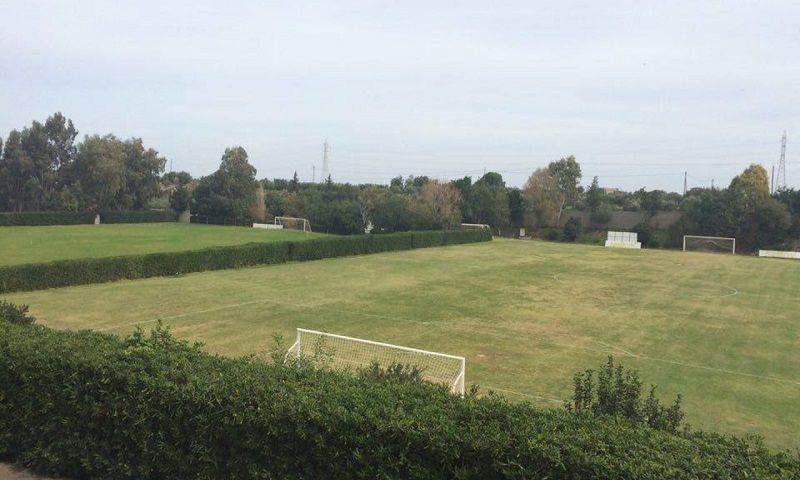
Stadium Pankritio
Capacity 26,240
Reputation 5,600
Club Status Professional
Gender Male
OFI Crete F.C., founded in Heraklion in 1925, boasts a proud history defined by passionate Cretan identity and two transformative coaching eras. The club’s absolute golden age arrived under legendary Dutch manager Eugène Gerards, who took charge in 1985 and remained at the helm for a record-breaking 15 years. Gerards completely revolutionized the club, guiding them to their finest hour by capturing the 1987 Greek Cup, achieving high top-flight finishes, and engineering famous European nights like eliminating Atlético Madrid in the 1993–94 UEFA Cup. Following years of subsequent financial instability and relegations, OFI entered a thrilling modern renaissance under manager Christos Kontis, who took over in October 2025. Kontis instantly etched his name into club lore by managing a spectacular run to win the 2025–26 Greek Cup in a thrilling 3–2 extra-time victory over PAOK, followed by a 2026 Greek Super Cup triumph over AEK Athens and a successful return to European competition, beating CSKA Sofia to advance to the league phase of the 2026-27 Europa League.
Official Logo
Logo Variants
Alternative Logo
+2
Alternative Logo
Historical Logo
Historical Logo
Competition
Greek Super League 1
Nation
Greece
Greece
Kits (2026-27)
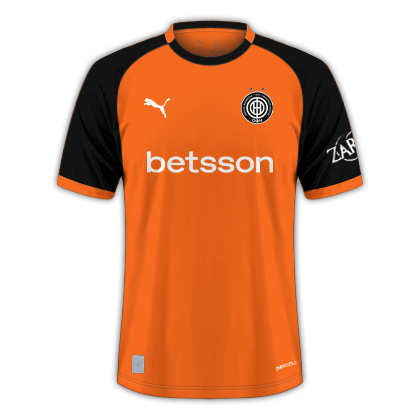
Home Shirt
Home Shirt
Away Shirt
Away Shirt
Third Shirt
Third Shirt

Account

Navigation

Search

Search

Configure browser push notifications

Chrome (Android)
  1. Tap the lock icon next to the address bar.
  2. Tap Permissions → Notifications.
  3. Adjust your preference.
Chrome (Desktop)
  1. Click the padlock icon in the address bar.
  2. Select Site settings.
  3. Find Notifications and adjust your preference.