
Skip to content
View in the app

A better way to browse. Learn more.

Football Manager Graphics

A full-screen app on your home screen with push notifications, badges and more.
To install this app on iOS and iPadOS
  1. Tap the Share icon in Safari
  2. Scroll the menu and tap Add to Home Screen.
  3. Tap Add in the top-right corner.
To install this app on Android
  1. Tap the 3-dot menu (⋮) in the top-right corner of the browser.
  2. Tap Add to Home screen or Install app.
  3. Confirm by tapping Install.

PAOK

FM ID 982
Nation Greece
City Thessaloniki
Founded 1926
Nickname Dikefalos tou Vorra
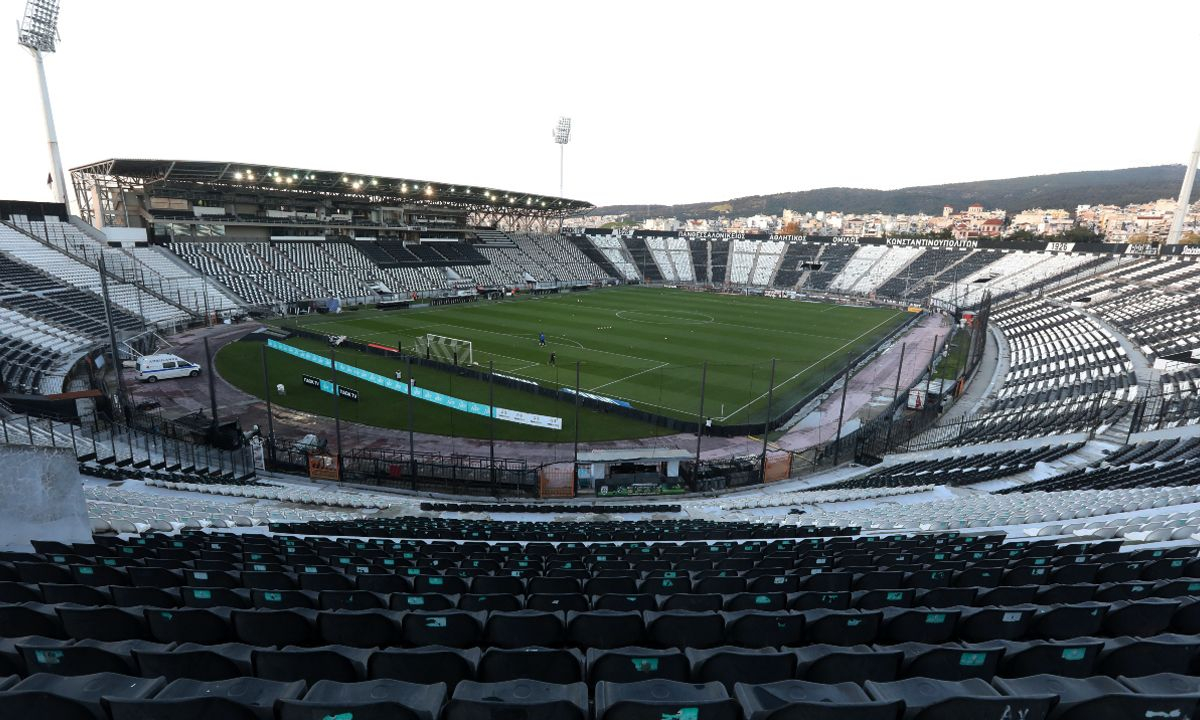
Stadium Toumba
Capacity 28,703
Reputation 6,950
Club Status Professional
Gender Male
PAOK FC (Panthessalonikeios Athlitikos Omilos Konstantinoupoliton) is one of Greece's most prominent and historically significant football clubs, based in Thessaloniki. Founded on April 20, 1926, by Greek refugees from Constantinople, the club embodies its rich heritage through its iconic black-and-white kit and the double-headed eagle emblem. Playing their home matches at the famously hostile Toumba Stadium, the "Double-Headed Eagle of the North" stands as the most successful football club in Northern Greece. In the 2018–19 season, PAOK achieved a legendary feat by winning both the league and the cup, securing the championship completely undefeated (26–4–0)—becoming the first and only modern Greek club to do so. On the continental stage, PAOK has reached the UEFA Conference League Quarter-finals twice, in 2022 and 2024.
Official Logo
Logo Variants
Alternative Logo
+2
Alternative Logo
Historical Logo
+2
Historical Logo
Concept Logo
Concept Logo
Competition
Greek Super League 1
Nation
Greece
Greece
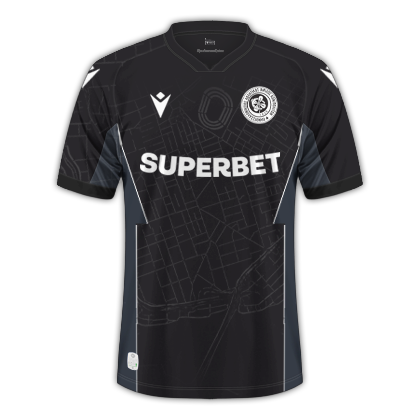
Kits (2026-27)
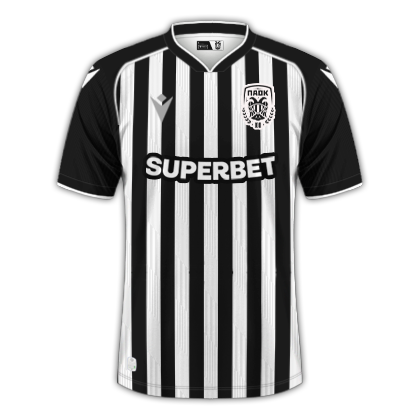
Home Shirt
Home Shirt
Away Shirt
Away Shirt
Third Shirt
Third Shirt

Account

Navigation

Search

Search

Configure browser push notifications

Chrome (Android)
  1. Tap the lock icon next to the address bar.
  2. Tap Permissions → Notifications.
  3. Adjust your preference.
Chrome (Desktop)
  1. Click the padlock icon in the address bar.
  2. Select Site settings.
  3. Find Notifications and adjust your preference.