





SKAFT20
Members
-
Joined
-
Last visited
Everything posted by SKAFT20
-
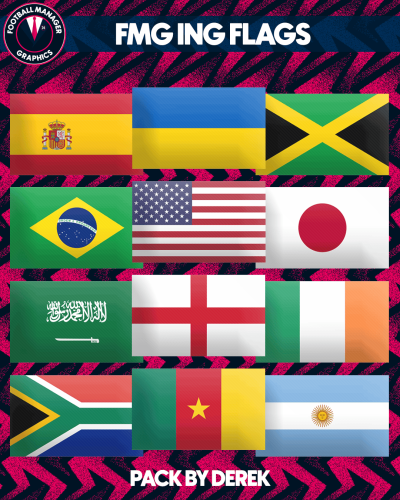 Great flags! But there is something wrong with Netherlands flag, it's working in small size but it shows the federation's logo instead in the national team squad screen (and detailed results too). I searched throughout the files to find where this federation logo is coming from, but I couldn't find it (also the codes seem to be all correct). Maybe it's something with the new patch.