Jump to content
View in the app

A better way to browse. Learn more.

Football Manager Graphics

A full-screen app on your home screen with push notifications, badges and more.

To install this app on iOS and iPadOS
  1. Tap the Share icon in Safari
  2. Scroll the menu and tap Add to Home Screen.
  3. Tap Add in the top-right corner.
To install this app on Android
  1. Tap the 3-dot menu (⋮) in the top-right corner of the browser.
  2. Tap Add to Home screen or Install app.
  3. Confirm by tapping Install.

taylormgaming

Members
  • Joined

  • Last visited

  1. taylormgaming changed their profile photo
  2. Ohh I really like these, especially the Black kit that looks really classy. Thank you so much for doing these so quickly y!!
  3. Ok can I get some PR Kits please
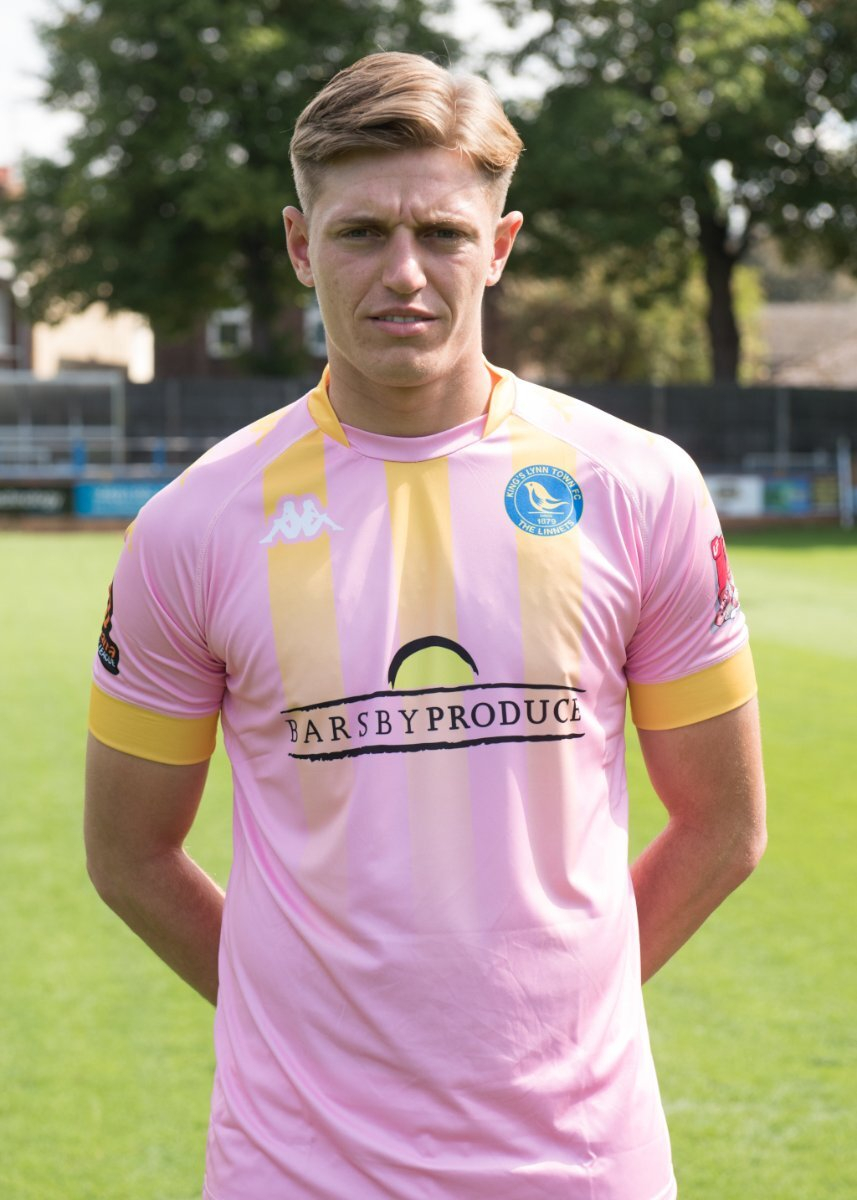
  4. What kit styles do you have? Also, you can change the pink colour maybe go for yellow or white instead
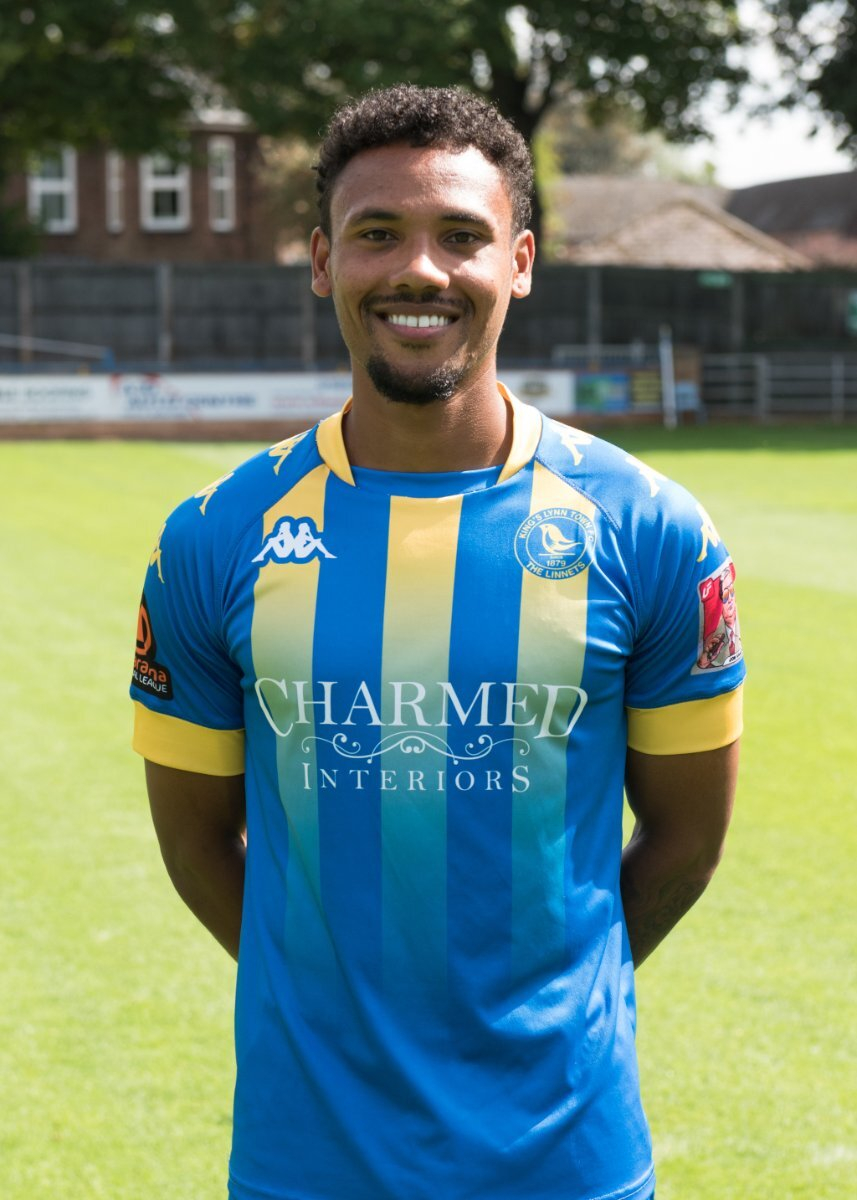
  5. HI guys, hope you're good. Any chance of getting some Kings Lynn kits done? I'm about to start a save with them in the next couple of days, Feel free to be as creative as you like, I'm attaching photos of the current home & away kits however I'm not a massive fan of the away kit so feel free to change that up as much as you would like. Thanks guys

Important Information

Terms & Conditions

Configure browser push notifications

Chrome (Android)
  1. Tap the lock icon next to the address bar.
  2. Tap Permissions → Notifications.
  3. Adjust your preference.
Chrome (Desktop)
  1. Click the padlock icon in the address bar.
  2. Select Site settings.
  3. Find Notifications and adjust your preference.