Skip to content
View in the app

A better way to browse. Learn more.

Football Manager Graphics

A full-screen app on your home screen with push notifications, badges and more.

To install this app on iOS and iPadOS
  1. Tap the Share icon in Safari
  2. Scroll the menu and tap Add to Home Screen.
  3. Tap Add in the top-right corner.
To install this app on Android
  1. Tap the 3-dot menu (⋮) in the top-right corner of the browser.
  2. Tap Add to Home screen or Install app.
  3. Confirm by tapping Install.

Zaxzi

Members
  • Joined

  • Last visited

Everything posted by Zaxzi

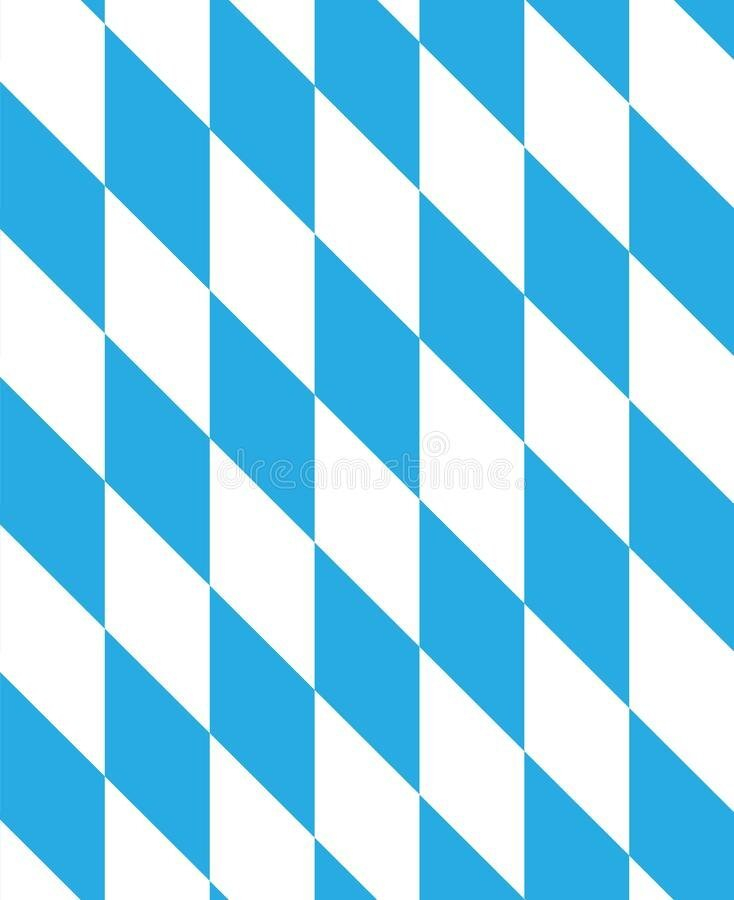
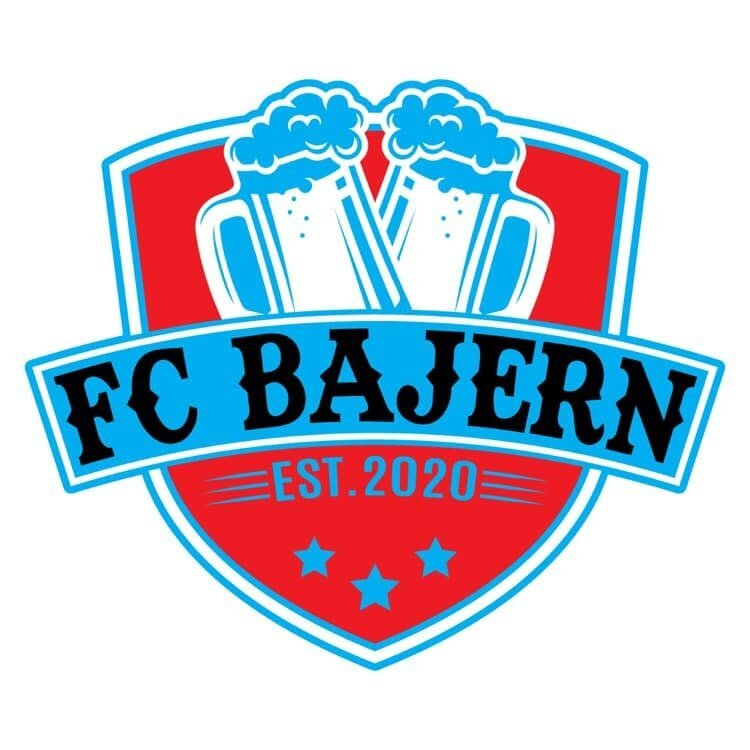
  1. Hi! Really cool designs! I have a request for a redesign of my local 7-a-side team. Our name Is FC Bajern, inspired by FC Bayern. Bajern in Danish is slang for beers. (see the current logo for inspiration). We normally play in Uruguay blue and black shorts/socks. It would be cool if you could make a modern looking logo including: - Logo as a circle - A golden wreath as I have attached - The Bavaria pattern in the blue/ white colors of Uruguay. - Include est. 2020 - And if possible, some realistic looking beers Anything else you are free to do. Thanks!
Important Information

Terms & Conditions

Account

Navigation

Search

Search

Configure browser push notifications

Chrome (Android)
  1. Tap the lock icon next to the address bar.
  2. Tap Permissions → Notifications.
  3. Adjust your preference.
Chrome (Desktop)
  1. Click the padlock icon in the address bar.
  2. Select Site settings.
  3. Find Notifications and adjust your preference.