Jump to content
View in the app

A better way to browse. Learn more.

Football Manager Graphics

A full-screen app on your home screen with push notifications, badges and more.

To install this app on iOS and iPadOS
  1. Tap the Share icon in Safari
  2. Scroll the menu and tap Add to Home Screen.
  3. Tap Add in the top-right corner.
To install this app on Android
  1. Tap the 3-dot menu (⋮) in the top-right corner of the browser.
  2. Tap Add to Home screen or Install app.
  3. Confirm by tapping Install.

Taludo

Members
  • Joined

  • Last visited

  1. Taludo started following FMV Logos Update 2
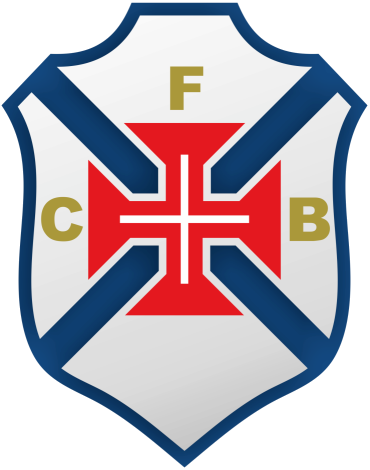
  2. I.D. number 1474 Os Belenenses All the logos are wrong. the correct one is:
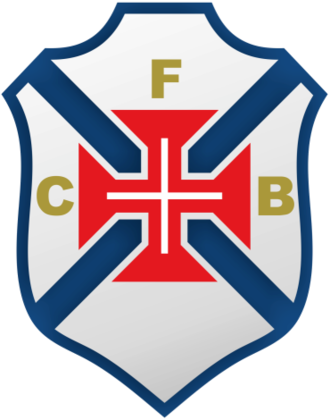
  3. You already have the correct logo on the pack. But only in the small size. In the normal size is the logo from another team with a similar name. But if you want i post the logo anyways
  4. Hello. I have a little correction for you guys. In Portugal there is a team with ID 7000008. In the small format of the logos you have the correct one, but in the normal size the logo is from another team with a similar name. I hope you can fix this one day.
  5. Hello. this pack have a error in the logos from Portugal. In Portugal there are two clubs named "belenenses" but one is "belenenses sad" and the other is "clube fubebol os belenenses. In the pack is the same logo for the two teams but in reality "clube futebol os belenenses" have a diferent logo. this is the logo for "clube fuutebol os belenenses. Hope you guys could make the correction.

Important Information

Terms & Conditions

Configure browser push notifications

Chrome (Android)
  1. Tap the lock icon next to the address bar.
  2. Tap Permissions → Notifications.
  3. Adjust your preference.
Chrome (Desktop)
  1. Click the padlock icon in the address bar.
  2. Select Site settings.
  3. Find Notifications and adjust your preference.