Jump to content
View in the app

A better way to browse. Learn more.

Football Manager Graphics

A full-screen app on your home screen with push notifications, badges and more.

To install this app on iOS and iPadOS
  1. Tap the Share icon in Safari
  2. Scroll the menu and tap Add to Home Screen.
  3. Tap Add in the top-right corner.
To install this app on Android
  1. Tap the 3-dot menu (⋮) in the top-right corner of the browser.
  2. Tap Add to Home screen or Install app.
  3. Confirm by tapping Install.

aldinef12

Members
  • Joined

  • Last visited

  1. oh, cheers, it works for me
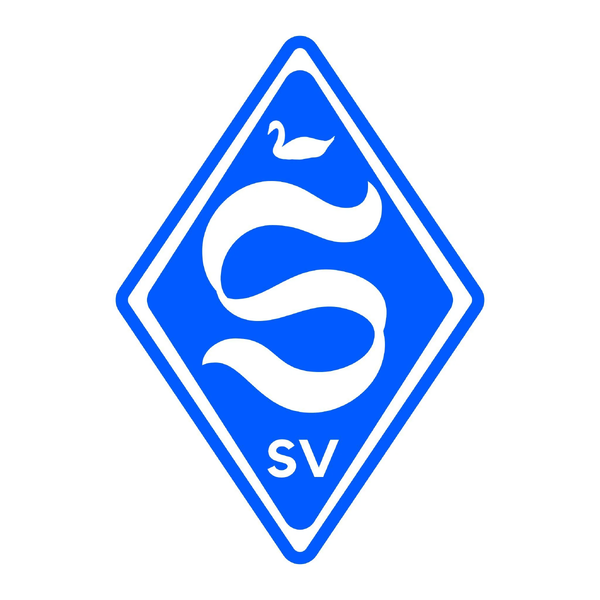
  2. hello! happy new year! i'd love if you could make me a logo for my fictional club - westminster f.c. i've already found a logo for inspiration (attached below), and i just need you to do some tinkering. instead of being blue, it should be a deep purple (specifically #53007a), instead of an s, it should be a similarly styled w, and the swan on top should be substituted for a crown of the same size. also be sure to put fc instead of sv, or put the year the club was founded (1883) thank you in advance!
Important Information

Terms & Conditions

Configure browser push notifications

Chrome (Android)
  1. Tap the lock icon next to the address bar.
  2. Tap Permissions → Notifications.
  3. Adjust your preference.
Chrome (Desktop)
  1. Click the padlock icon in the address bar.
  2. Select Site settings.
  3. Find Notifications and adjust your preference.