Cassio1401
Members
-
Joined
-
Last visited
-
Perfect, excelent work, thank you very much.
-
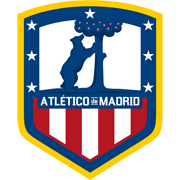
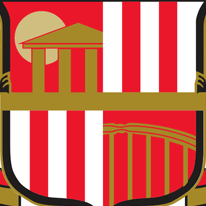
Beautiful work. The Nurnberg logo looks amazing, the only thing that i would change is the form that 1. FCN is displayed, maybe in the default way, 1. above the FCN like the original logo. The Sunderland one looks good too, i think that the Consectatio Excellentiae flag should appear as well. And the center of the logo in the shape of this Atletico de Madrid logo, and the details inside like the original Sunderland logo, with the four divided images.
-
Cassio1401 changed their profile photo
-
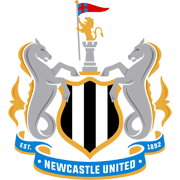
Hello, first request here, so i dont know how it works, but i'll try. Im currently playing with Sunderland and planning to play FC Nurnberg next, i would like modern logos for them. For Sunderland, i was thinking more of a modernization of the current logo, like this Newcastle one, but im open to suggestions as well. For Nurnberg, i would like to be surprised 😂. Only thing important to maintain in my opinion os the 1. FCN (number and letters)
-