kcrrthrs
Members
-
Joined
-
Last visited
-
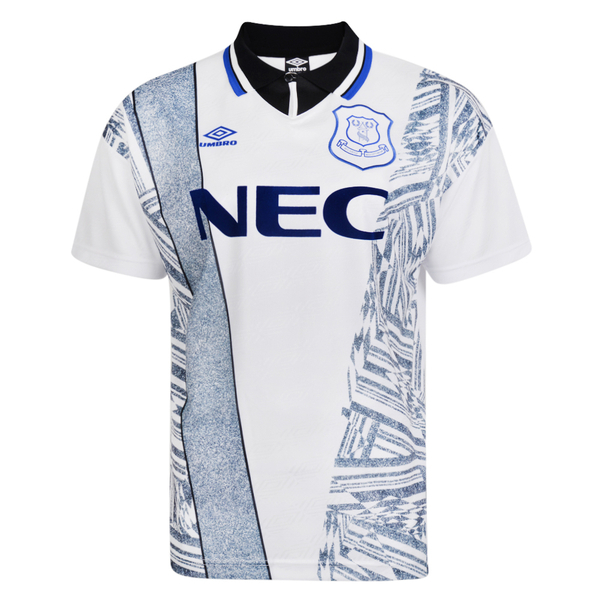
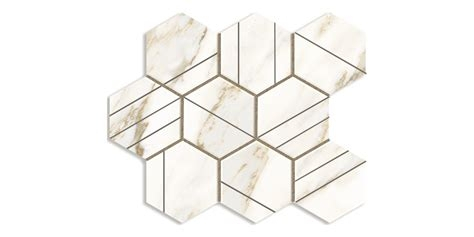
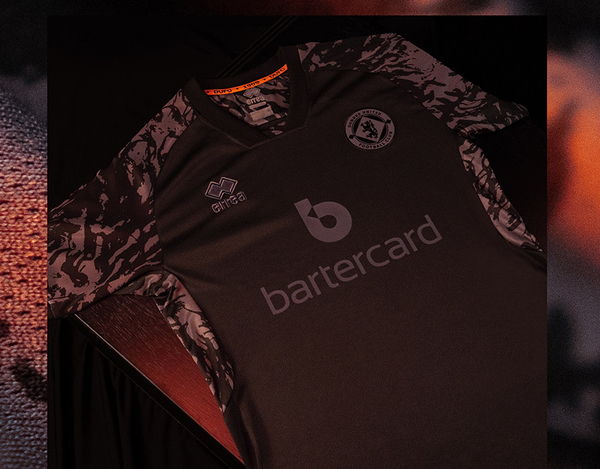
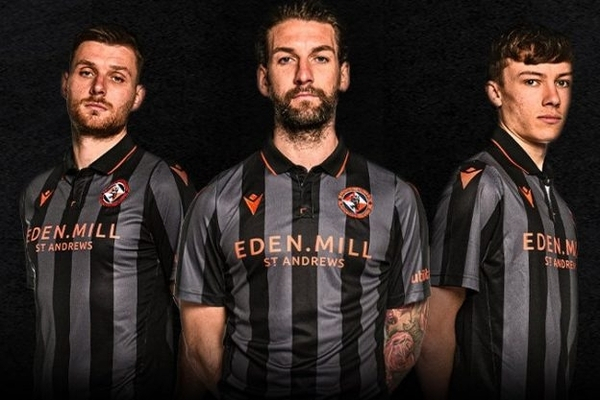
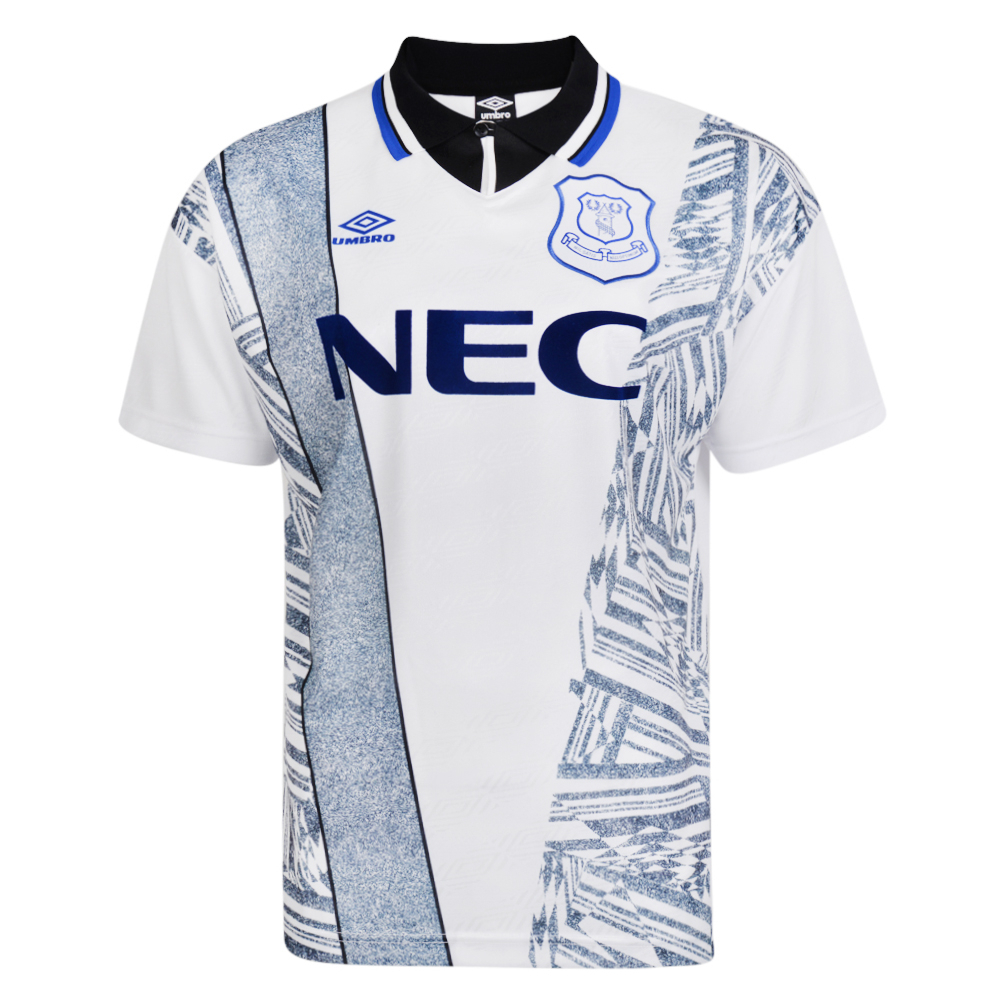
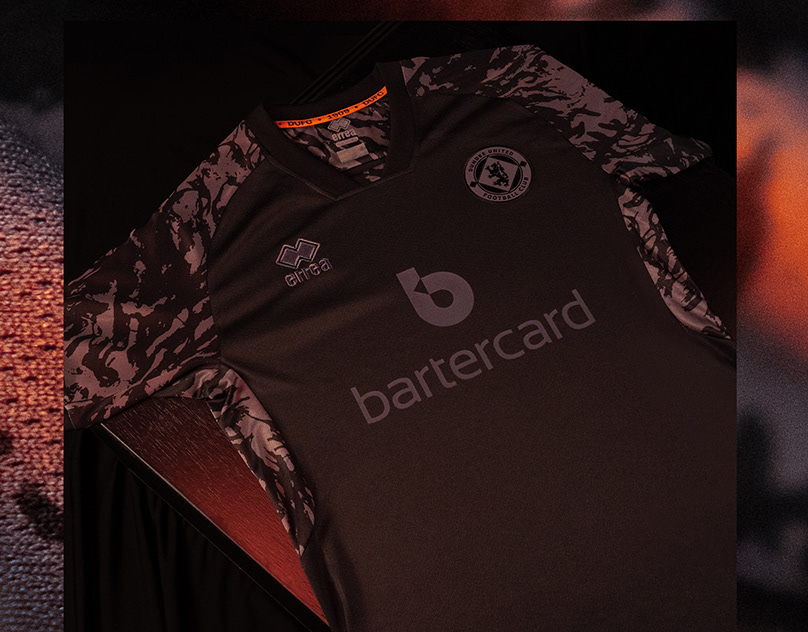
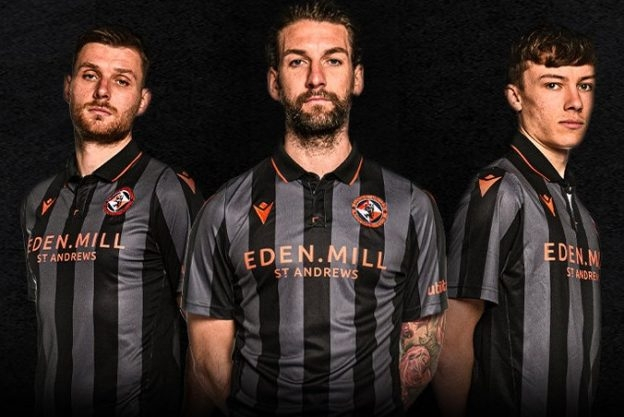
Hello, could I please request fantasy home and away kits for my create a club save from FM22? The premise I have in my head is that we are a club with similar eco philosophy as Forest Green Rovers, but operating in Scotland. We only sign players who in real life have a similar mindset - Hector Bellerin is my Assistant Manager in 2038. We've had Duncan Ferguson too! I have a logo I can attach. I was hoping for retro style kits, maybe 80s era. I like the collars you would get on those kits, almost like a rugby jersey. Home A mainly white home kit with some kind of pattern used in the design, similar to the way the pattern has been used on the Everton kit I'll attach here too. I didn't want a copy of that kit but just something similar. If the pattern could incorporate elements of a hexagon with the point at the top and bottom that would be great (I basically try to run the club with a 343 'philosophy' right from the U19s and get only 343 coaches and staff etc. and the hexagon looks like a 343 imo, but 'that way round' with a poacher and libero / WCBs) Away Black but maybe with dark grey stripes like the DUFC or a 'blacked out' kit that a few clubs have done. Idk if a white collar would look cool on these though so I'll leave it to what you think looks best. Manufacturer Hope and Glory Sponsor Blank Any questions please let me know, thanks in advance! Kieran