





fmtreq
Members
-
Joined
-
Last visited
-
 FM27 is what FM25 should have been 😬View the full article
 -
 Can Tiki-Taka save BROKEN Valencia??View the full article
 -
 Real Life Football Manager | The Comeback Win!View the full article
 -
 How Hürzeler's Tactics DESTROYED ArsenalView the full article
 -
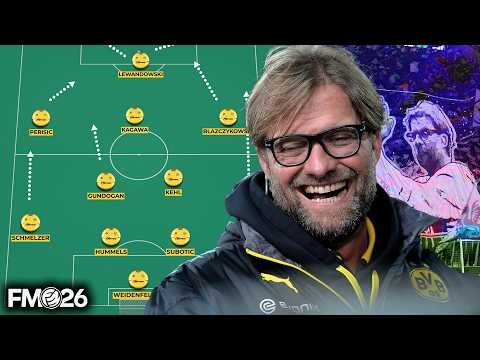 I Built Klopp's Prime HEAVY METAL Dortmund Team in FM26View the full article
 -
 Manchester United One Season ChallengeView the full article
 -
 Creating a Red Bull tactic at the World's Oldest Football ClubView the full article
 -
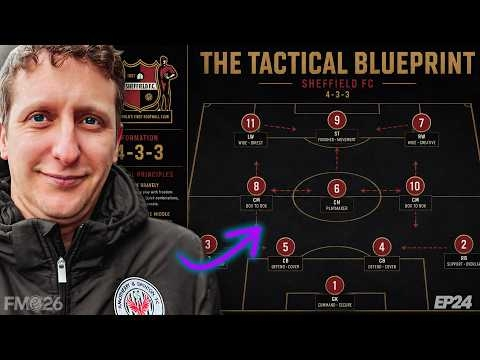 MY 4-3-3 TACTICAL BLUEPRINT 🔥FM26 Sheffield RTGView the full article
 -
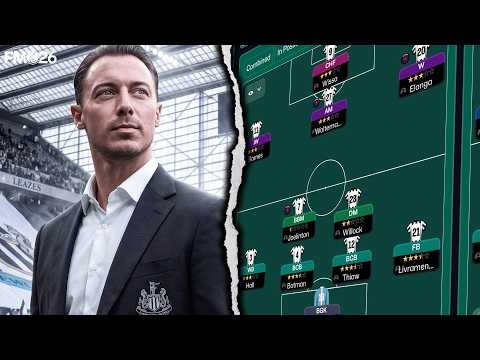 FM26: Jaissle's Newcastle pressing tactic is a game-changerView the full article
 -
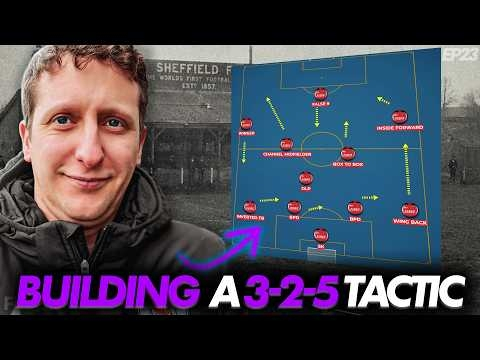 How to Build a 3-2-5 in Possession Tactic in FM26 (Sheffield EP23)View the full article
 -
 Rebuilding a real life football club EP1View the full article
 -
 SHEFFIELD FC IS BACK 🔥 Did the massive 💰 gamble work???View the full article
 -
 Luis De La Fuente's ULTIMATE CONTROL Spain tactic in FM26View the full article
 -
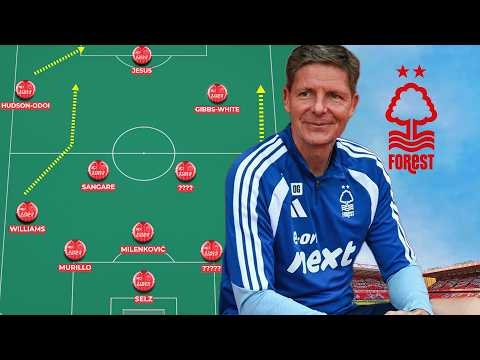 Glasner's Forest Tactic Deep Dive | 3-4-2-1 / 5-4-1 FM26View the full article
 -
 Why Double TARGET FORWARD Works | Football Manager 2026 AnalysisView the full article
