HiFi216
Members
-
Joined
-
Last visited
Everything posted by HiFi216
-
Hey, I was wondering if you would want to do these two. Thanks in advance


-
Type: Logo Team Name: MSV Maastricht Established: 2023 Color: White & Red accents Elements: Mitsubishi Logo, 1 or 2 katana's
-
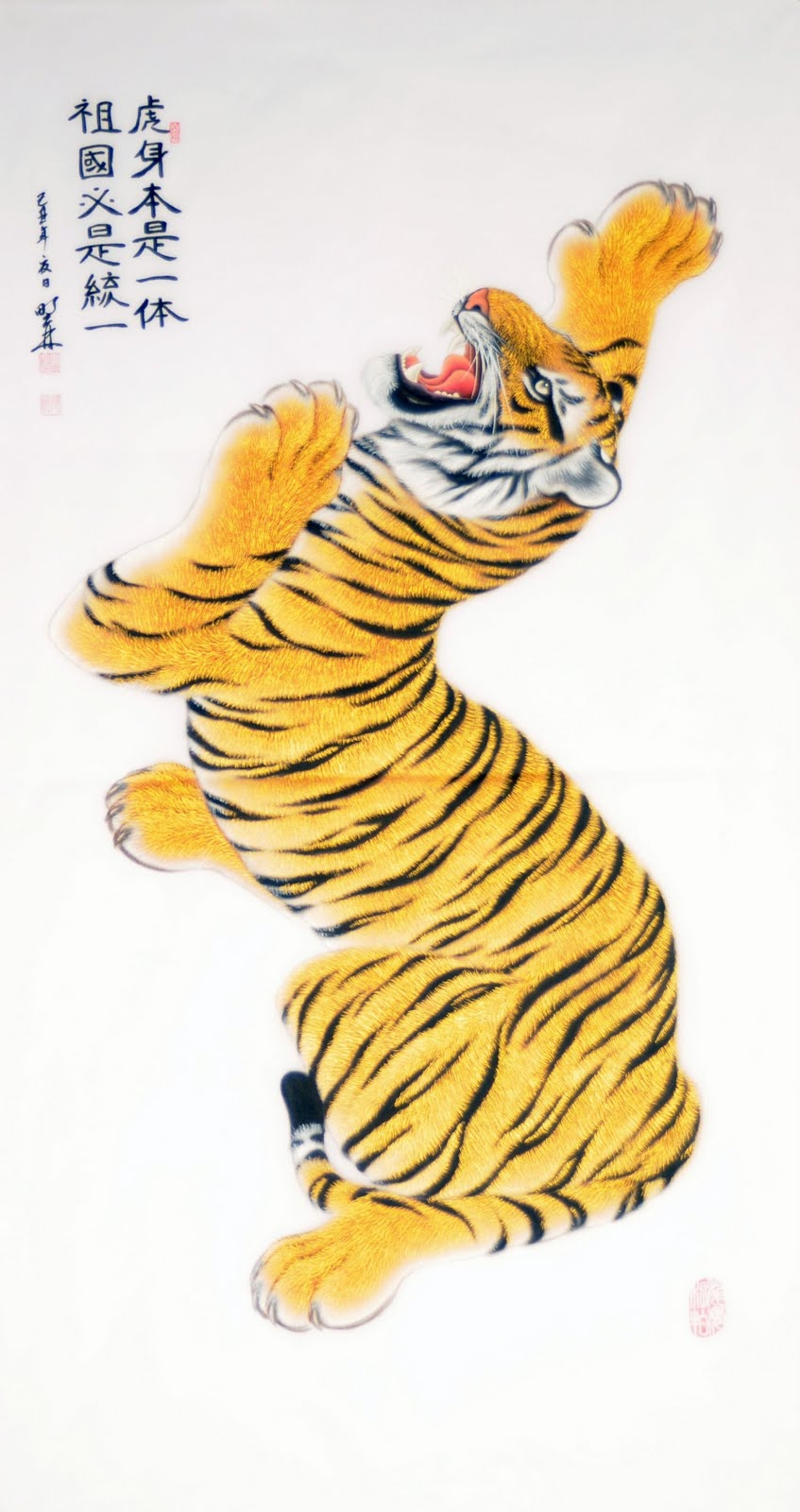
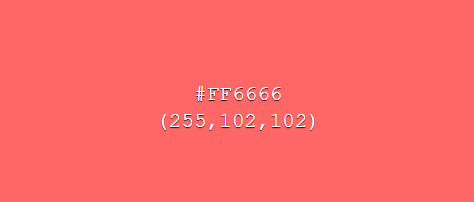
Hi I would like to request a logo for my team Tiger Twins Amsterdam established in 2023. I would love for there to be two of these tigers worked into it together with maybe a Football and the flag of Amsterdam (below) and the South Korean flag. Oh and could you use this color with white for the background
-
thank you so much!
-
Hi, I would like to request These Home and away kits. this is the club logo: I would like the kits to be Nike with the main sponsor to be Volvo if thats possible Thank you in advance


-
-
I meant 2022
-
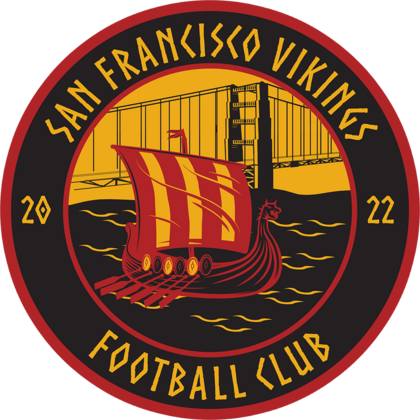
Hey, I would like a logo for a fictional team called 'San Francisco Vikings' the main colors of the club are Gold, Black and Red I would like there to be a feature of the Golden Gate Brigde and maybe a vikingship Its founding year is 2023 Thanks in advance!