Jump to content
View in the app

A better way to browse. Learn more.

Football Manager Graphics

A full-screen app on your home screen with push notifications, badges and more.

To install this app on iOS and iPadOS
  1. Tap the Share icon in Safari
  2. Scroll the menu and tap Add to Home Screen.
  3. Tap Add in the top-right corner.
To install this app on Android
  1. Tap the 3-dot menu (⋮) in the top-right corner of the browser.
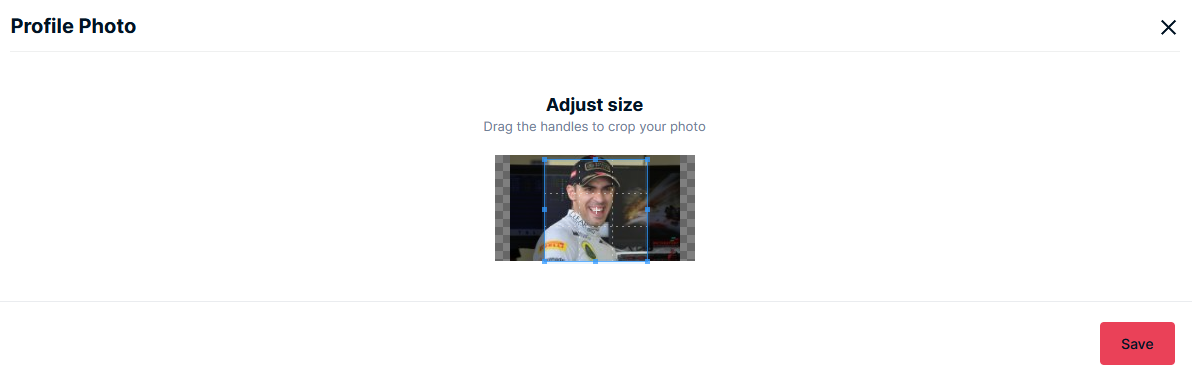
  2. Tap Add to Home screen or Install app.
  3. Confirm by tapping Install.

grosdoorne28

Members
  • Joined

  • Last visited

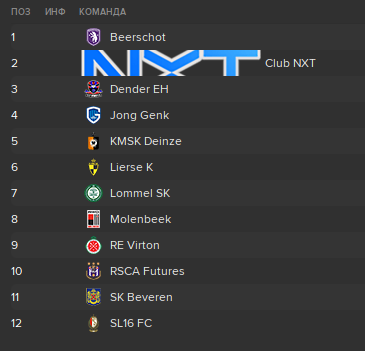
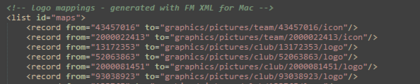
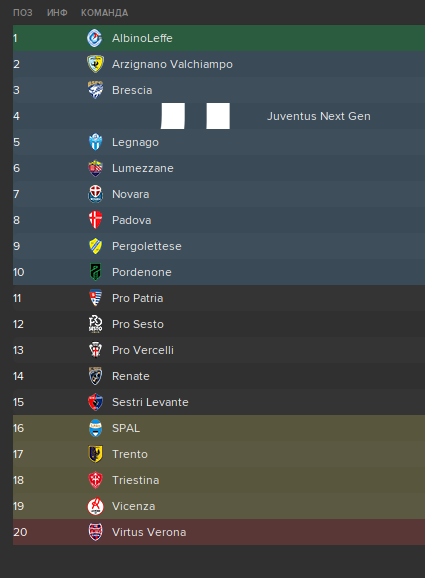
  1. Hello Everyone Any ideas why Juve NxGn and Club NXT logos are big when all other logos are small Nevermind, figured it out myself. Need to change icon to logo in config file But then Juve NxGn logo breaks...
  2. welp i will need to switch languages for screenshots then 😃
  3. Idk what team in Beta Real Oviedo in full version
  4. If you downloaded both pack from this site, they will have same amount of logos so you don't see both styles at the same time. And game reads them at the alphabetical order (FMG... is first, Steel... is second)
  5. I would be glad to take part on it but the last patch absolutely killed any will to play this game anymore
  6. I started in FM14.. but my first one was FM06 on some kinda cheap (probably pirate XD) pirate disc when i didn't understand this game lol
  7. Sean Dyche because why not?
  8. grosdoorne28 changed their profile photo
  9. May I ask for retro Chelsea away kit? 🙂 Name Grosdoorne #28
  10. Going to start in some kind of "World Superleague"... played 6 seasons for OL - it was fun but i want smth new It would be hard to loss my regens 😭 but i heard there is a feature in fmrte to export players so i can transfer them to new club
  11. Seems to be a new forum bug: picture is too small comparing to original so it is harder to adjust Also some ticks are white coloured for me and i can't say if it is ticked or not..
  12. Hello, I have some problems with downloading megapack 22.00 from MEGA. Can anyone share a link to mediafire or torrent?

Important Information

Terms & Conditions

Configure browser push notifications

Chrome (Android)
  1. Tap the lock icon next to the address bar.
  2. Tap Permissions → Notifications.
  3. Adjust your preference.
Chrome (Desktop)
  1. Click the padlock icon in the address bar.
  2. Select Site settings.
  3. Find Notifications and adjust your preference.