GregB75
Members
-
Joined
-
Last visited
Everything posted by GregB75
-
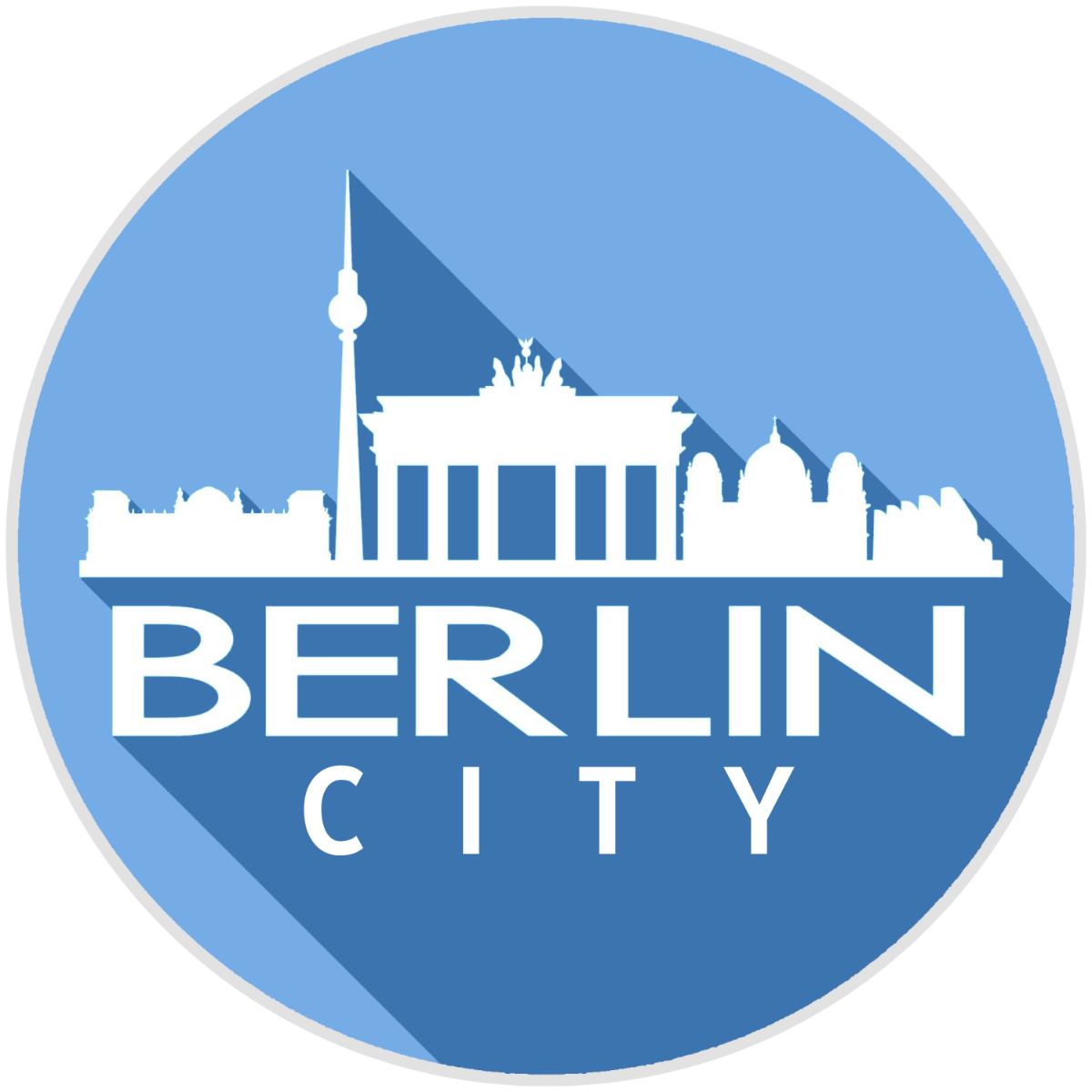
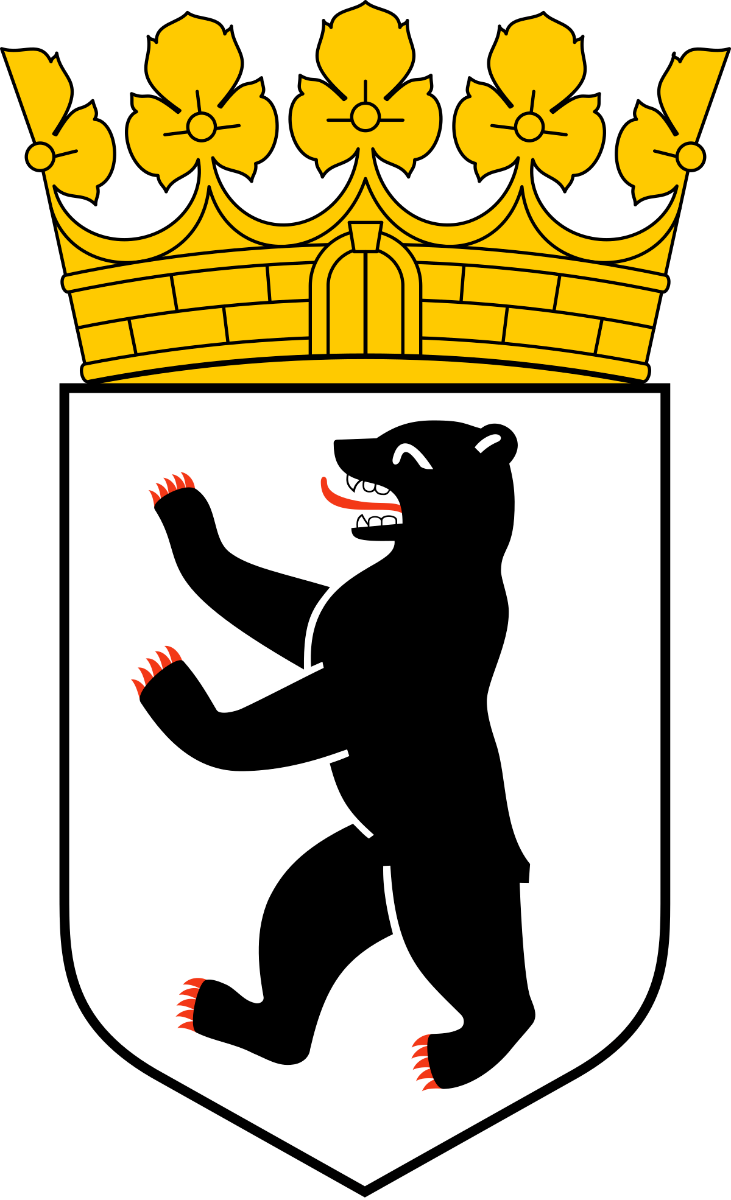
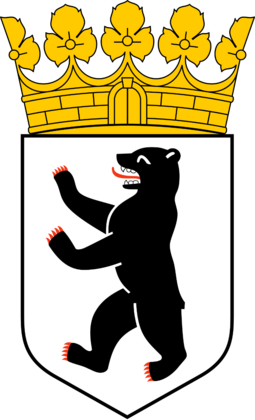
Hi, I am looking for a custom logo for my team Berlin City. I was hoping for something that might incorporate the bear from the Berlin Coat of Arms as well as the crown. Also if it could use the Berlin Skyline from this previous logo I had made for FM22. I was thinking of maybe a shield design with the Berlin Skyline at the top and the bottom half of the shield split in two with the bear and a football. Above the shield would be the crown. Across the centre of the shield the words Berlin City. Colour scheme the light blue from the Berlin skyline Logo and silver or a dark silver colour. Your help would be much appreciated Cheers Greg
-
Thanks Derek the logo looks great, exactly how I wanted it
-
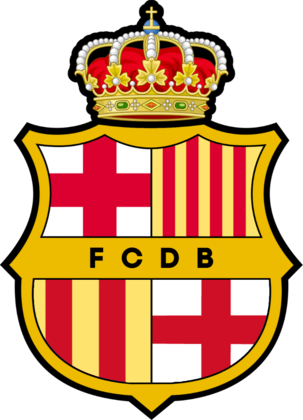
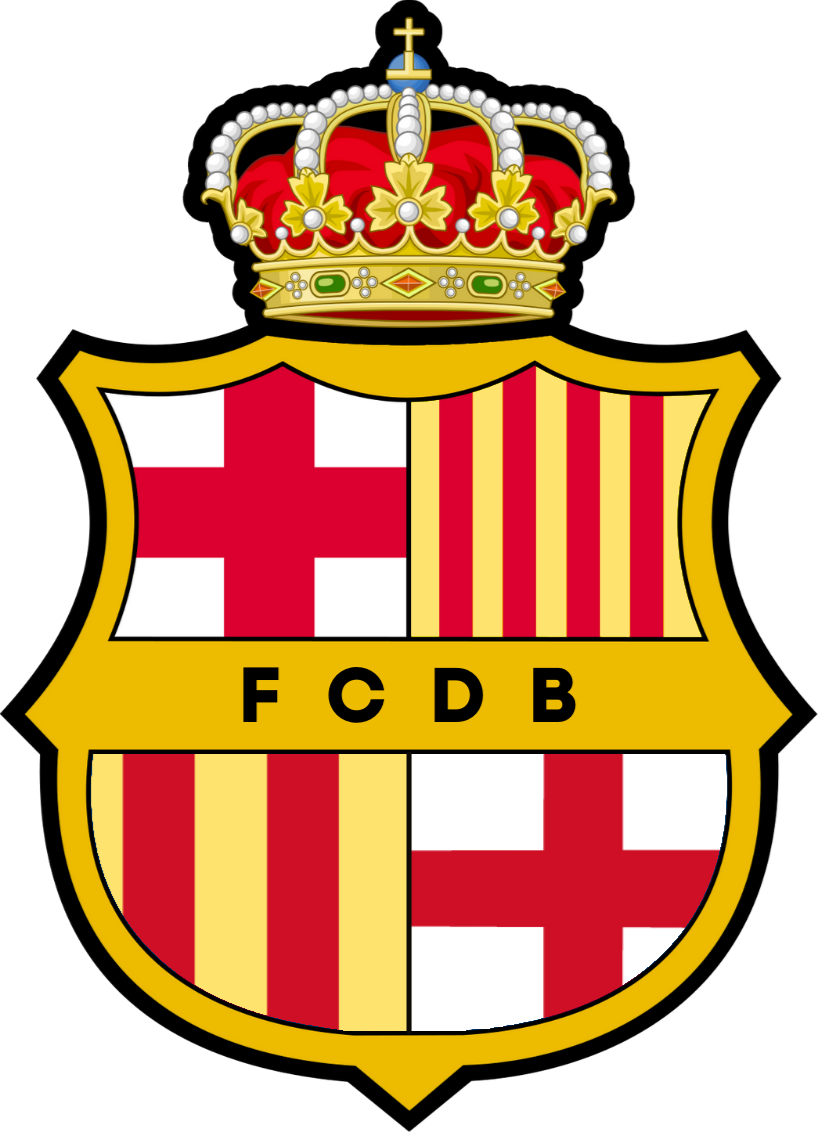
Hi I am looking for a custom logo for my team Union Deportivo Salou. I had a logo created for a third team based in Barcelona and I would like elements of the badge of the real U.D. Salou incorporated into it. Also instead of the letters FCDB I would like the text Deportivo Salou in black. I would like the Ship with the blue background to replace the red and white cross in the top left part and the ball with the yellow and green background to replace the red and yellow stripes in the top right part. Hope this makes sense. Your help would be much appreciated. I have attached the FCDB logo and the U.D. Salou logo.