





Wilko
Members
-
Joined
-
Last visited
-
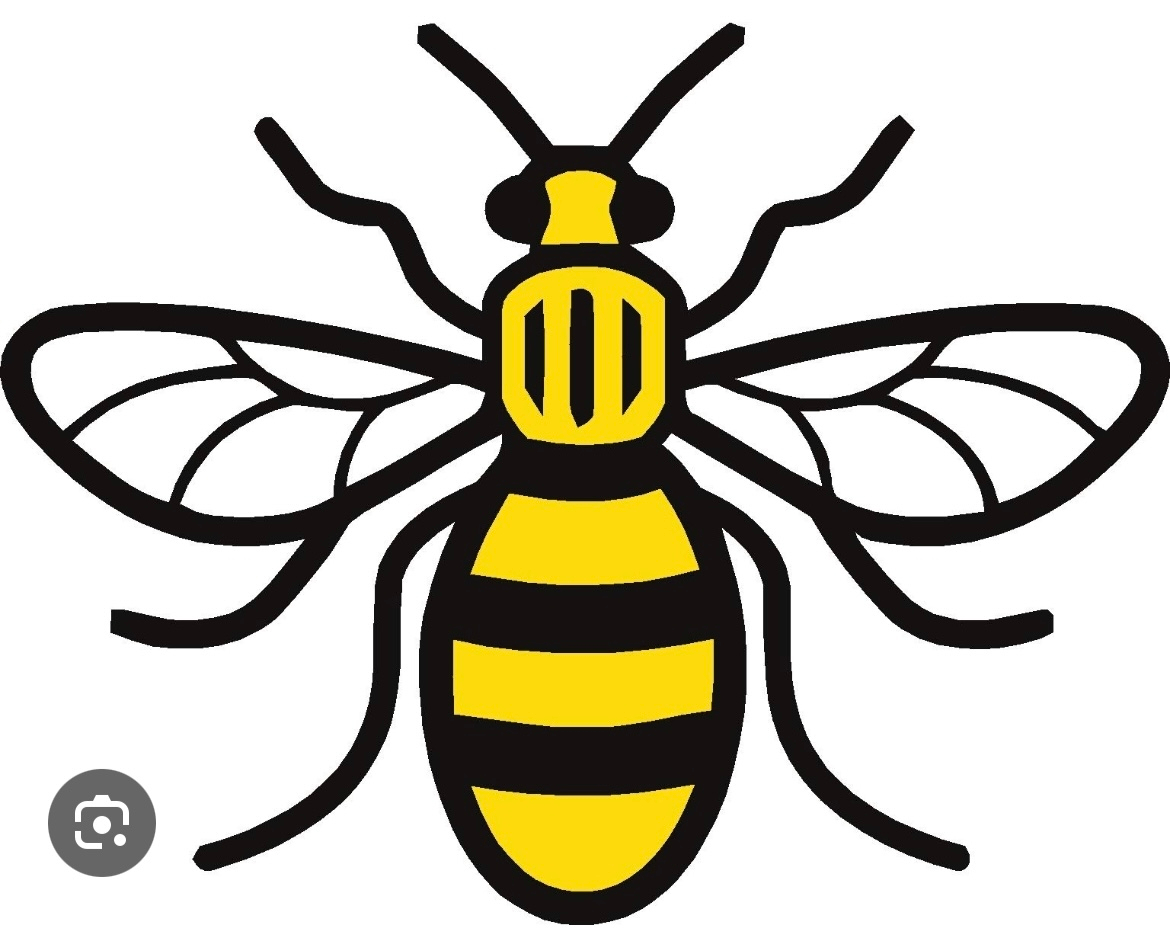
Hi Derek. Would you be able to adapt this logo for me? Team name: Manchester Cosmos Colours: Black and Yellow I would quite like the Manchester worker bee incorporated. Maybe instead of the stars at the top or instead of the ball in the middle. Thanks so much in advance mate.


-
Would be great to have a logo created for my team City of London FC. Would really like a retro design incorporating the City of London coat of arms if possible. Main colours being red, white and black. All your designs look great, so would really appreciate some help (I’m awful at these things 😂) Thanks 🙏 Thanks mate. Maybe one like the Colo Colo badge? Or a square design.? Just not a round design. Open to your expertise though 👍Would be great to have a logo created for my team City of London FC. Would really like a retro design incorporating the City of London coat of arms if possible. Main colours being red, white and black. All your designs look great, so would really appreciate some help (I’m awful at these things 😂) Thanks 🙏



Important Information
Terms & Conditions