
JoshDxly
Creator
-
Joined
-
Last visited
-
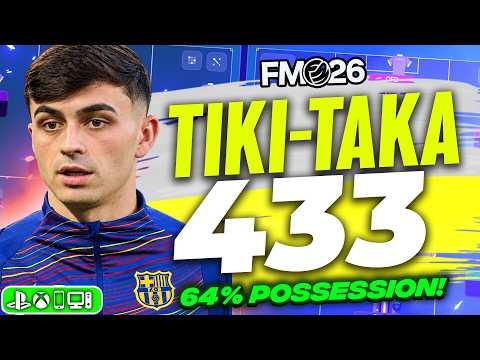 This TIKI TAKA FM26 Tactic Won EVERY Game! (100% Win Rate)View the full article
 -
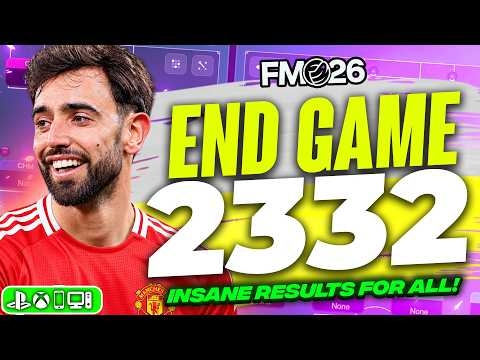 I Found The END GAME 2332 FM26 Tactic! (300+ Goals)View the full article
 -
 I've Levelled up For FM27… YOU Decide Where I LIVE!View the full article
 -
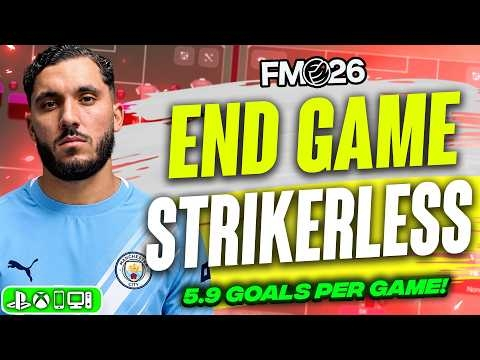 This STRIKERLESS FM26 Tactic Is BROKEN! | 5.9 Goals Per GameView the full article
 -
 This Gegenpress 4231 Is BROKEN In FM26! 4.5 Goals Per GameView the full article
 -
 I Found The END GAME 41131 FM26 Tactic! (250+ Goals Scored)View the full article
 -
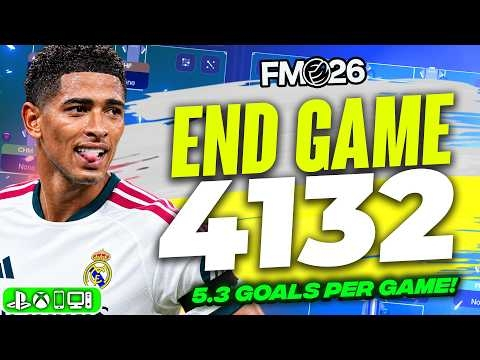 I Found The END GAME 4132 FM26 Tactic! (5.3 GPG + Quadruple Won)View the full article
 -
 Carrick’s ULTIMATE 4231 Is BROKEN In FM26! 5.2 Goals Per GameView the full article
 -
 I Found The END GAME 343 FM26 Tactic! 7 Trophies In ONE SeasonView the full article
 -
 END GAME 4-1-2-2-1 Is BROKEN In FM26! 5+ Goals Per GameView the full article
 -
 Cristian Chivu’s PERFECT 3-5-2 FM26 Tactic! 4+ Goals Per GameView the full article
 -
 FM27 MATCHDAY FIRST LOOK! Everything You Need To Know About The November ReleaseView the full article
 -
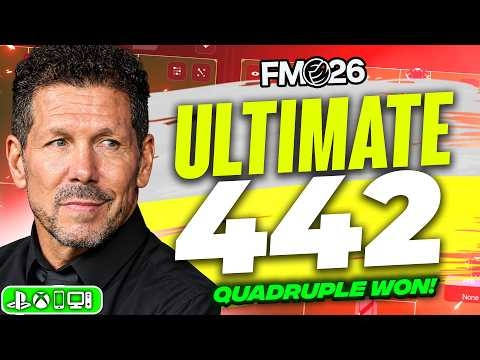 Diego Simeone’s ULTIMATE 4-4-2 FM26 Tactic! | Quadruple Winner + 4.5 Goals Per GameView the full article
 -
 I Found The END GAME 3142 FM26 Tactic! (5.8 Goals Per Game)View the full article
 -
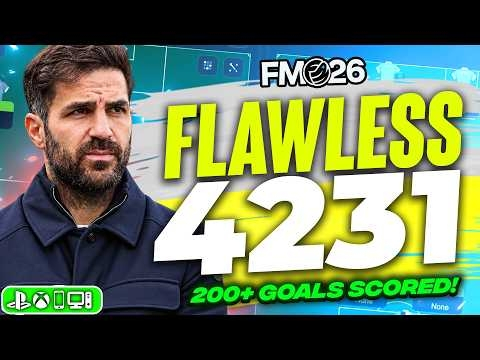 Fabregas’ FLAWLESS 4231 Is BROKEN In FM26! 200+ Goals ScoredView the full article