SkyRipper
Members
-
Joined
-
Last visited
-
Thank you so much, looks amazing :). thx thx thx
-
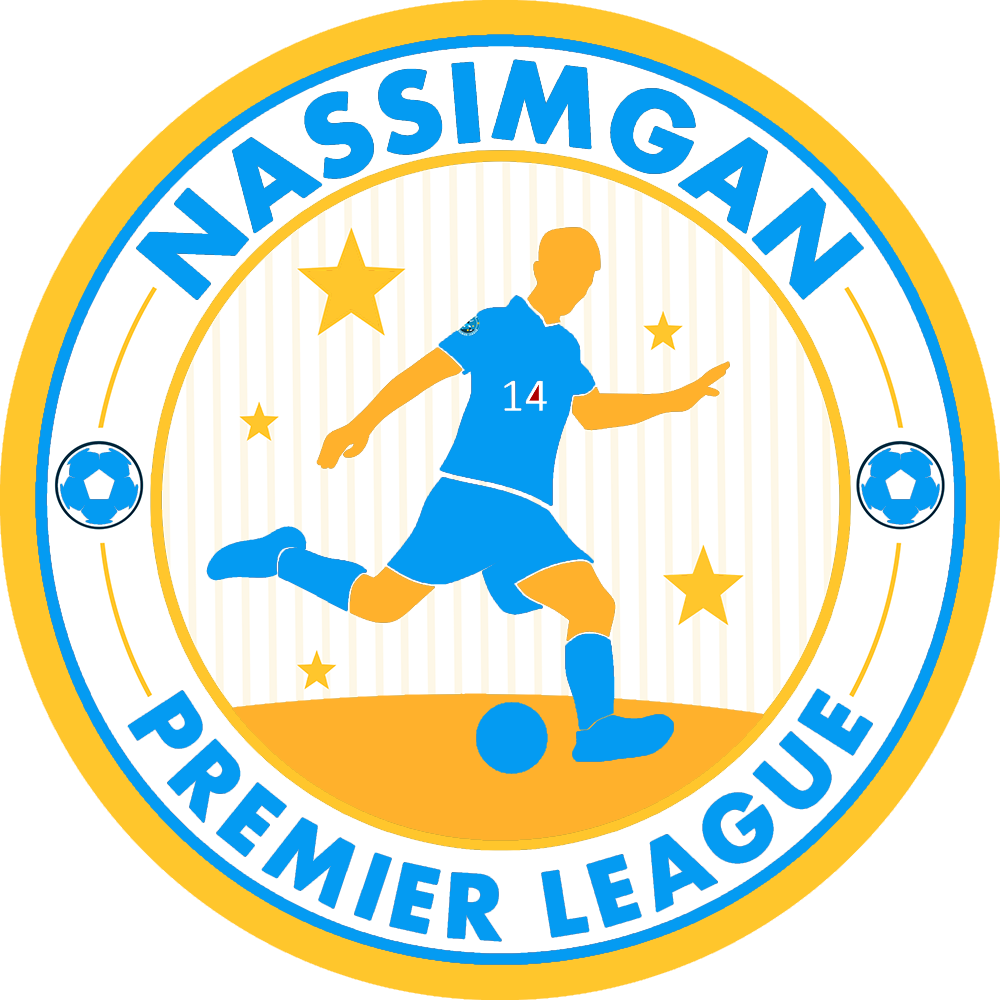
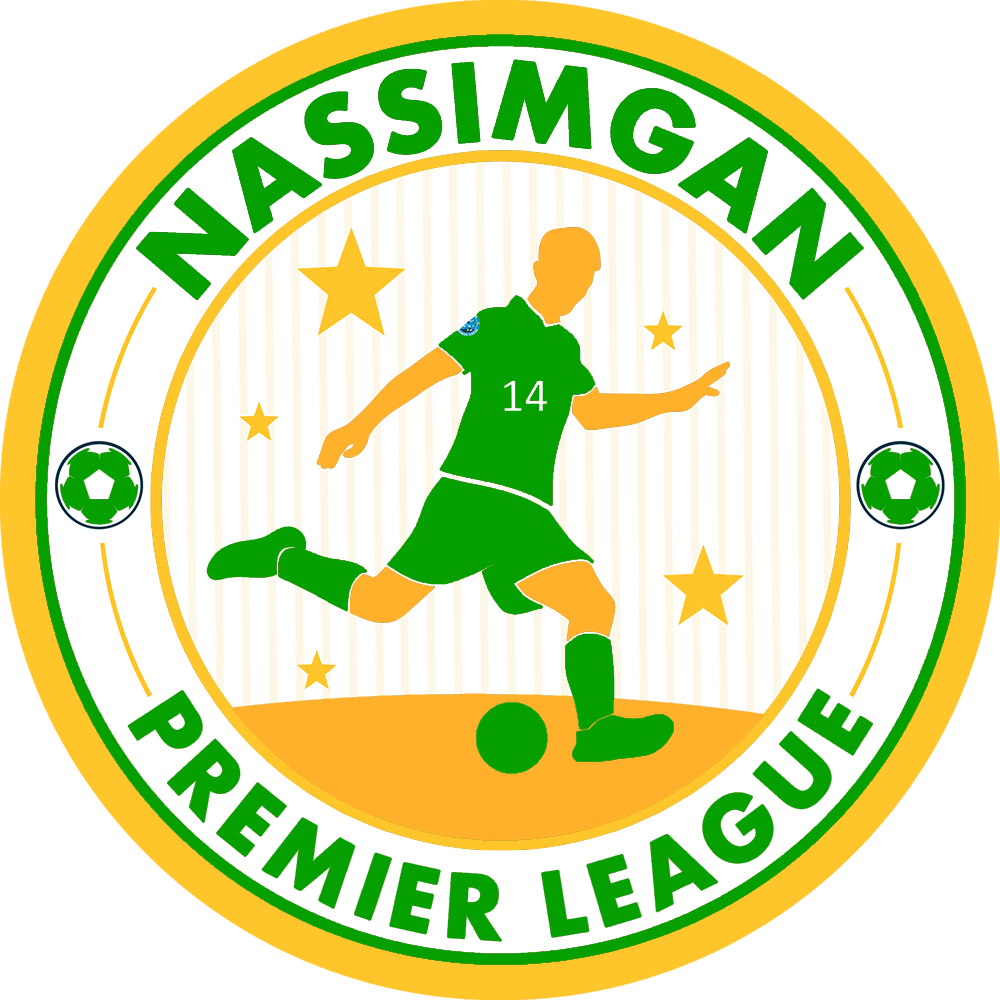
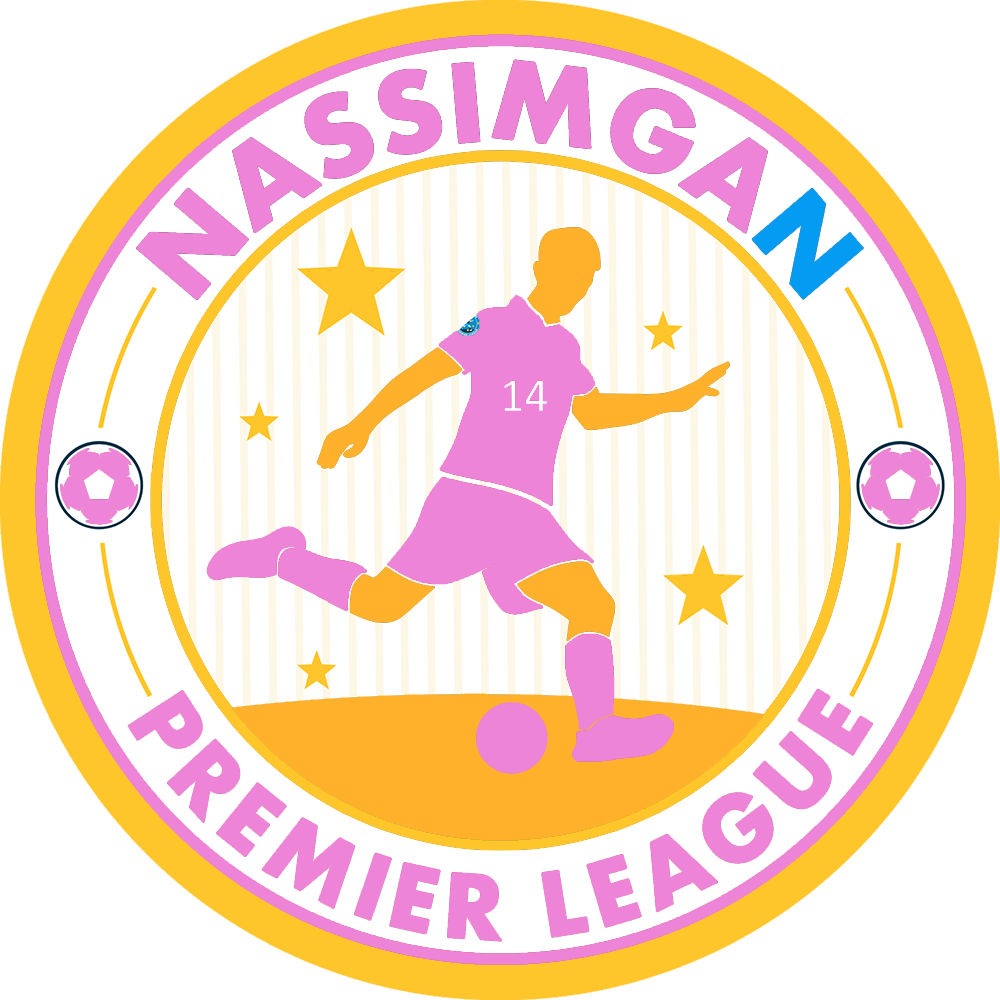
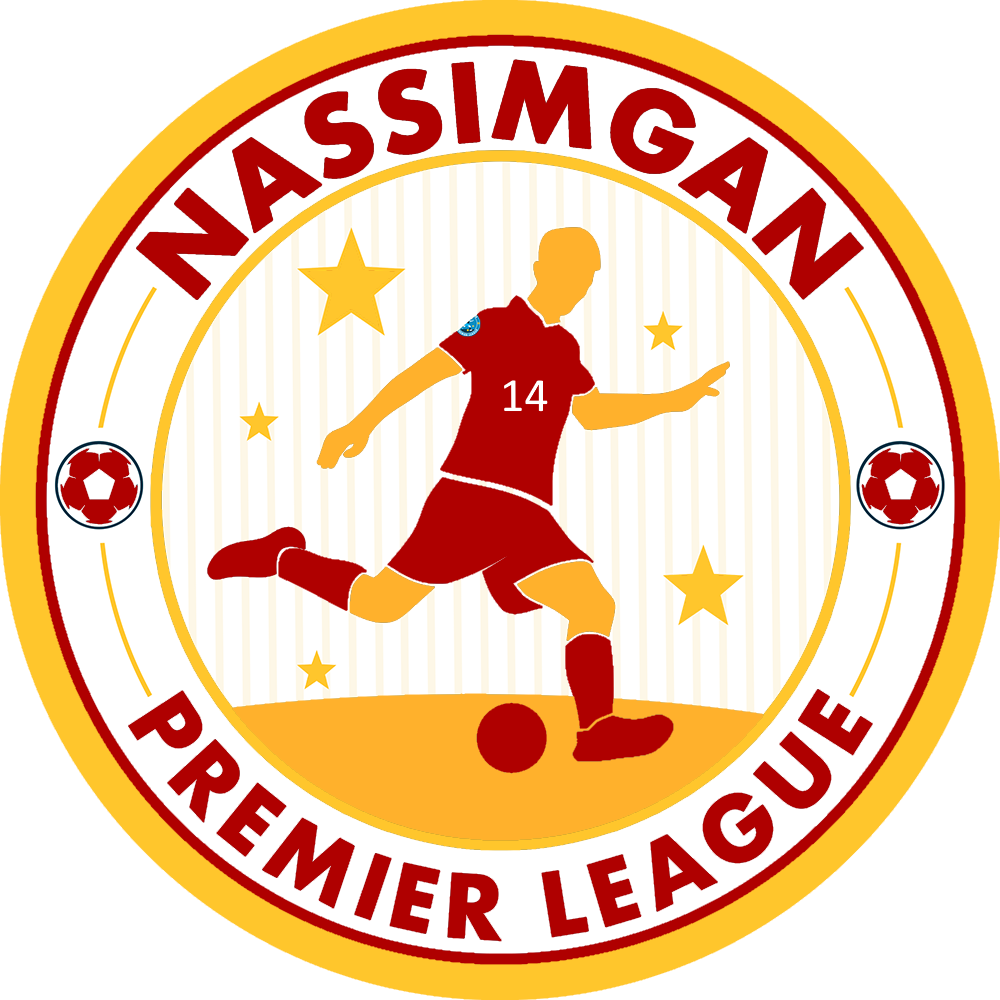
Hi Derek, i'm making a Iberia League, Portugal and Spain, and wanted to use this logos you made, i changed colors but i can't make the letters work/turn, would you be so kind as to do it for me? I want the top letters to say Liga Unión Ibérica, the bottom ones to say Red- Primera Division Blue- Segunda División Green- Tercera División Pink- Regionales Also if you could i would like the number 14 in the player to be more fitting, like better written to seem more natural and less copy-paste like i did, also remove that logo in the player shirt. Last i would like the inner gold circle (not the ones on the sides of the balls, those can stay gold) to match each color but keep the ground where the player is as it is, i tried it myself but couldn't chance the circle color without also changing the ground, i don't have much experience using paint anyway I'm adding here the changes i made, i would like the colors to be like this. Thank you 🙂