Second Yellow Card
Creator
-
Joined
-
Last visited
Never
-
 My Leftback Had The Greatest Single Season I've Ever Seen!View the full article
 -
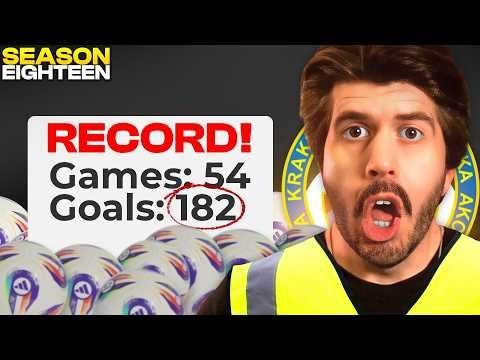 One Tactical Tweak Caused A Goal Avalanche In Building A Nation!View the full article
 -
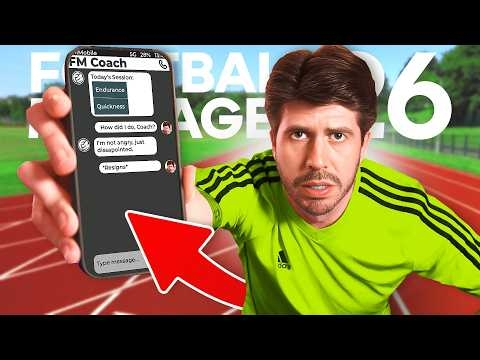 I Hired Football Manager As My Personal Trainer!View the full article
 -
 Financial APOCALYPSE In Building A Nation!View the full article
 -
 I Held A Reality Show To Find A New Goalkeeper In Building A Nation!View the full article
 -
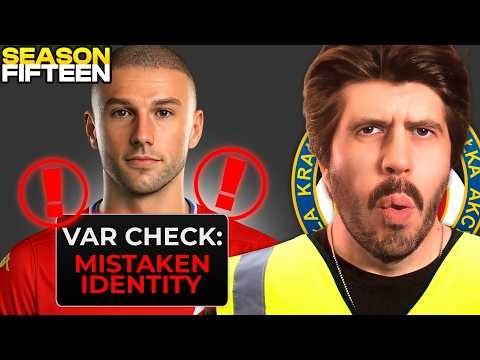 I Took a £30M Risk on the WRONG Player!View the full article
 -
 The Best FREE Signing I've Ever Made!View the full article
 -
 This Iranian WONDERKID Might Save Polish Football!View the full article
 -
 Tanzania And Tajikistan Met At The World Cup!View the full article
 -
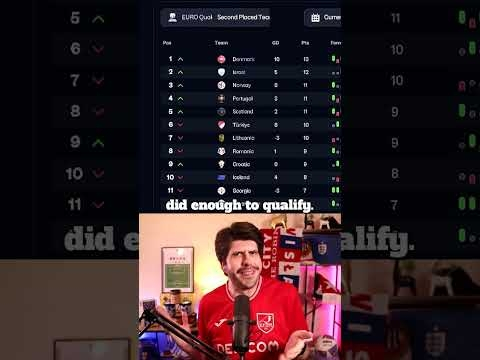 Lithuania Qualified For The Euros By Accident!View the full article
 -
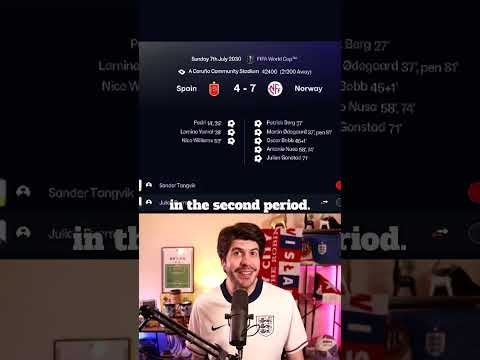 Norway And Ecuador Broke The World Cup!View the full article
 -
 Peru Nearly Scored 3 Goals Every Game!View the full article
 -
 Moldova Qualified For The Euros Without Winning!View the full article
 -
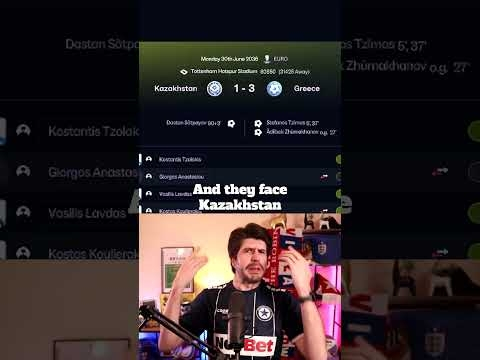 Greece Won The Hardest Euros Group Ever!View the full article
 -
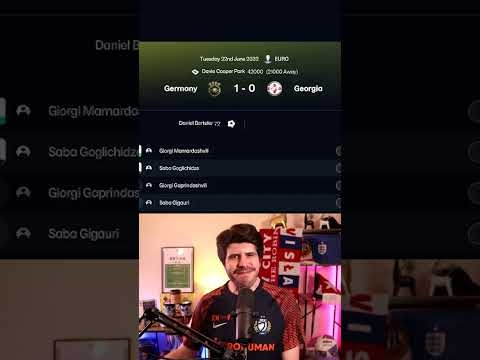 Georgia Made A Euros Semi-Final With 0 WinsView the full article