Second Yellow Card
Creator
-
Joined
-
Last visited
Never
Everything posted by Second Yellow Card
-
 Nutmeg! This Football Management Deckbuilding Roguelike Is Incredible!View the full article
 -
 A HUGE Transfer Error In Building A Nation!View the full article
 -
 The Craziest Season EVER In Building A Nation!View the full article
 -
 The BEST Signing I've Ever Made In Building A Nation!View the full article
 -
 We Got A GENERATIONAL Youth Intake Talent In Building A Nation!View the full article
 -
 We Resurrected A CAREER In Building A Nation!View the full article
 -
 This MOD Makes FM26 Scouting So Much Better!View the full article
 -
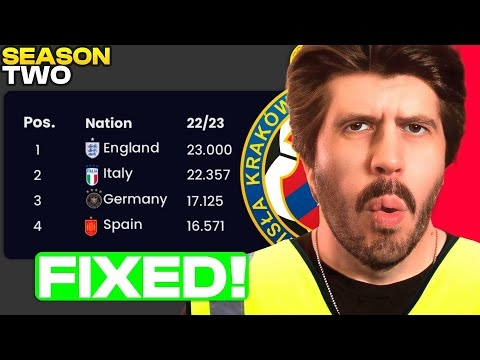 They FIXED Building A Nation Saves!View the full article
 -
FM26’s New Wonderkid Goldmine!
-
Our First Building A Nation Season Was Chaos!
-
How To Build A Nation In FM26!
-
The ULTIMATE FM26 Scouting Guide!
-
 FM26 Scouting Broke… So I Rebuilt It MyselfView the full article
 -
 The ULTIMATE FM26 Game Setup Guide!View the full article
 -
 How I Find Hidden Gems In Football Manager 2024!View the full article
 -
 This Club Spent £2.6 BILLION On Players!View the full article
 -
 Lille’s Wage Budget Has Been Ruined by One Man!View the full article
 -
 They Conceded 32 Goals in 3 Games at the Club World Cup!View the full article
 -
 The Most Shocking SPL Season in FM HistoryView the full article
 -
 From Juventus to… Cymru Premier?!View the full article
 -
 You Won’t Believe How This Goalkeeper Scored!View the full article
 -
 Paredes: Portugal’s Most Unbelievable FM StoryView the full article
 -
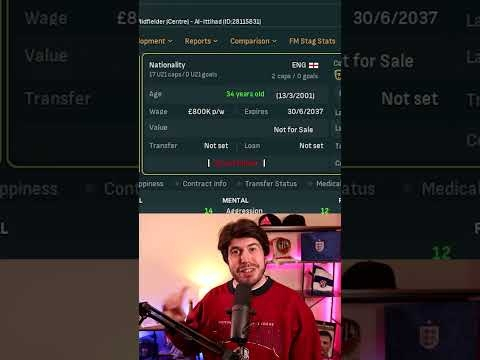 How Did THIS Player Get £800K a Week?View the full article
 -
 Moldova Qualified for the Euros. Seriously.View the full article
 -
 How Did Preston North End Fall This Hard?View the full article