
Jake Cooper FM
Creator
-
Joined
-
Last visited
Never
-
 I Created A PERFECT Player To Complete Footballs HARDEST ChallengeView the full article
 -
 I Created Rival PERFECT Twin ManagersView the full article
 -
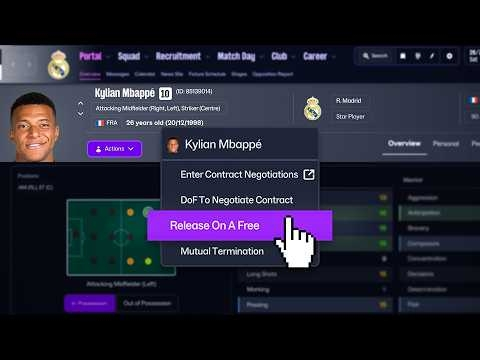 I Released EVERY Player In World Football And It Was CRAZYView the full article
 -
 I Gave 5 PERFECT Wonderkids To The WORST National Teams In FootballView the full article
 -
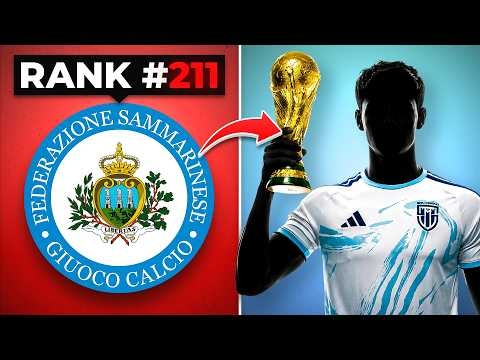 I Made San Marino The Perfect Football NationView the full article
 -
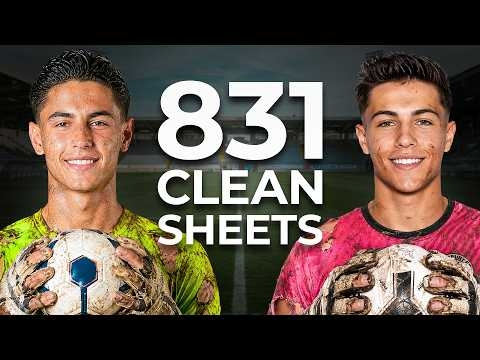 I Trapped PERFECT Twin Goalkeepers On The WORST Teams In EnglandView the full article
 -
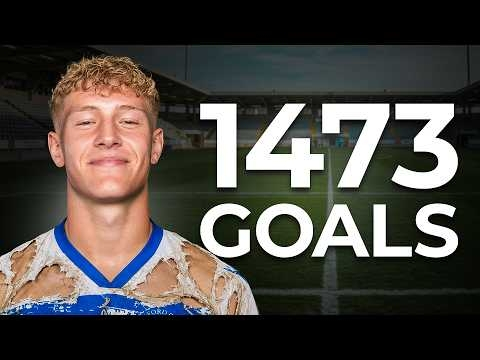 I LOCKED A Perfect Player On The WORST Team In EnglandView the full article
 -
 I Created Rival PERFECT Twin WonderkidsView the full article
 -
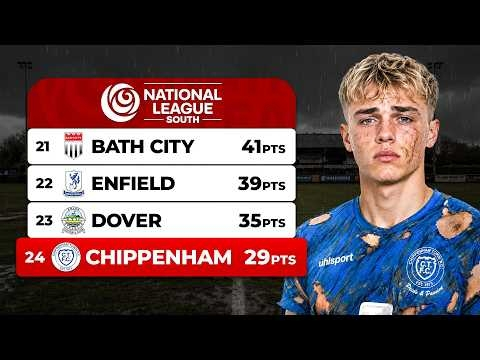 I Tried The MOST IMPOSSIBLE REBUILD In Football HistoryView the full article
 -
 I Gave The Five WORST Teams In Football PERFECT PlayersView the full article
 -
 I Trapped The Worlds WORST Goalkeeper At The BEST TeamView the full article
 -
 I LOCKED A Perfect Manager On The WORST Team In EnglandView the full article
 -
 I Created a MAX Overall 6'11 PERFECT Player To RUIN FootballView the full article
 -
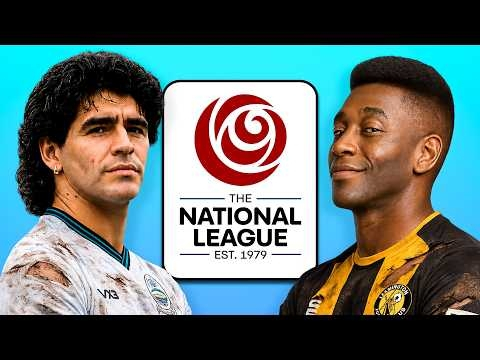 I Put PRIME Maradona & Pele On The WORST Teams In EnglandView the full article
 -
 I Gave England's WORST Teams PERFECT Twin WonderkidsView the full article